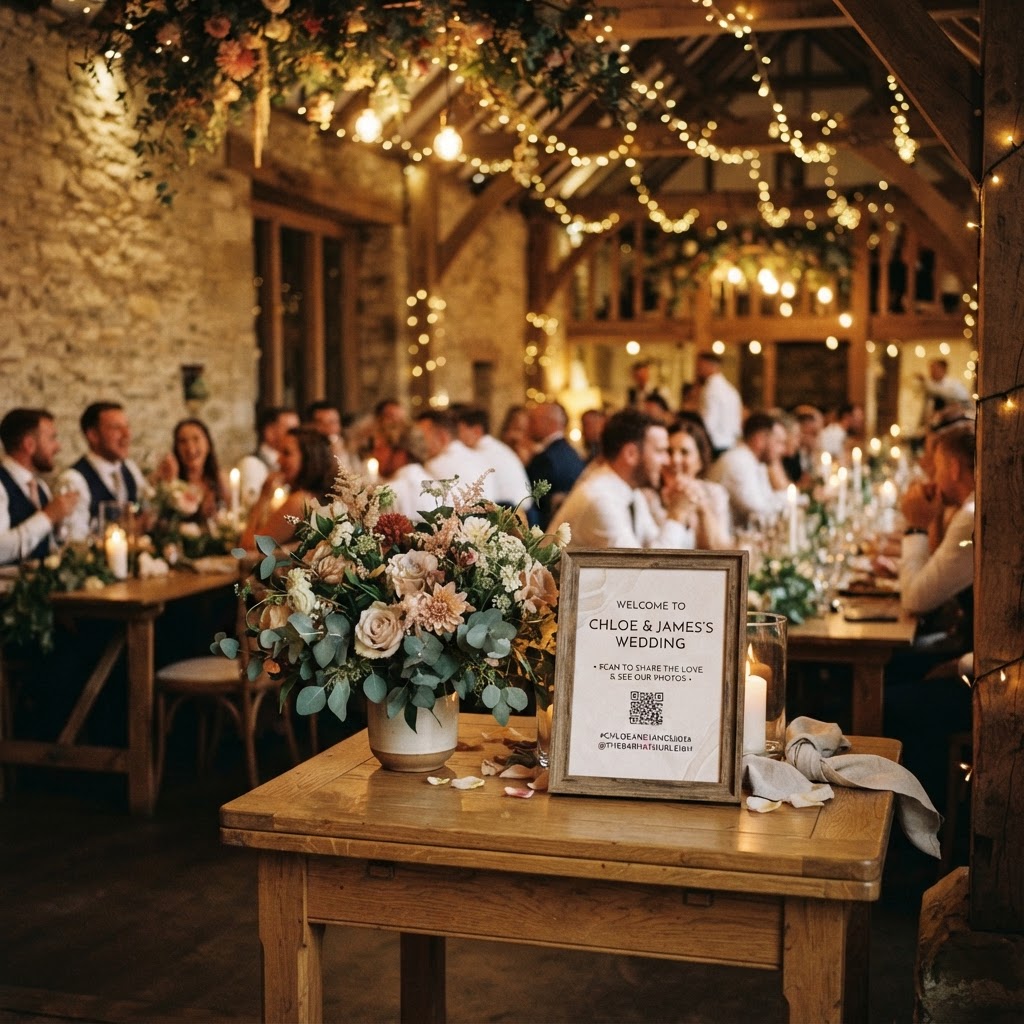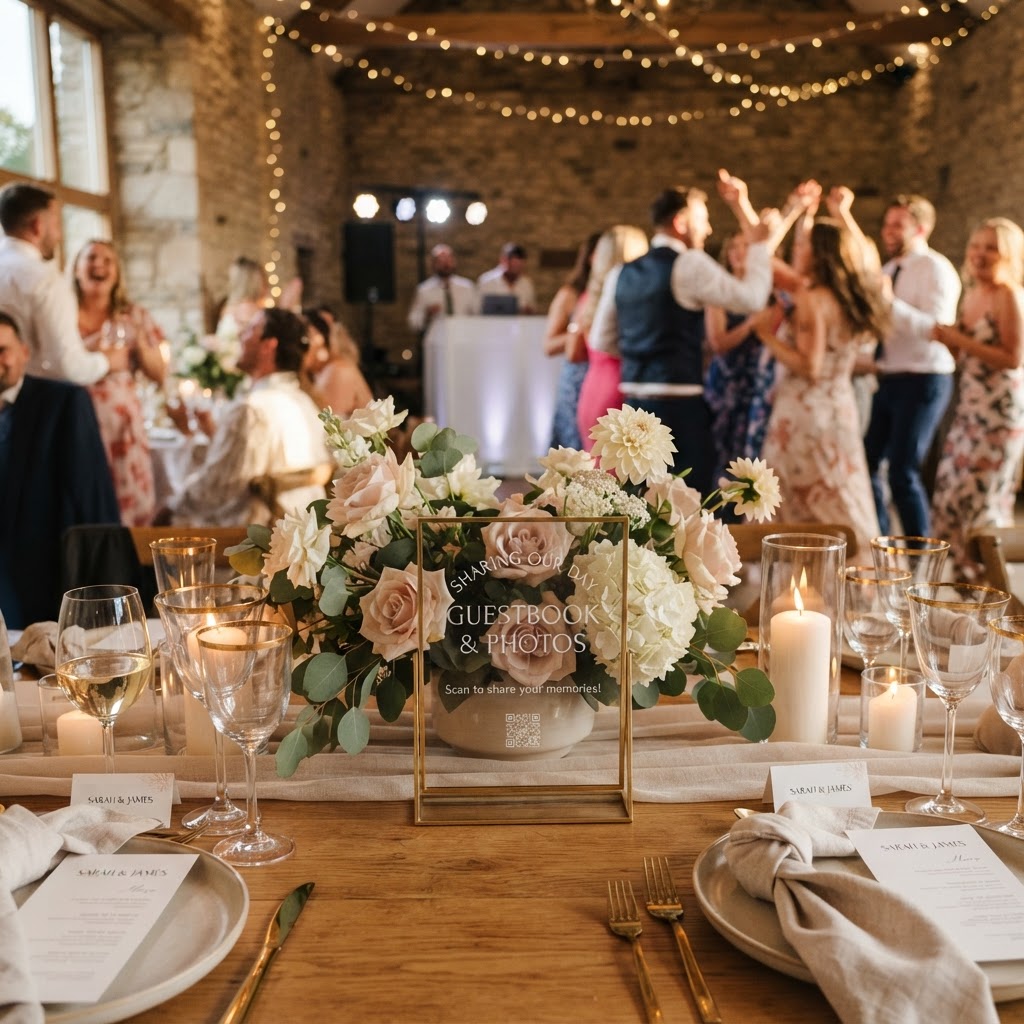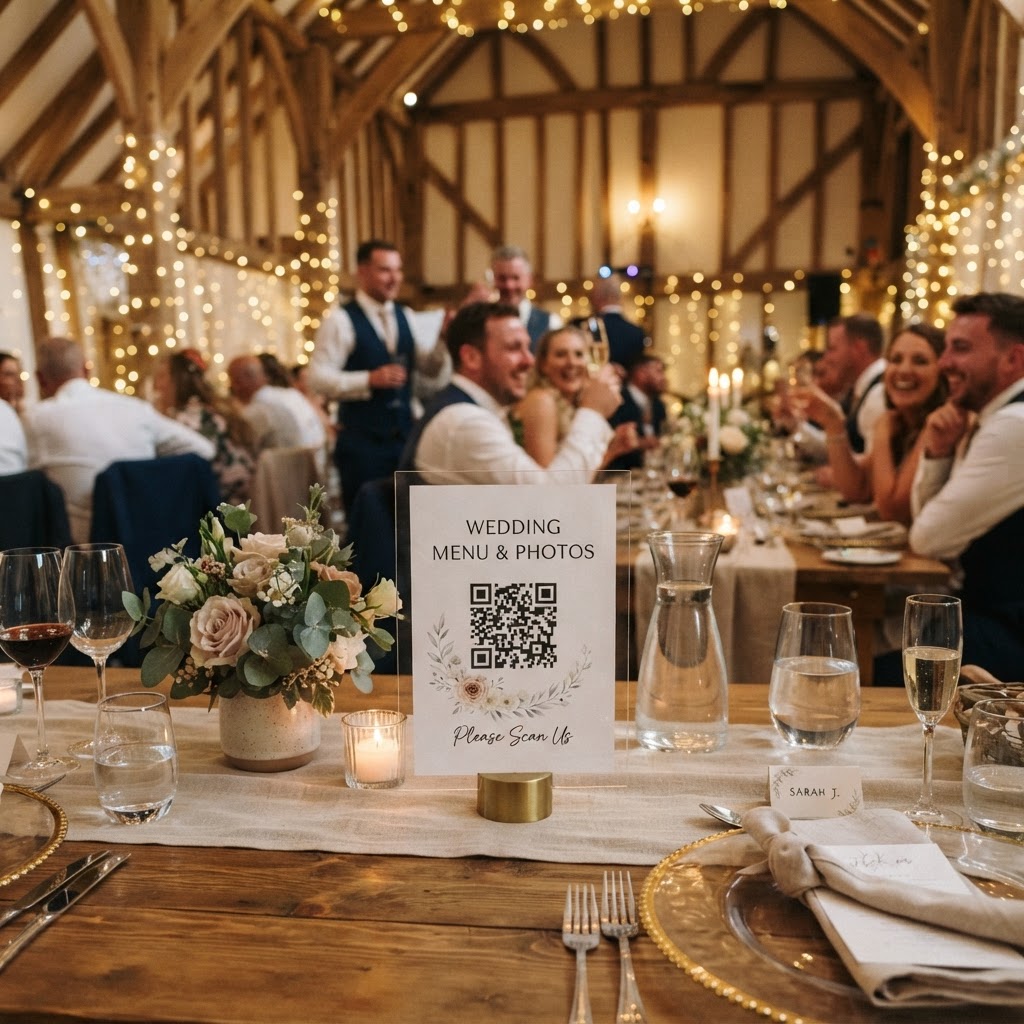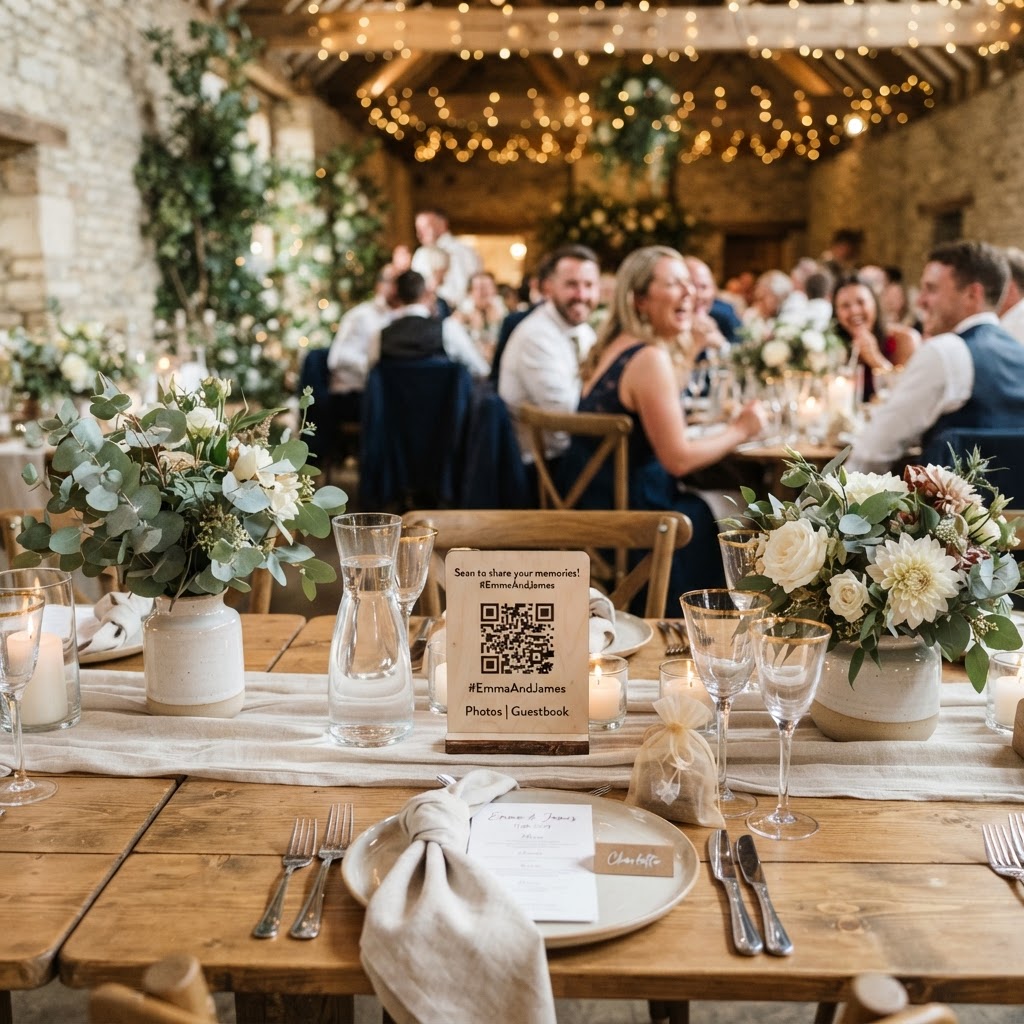
Digital wedding photo sharing is the process of using mobile technology to collect, display, and store images and video clips captured by your guests throughout your wedding day.
How can guests upload photos without an app?
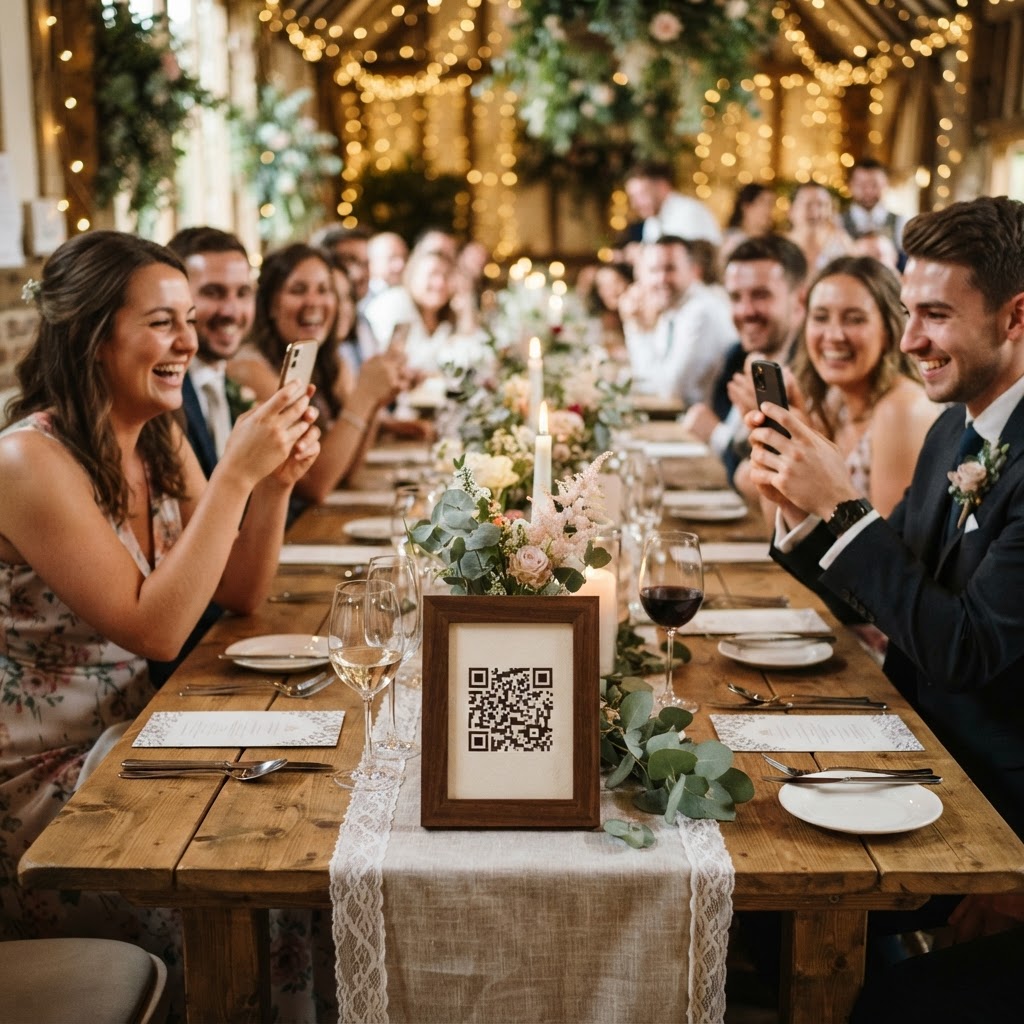
Guests can upload photos without an app by scanning a unique QR code that redirects their phone browser to a secure, private submission portal. This method bypasses the traditional requirement for downloading software or creating individual accounts, which often acts as a major barrier for attendees. Most people feel comfortable opening a camera app and pointing it at a printed code found on a table or at a central display. Once the camera recognises the QR code, the phone opens a specific webpage tailored for that event. Guests then select images or video files directly from their mobile storage or choose to snap a new photo or video within the browser interface. This streamlined interaction ensures that your grandmother or a technologically hesitant friend can participate just as easily as a social media enthusiast. By removing the friction of registrations and password management, you significantly increase the number of contributions you receive during the event.
How do I set up a live wedding photo slideshow?
You set up a live wedding photo slideshow by connecting a laptop or tablet to your venue display screen and logging into your event gallery dashboard. Most modern venues provide HDMI cables or stable Wi-Fi connections that allow you to project the browser-based gallery onto a large screen or projector. As guests upload their files, the images appear on the display in real-time without manual intervention. This creates an immediate feedback loop that encourages more guests to take part. When people see their own photos appearing on the big screen, the atmosphere becomes more collaborative and celebratory. You should test the connectivity at your venue during a planning visit to ensure that the projection works smoothly. Assign a trusted usher or a bridesmaid to manage the laptop for the first few minutes of the reception to ensure the slides cycle correctly. This visual element keeps the energy high, especially during the transition from the wedding breakfast to the evening dance floor.
Should I include a video guestbook for my wedding?
You should include a video guestbook if you want to capture spontaneous well-wishes and messages that go beyond what a traditional paper book can hold. Many couples find that written notes in a guestbook can feel rushed or generic as the evening progresses. A video message allows your friends and family to express their love in a more personal and dynamic format. You can provide simple prompts near the QR code station to help people decide what to say. Suggestions could include asking guests to share their favourite memory of the couple or offering a piece of marital advice. The digital nature of these uploads means you can view them immediately on your device during the honeymoon. It provides a unique archive of the voices, laughs, and cheers that truly defined the mood of your celebration.
What are the best ways to run a wedding photo challenge?
Running a wedding photo challenge involves creating a physical list of prompts that encourage guests to capture specific types of moments throughout the event. You can print these prompts on high-quality card stock and place them at each dining table to spark conversation. Ideas for prompts include capturing the most enthusiastic dancer, the most decorative hat in the room, or a candid shot of the couple laughing at the head table. These tasks turn photography into an interactive game rather than a chore. It helps break the ice for guests who are seated at tables with people they might not know well. By inviting them to look for specific visual details, you ensure that your final gallery contains a diverse range of perspectives. The process works best when the prompts are printed in a legible, elegant font that matches your existing wedding stationery.
How do I manage the privacy and storage of guest media?
Managing the privacy and storage of guest media requires you to understand the typical lifecycle of temporary digital galleries. Most professional systems provide a secure, private link that only you and your guests can access during the period of the wedding. Because these platforms often require significant server resources to host high-quality images and video files, they usually operate on a short-term basis. In this specific configuration, your guests can upload their contributions starting from the event day until exactly seven days after the wedding finishes. Once that week concludes, the submission portal closes to prevent any further additions. The collected files remain in your private gallery for a duration of 90 days following the event date. You must download all your favourite images and video clips to your own secure hard drive or cloud storage account before this 90-day window closes. Treating the service as a temporary collection hub rather than a permanent archive allows you to keep the costs low. This one-time payment approach usually costs around £39 and removes the burden of recurring monthly subscriptions. Always prioritise downloading your digital assets well before the deadline to ensure that you do not lose any of the memories captured by your guests. Providing a clear and accessible way for everyone to share their photos ensures that you have a comprehensive visual record of your big day with Moment49.