How do guests upload wedding photos without an app?
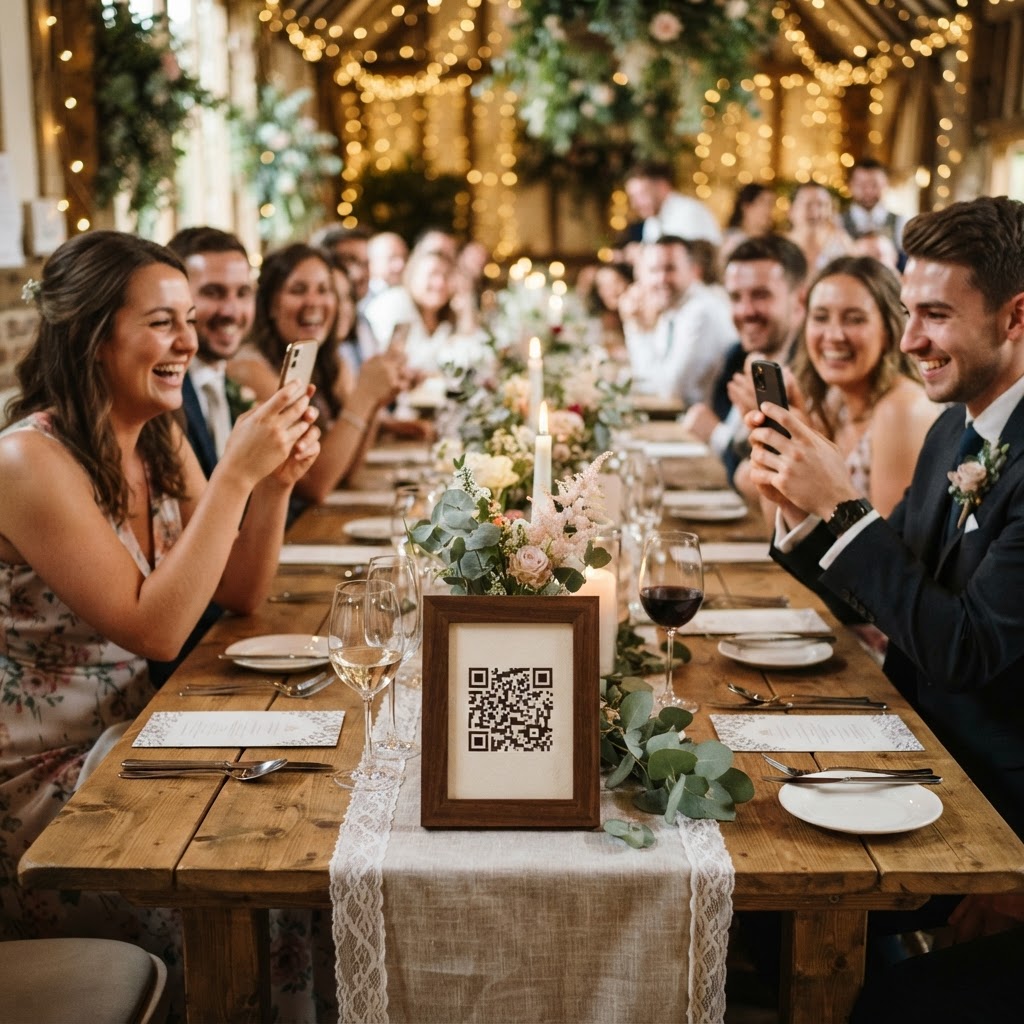
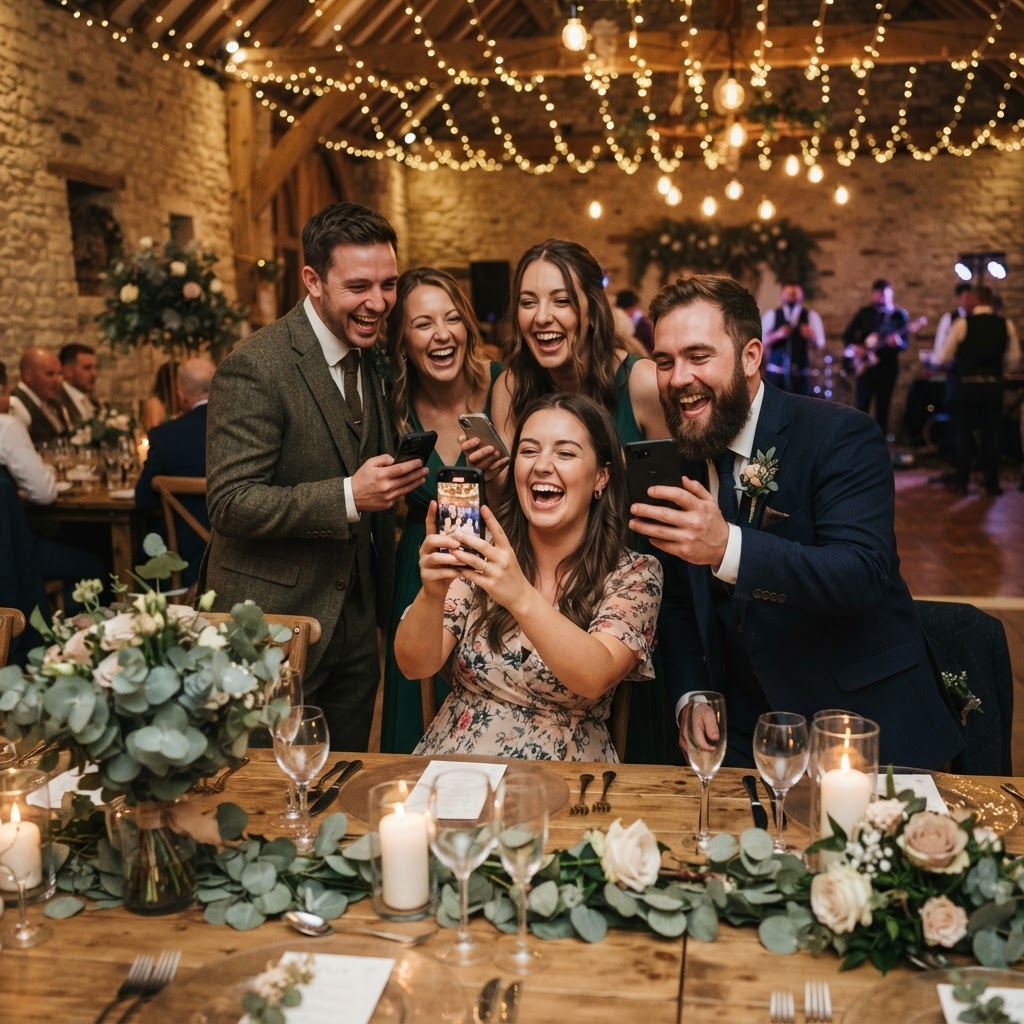
A digital wedding photo wall is a live display of guest-submitted images and videos that broadcasts directly to a screen during your reception. Guests participate by scanning a physical QR code with their standard smartphone camera, which opens a secure web browser window. This bypasses the need for anyone to download specific software, create an account, or provide personal login credentials. By removing these technical hurdles, you significantly increase the number of people who will actually contribute content throughout the day. The process relies on simplicity to ensure that even the least tech-savvy relatives can join in alongside your more social-media-savvy friends. You typically place QR codes at strategic points around your venue, such as on guest tables, near the bar, or by the entrance. When a guest scans the code, their phone prompts them to select a file from their library or take a new photo. Once submitted, the image appears on your live slideshow within seconds, creating an immediate sense of shared celebration among everyone in the room.
Where should you place QR codes for maximum participation?
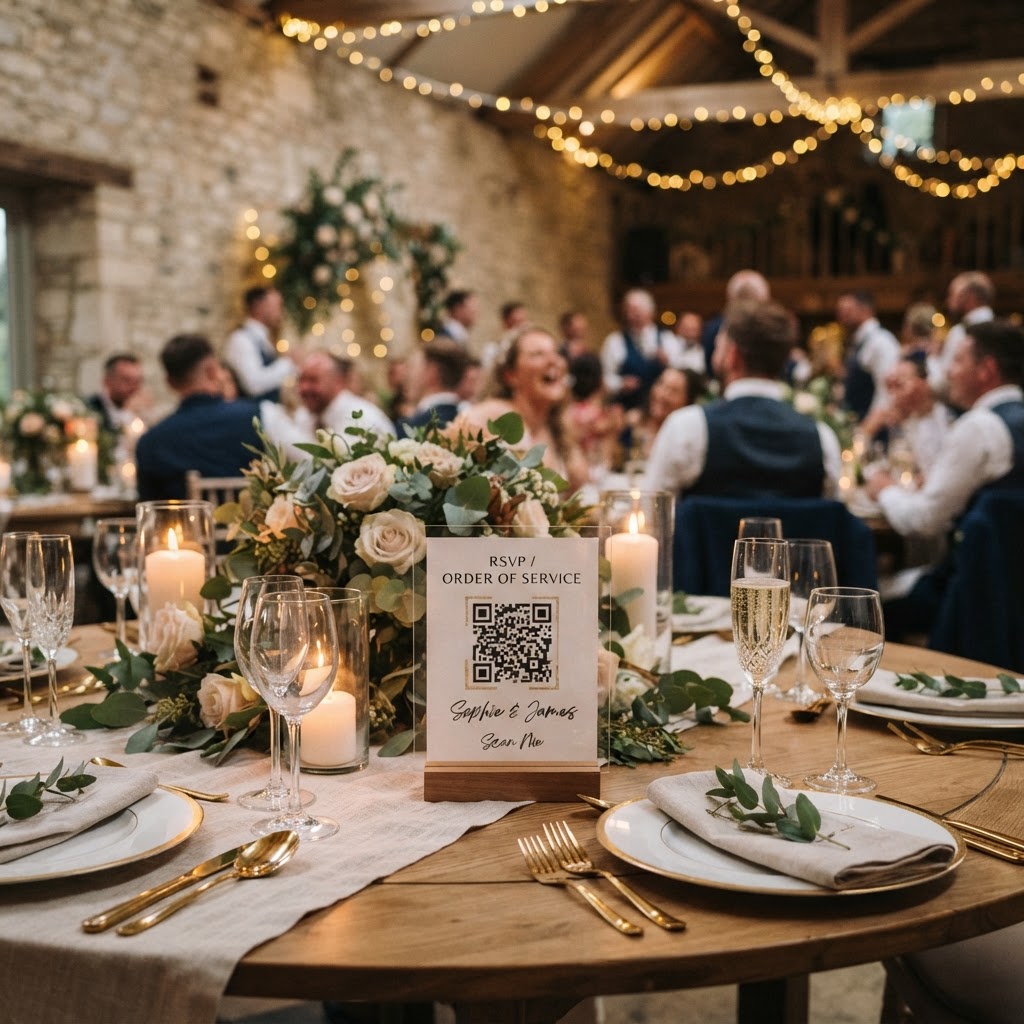
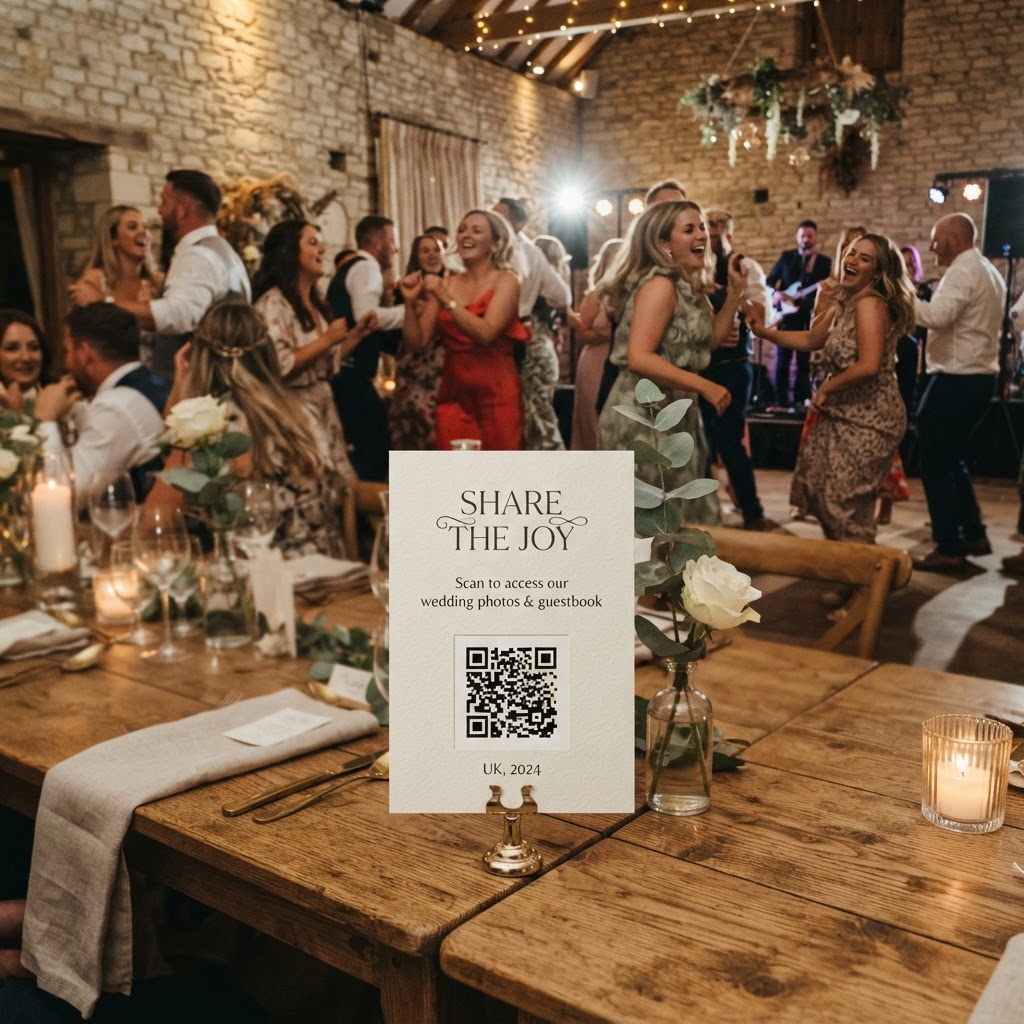
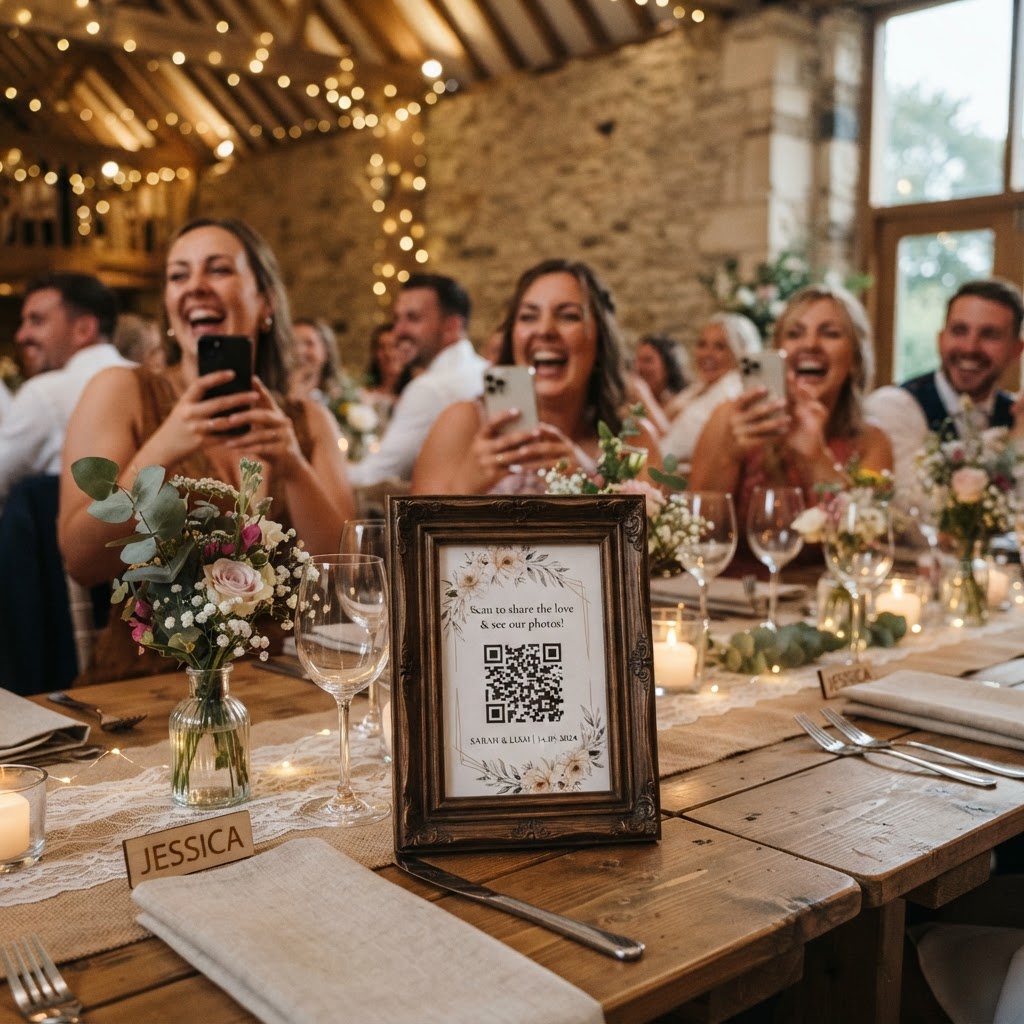
You should place your QR codes in areas where guests naturally congregate or wait for a short period. Engagement increases significantly when people have a moment of downtime to look at their phones. High-traffic social zones act as the ideal locations for these prompts. The bar area is a prime candidate, as guests often wait for drinks and are already holding their phones. Another effective spot is the centre of each dining table, perhaps printed on the menu or a dedicated card. If you have a specific photo booth station, placing a code there helps guests share those specific images back to your main slideshow. Avoid placing codes in transitional spaces like hallways or far corners where people rarely stop moving. Think about the flow of your wedding breakfast and evening reception to identify these natural choke points. A printed card that is roughly A5 or A6 in size is large enough to be seen but small enough to avoid cluttering your table decorations. Ensure the text clearly states that no app is required to participate, as many guests will be hesitant if they believe they need to install something new.
What are the technical limits of a wedding photo upload service?
A wedding photo upload service is a temporary digital collection tool rather than a long-term cloud storage solution. You must manage your expectations regarding how long the data remains accessible after the big day ends. Most professional services, including the one offered by Moment49, keep guest upload portals open for exactly seven days following the event. This week-long window gives guests enough time to recover from the celebration and share their favourite shots. Once this period expires, the portal closes to new submissions to ensure you have a final set of files to review. You then have access to your private gallery for ninety days before the system deletes the content entirely. This timeframe is intentional, as it encourages couples to download their files and store them on a personal hard drive or permanent cloud account quickly. Treat this service as an active collection tool for your wedding week, not a permanent archive. Do not rely on the provider to hold your photos for years, as this can lead to data loss if you forget to transfer the files to your own secure storage.
How do I create a fun atmosphere with photo challenges?
Structured photo challenges help guide your guests toward capturing the specific moments you care about most. Instead of leaving the photography entirely to chance, provide a list of prompts that act as icebreakers for tables of guests who may not know each other well. You can print these prompts on the back of your QR code cards. A table selfie challenge encourages groups to coordinate a pose and work together to get everyone in the frame. A dance floor hero challenge tasks guests with capturing the most energetic move they see during the evening. You can also suggest a look-alike challenge or a hunt for the most interesting wedding outfit. These small tasks add a layer of creative interaction to the evening. They transform the act of taking photos from a solitary activity into a group game that generates more dynamic content for your slideshow. If your service supports it, activating a green screen mode adds another layer of theatre. Guests enjoy placing themselves in absurd or exotic locations, which creates high-quality, humorous memories that you can save long after the party finishes.
Is a live video guestbook worth the effort?
A digital video guestbook provides a personal, heartfelt record that static photographs simply cannot replicate. While a written guestbook is a classic tradition, many guests find it difficult to compose a meaningful note while standing in a busy reception area. A fifteen-second video message allows them to speak from the heart, share a quick story, or capture the specific atmosphere of the room. Integrating these short clips into your live slideshow adds significant energy to the event. Watching a guest tell a story on the big screen brings a sense of life to the party that static images often lack. Encourage your guests to use this feature by providing simple instructions on your signage. Remind them that they do not need to be professional videographers, as candid and imperfect messages often have the most charm. These videos are saved alongside your photos in your private gallery. You can watch them in the days following the event to hear the messages you might have missed during the whirlwind of the day. One payment of £39 covers your full access to these tools for a single event, meaning you can focus on enjoying your time without worrying about recurring subscription charges or hidden fees.
How do you organise and download your wedding files?
You must establish a clear plan for archiving your wedding files immediately following the ninety-day retention window. When you log in to your private gallery, look for a batch download option that allows you to pull all photos and videos at once. This prevents the tedious process of saving items one by one. Organize these files into folders on your computer based on the time of day, such as pre-ceremony, reception, and late-night. Label your primary folder with the date and your names to ensure you can find the files years later. If you have video clips, keep them in a separate folder to avoid compatibility issues with basic photo viewing software. Since you only have a ninety-day window, mark a reminder on your calendar for the day after the event to begin the download process. This keeps your digital memories safe even after the online gallery has been cleared from the service provider's servers. By taking these steps, you ensure that the candid, hilarious, and deeply personal moments your guests captured remain a part of your life forever.
What are the benefits of a one-off payment service?
A single, fixed-price model provides couples with total budget transparency during the stressful planning process. Many wedding services rely on complicated subscription tiers that can escalate your costs unexpectedly. With a one-off payment of £39, you receive full access to the live slideshow, the photo collection, the video guestbook, and the gallery storage for your chosen date. This approach allows you to allocate your budget accurately without worrying about ongoing monthly charges. It also simplifies the post-event phase, as you do not need to remember to cancel a subscription after you have finished downloading your files. You are essentially paying for the infrastructure that allows your guests to become part of your event's digital narrative. This simple structure is ideal for couples who want to focus on their wedding day rather than managing tech contracts. Everything you need is included in the initial setup, from the QR code generation to the gallery management tools. You keep control of the content, the timing, and the final storage of your files, ensuring that your wedding memories are exactly where you want them to be.
How do I make sure the slideshow runs well on the wedding day?
Ensure that the venue provides a stable Wi-Fi connection or that your cellular reception is strong in the area where you intend to display the screen. Test your slideshow setup on the actual device you plan to use a few days before the wedding. Verify that the browser window remains active and does not fall asleep or lock during the event. Use a laptop or a dedicated tablet to broadcast the feed to a projector or large television screen. Position the computer away from high-traffic areas to prevent cables from being tripped over or disconnected. Have a backup plan in case the internet signal fluctuates, such as refreshing the page manually if the live feed pauses. Most systems are designed to handle intermittent connection drops by syncing once the signal returns. Always designate one person, such as a tech-savvy friend or the best man, to be the person who checks the screen periodically throughout the afternoon. This ensures that the slideshow remains a lively, uninterrupted feature throughout your reception.