Wedding Photo Sharing: How to Collect Guest Photos
Moment49 TeamSeptember 13, 20265 min read
Learn how to collect wedding photos and videos from guests using simple QR codes, bypassing the need for complex apps or guest accounts.
Ready to collect your guests' photos?
Create your event in seconds — no app download needed.
Wedding photo sharing is the process of using digital tools to gather candid images and videos from your guests during and after your reception. While professional photographers capture the formal shots and key events of the day, they cannot be everywhere at once. Your guests observe the candid moments, the quiet interactions, and the spontaneous laughter occurring away from the main view. Gathering these images transforms your wedding memory collection from a singular perspective into a collaborative story. The challenge lies in creating a system that is simple enough for every guest to use regardless of their technical ability.
How do guests upload wedding photos without an app?
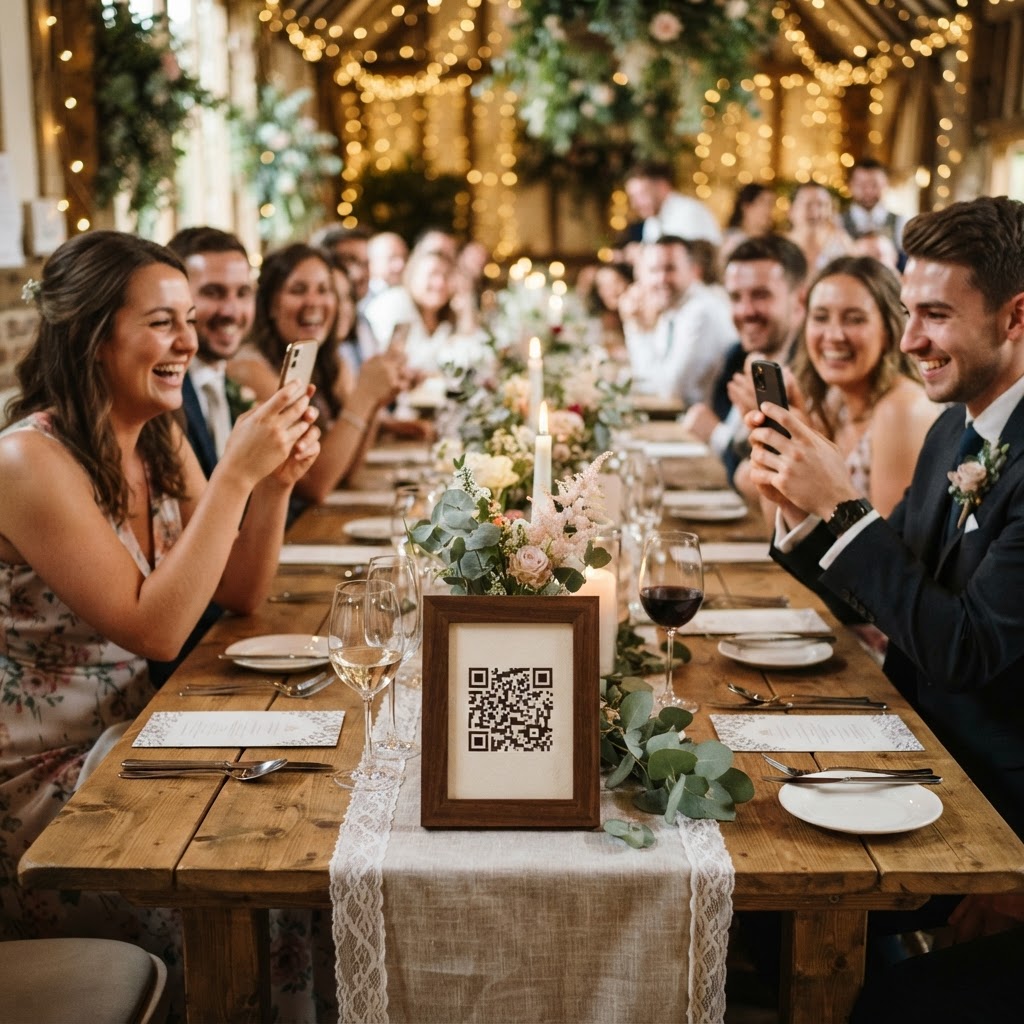
Guests upload photos and videos by scanning a QR code with their phone camera, which opens a mobile browser page to facilitate an instant upload. This method removes the primary barrier to entry, which is the requirement for users to download specific software or create accounts. Most wedding guests are reluctant to install a new application for a single use. By keeping the process entirely web-based, you ensure that the path from taking a photo to sharing it is as short as possible. Guests simply point their camera, follow the link, and choose the media from their phone library. This immediate functionality is the best way to ensure high participation rates throughout your celebration.
Why should we use a live slideshow during the reception?
Using a live slideshow during the reception creates a feedback loop that encourages guests to keep taking and uploading more photos throughout the event. When attendees see their own images appearing on a screen in real time, it validates their contributions and builds energy in the room. This visual display acts as a social prompt for others who might have been hesitant to participate. As one table sees a creative angle of the dance floor or a funny candid shot of the cake-cutting, it naturally inspires them to try their own hand at capturing unique perspectives. This dynamic activity keeps the atmosphere light and engaging, effectively gamifying the photography process for everyone present.
What is the best way to manage guest video messages?
Setting up a dedicated video guestbook feature allows your friends and family to record short, personal messages that provide a level of intimacy beyond what a standard written note can convey. Hearing the specific tone of voice, the genuine laughter, and the heartfelt well-wishes of your guests creates an emotional archive you can revisit for years. To encourage participation, you might place small instruction cards on your tables explaining that video messages are welcome alongside photographs. It is helpful to suggest that guests leave these messages during quieter moments, such as when they are sitting at the dinner table, to ensure the audio is clear and the message is thoughtful.
How do we organise a photo scavenger hunt?
Organising a photo scavenger hunt is a practical way to keep the energy consistent during transitions, such as the time spent on your formal couple portraits. Provide a simple list of prompts at each table to give guests a clear goal for their photography. You might ask them to find the best-dressed guest, capture a selfie with someone they just met, or record a clip of someone pulling off a specific dance move. This structure turns casual phone photography into a communal game, resulting in a much more diverse gallery of images. Instead of receiving fifty identical photos of the main stage, you end up with a collection that documents the variety of the guest experience.
How do we keep the wedding gallery private and secure?
Keeping your wedding gallery private ensures that your personal media remains within your control rather than being subjected to the public algorithms of social media platforms. When you use a dedicated sharing service, you effectively place your collection behind a digital velvet rope. This allows you to review the uploads at your own pace. You can curate the content to ensure that the most flattering photos are shared with family while retaining the fun, chaotic, or private moments only for yourselves. By keeping the gallery restricted to guests and the couple, you remove the pressure of public performance and allow people to relax during the festivities.
What are the practical limitations for shared galleries?
It is important to understand that most shared wedding galleries function as temporary storage rather than permanent, long-term archives. When you use a system that allows for easy, account-free uploading, the files are typically hosted for a specific duration before they are cleared. For instance, guest uploads usually remain open for only seven days following the event date. Once that period concludes, the gallery is often permanently deleted after ninety days. You must remember to download and save your favourite memories to your personal hard drive or a secure cloud backup before this deadline expires. Treating the platform as a collection tool rather than a storage locker helps you avoid disappointment once the hosting window closes.
Where should we place QR code cards on the tables?
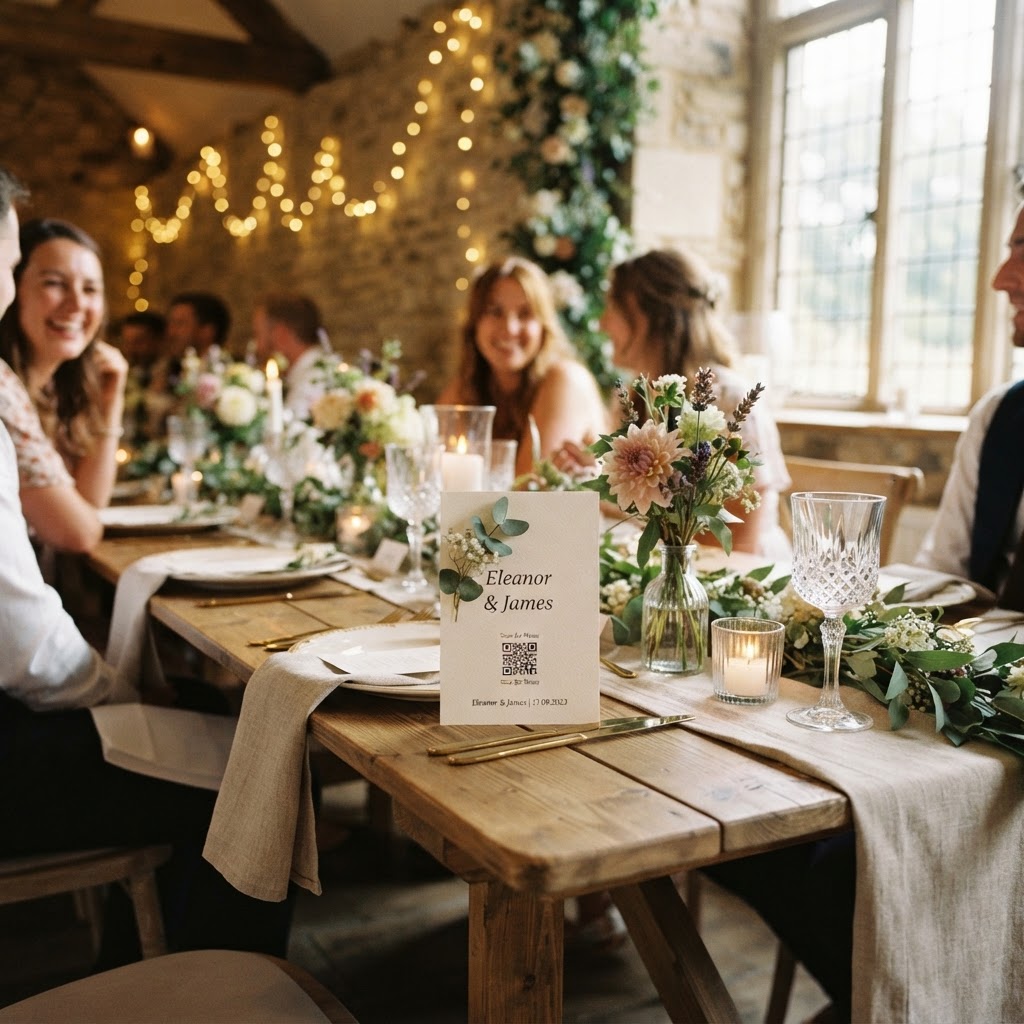
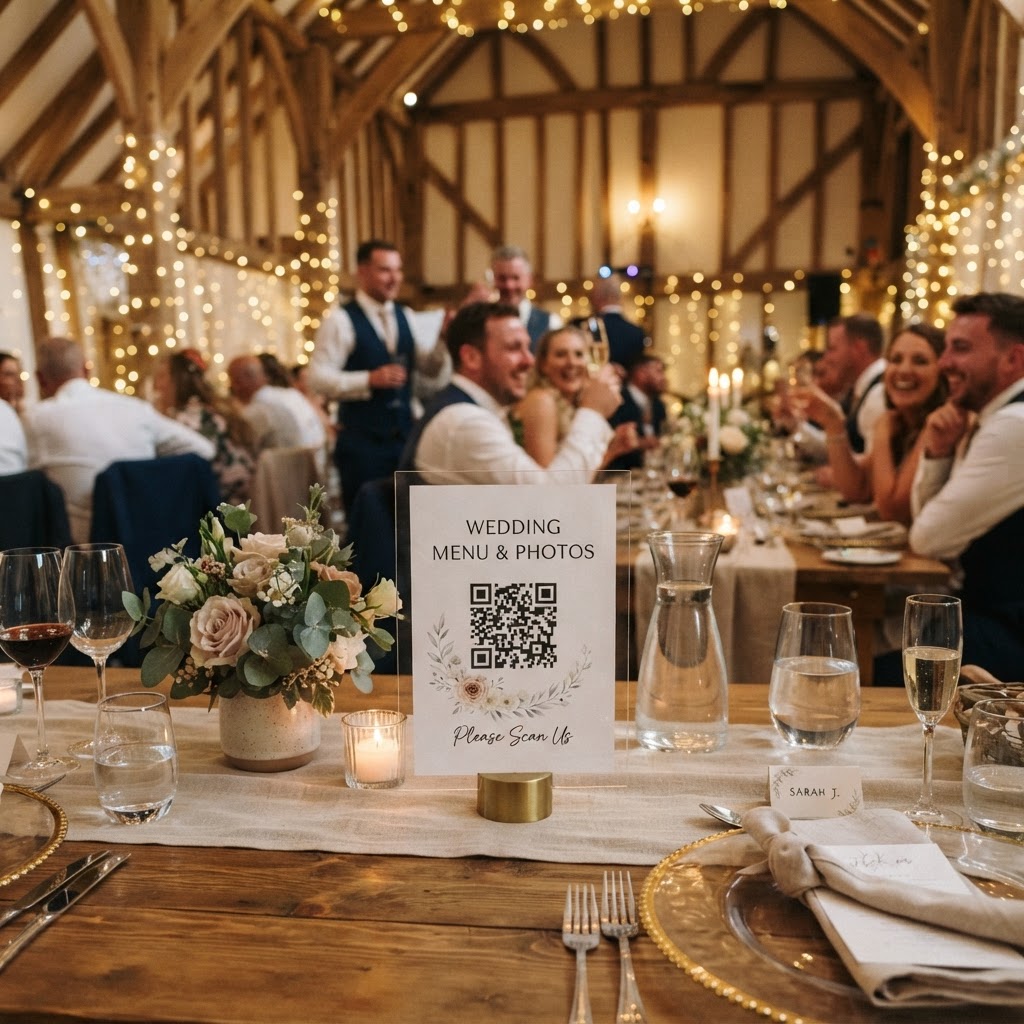
Placing small, elegantly designed cards at the centre of each table is the most effective way to guide guests toward your upload portal. The instructions should be brief and clear, such as a short line stating that guests should snap, scan, and share. Do not clutter your table settings with excessive text or complex diagrams that might clash with your decor. A minimalist approach is usually sufficient to capture attention. Ensure the QR code is printed at a large enough scale that it is easy for any smartphone camera to focus on it instantly. This setup is a simple and cost-effective method to streamline your data collection. Features like live slideshows and secure galleries are available through Moment49 for a one-off fee, providing a straightforward way to capture your celebration without any subscription requirements.
Ready to collect your guests' photos?
Create your event in seconds — no app download needed.