Wedding photo sharing is the systematic method of gathering candid images and videos captured by your guests during your wedding celebration.
How can I get my guests to upload their photos?
You ensure guests upload their photos by removing all technical barriers, such as requiring them to download an app or create an account before they can contribute. When guests arrive at a wedding, they are focused on socialising, enjoying the ceremony, and navigating the venue. If you present them with a process that requires a lengthy download, registration, or password creation, they will likely abandon the task. Choose a system that functions directly through a mobile web browser.
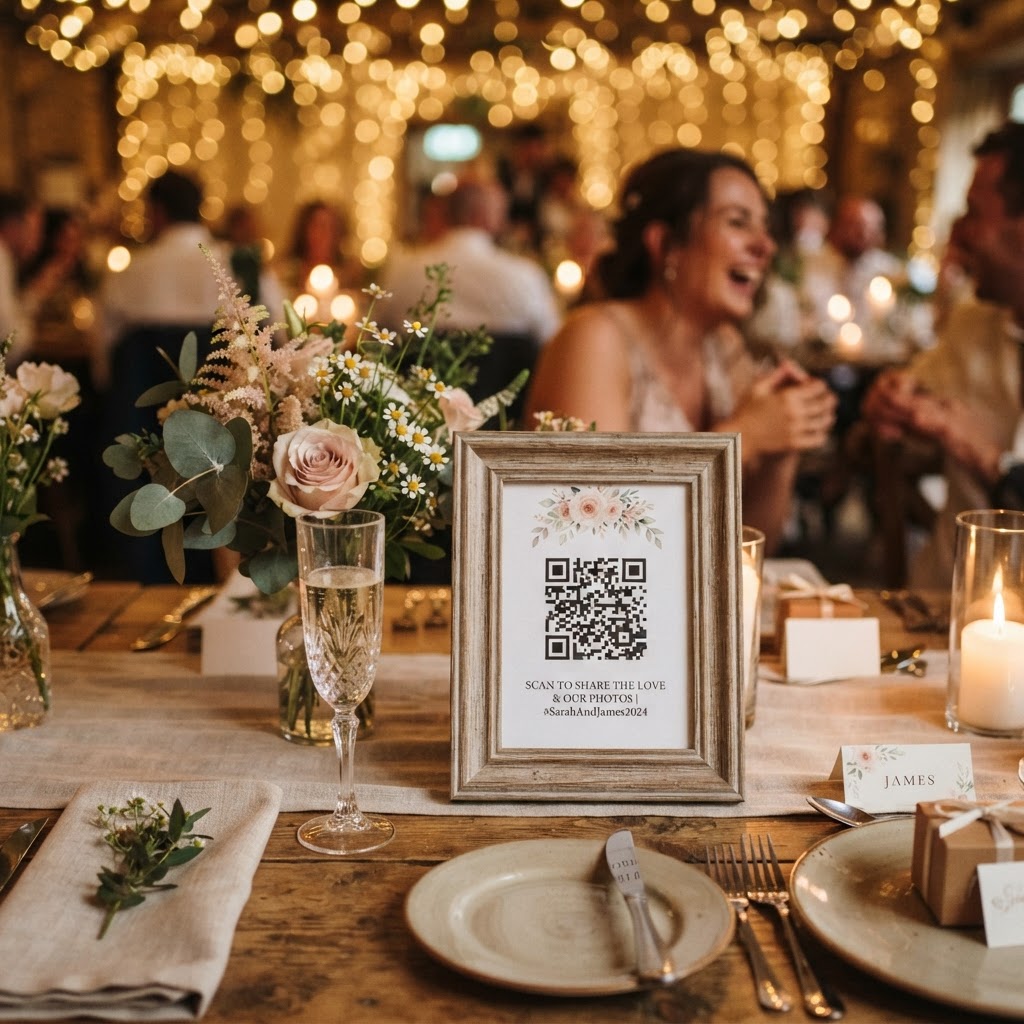
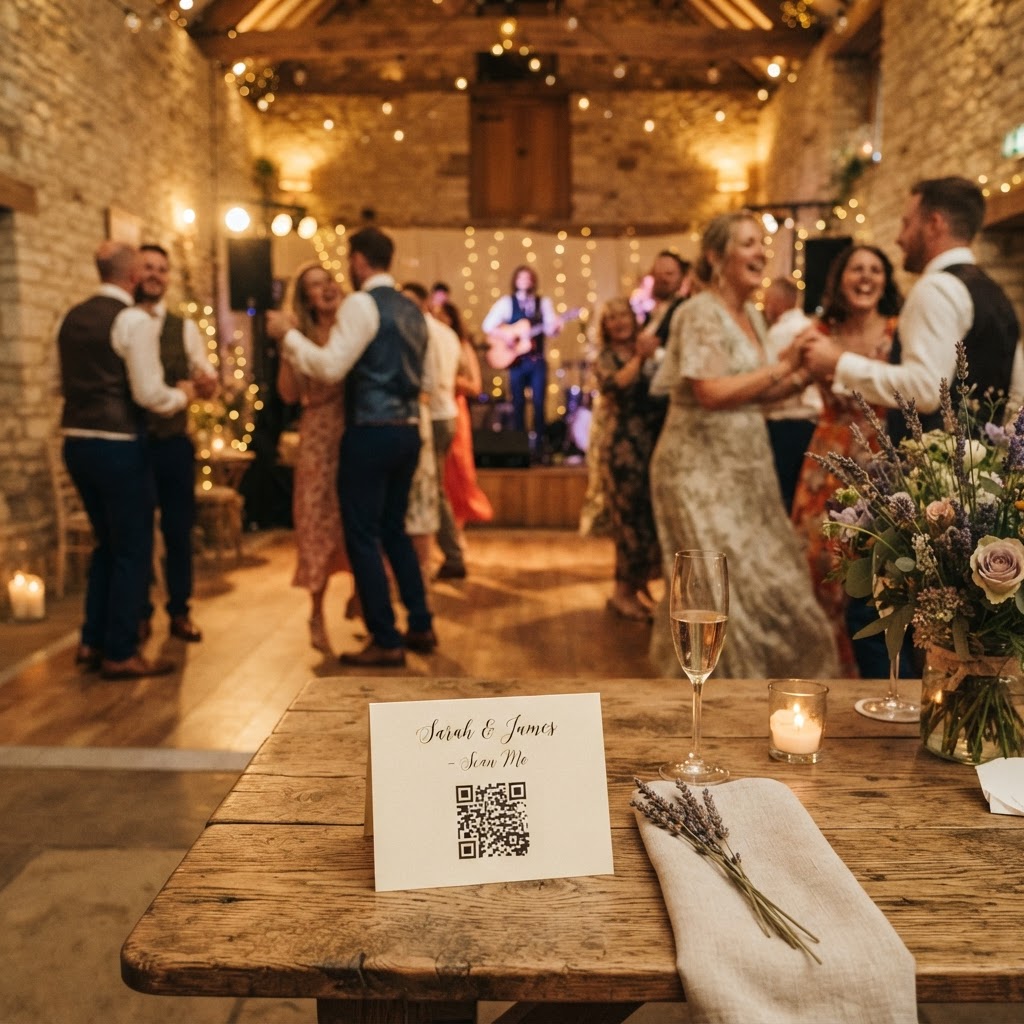
By placing QR codes on every table or in communal areas, you provide an instant gateway for guests to upload their media. A guest simply points their phone camera at the code, clicks the link, and selects the files from their photo library. Because the interface is web-based, there is no storage conflict on their phone and no profile to manage. This approach keeps the friction low and the engagement high, meaning you receive more content during the event.
How do I set up a live wedding slideshow?
You set up a live wedding slideshow by linking your guest upload portal to a screen or projector positioned near your dancefloor or main event space. A live feed acts as a powerful motivator for guests. When a guest sees their own image pop up on a large screen seconds after they have taken it, they feel encouraged to capture more interesting perspectives. This creates a feedback loop of excitement that fills your gallery with dynamic, real-time content.
Technical preparation for this requires a stable Wi-Fi connection at the venue and a laptop connected to the display screen. You should test the link between your phone and the screen before the guests arrive to ensure the transition is smooth. Position your screen where it is visible to people seated at tables but does not distract from the main speeches or the formal ceremony. A live feed is not just a digital decoration; it is an active participant in your event that keeps guests engaged with your collection process throughout the night.
Should I include a video guestbook?
A video guestbook is a valuable way to preserve the voices and emotions of your loved ones in a format that static photographs cannot replicate. While a written guestbook is a classic tradition, video messages capture the laughter, the heartfelt stuttering during a speech, and the genuine energy of your friends and family. To facilitate this, place small instructional cards near your photo QR codes. These cards should provide simple prompts for the guests to follow.
Suggesting topics for their video messages helps guests feel less intimidated by the camera. You might ask them to share their favourite memory of the couple, a piece of advice for a long marriage, or a funny prediction for the future. Keep the instructions brief and lighthearted to encourage participation from everyone, including those who might be shy about speaking in front of a lens. These videos provide a lasting record of your wedding atmosphere that you can re-watch for years to come.
How can I gamify guest photography?
You gamify the photography experience by providing a specific list of photo challenges that turn your guests into a creative production team. A blank request for photos often leads to repetitive group selfies or photos of the same stage. By offering a printed list of prompts on each table, you direct the focus of your guests toward moments you might otherwise miss. These prompts can include tasks such as capturing the best dance move on the floor, finding someone who is laughing uncontrollably, or taking a selfie with a guest they met for the first time that day.
You can also incorporate a green screen photobooth mode if your software allows it, which provides a professional backdrop for guests to have fun with. Gamification transforms the act of photography into an activity that breaks the ice between guests who do not know each other well. When people have a mission, they pay closer attention to the small details of the room. This leads to a much wider variety of images, covering the full spectrum of your wedding day from the nervous energy before the ceremony to the chaotic joy of the final song.
What happens to my photos after the wedding?
You must understand that most guest-sharing services have specific time limits for media storage, typically leaving uploads open for seven days after your wedding and deleting the gallery after 90 days. These systems are designed to be temporary event tools rather than permanent archives. Once the seven-day upload window closes, you should immediately download the entire gallery to your own computer or a secure hard drive. Do not treat a cloud-based sharing platform as your primary long-term backup.
Creating a personal backup system ensures you own the files, regardless of what happens to the sharing platform after the 90-day deletion period. Once you have saved your files, you can organise them into folders by phase of the day, such as ceremony, speeches, and reception. This initial organisation makes it much easier to select your favourite shots for prints or social media sharing later. Remember that the collection represents a raw, unedited glimpse into your wedding, which is what makes it so special. Using a service like Moment49 helps you manage this collection with a single, transparent fee instead of a subscription.