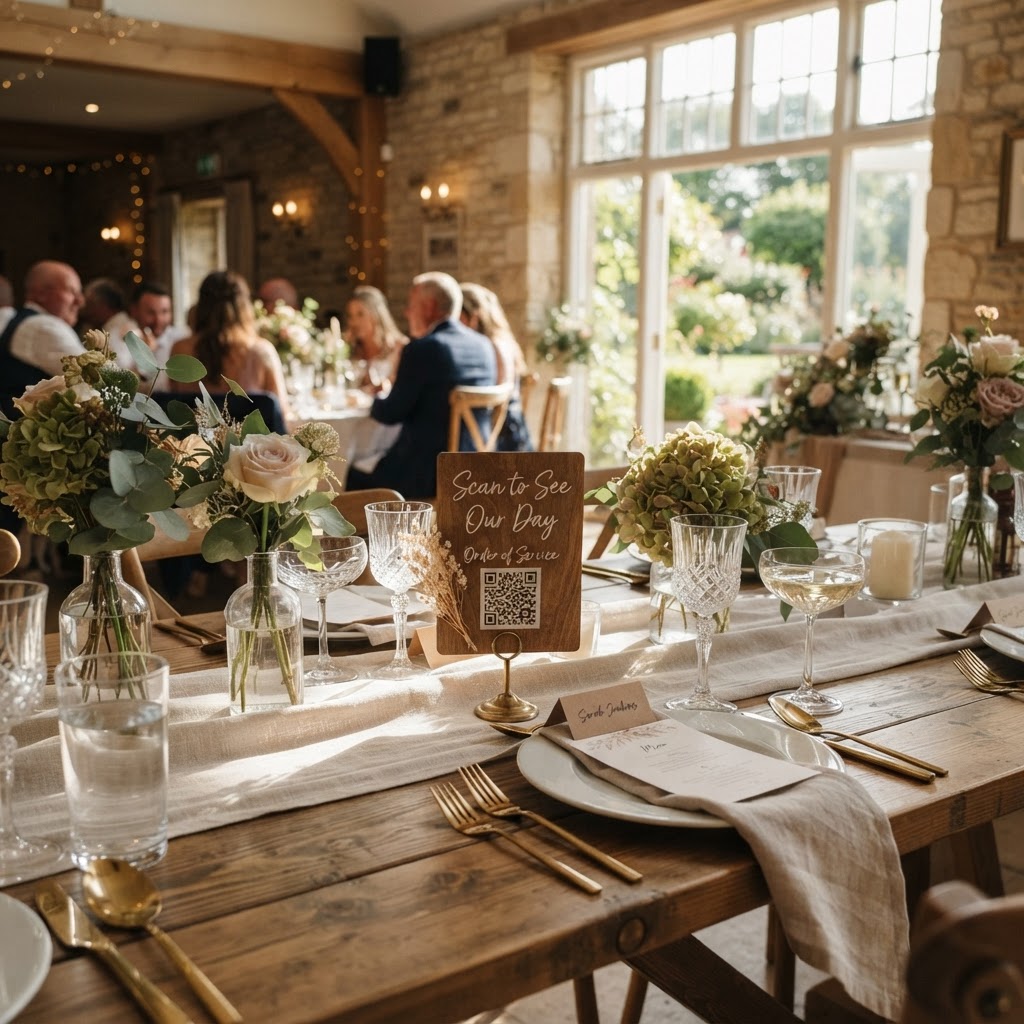
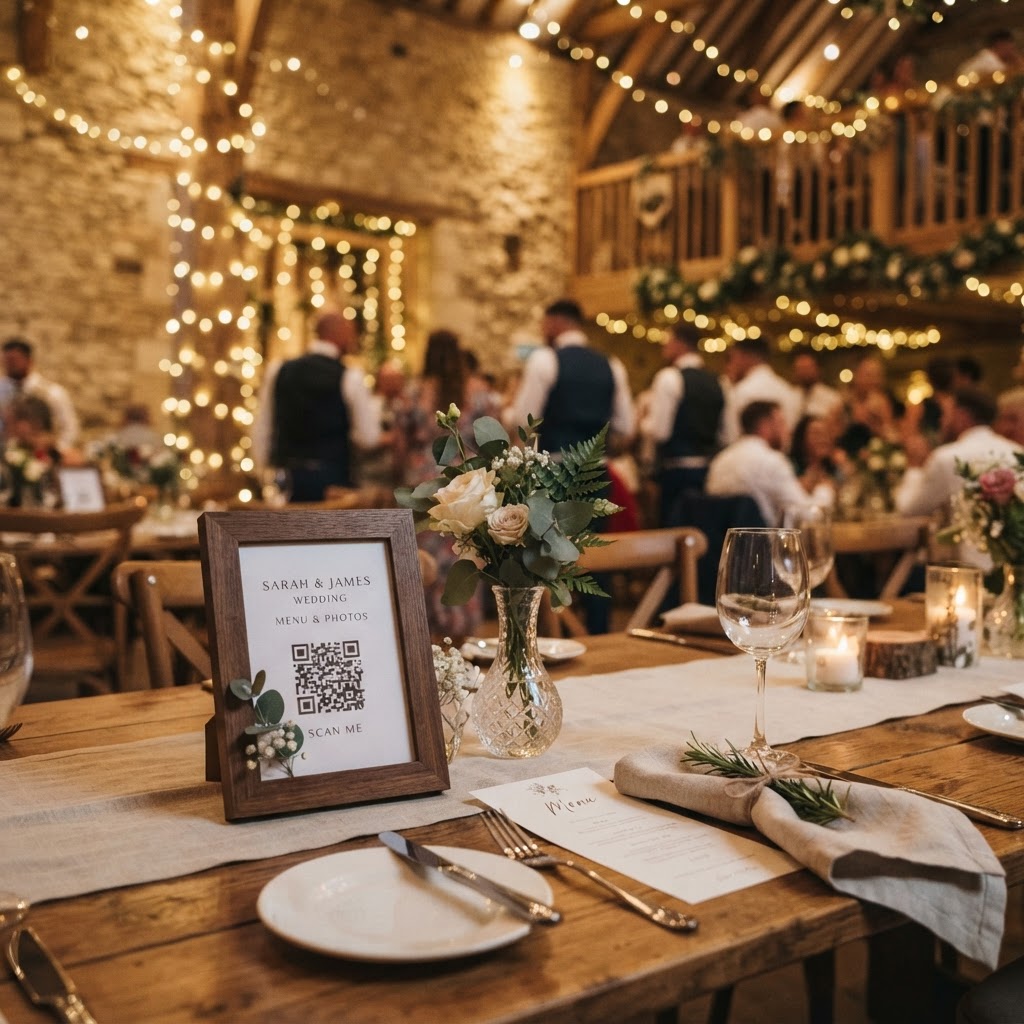
Wedding photo sharing is the process of using digital tools to gather snapshots and videos captured by your guests during your ceremony and reception into one central, accessible location.
How do I collect all my wedding guest photos?
You collect guest photos by implementing a browser-based QR code system that allows guests to upload their media directly from their smartphones without needing to create accounts. Relying on guests to email or message you their files after the wedding is rarely successful because it places the burden of effort on them during their downtime. Most people forget, lose interest, or find the file transfer process too tedious to complete once they return to their normal routines. By placing a QR code at each table, you allow guests to scan and upload their media while the moment is still fresh in their minds. This method removes the friction of downloading heavy apps or remembering passwords. A guest simply scans the code with their standard camera app, selects the photos or videos from their gallery, and hits upload. Because the system runs entirely in the mobile browser, it works for everyone regardless of whether they use an iPhone or an Android device.
How do I get guests to actually use the QR code?
You ensure high participation rates by placing the QR codes in high-traffic areas and providing clear, simple instructions on each table. A QR code sitting on a single sign-in table at the entrance is often overlooked as guests navigate their arrival. Instead, print small, elegant cards that match your wedding stationery and place one in the centre of every dinner table. This allows guests to engage with the system while they are seated, waiting for the meal to be served or between speeches. Include a brief, friendly sentence on the card such as Scan here to share your favourite wedding photos with us. When you make the task feel like a contribution to the event rather than a technical chore, guests are significantly more likely to participate. You can also mention this system in your digital wedding invitations or on your wedding website to prepare guests before the big day arrives. Frame it as a way for you to see the wedding through their eyes, which encourages them to take more candid and personal shots throughout the celebration.
How can I gamify guest photo uploads?
You gamify your photo collection by creating specific, fun missions that encourage guests to look for unique moments to capture. Instead of a generic request to take photos, provide a list of photo challenges on the cards placed at each table. Examples include asking guests to snap a photo of the best dance move, a selfie with a guest they just met, or a photo of the most interesting detail on the table. This adds an interactive element to the reception, turning the act of photography into a creative game that keeps guests engaged. You might even provide a small prize for the funniest photo or the best dance floor action. This simple shift in approach keeps guests entertained and ensures you receive a wide variety of perspectives that go beyond the standard posed portraits. When guests have a specific goal, they are more observant and enthusiastic about sharing their results immediately.
Should I set up a live slideshow for my wedding?
You should set up a live slideshow because seeing images appear on a large screen in real-time creates a sense of shared joy and community among your guests. A live feed of incoming uploads keeps the atmosphere in the room buzzing, as guests can watch the latest photos and videos appear on the display as they are submitted. This acts as a form of entertainment that celebrates the guests themselves rather than just the couple. It is important to ensure that the technology you use for the slideshow is browser-based, so it stays simple to manage. If you choose a service like Moment49, the slideshow functionality is built-in and requires no complex equipment. You simply provide the link or QR code, and the uploaded content populates the screen automatically. This creates a memorable experience where the guests are the stars of the show, allowing them to relive the day as it unfolds.
What are the privacy limitations for guest photos?
You must remember that a guest photo collection service is a temporary storage solution rather than a permanent archive for your memories. Most services, including the platform provided by Moment49, keep uploads open for seven days after your event to ensure all late contributions are captured. After this period, you should download all your files to a secure cloud storage service or an external hard drive. It is also standard practice for these galleries to be deleted entirely 90 days after the event. This is a vital detail to note for your planning timeline. You should set a reminder on your calendar for the day after your wedding to start sorting through your files, and a final deadline before the 90-day mark to ensure you have saved everything to your own long-term storage. Being aware of these clear technical limits prevents any disappointment and ensures you are fully in control of your digital legacy after the event has concluded.
How do I handle guests who prefer not to be photographed?
You handle privacy concerns by adding a small, polite note on your signage that clarifies the intended use of the uploaded media. State clearly that the photos are for the private collection of the couple and the guests, rather than for public posting on social media platforms. Many guests feel hesitant about sharing their images because they worry about them appearing on the internet without their consent. By reassuring them that the gallery is private, you will notice a significant increase in the volume of photos contributed by more camera-shy attendees. Keep the system simple, ensure the signage is visible but unobtrusive, and communicate the private nature of the gallery before the event begins. Following these simple steps will help you gather a collection of raw, candid, and hilarious memories that professional photographers might miss.