What is a QR code wedding photo sharing system?
A QR code wedding photo sharing system is a digital service that enables guests to upload their smartphone pictures and video clips to a central gallery by scanning a unique code with their camera app. This technology removes the need for guests to install third-party applications, create user accounts, or manage passwords before they can share their media. You place printed codes on tables or at the entrance, which link directly to a mobile browser interface for immediate uploads. The primary goal is to bridge the gap between professional event photography and the candid, spontaneous moments captured by your friends and family members during the celebration.
How do I encourage guests to upload photos?
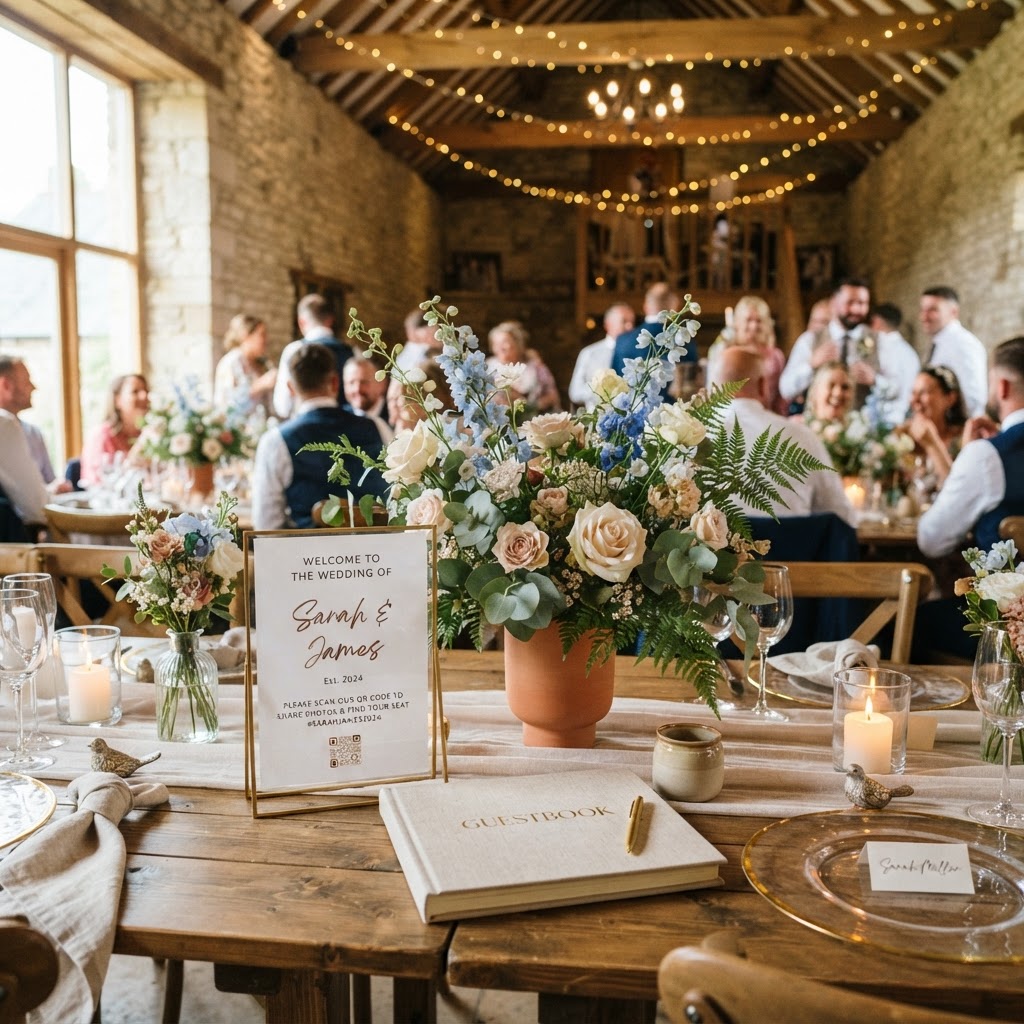
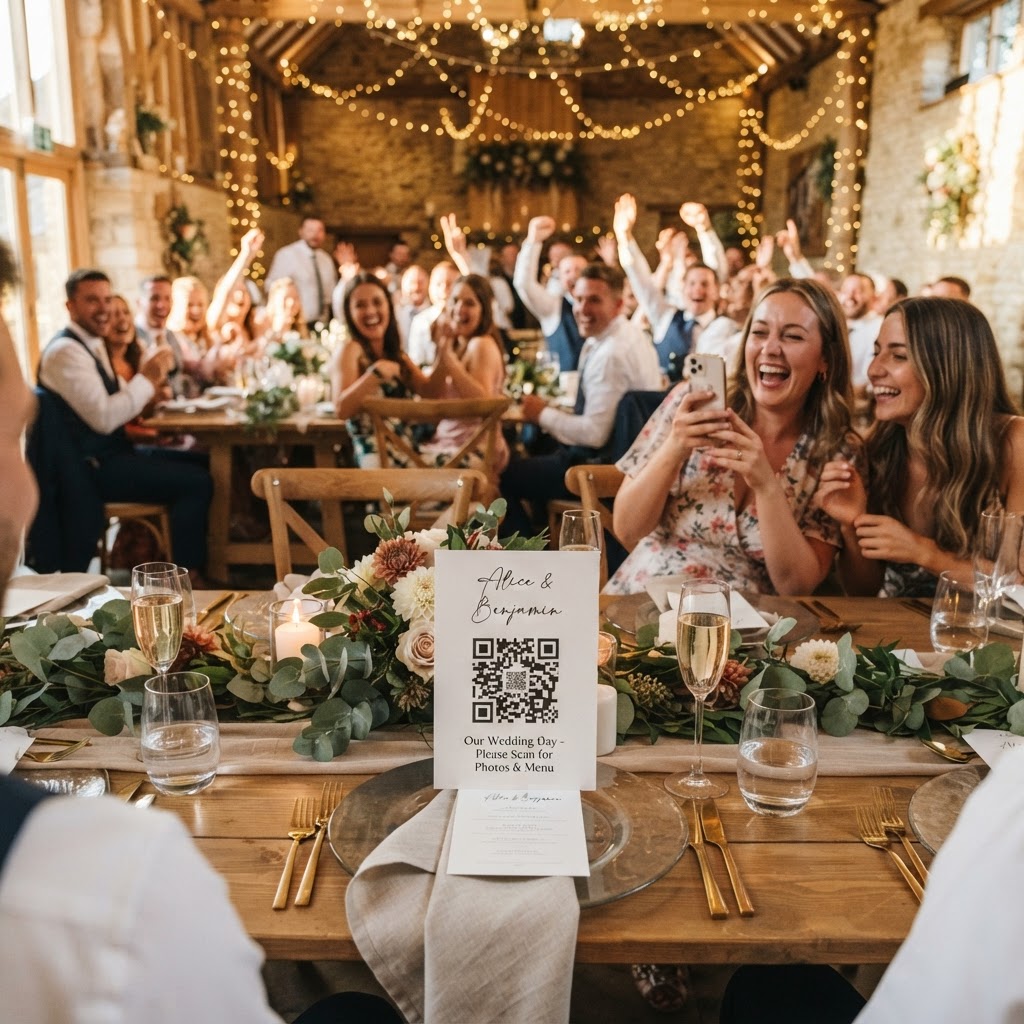
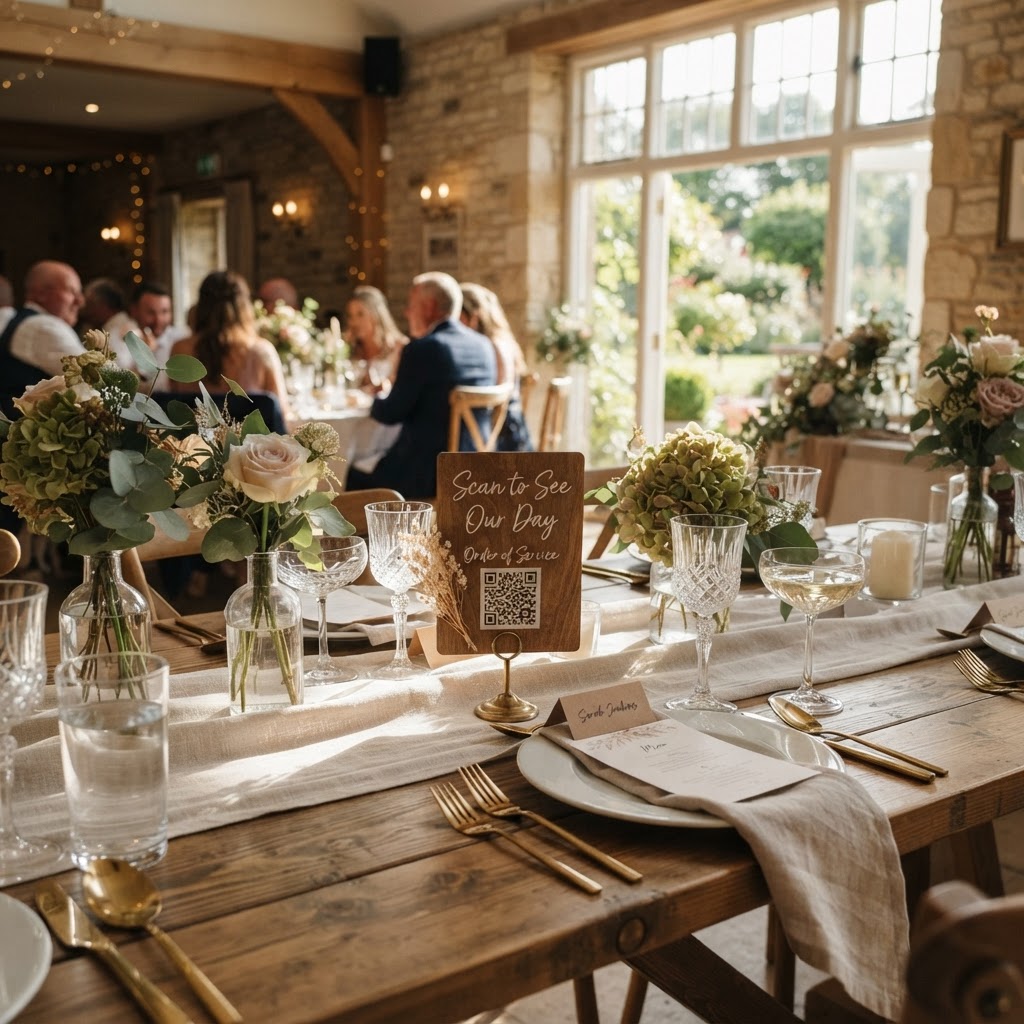
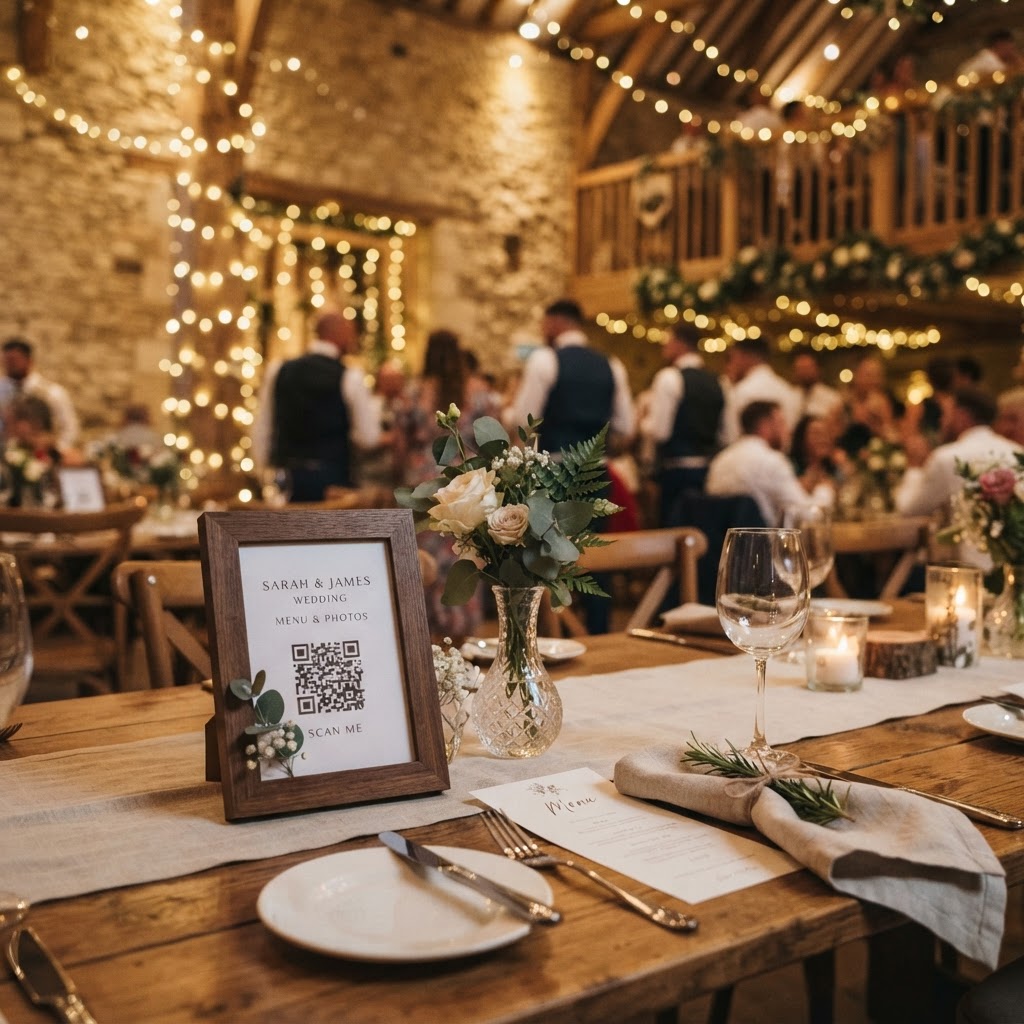
You can encourage guests to participate by placing clear, physically visible signage at key touchpoints throughout your venue. A small card tucked away near the floral centrepiece is easily ignored, so consider using frames or larger table cards that explicitly invite people to share their shots. Inform your guests that they do not need to download anything; emphasize that the process is a simple scan and upload. If you have an emcee, ask them to make a brief announcement during the transition between dinner and the dance floor to remind everyone that their perspective matters. Another effective strategy is to appoint one or two bridesmaids or tech-savvy friends to act as ambassadors. When these individuals start uploading their first batch of photos during the cocktail hour, the visual proof of the system working often motivates others to join in. Momentum is the most important factor in guest engagement, so getting the first few uploads live early is vital.
Can I display guest photos on a screen in real-time?
Yes, you can set up a live slideshow that projects photos and videos onto a screen or wall in the reception area as they are uploaded. This feature transforms individual photo taking into a shared group activity that keeps energy high throughout the evening. When a guest sees their photo appear on a large screen, they feel a sense of validation and are more likely to capture additional moments. It also serves as a fun conversation starter for guests who may be seated with people they do not know well. Make sure your venue has a screen, a projector, or a large television available, and check that the Wi-Fi connection in the room is stable enough to support continuous uploads. If the live feed is lagging, it can frustrate participants, so test the connection before the guests arrive for the reception.
How do I manage the privacy of my wedding gallery?
Managing the privacy of your wedding gallery requires choosing a service that explicitly states the files are private and restricted to those you invite. Most professional platforms allow you to set up a private link, ensuring that only your guests can view or download the images. It is important to confirm that the service does not make your photos public on searchable engines. Be clear with your guests about the temporary nature of the gallery. For example, clarify that the collection remains open for uploads for exactly seven days following the ceremony. Knowing that the gallery is not a permanent online archive but a focused collection of memories for the days following the event often encourages people to be more liberal and authentic with their uploads. Remember that your provider will typically delete the digital gallery 90 days after the event, so you must download all your favourite files to your own personal computer or hard drive before that deadline expires.
Should I include video messages in my wedding gallery?
Video messages are a meaningful addition to your collection because they capture the tone of voice and emotion of your guests that static images simply cannot match. While photos document the action, videos act as a digital guestbook where friends can leave well-wishes, jokes, or emotional reflections on the day. Instruct your guests to keep these clips relatively short, as longer videos are harder to manage and share. You can even include a specific instruction on your signage for guests to leave a video message if they feel inclined. This creates a lasting memento that feels much more personal than a signed book sitting in a hallway. Treat these videos with the same care as your professional footage, and be sure to back them up immediately after the seven-day upload window closes.
What are photo challenges and green screen modes?
Photo challenges are an excellent way to direct the focus of your guests toward capturing specific, high-value moments like the cake cutting, the first dance, or candid interactions at the bar. Create a simple list of prompts and display them alongside your QR code so guests know exactly what to look for when they are holding their phones. Green screen modes offer an additional layer of entertainment by allowing guests to place themselves against virtual backdrops, creating quirky, memorable shots that standard cameras might not achieve. These features turn the mundane task of taking a photo into an interactive event element that keeps people engaged. Always ensure that the physical location of your photo-taking area is well-lit and easily accessible, as guests will not go out of their way to find a dark or hidden corner to snap a picture. Keep the setup simple so that anyone, regardless of age or comfort level with technology, can engage without feeling confused by the equipment or the software. Providing a streamlined experience ensures that you receive the highest volume of quality candid memories from your wedding day while keeping your guests entertained and involved. When planning your event budget, remember that a flat, one-off fee of £39 covers the entirety of your needs without any hidden monthly subscriptions. By selecting a system that prioritises ease of use for the guest, you ensure that Moment49 captures the laughter and joy of your celebration exactly as it happens.