How can I collect guest photos without apps or account signups?
Collecting guest photos without apps or signups is achieved through browser-based upload systems that trigger when a guest scans a physical QR code placed on wedding tables. Modern event technology allows guests to use their native phone camera to navigate directly to a secure upload portal. This process bypasses the need for memory-heavy application downloads or the creation of profiles, which often deter guests from sharing their media. By removing these technical barriers, couples ensure that even the least tech-savvy guests can contribute their images to a central location. The system functions through a standard mobile web browser, ensuring that the interface is familiar and immediate for every user present at the celebration.
Where should I place QR codes to ensure high participation?
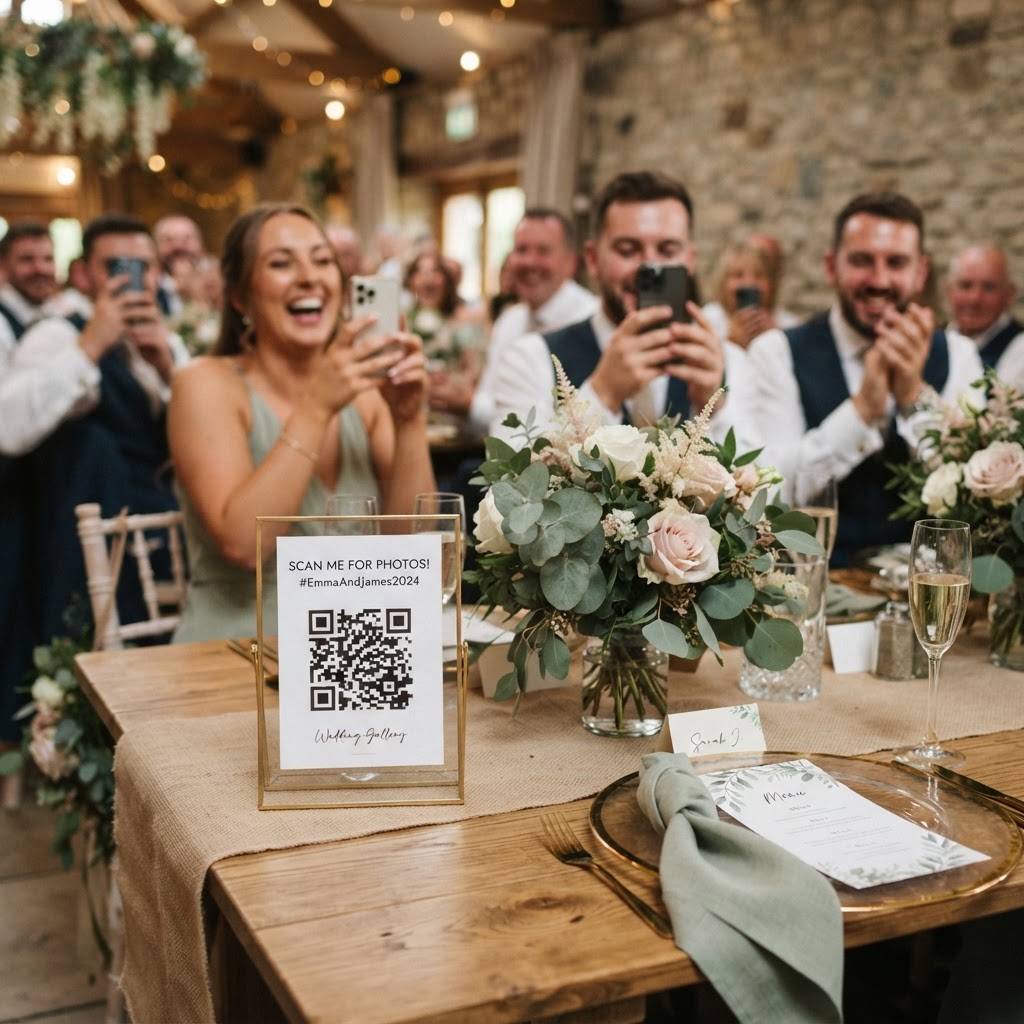
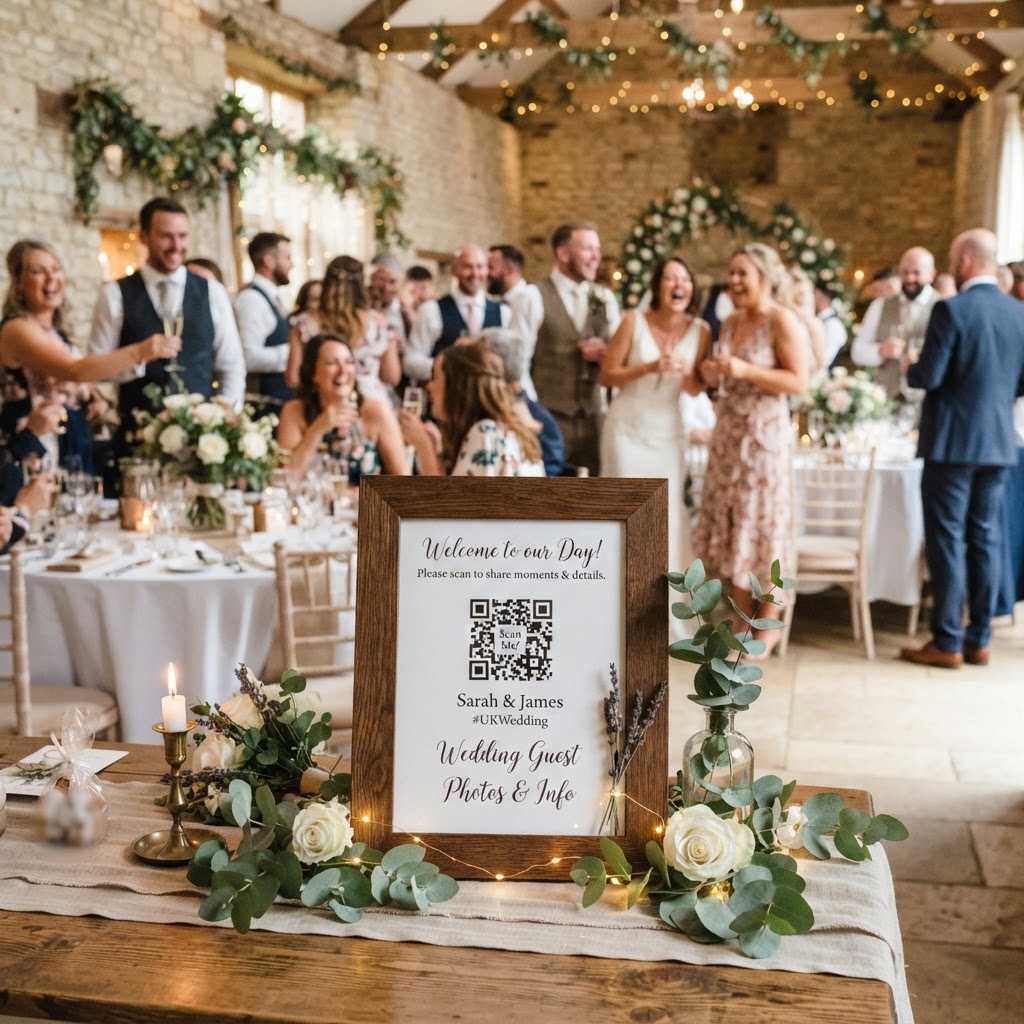
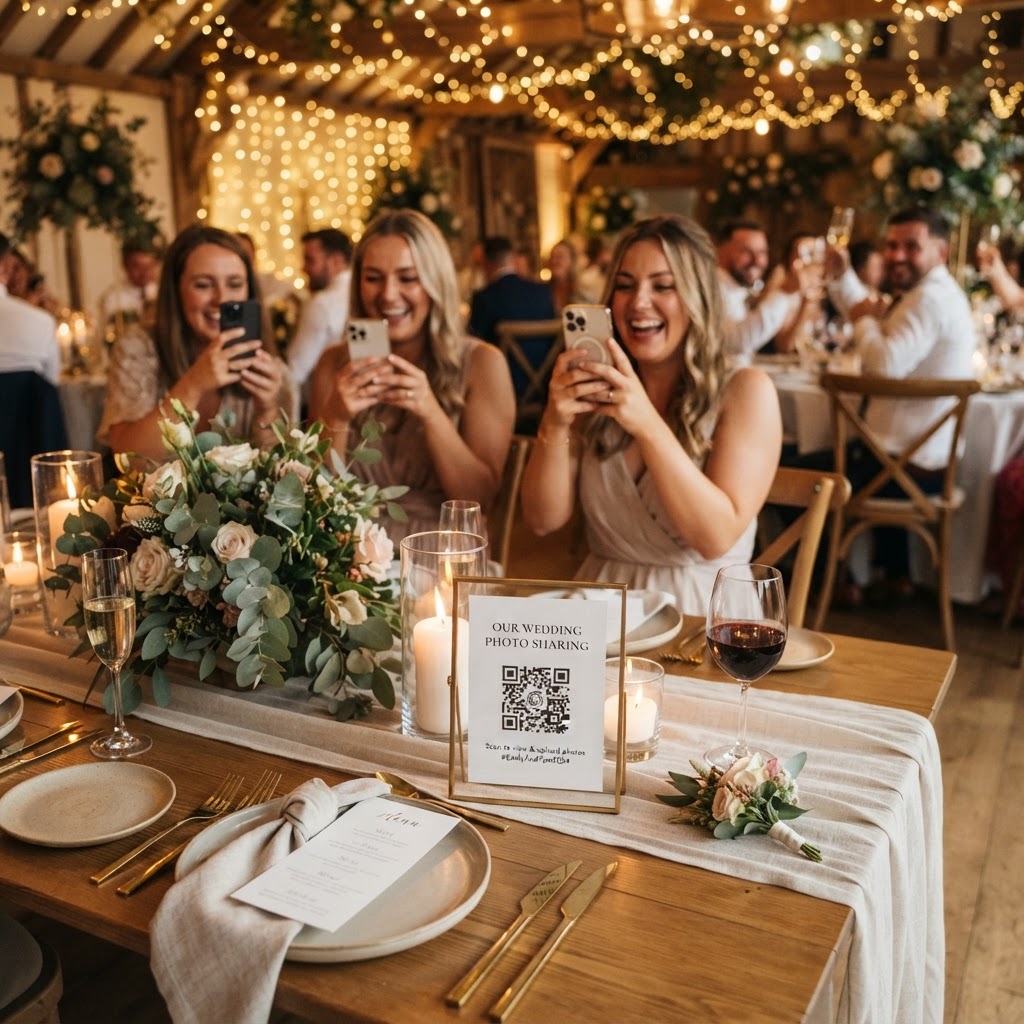
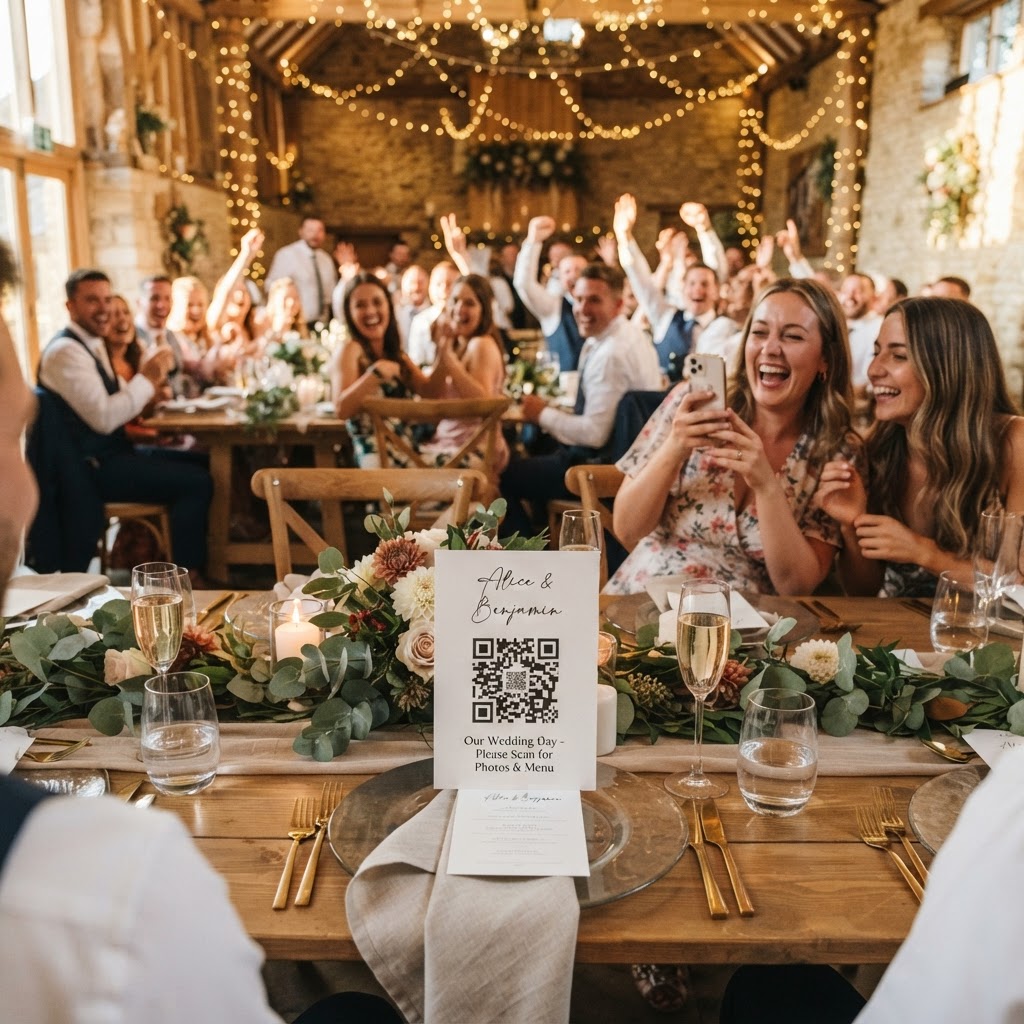
Strategic placement of your QR codes is the most important factor in driving participation throughout your wedding day. You should print individual cards or stickers and place them in areas where guests naturally congregate or sit for extended periods. The centre of each dinner table is an ideal location, as it provides guests with a consistent prompt during the meal or speeches. You might also consider placing the codes on the bar counter, at the entrance to the reception, or next to any formal guestbook station. Using a small sign with clear instructions like 'Scan to share your view' or 'Help us capture the fun' removes any confusion for your guests. Consistency is key, so ensure the design of your QR code cards matches your wedding stationery or table numbers to maintain a polished look. You should verify that the print quality is high enough for mobile cameras to detect the code even in dimly lit reception venues.
Practical steps for display
- Print the QR codes on heavy cardstock to ensure they remain upright during the meal.
- Place one code card at each table setting to maximise the reach to every guest.
- Ensure the signage clearly states that no app or account is required to participate.
- Test your codes with different smartphone models to confirm they load quickly on all browsers.
How does a live slideshow work during a wedding reception?
A live slideshow is an automated display system that projects photos and videos uploaded by guests directly onto a venue screen or television monitor in real-time. This interactive feature bridges the gap between digital submission and event atmosphere, encouraging guests to keep snapping photos throughout the evening. You will need a device such as a laptop or a tablet connected to the venue audio-visual system to display the web gallery address. As guests finish their uploads, the software automatically pulls these files into a streaming feed. This visual loop provides instant gratification for your attendees and acts as a source of entertainment during transitions, such as the period when you are away for sunset portraits. You can coordinate with your DJ or venue manager to ensure the projector is ready at the start of the reception and that the display is set to a fullscreen mode. This setup transforms a passive collection process into a shared activity that builds momentum throughout the night.
What are the benefits of using a video guestbook?
A video guestbook is a digital alternative to the traditional written ledger that allows guests to record brief, heartfelt messages directly from their smartphones. This method provides a more intimate and authentic way to capture well-wishes compared to a pen and paper. Guests can record their messages in a quiet corner of the venue or at their tables, which helps them feel more comfortable and relaxed. This spontaneity often leads to more personal stories and genuine expressions of emotion. Because the video files are stored digitally, they are much easier to curate, download, and rewatch on your anniversaries compared to a physical book. When managing your digital guestbook, encourage your guests to record messages at specific moments, such as after the ceremony or during the cocktail hour, to ensure you capture a wide variety of perspectives and emotions.
How do I manage the gallery and storage limitations?
You must understand the lifecycle of your digital gallery, as most professional event sharing platforms operate on a temporary storage model to maintain privacy and security. In most cases, guest uploads remain open for a period of seven days following your event, allowing for late contributions. After this window, the submission portal closes to prevent late-night or post-honeymoon additions. It is your responsibility to download the full archive of photos and videos within ninety days, as the digital gallery is typically deleted from the server thereafter. This short-term availability is a protective measure for your privacy and ensures that your files are not held indefinitely on third-party servers. Create a calendar reminder for yourself and your partner to download all files one month after your wedding. Back up these files in at least two separate locations, such as an external hard drive and a cloud storage service, to ensure your memories are preserved long-term. Remember that this service is for collecting and sharing during the event, not for long-term cloud archival.
What is the cost of managing digital guest photos?
The cost of managing digital wedding media is generally a single flat fee rather than a recurring subscription, making it a predictable expense for your budget. You can expect to pay approximately £39 for the use of the platform for a single event. This payment typically covers all features including the live slideshow, the video guestbook, and the private gallery access for the duration of the event. Always confirm that your chosen provider includes the necessary support for both video and image formats to avoid needing multiple systems. Because this is a one-off charge, you do not need to worry about hidden monthly fees or ongoing commitments after your wedding day. Keep the receipt and any provided digital documentation regarding your account access. Platforms like Moment49 allow for this streamlined payment approach while ensuring your guests have a frictionless experience from the moment they arrive.