How do guests upload wedding photos without an app?
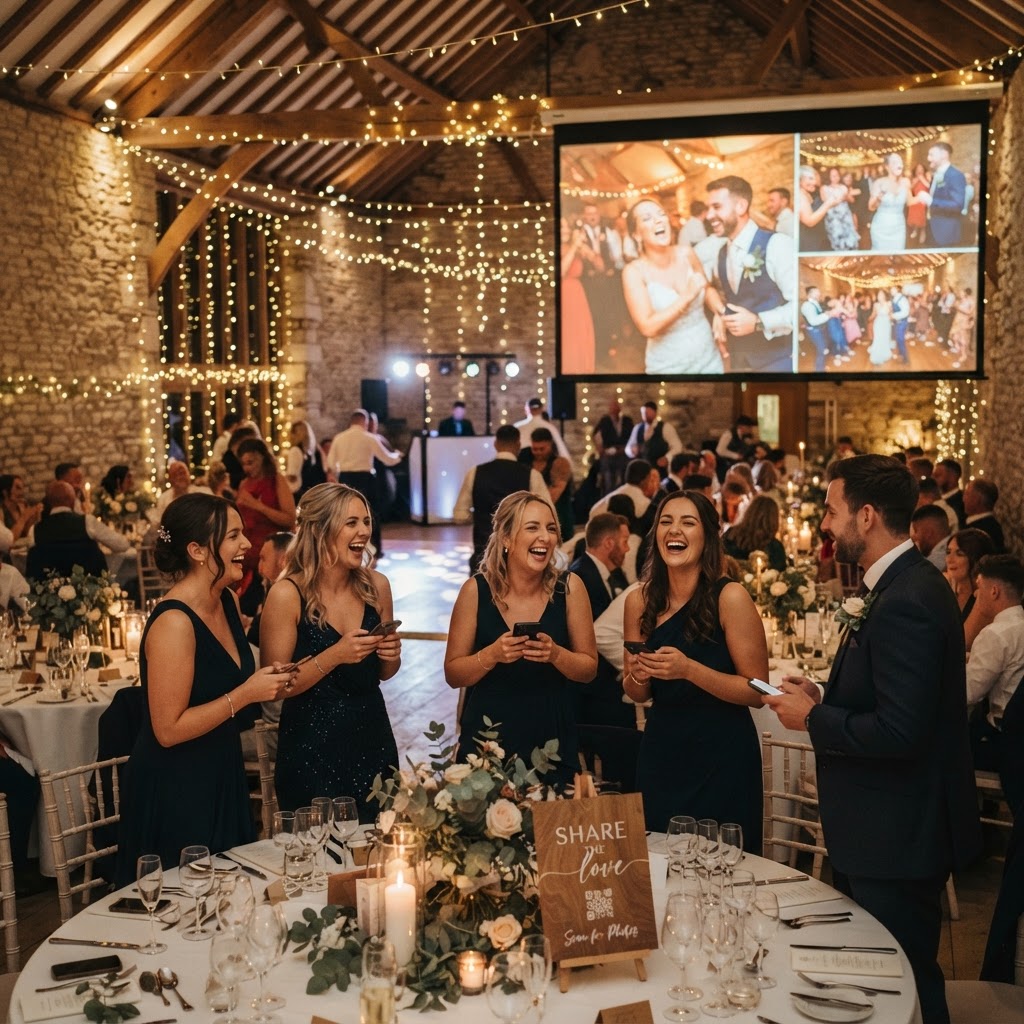
Wedding guest photo sharing is the process of using a QR code to direct smartphone users to a mobile browser interface where they can upload files instantly. This method bypasses the need for guests to download specific applications, create login credentials, or navigate complex registration forms. By using a browser-based system, you remove the biggest barrier to participation, which is the time and effort required to install new software on a personal device. Guests simply scan a provided code with their camera, select their photos or videos, and hit upload to have them appear in a shared, private gallery. Because this system relies on standard mobile web technology, it is compatible with virtually every modern smartphone, meaning your younger guests and older relatives can contribute with equal ease. The process is designed to be as simple as taking a photograph, allowing guests to contribute their perspective of the event as it unfolds. It turns the entire guest list into a collective of photographers, capturing candid moments that a professional photographer might miss while positioned at the front of the ceremony or during busy reception transitions.
Setting up QR code access points for your reception
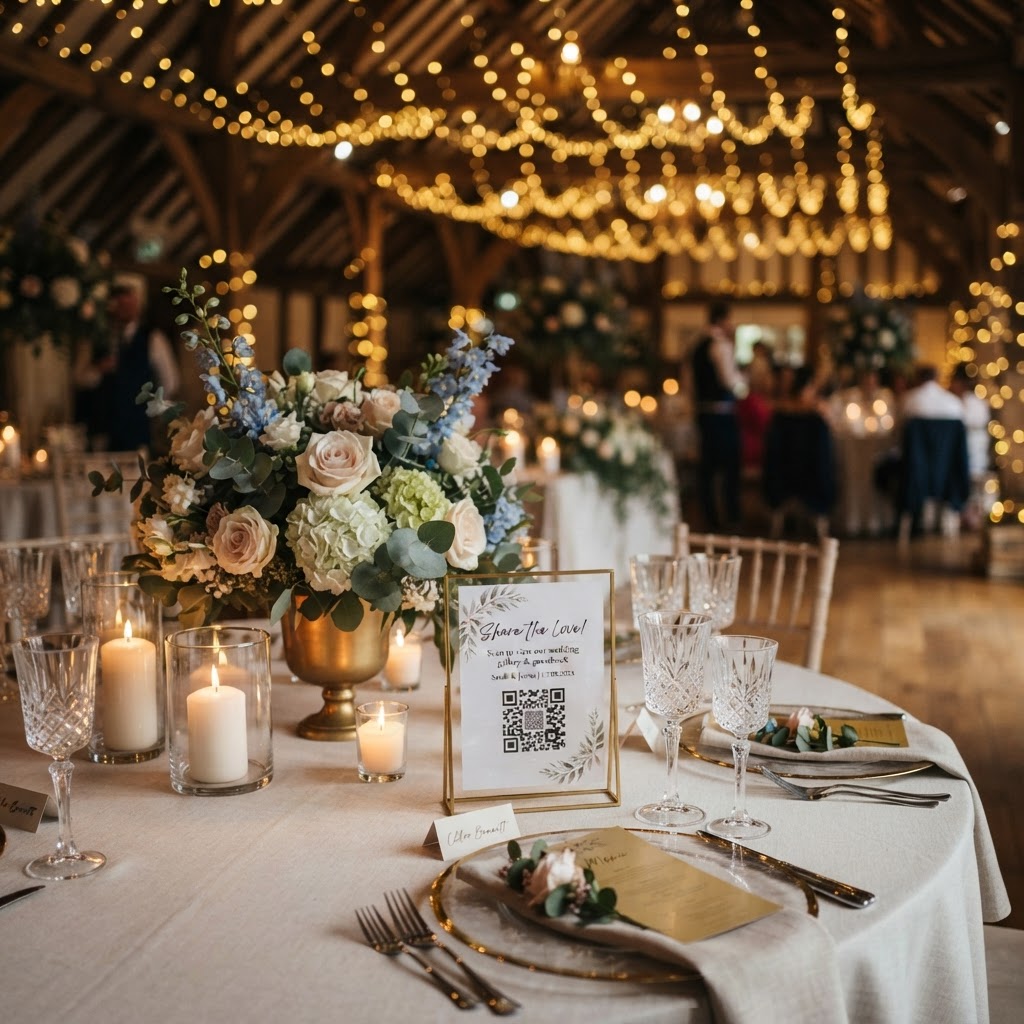
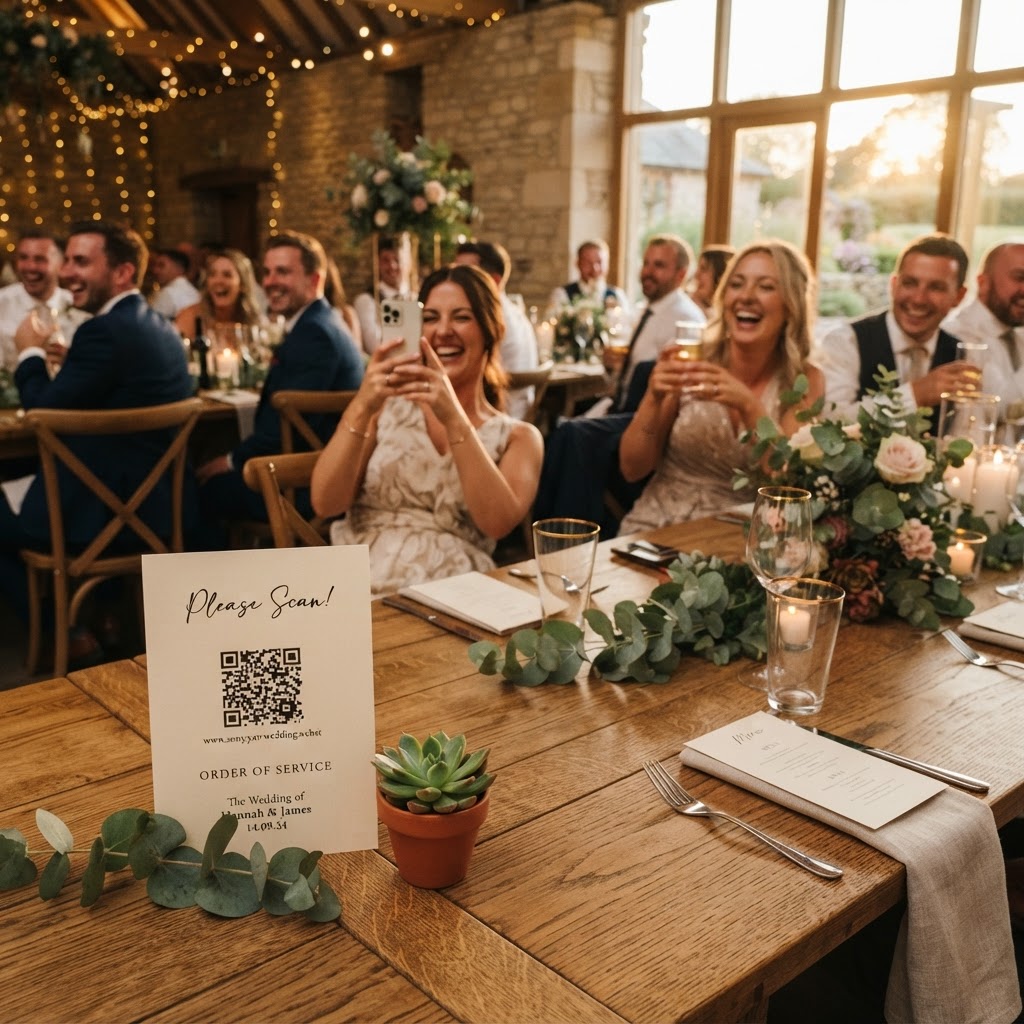
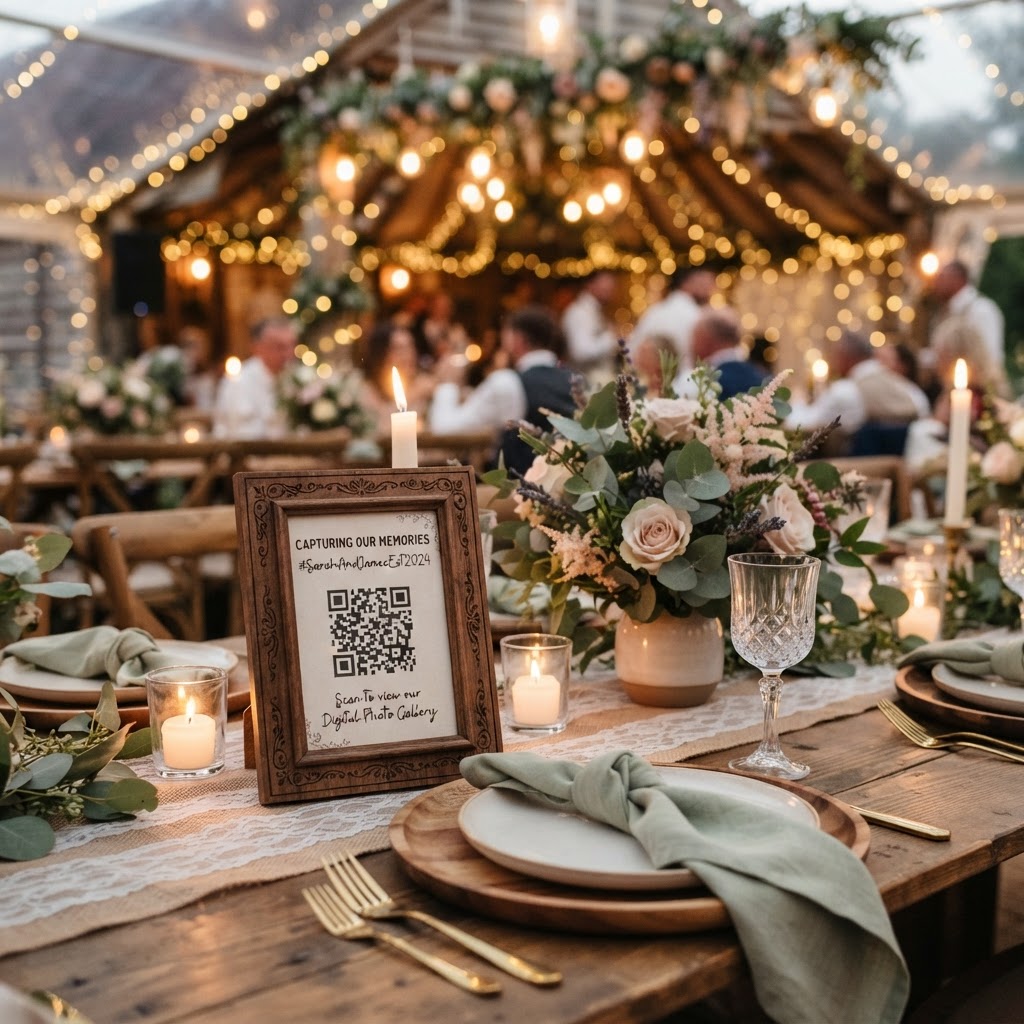
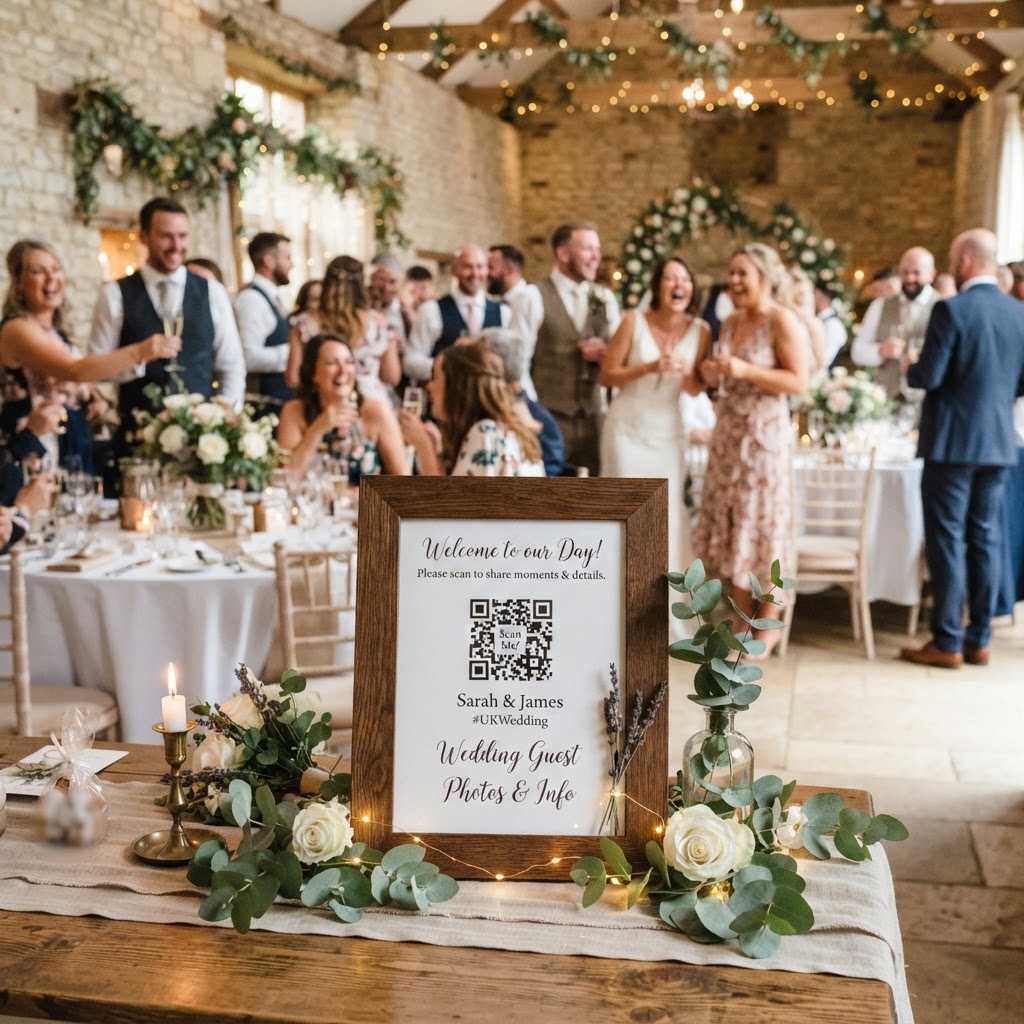
Strategic placement of your QR codes is the most important factor in ensuring high participation rates from your guests. Place these codes in high-traffic areas where people naturally linger or wait, such as near the bar, on the guestbook table, or at the entrance to the evening buffet. Printing the codes on small, high-quality cards at each table is another effective way to ensure that every attendee has direct access to the gallery. If you hide the QR codes in a corner or put them on a single notice board at the back of the venue, guests will simply forget to use them. Make the signage clear by including a brief, inviting instruction such as Scan to Share Your Photos or Add Your Best Moments to Our Gallery. Ensure the printing is large enough to be scanned from a distance of at least thirty centimetres, as guests may be standing or holding drinks while they attempt to access the site. Avoid cluttering the signs with too much text, as this makes it harder for the camera to lock onto the pattern. Instead, rely on a clean design that matches your overall wedding stationery and colour scheme.
How to run a live photo slideshow at a wedding
A live photo slideshow is a feature that projects images onto a venue screen in real-time as guests upload them from their phones. This transforms your wedding media collection from a private archive into an interactive entertainment experience for everyone present. When a guest uploads a photo, it appears on the screen within seconds, which provides immediate gratification for the contributor. This visibility often acts as a catalyst for other guests, who see the fun photos and are then inspired to start taking and uploading their own pictures. To set this up, check with your venue about the technical requirements for connecting a laptop to their projector or television screen. You will need a reliable internet connection at the venue to ensure the uploads and the live stream remain synchronised throughout the evening. Keep in mind that a live slideshow is meant to be a fun, dynamic element of the party, so do not worry if the photos are slightly blurry or out of focus. The charm of this technology lies in the messy, unfiltered, and joyful reality of your wedding day as seen through the eyes of your favourite people.
Managing the cost and duration of digital storage
Understanding the financial and technical constraints of your chosen photo platform helps you plan your event logistics effectively. You should expect to pay a one-off fee for the service, which covers the entire event duration, rather than engaging in a recurring subscription model. The standard cost for this type of service is typically around £39, which covers the setup of the gallery and the software for the day. Be aware that these services are designed for event-based collections rather than long-term archival storage. Most platforms keep the upload portal open for seven days after your wedding date to allow guests to upload any missed shots while they are still thinking about the event. After this period, the gallery usually remains accessible for a limited time, often 90 days, before the data is deleted from the servers. You must download all your favourite photos and videos onto your own computer or hard drive before this 90-day window closes to ensure you keep your memories forever. This structure keeps the service affordable for everyone while ensuring your data does not sit in a permanent, vulnerable cloud server after the event has concluded.
Adding a video guestbook for personal messages
A digital video guestbook provides a dynamic alternative to traditional paper books, allowing guests to record short clips during the reception. Many people find it difficult to write a meaningful message in a physical book while standing in a queue, but they often feel more comfortable speaking a quick note into their camera. This feature is particularly effective when you encourage guests to share well wishes, funny anecdotes, or messages of support during the evening. You can instruct your guests to record these videos through the same QR code link used for photos, ensuring the experience remains consistent and easy to follow. Because these clips are uploaded immediately, you can review the messages while you are on your honeymoon or shortly after the festivities finish. These videos capture the tone of voice, laughter, and genuine emotion of your guests in a way that static text can never replicate. When you review your digital gallery, you will likely find that these short, authentic video moments become the most cherished parts of your entire collection.
Should you use photo challenges to increase engagement?
Photo challenges are an optional, low-pressure way to guide your guests toward capturing specific scenes that make your wedding album more diverse. You can provide a small list of suggestions on your table cards or a central sign that gives guests a mission for the night. Examples include asking for a photo of the best dance floor moves, the most beautiful floral arrangement, or a candid shot of the couple laughing together. This gamification strategy helps you move beyond the typical posed photos and encourages guests to notice the smaller, more interesting details of your day. It gives people a sense of purpose and helps break the ice, especially for guests who might not know many other people at the table. Avoid making the list too long or overly demanding, as the goal is to make the experience fun rather than a checklist they feel compelled to finish. By using these simple engagement techniques, you ensure that every participant plays a part in the story of your celebration. For a simple and effective way to manage these shared memories, you might consider using Moment49 for your wedding day.