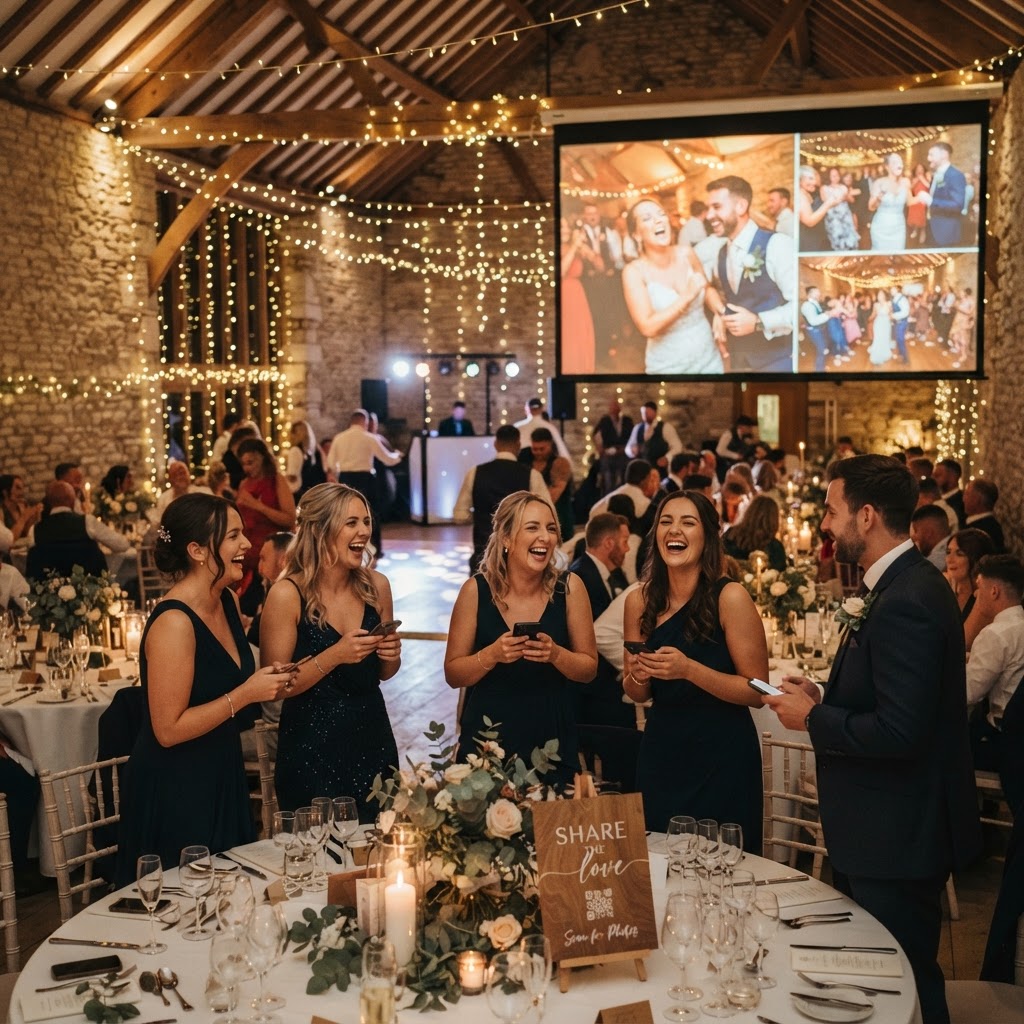
Wedding photo sharing is the practice of using a centralised digital platform to collect, view, and store candid images and videos captured by guests during a wedding celebration.
How do I collect all my wedding guest photos?
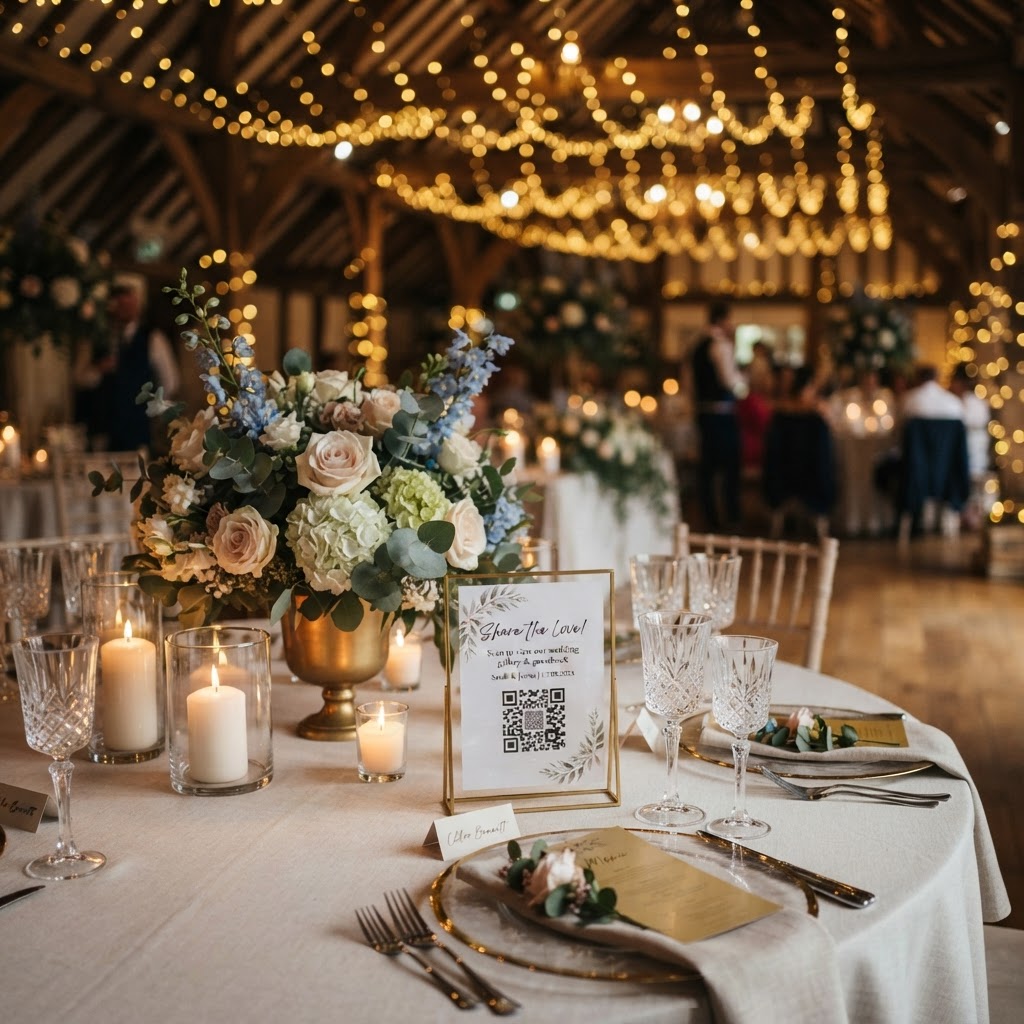
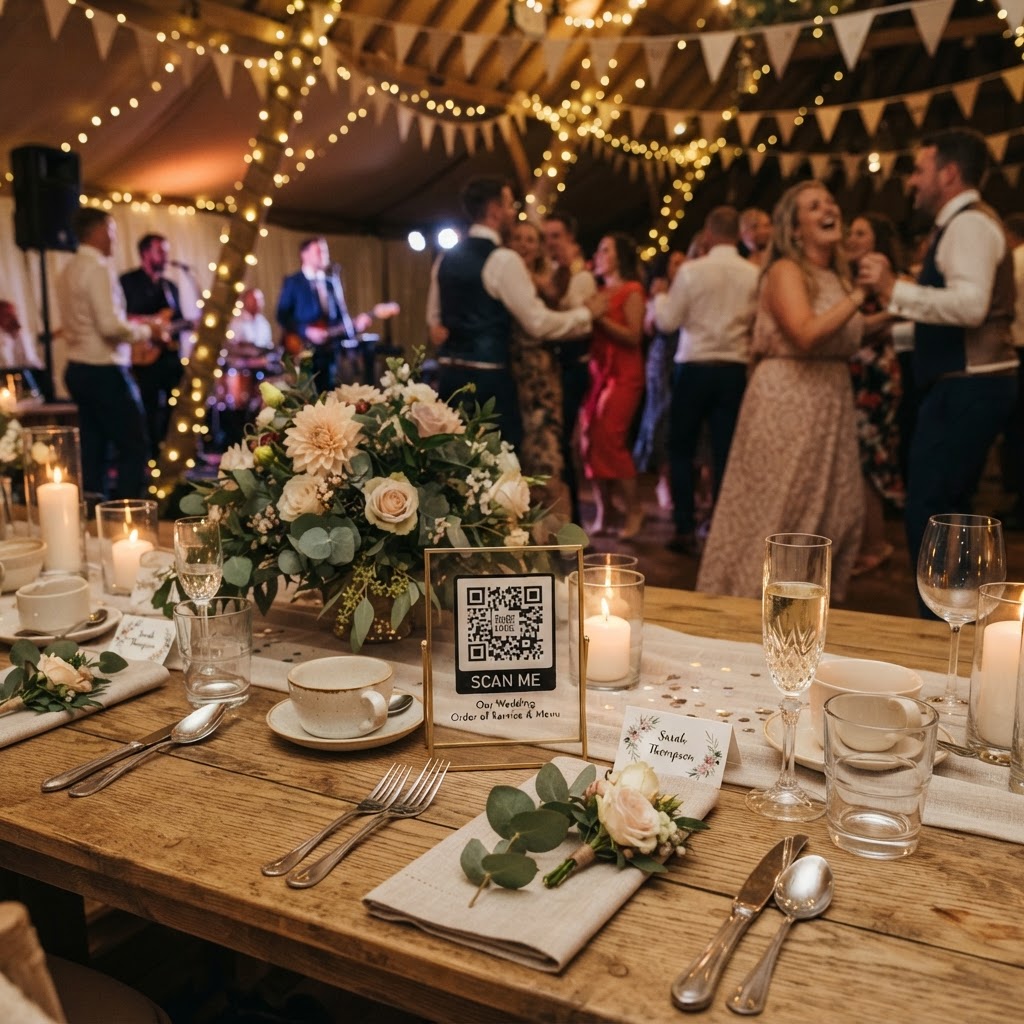
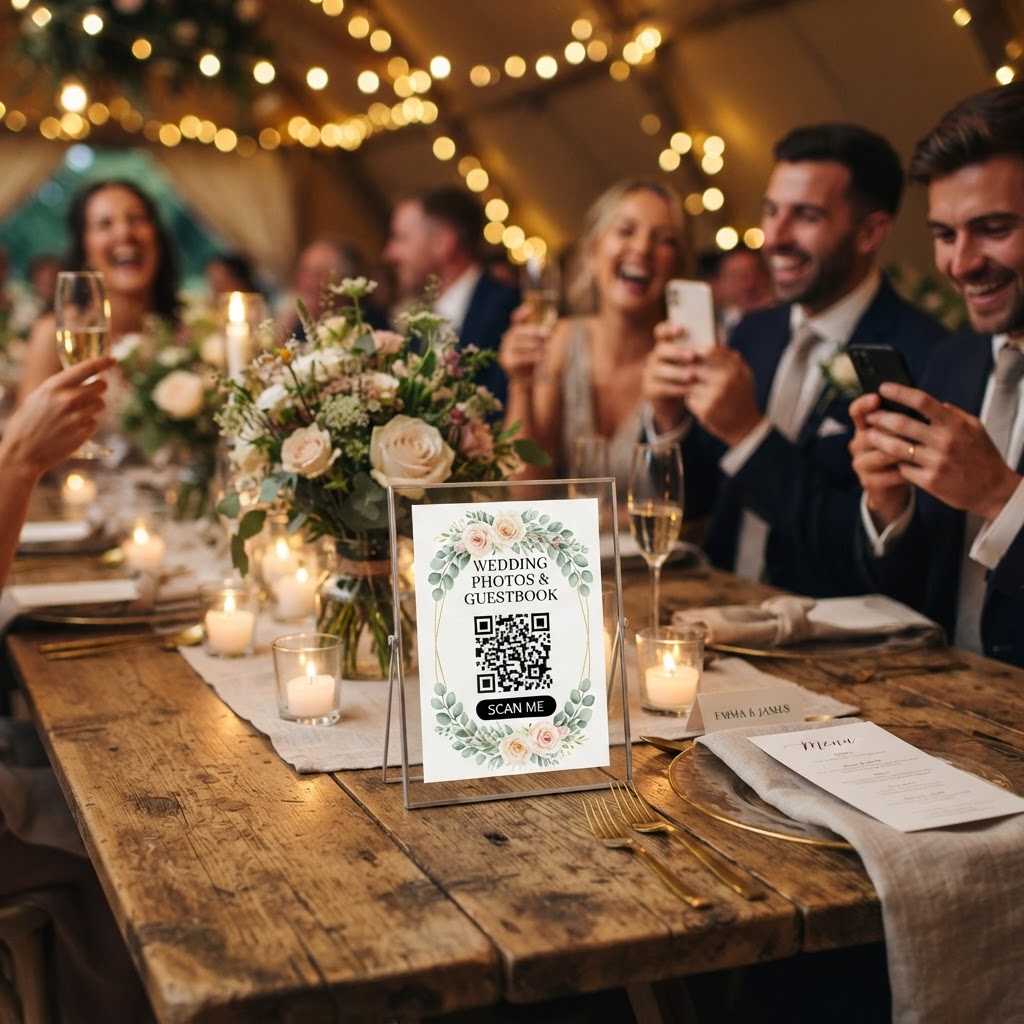
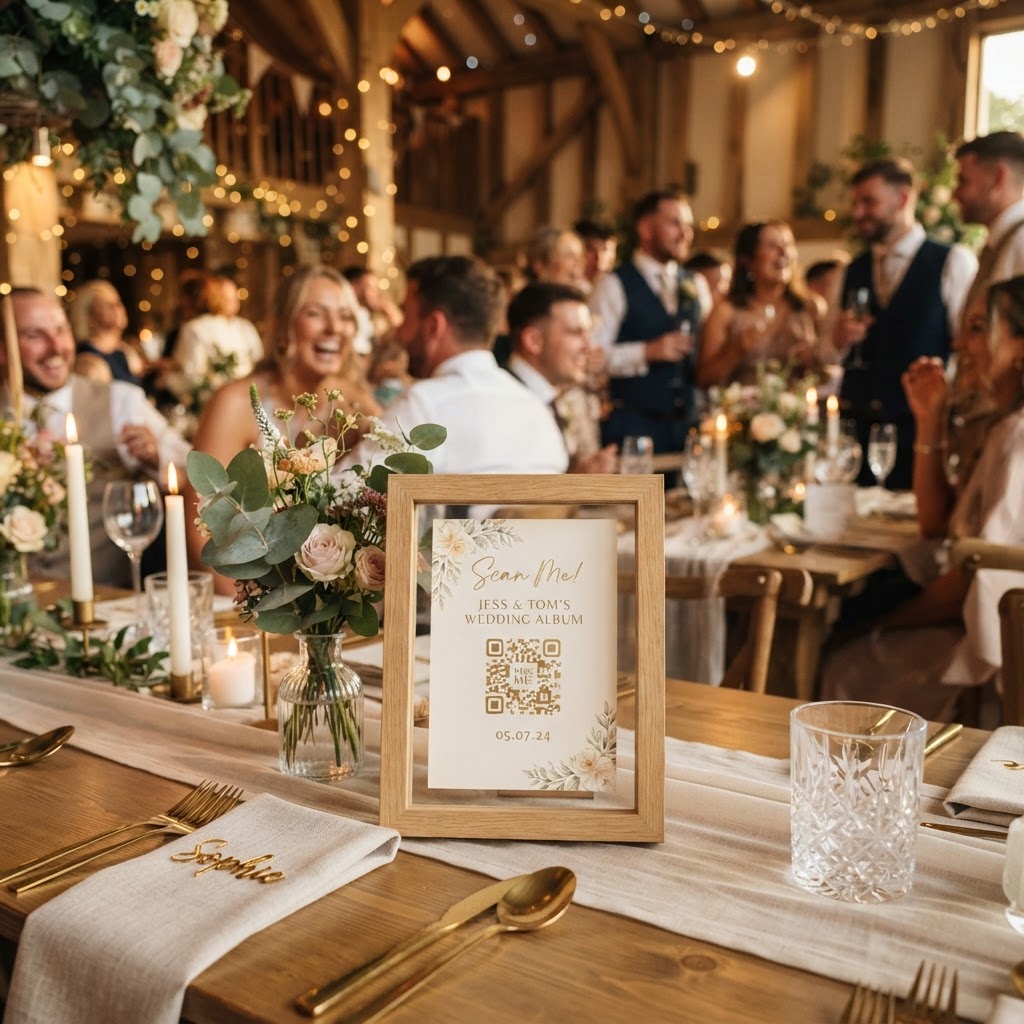
You collect guest photos by providing a simple way for attendees to upload their media through a standard mobile web browser rather than requiring them to install new software. Many couples struggle to gather these memories because they rely on social media tagging or shared cloud links, which often result in low-resolution files or forgotten uploads. By placing a QR code on each table or at the venue entrance, you allow guests to scan and share their files immediately. This method removes the need for account registration and avoids the friction of downloading unfamiliar applications. Guests can contribute their photos and videos directly from their phone's gallery, ensuring the original quality of the images remains intact. Providing this bridge between your guests' phones and your private gallery ensures you do not lose those spontaneous moments during the ceremony, speeches, or the dance floor chaos.
How do I create a fun guest photo scavenger hunt?
You create a scavenger hunt by printing small, attractive cards for every table that list specific subjects or actions you want your guests to capture on their phones. This activity shifts the focus from simple selfies to capturing the hidden stories of your day. Start your list with a mix of sentimental and humorous prompts that encourage movement and interaction between guests. A good list might include capturing the groom looking at the bride during the first dance, a candid shot of the best man during his speech, a group photo of guests from the same family, or an artistic flat-lay of the table's floral arrangement. Including a video prompt is also a clever way to build a digital guestbook. Ask guests to record a ten-second message offering their best wishes or a favourite memory of the couple. These videos provide a much more personal touch than a traditional written guestbook, preserving the voices and laughter of your loved ones for you to review later.
What technology should I use for a live wedding slideshow?
You should choose a platform that supports a real-time live slideshow to display guest uploads on a screen at your reception, which turns the act of sharing into communal entertainment. Seeing their own photos appear on a large screen encourages guests to keep capturing images throughout the evening. This creates a buzz and highlights the perspective of everyone in the room rather than just the professional photographer. When choosing this technology, prioritise systems that are browser-based. Guests are rarely willing to install an app just for one event, and they will likely delete it the moment they return home. Ensure the platform offers a private, secure gallery where you have full control over who can view or download the files. Privacy is crucial for many guests who may be uncomfortable with their images being shared on public social media feeds. Check that the service handles the technical heavy lifting so that you do not have to manually gather files from dozens of different mobile devices after the party ends.
What are the costs and technical limitations of photo sharing?
Managing your wedding photo collection requires understanding both the financial investment and the lifecycle of the digital files once the event concludes. Many services offer a one-off payment model, such as 39 pounds per event, which allows for unlimited uploads without the burden of ongoing monthly subscriptions. You must be realistic about the duration of your access. Most platforms, including those that allow for features like green screen modes or live slideshows, keep the upload window open for exactly seven days after your wedding date. This is intended to capture the event while it is still fresh in everyone's mind. Once the event has passed, the gallery typically remains available for a set period, often ninety days, before it is permanently deleted. This is not a long-term storage solution for your primary wedding photos. You must download all your favourite files and move them to a permanent home, such as a personal cloud drive or a physical hard drive, before that window closes. Treat this service as a tool for the collection and distribution of temporary event memories rather than a lifelong archive for your professional photography.
How to manage guests during the wedding breakfast?
The time between the end of the ceremony and the start of the evening reception is a common lull where guest engagement can dip, making it the ideal moment to introduce your photo system. Place your QR code prominently on the centre of the tables so guests see it the moment they sit down for the meal. You can mention the photo sharing during your welcome speech to remind everyone that they are part of the event's collective storytelling process. By framing it as a fun way to build an instant, shared gallery, guests will be more inclined to participate early in the day. Remember that your goal is to make the experience feel effortless and natural. When guests see the fun others are having with the green screen mode or the live slideshow, they will naturally be drawn into the activity. As you prepare for your wedding, keep the technical steps to the absolute minimum and ensure the instructions are clear for every age group in attendance. Making sure everyone feels included in the documentation of your day is a key element in creating a warm and connected atmosphere, which is why a simple, browser-based service like Moment49 is a sensible choice for your wedding planning.