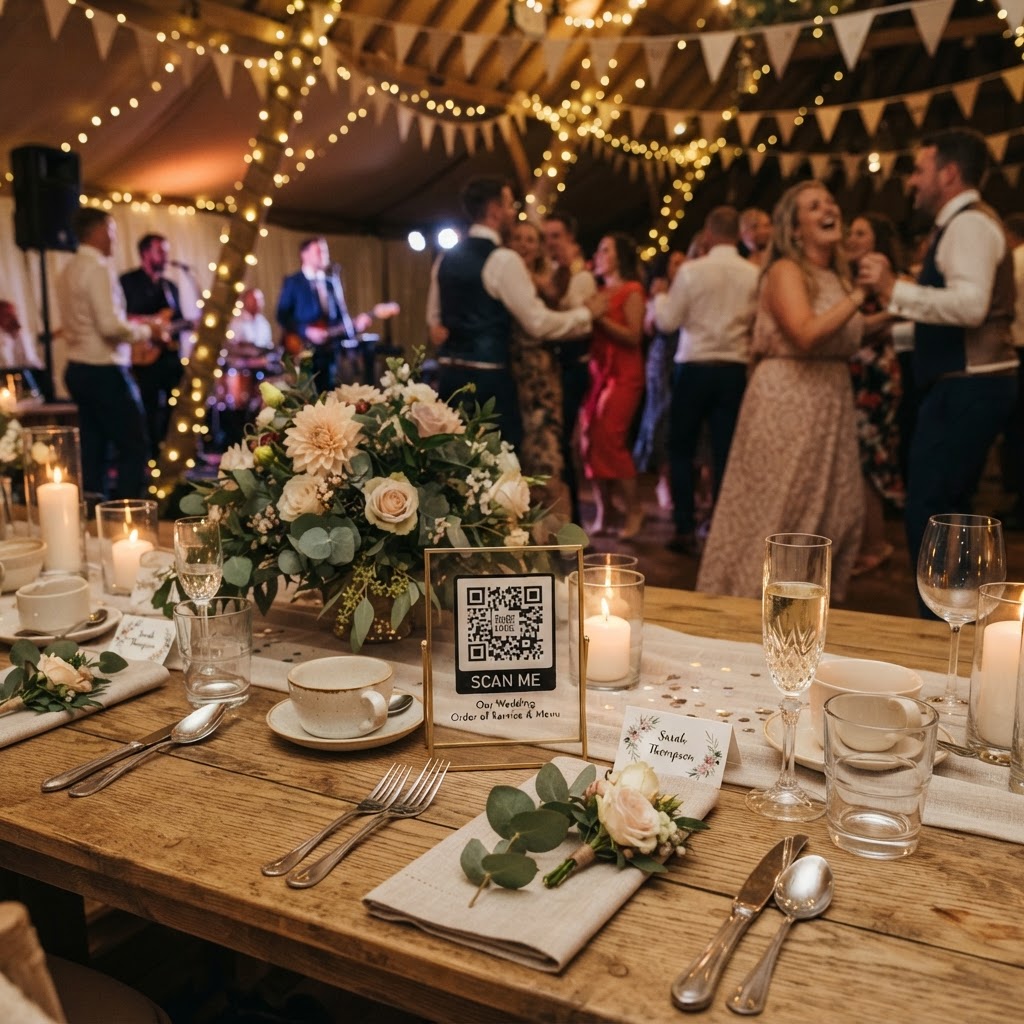
What is a QR code wedding photo sharing system?
A QR code wedding photo sharing system is a digital platform that allows event guests to upload photos and videos directly from their mobile web browsers to a private gallery by scanning a unique code. This technology removes the friction typically associated with image collection, such as mandatory app installations or account sign-ups. When guests scan the code placed at their table or a central location, they are redirected to a mobile-friendly upload page. From there, they can select files from their phone and send them straight to your storage. Because these platforms operate entirely within a mobile browser, guests do not need to memorise passwords or navigate complex menus. It simplifies the process into a scan, select, and upload workflow that takes seconds to complete.
How do I set up a wedding photo QR code?
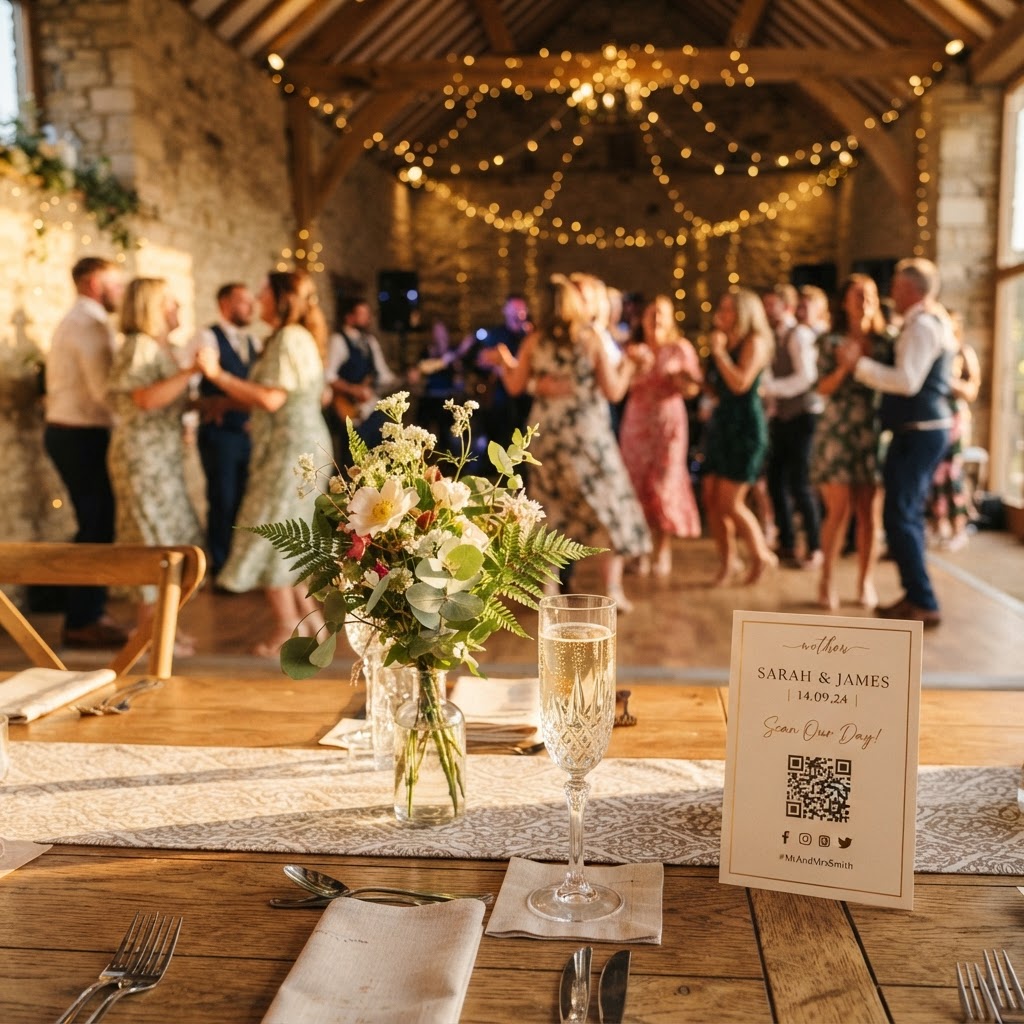
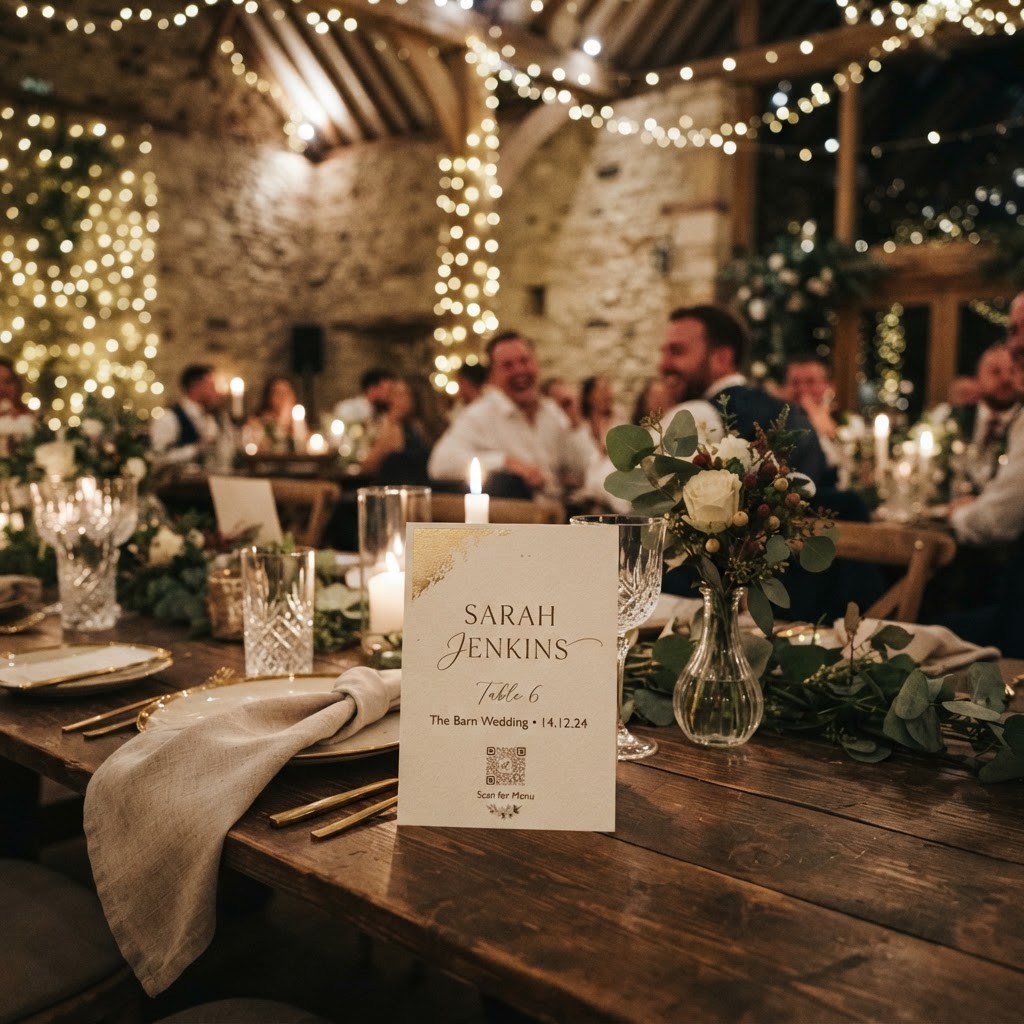
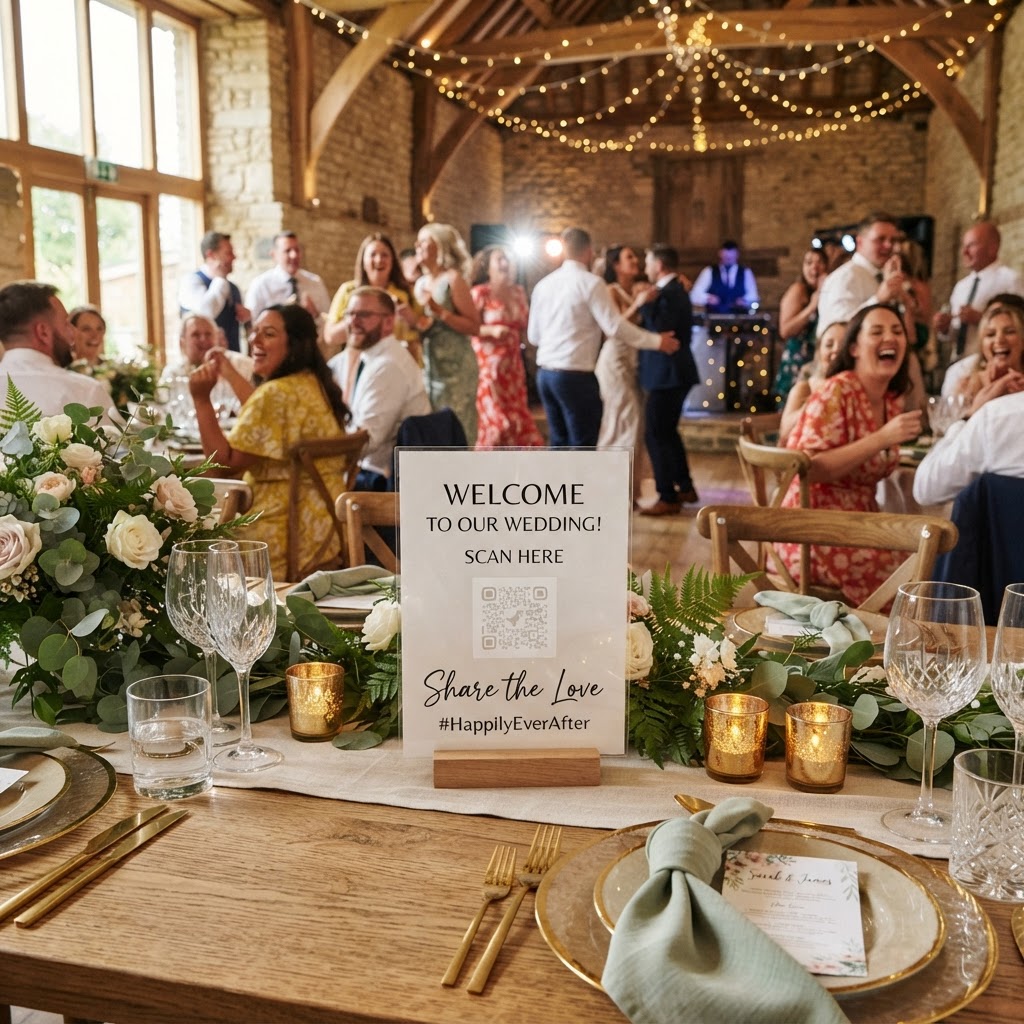
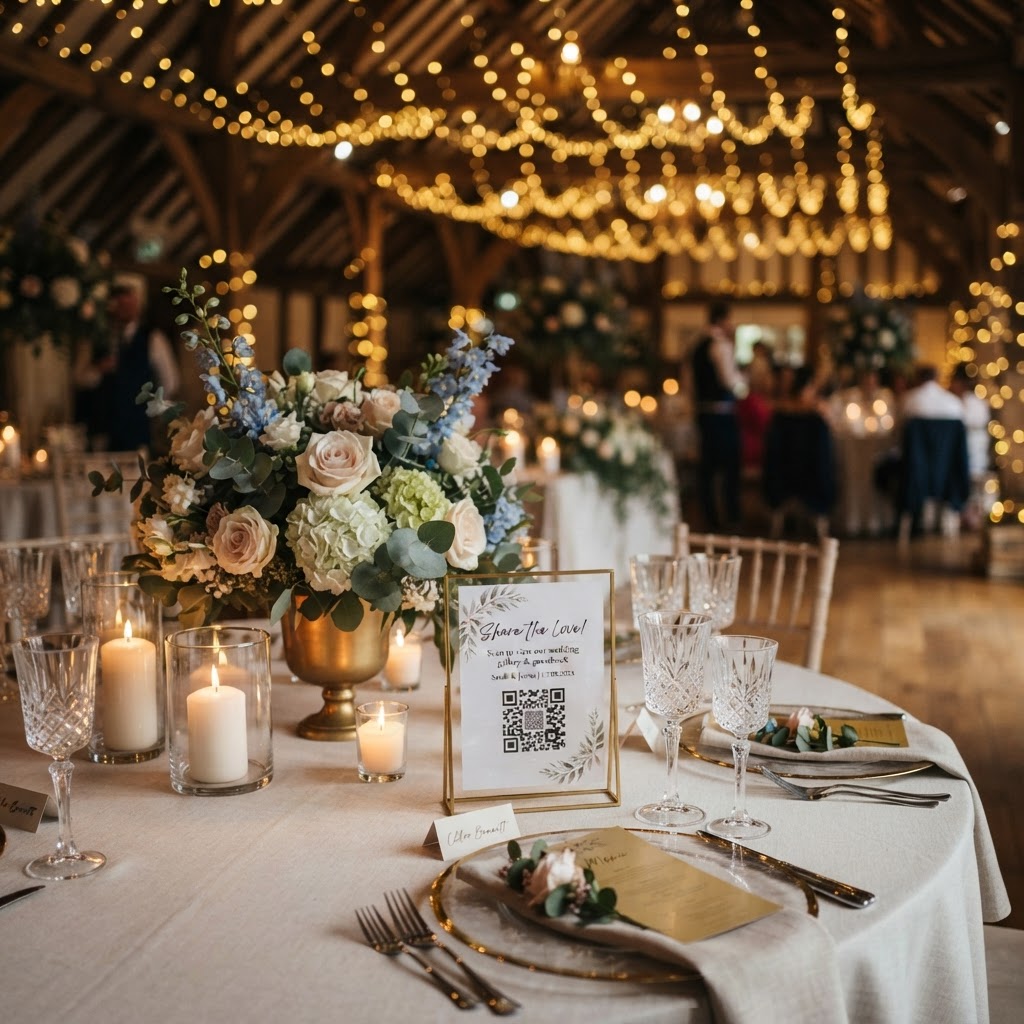
To set up a wedding photo QR code, you must register your event on a specialised sharing platform, generate a unique code, and display it where guests can easily scan it. First, verify that the service you choose provides a clean, printable QR code that links directly to your unique event folder. Consider the physical placement of these codes to maximise engagement. Placing them on the centre of dining tables works well because guests naturally spend time there during the speeches and meal service. You might also print the code on your menu cards or place a small framed sign at the welcome table near the entrance. Ensure the sign includes a short, clear instruction for guests. A simple phrase like 'Scan to share your photos and videos' is often more effective than longer explanations. Since the system is web-based, you should test the process on your own device to ensure the landing page loads quickly in areas of the venue with poor signal. Providing a secondary way to access the link, such as a short URL printed underneath the code, helps guests who might struggle with camera focus.
How can I display guest photos live during my reception?
You display guest photos live by connecting your event gallery to a projector or large screen via a laptop, which pulls incoming uploads from the browser feed in real-time. This feature transforms the photo sharing experience from a private collection into an interactive group activity. When a guest uploads a candid shot or a short video message, it appears on the screen within moments. Seeing their own contribution on the big screen encourages other guests to pick up their phones and join in. To make this work, ensure you have a stable Wi-Fi connection at the venue, as a mobile signal might fluctuate throughout the night. If the venue does not have Wi-Fi, verify that your data package supports the upload speeds required for constant streaming. Position your projector or screen in a high-visibility area, such as near the dance floor or beside the bar. It acts as a visual icebreaker that gets people laughing and sharing more throughout the evening. Note that because this is a live feed, it is wise to assign a trusted friend to manage the device or simply let it run as a passive slideshow throughout the night.
What features should I include for the best guest engagement?
To achieve the best guest engagement, you should combine standard photo uploads with interactive elements like a video guestbook and structured photo challenges. A video guestbook allows guests to record spontaneous messages, which captures the tone of the event in a way that static text cannot. Encourage this by placing small prompts on the table signs, such as 'Leave the couple a video wish.' Photo challenges are another excellent way to fill your gallery with interesting content. Create a list of prompts for guests to find, such as 'The funniest dance move,' 'Your favourite wedding detail,' or 'A group selfie with new friends.' This gamification moves people away from taking repetitive photos and towards documenting the unique atmosphere of your day. Additionally, look for platforms that offer green screen photobooth modes. These modes allow guests to overlay their photos on pre-set backgrounds directly through their browser, providing a fun activity without the need to rent a physical booth. This saves significant space at the venue and keeps the budget focused on the sharing experience rather than hardware rental fees.
How do I manage privacy and storage for my wedding photos?
Managing privacy and storage for your wedding photos requires selecting a system that allows you to control who can view the gallery and ensuring you download all files before the hosting period ends. When choosing a platform, prioritise services that offer a private, password-protected gallery. This ensures that your media does not end up on public social media feeds and remains strictly between you and your guests. Remember that most modern sharing services are built for convenience rather than long-term archiving. For instance, many platforms keep guest uploads open for seven days after the event and delete the online gallery after ninety days. This structure is intended to give you a window to review, download, and organise your media before the server is wiped. You must take responsibility for downloading your full-resolution files during this window. Once you have the files on your local computer, back them up on an external hard drive or a permanent cloud storage service that you control. Treat your wedding gallery as a temporary holding area rather than a forever storage solution. By planning your download schedule immediately after the wedding, you protect your memories from the automated deletion cycle inherent to these platforms.
What is the cost of using a QR code sharing service?
The cost of using a QR code sharing service is typically a single, transparent fee per event, which covers the entire usage period without recurring subscriptions. When you choose a provider like Moment49, you avoid hidden monthly costs or tiered storage limits that often complicate event planning. Budgeting a one-off payment of around thirty-nine pounds is a standard approach that covers your access for the duration of the setup, the event, and the week following it. This model is ideal for weddings because it provides a predictable expense that fits easily into your overall event budget. Compare different providers carefully, focusing on what is included in that single fee. Ensure that the price includes unlimited uploads, as you do not want to be penalised or have the service stop if your guests are particularly enthusiastic with their cameras. Also, check that the price includes the ability to download your files in high resolution without additional per-download fees. A single payment approach allows you to focus on the celebration, knowing that your digital memory collection is fully paid for and active whenever you need it.