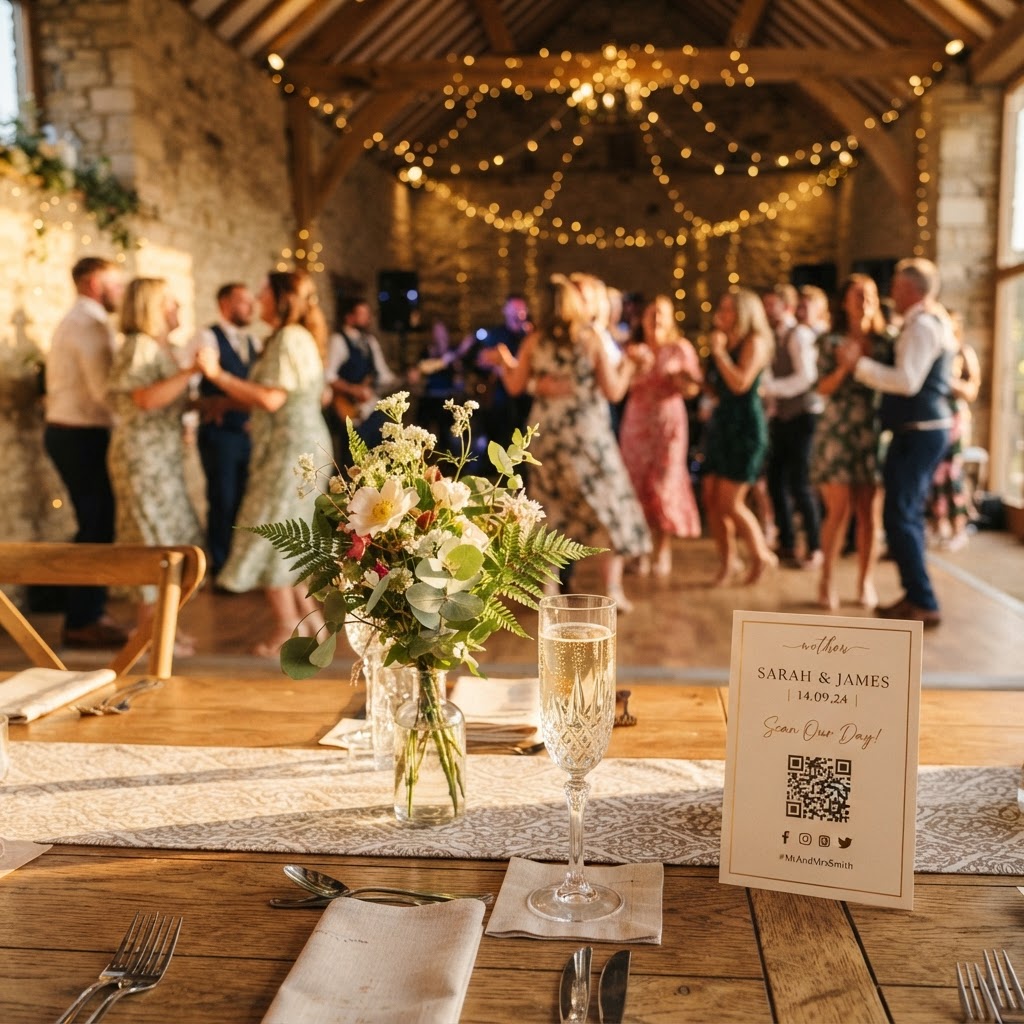
What is a QR code wedding photo sharing service?
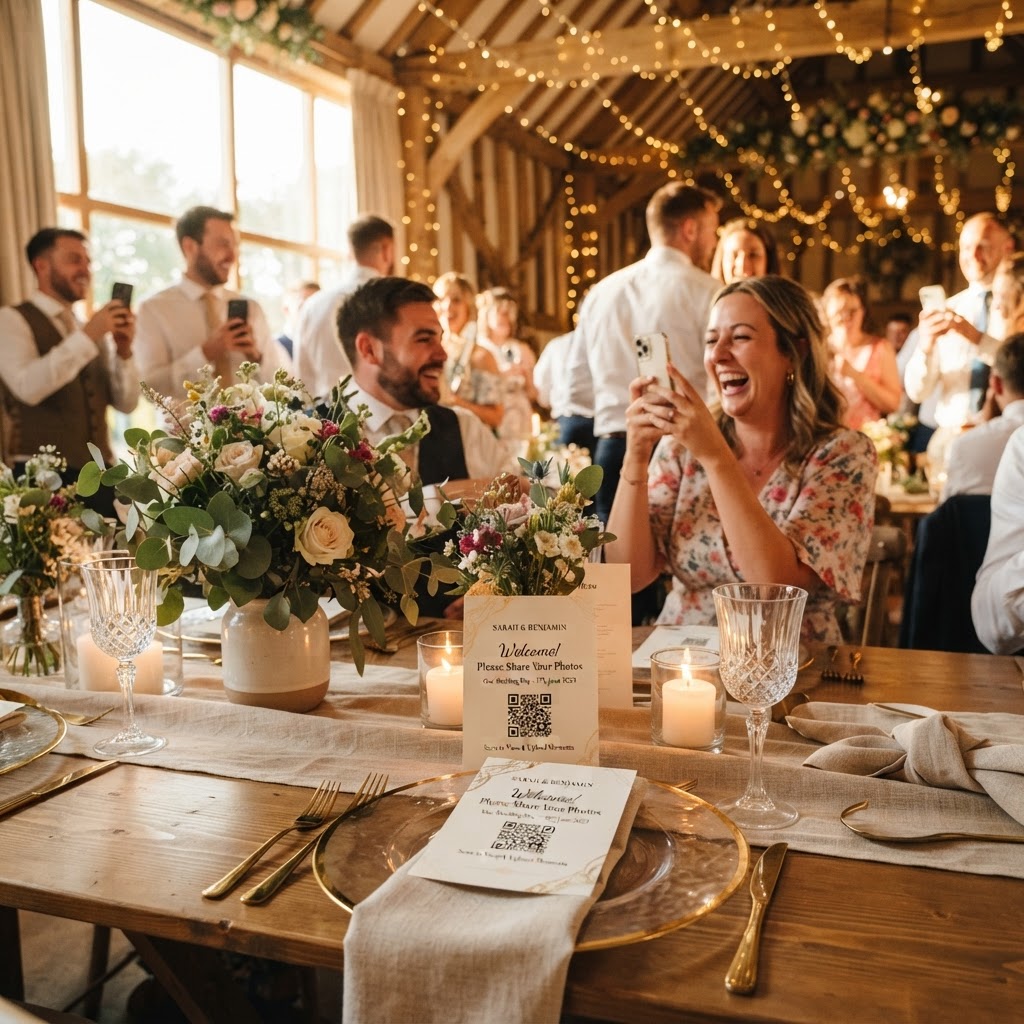
A QR code wedding photo sharing service is a digital platform that allows guests to upload images and videos directly from their mobile web browser by scanning a physical code. This process eliminates the requirement for guests to install third-party software or create private accounts to contribute to a shared gallery. These tools rely on browser-based uploading, which ensures that the technical barrier for participation remains extremely low. When a guest scans the code, they are taken to a direct upload link where they can submit photos or video messages instantly. Because the service functions through a mobile browser, it works across all major smartphone operating systems without specific compatibility issues. These platforms offer a streamlined approach to gathering content while providing the couple with a central hub to manage the files during and after the wedding day.
How do I set up a wedding photo collection system?
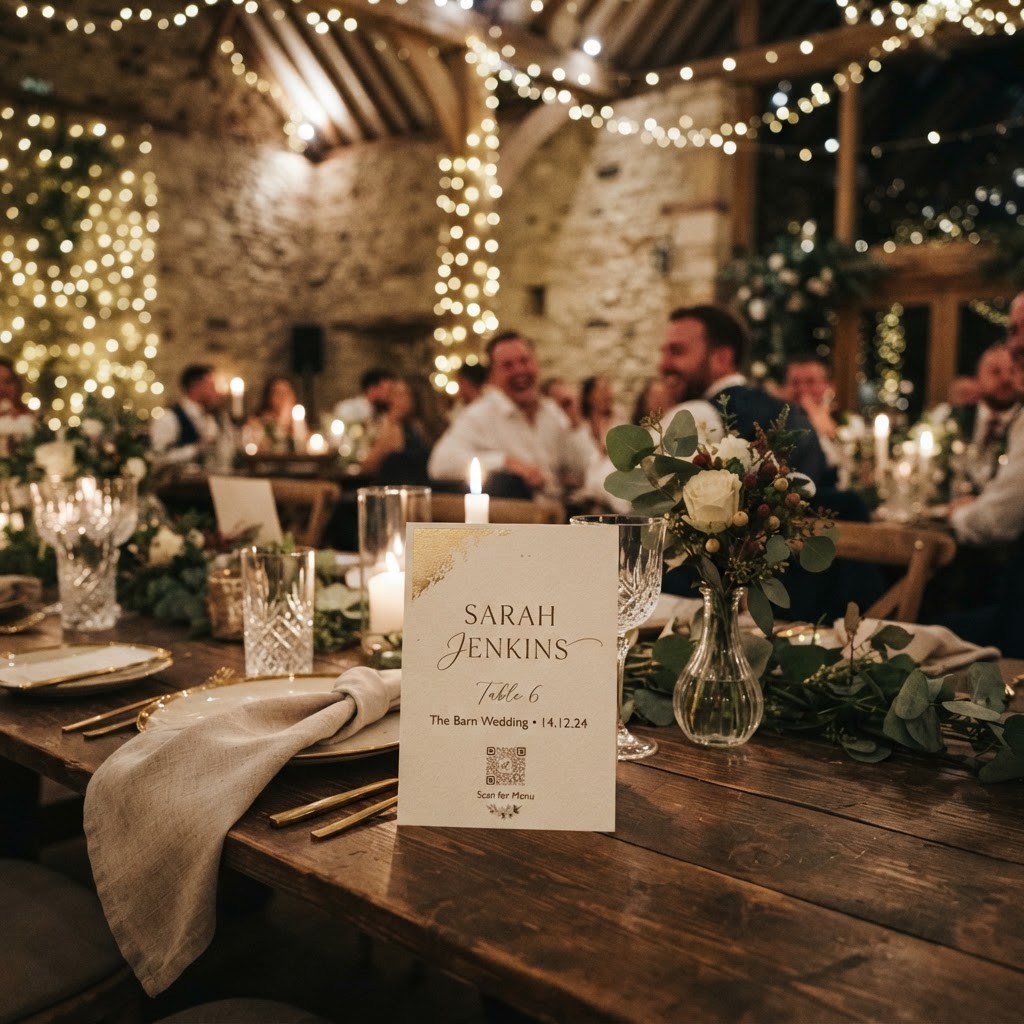
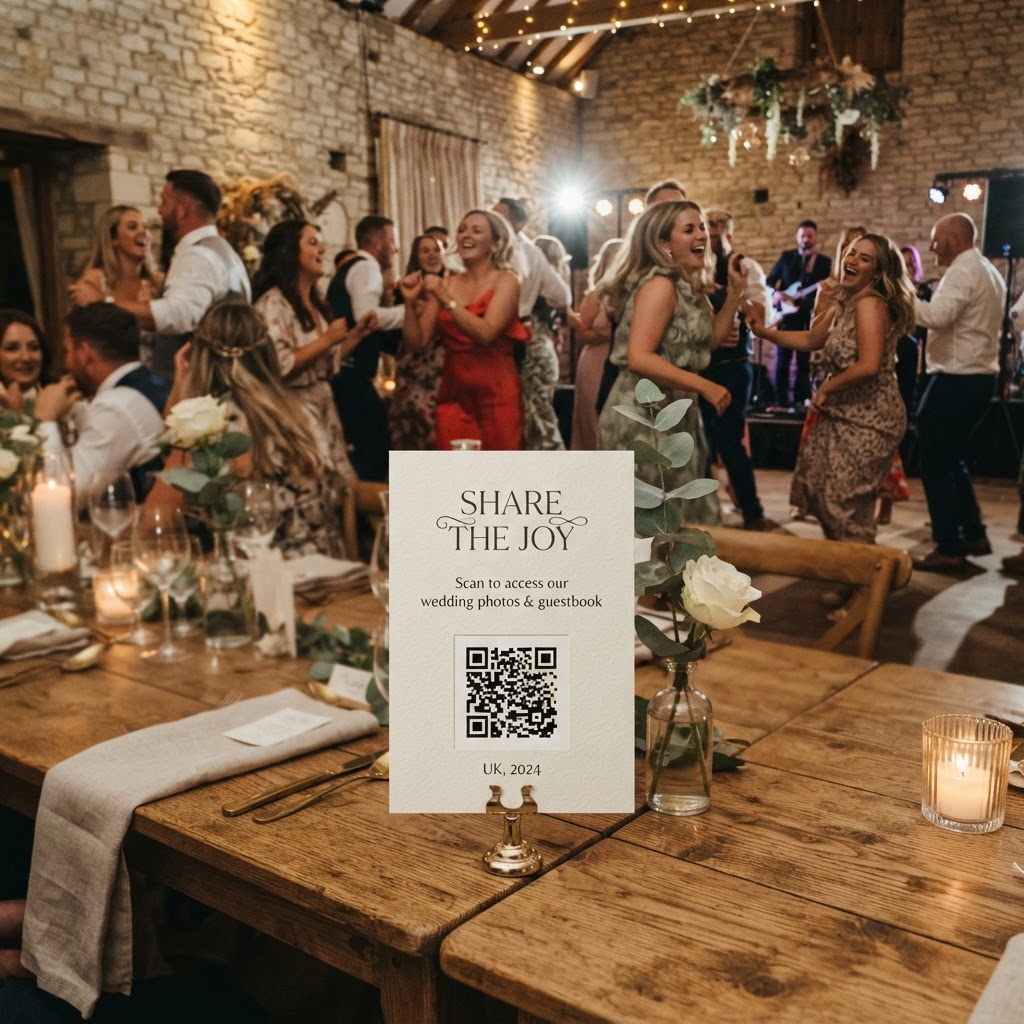
You set up a photo collection system by choosing a service, obtaining your unique QR code, and printing it on cards or signage to place at your venue. Begin by selecting a provider that offers browser-based uploads, as this ensures your guests can participate within seconds rather than minutes. Once you register for the service, you will receive a unique link or QR code specific to your event. Place these QR codes in prominent locations such as dining tables, the guestbook station, or near the bar. To ensure maximum participation, include brief instructions on the cards, such as Scan to upload your photos or Share your favourite moments with us here. You should test the link from multiple devices before the big day to confirm the camera access and upload speed are functional. If your provider supports it, you might also consider setting up a tablet or a dedicated area for guests who are less familiar with mobile technology to upload their contributions.
How do I encourage guests to share more photos?
You encourage guests to share more photos by gamifying the experience and providing specific prompts that turn guests into active storytellers rather than passive observers. A wedding scavenger hunt acts as an excellent icebreaker and a method to ensure you receive a diverse range of images throughout the night. Place small, printed cards on each table featuring specific requests. Suggestions might include capturing a candid photo of the best-dressed guest, finding someone who has known the couple for over ten years, or recording a short video message for the couple. When you give guests a task, they are more likely to interact with their phones to capture the requested content. Beyond scavenger hunts, consider the use of creative features like green screen modes or theme-based photo effects, which encourage guests to approach the booth for fun and unique imagery. When the process feels like an activity rather than a chore, your guests will naturally contribute more meaningful footage throughout the event.
What are the benefits of a live slideshow during the reception?
A live slideshow displays guest photos on a screen in real-time, which creates immediate engagement and excitement within the reception room. As guests upload their images or videos, they appear on the display, allowing everyone to see the perspective of others during the celebration. This dynamic element transforms the event atmosphere, as it makes the collection of memories a communal activity rather than a private task. When a guest sees their own contribution appearing on the big screen, they are often encouraged to take more photos or videos throughout the remainder of the evening. Ensure that the screen is positioned in an area with high visibility, such as near the dance floor or the dessert station. This live feed works best when the internet connection at the venue is stable, as it relies on a constant stream of data to display the files as they are submitted.
How long do my wedding photos stay in the gallery?
Your wedding photos generally stay available for uploading for seven days after the event, with the entire gallery typically deleted from the server 90 days after your wedding date. This short-term storage model is standard for these services, as they are designed to facilitate the collection and sharing of files rather than acting as a permanent cloud storage solution. You must plan to download all your event photos and videos to your own computer or hard drive before the 90-day window expires. After this time, the content is permanently removed from the system to ensure privacy and data security for all parties involved. Remember to mention this window to your guests if they need time to download their own contributions, though the primary responsibility for archiving the collection rests with the couple. This timeframe ensures you have enough time to review, curate, and save your favourite memories without worrying about long-term data hosting fees.
Should I use a digital guestbook instead of a paper one?
A digital guestbook is a modern alternative that captures video messages from your friends and family, preserving the tone, emotion, and energy of the night in a way that paper cards cannot. By allowing guests to record short clips, you get to hear the voices and see the reactions of your loved ones in a way that remains intimate and authentic. These video messages can be uploaded through the same QR code interface, which keeps your media collection organized and simple. While paper books provide a tactile experience, they often end up stored away in a cupboard, whereas video guestbooks are easy to share digitally with family members. You should consider providing a dedicated station with a stand for the QR code and perhaps a small sign explaining that you would love a video message. For the best audio results, ensure the sign is not placed in the immediate path of loud speakers or the primary music source, as this will improve the clarity of the recorded voices.