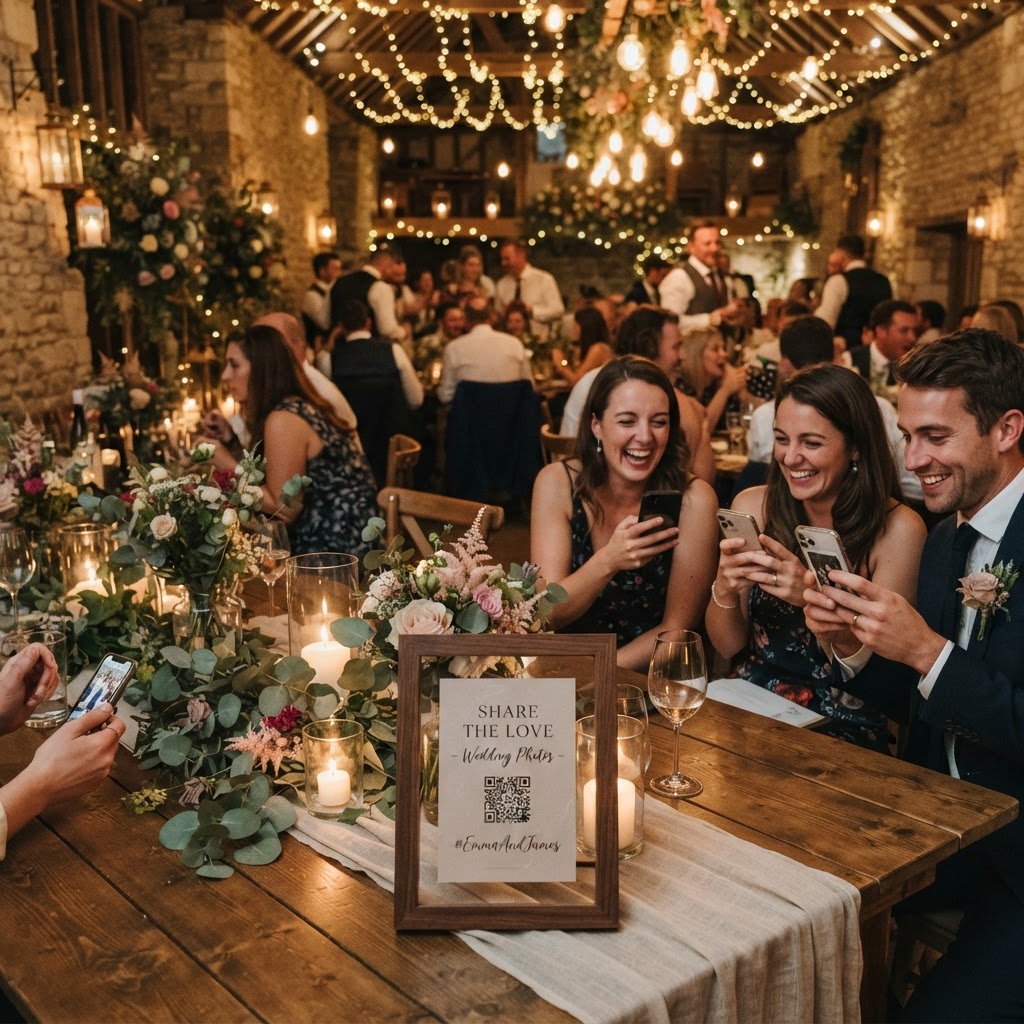
Wedding photo sharing is the practice of collecting digital images and video clips captured by your guests using their own smartphones during your celebration.
How do I get guests to share photos without an app?
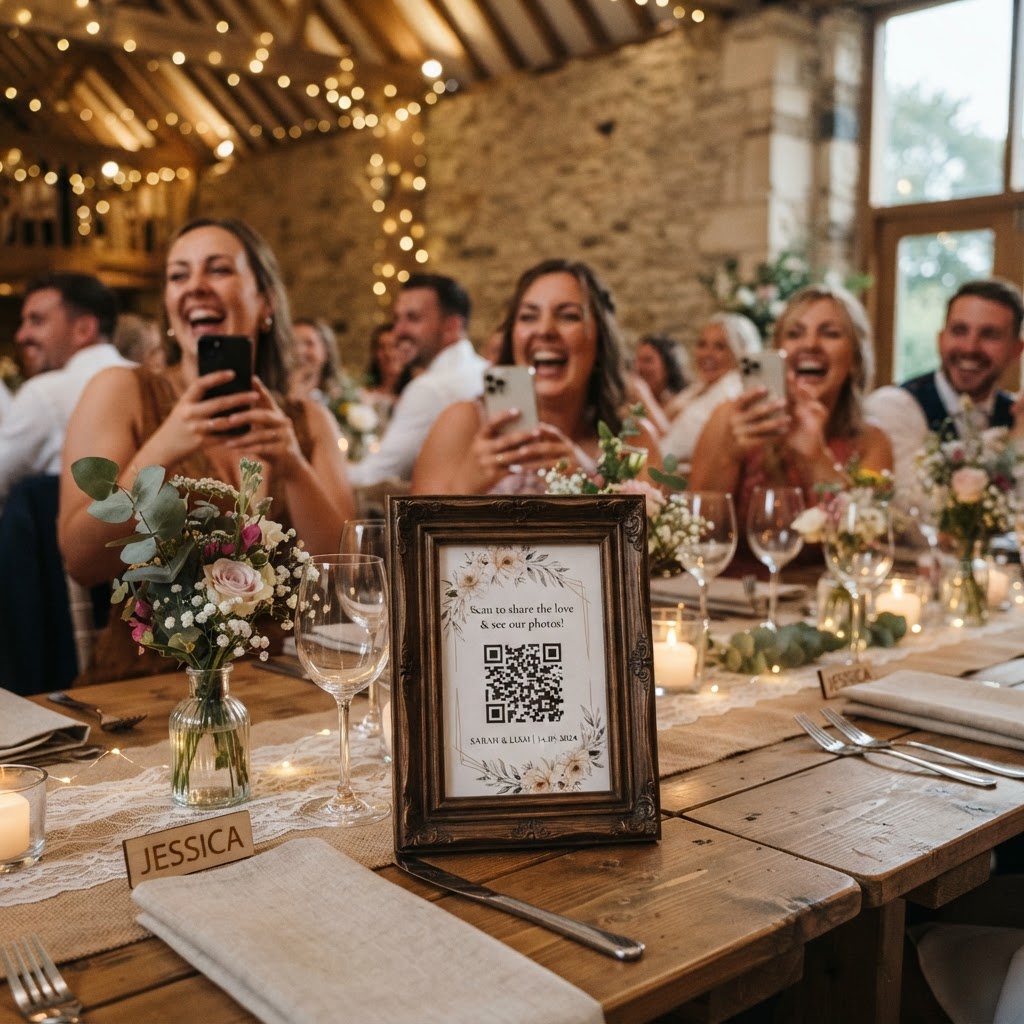
You ensure high participation by choosing a browser-based upload system that requires no app downloads and no account registration from your attendees. Many guests feel hesitant to install new software on their phones, especially when they are dressed in formal wear and trying to enjoy a social setting. When you remove the friction of app stores and login screens, you turn the device your guests already hold into the primary camera for your event. Guests simply scan a QR code placed on their table, open a link in their mobile browser, and select the media they wish to upload. This immediate access encourages even the most tech-hesitant family members to contribute their unique perspective of the day. Because the process occurs entirely within the phone browser, you avoid the administrative burden of checking accounts or explaining complex tech setups to relatives. You effectively lower the barrier to entry so that documenting the day becomes as simple as taking a standard photograph.
Where should I place QR codes for the best results?
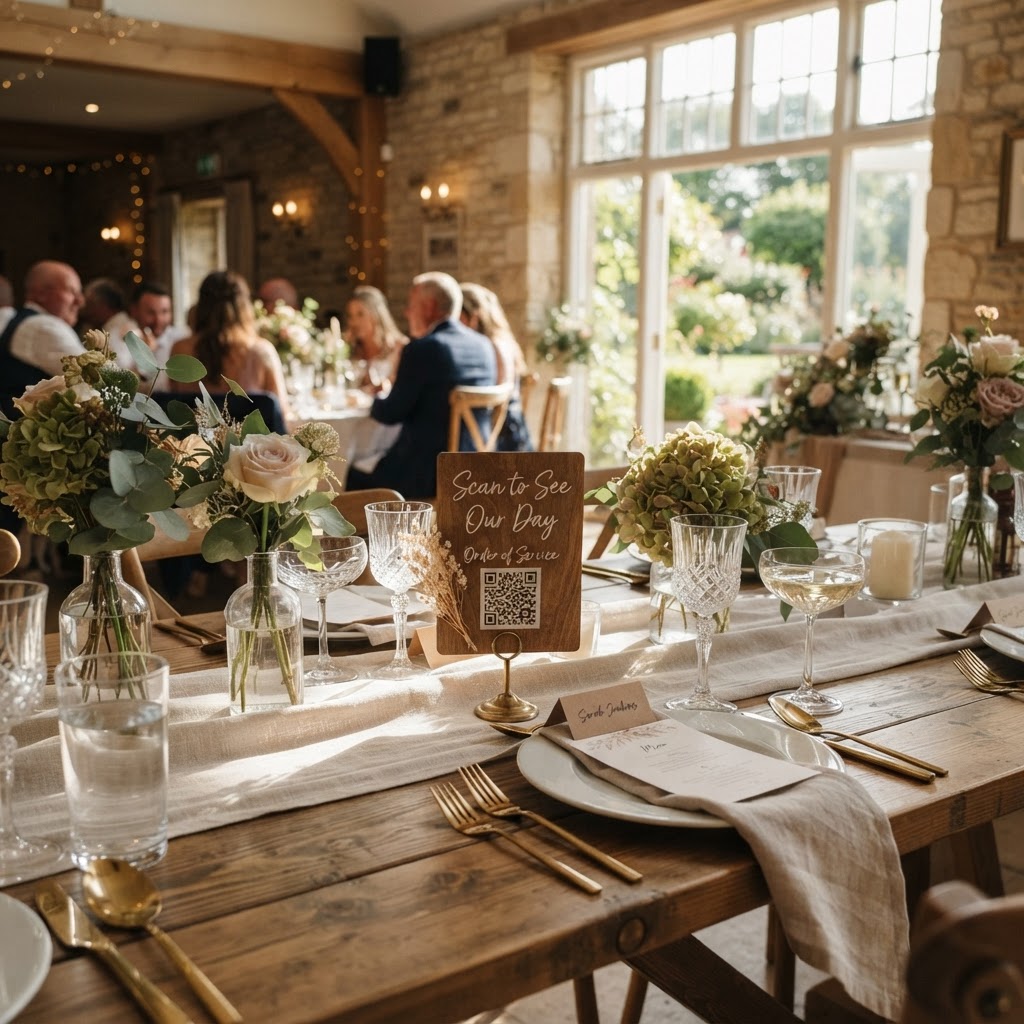
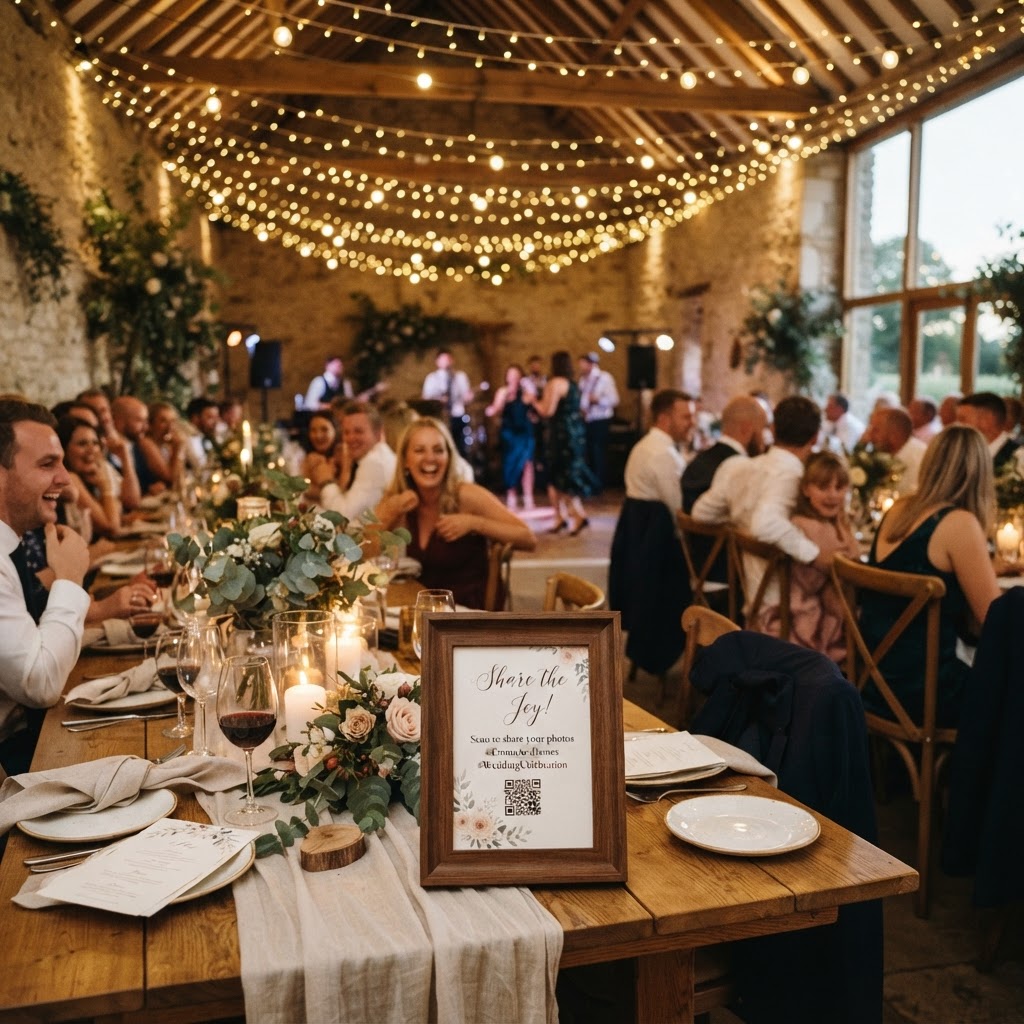
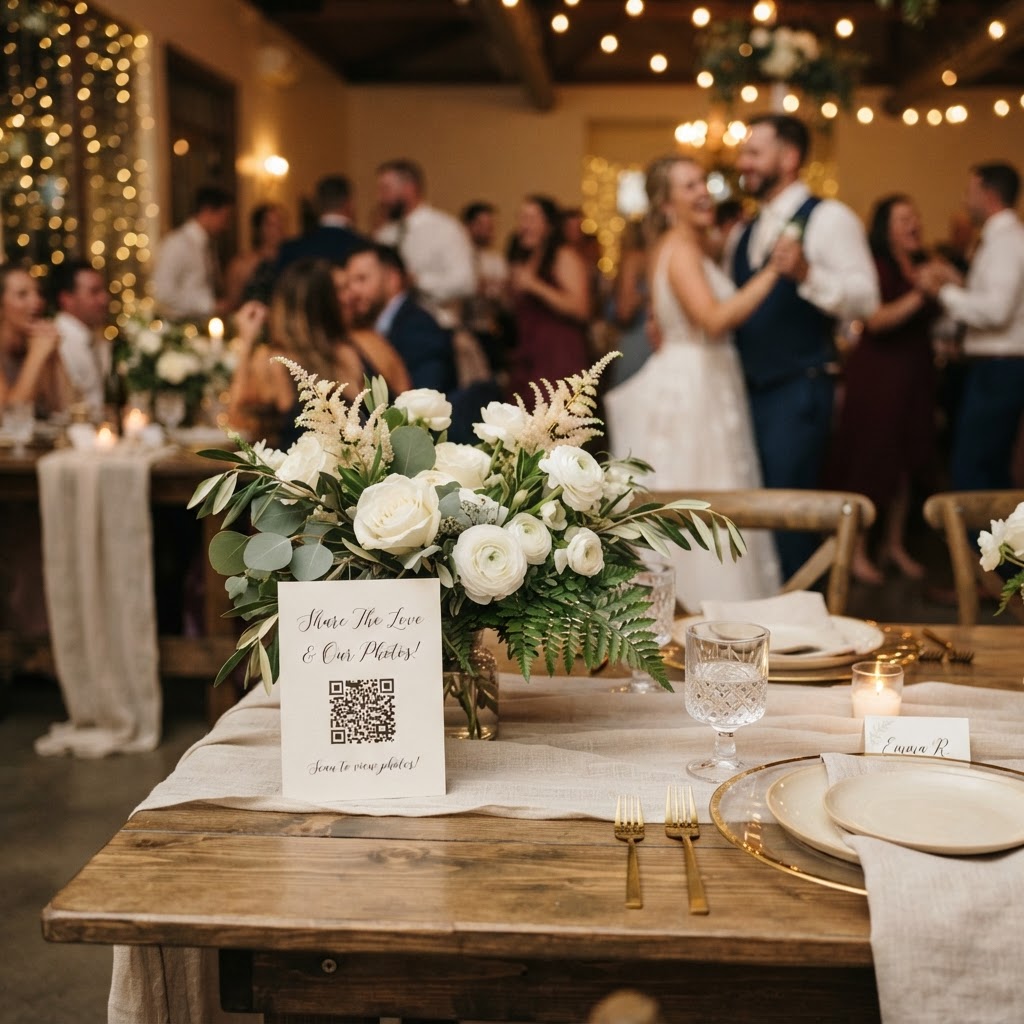
You should place QR codes in high-traffic areas and on every dining table to ensure guests encounter them throughout the duration of the event. A single sign at the entrance often gets ignored as guests arrive and focus on finding their seats. Instead, print small, elegant cards and place one in the centre of each table setting. This allows guests to scan the code while they are waiting for the meal to be served or between courses. You should also place cards near the bar area, as this is where guests often congregate and feel more relaxed. Another effective location is near the dance floor or by the guestbook table. If you want to encourage specific types of media, you can label these cards with simple instructions like, "Scan to add your favourite memory of the bride and groom." Keeping the signage consistent across the venue helps guests recognise the system as they move from the ceremony to the reception area.
How can I encourage guests to capture better content?
You can use a structured photo challenge to guide your guests towards capturing creative and meaningful shots throughout your wedding day. Place a list of prompts at each table that encourages guests to look for specific moments. You might suggest they capture the best dance floor moves, a candid shot of the dessert table, or a selfie with the person they are sitting next to. These prompts act as a playful guide that removes the pressure of knowing what to photograph. When guests have a mission, they are more likely to pick up their phones and actively engage with the event. You can also integrate a live slideshow feature if the platform supports it. By projecting these incoming photos onto a screen in the venue, you create a sense of shared accomplishment. When guests see their own photos appear on the wall within moments, the excitement builds and encourages others to participate. This dynamic turn of events transforms your collection from a static task into a collaborative activity that everyone participates in together.
Should I include video messages in my wedding gallery?
You should absolutely encourage short video messages as they provide a deeper layer of personal connection than static photos ever could. While a photograph captures a beautiful visual moment, a video records the actual voices, laughter, and spontaneous wishes of your closest family and friends. When you allow guests to record these clips directly through their browser, you are giving them a digital microphone to express their love. These clips become an invaluable archive that highlights the mood of your evening. They often catch the small, quiet jokes or the sincere words of encouragement that are easily forgotten once the festivities end. Ensure that your instructions clearly state that short clips of ten to thirty seconds are welcome. This keeps the file sizes manageable and encourages guests who might be camera shy to speak briefly without feeling the pressure to perform a long speech. You will find that these clips are often the most replayed elements of your digital collection in the months following your wedding day.
What are the privacy and storage limitations of these tools?
You must understand that these browser-based sharing platforms are designed for immediate event capture rather than long-term digital archiving. Most professional services operate on a fixed-price model for a single event, which typically includes hosting for a set period. For instance, you should expect guest uploads to remain open for seven days after your wedding date. This window allows you to collect media from your guests as they recover from the celebration and sort through their own phone galleries. After this period, the upload feature closes to ensure the integrity of your collection. Furthermore, it is important to note that these galleries are temporary, often being deleted from the provider servers after ninety days. You should download all your files to your personal computer or a cloud storage account well before this deadline expires. Treating the system as a temporary gathering point ensures you do not lose your files when the service period concludes. By managing your expectations regarding these timeframes, you can ensure your precious memories are moved to a permanent home in good time. Every couple seeking a simple way to gather memories can benefit from the streamlined approach offered by Moment49.