How can guests share wedding photos without an app?
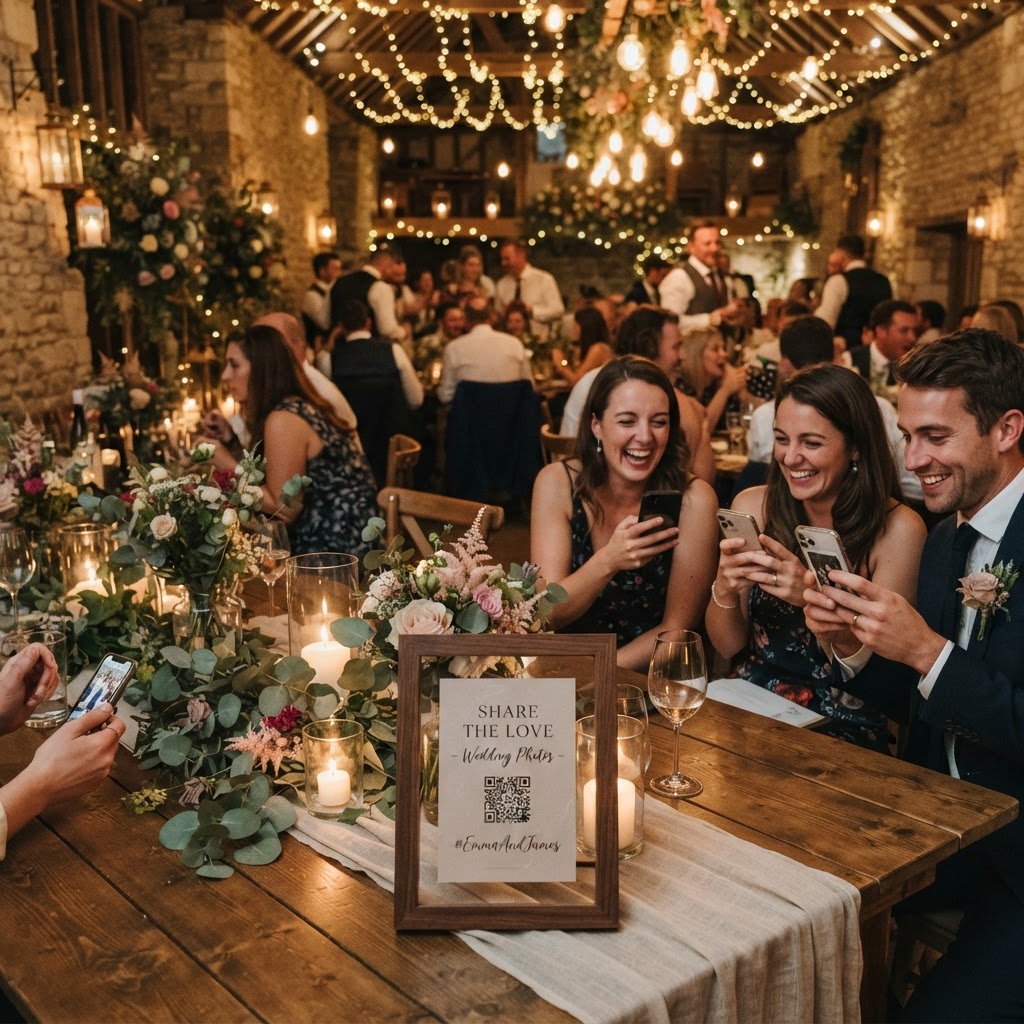
Wedding photo sharing is the process of gathering digital images and video files captured by your guests during your reception using a unified digital collection system. You should avoid any service that requires guests to download a specific mobile app or register for a personal account. Most guests will not spend time setting up a profile when they are at a celebration. Instead, use a browser-based system where a simple QR code scan takes them directly to an upload page. This removes the main friction point that prevents people from sharing their images. By ensuring the process takes only a few seconds, you increase the likelihood that your guests will contribute their unique perspectives. A system that works directly through a standard smartphone browser keeps the technical barrier low and ensures everyone can participate regardless of their phone model.
Choosing the right method for your guest gallery
You must decide if you want a system that offers a simple file repository or a more interactive platform with live features. A basic folder system is functional, but it often lacks engagement features that encourage guests to take photos. Look for features like a live slideshow, which displays photos on a venue screen as they are uploaded. This acts as a reward for the guests, showing them that their contribution is seen and appreciated by the room. Another vital feature is a video guestbook, which allows attendees to record short messages. While written notes are standard, a short video clip captures the tone of voice and the personality of your guests in a way that paper cannot. Check if the service charges a flat, one-off fee rather than a recurring monthly subscription to keep your wedding budget predictable.
Where to place QR codes at your venue
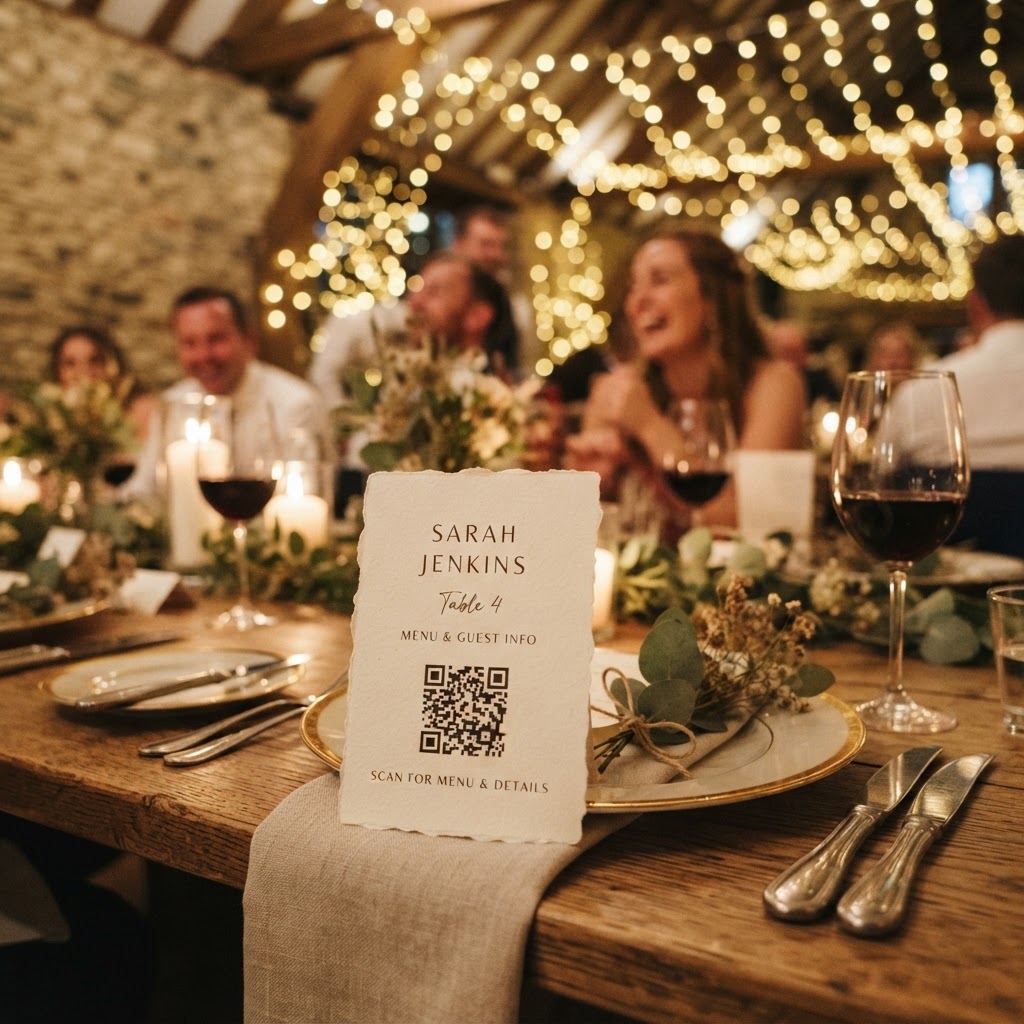
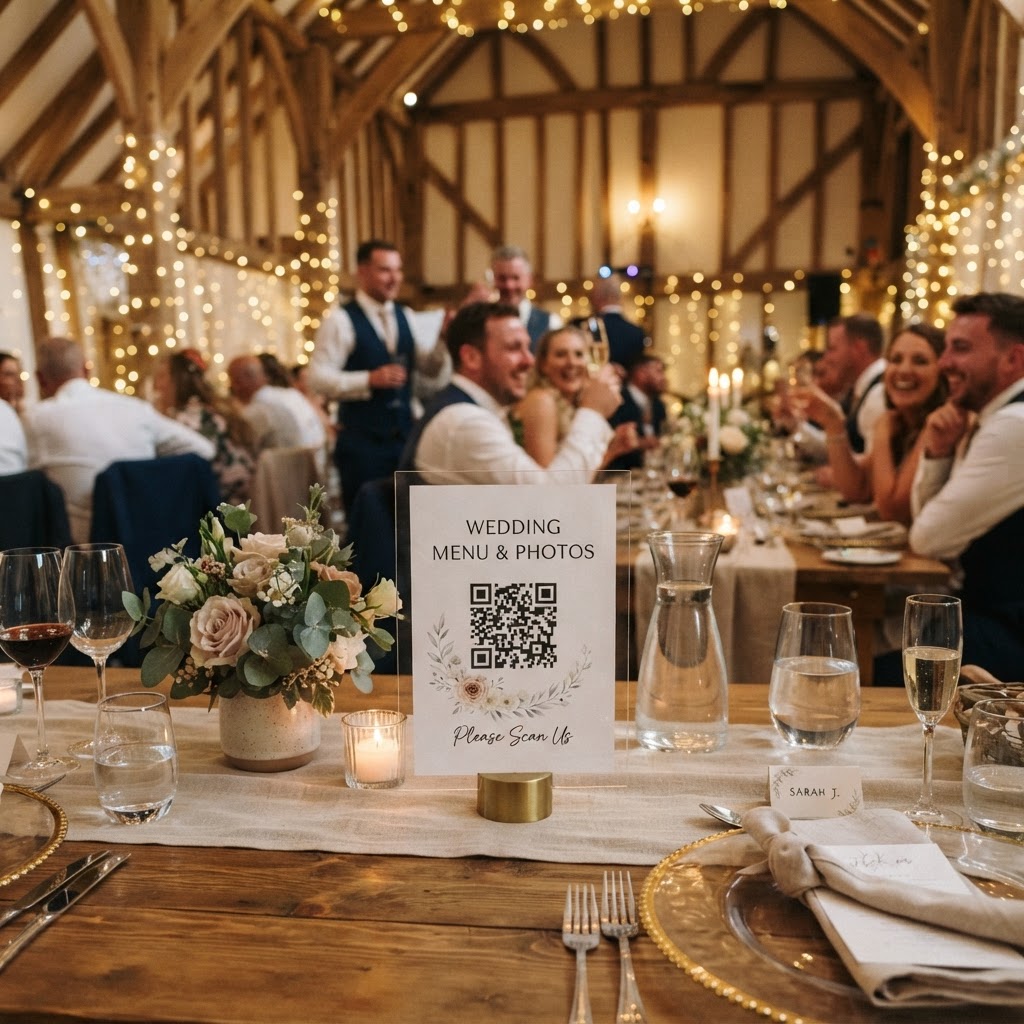
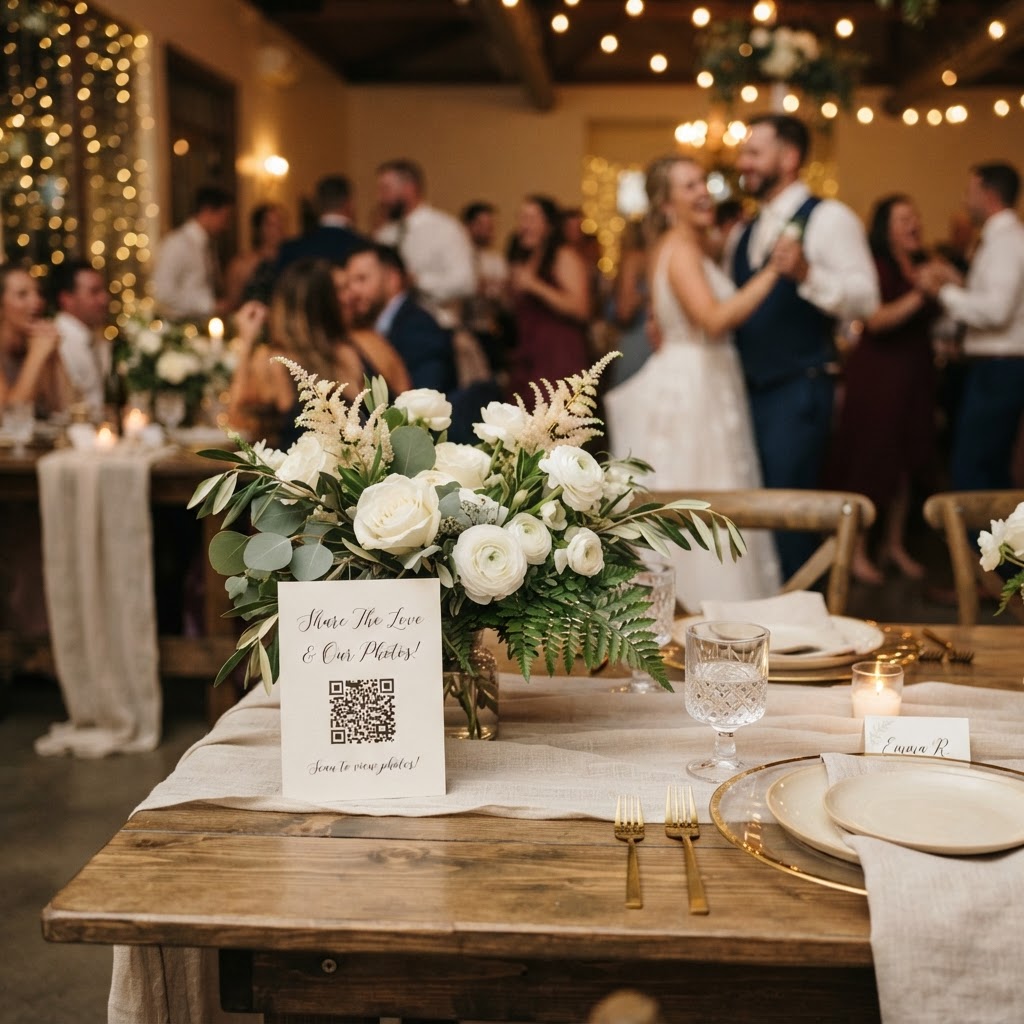
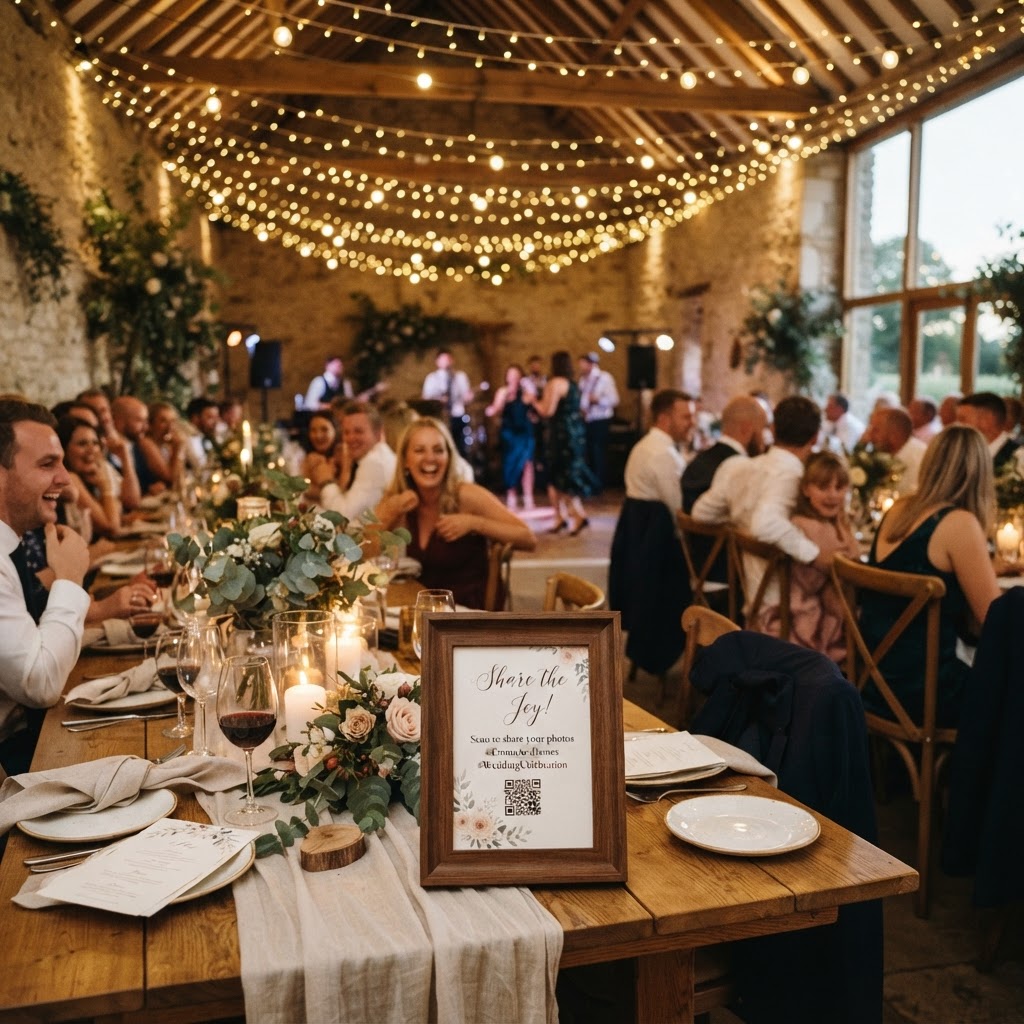
You should place your QR codes in areas where guests naturally spend time waiting or relaxing during the event. Position cards on tables, at the bar, or near the guest book station to ensure maximum visibility throughout the evening. You can use printed cards that match your wedding stationery to make the signage feel like a intentional part of the decor. Include clear instructions on each card, such as stating that no app is needed for the upload process. A brief sentence explaining that the photos will be shared in a private gallery can also encourage shy guests to contribute. If you have a designated area for a photobooth, place a dedicated sign there as well to catch guests while they are already in the mood to pose and capture images. Ensure the codes are large enough to be scanned from a comfortable standing distance to avoid crowding.
How do you keep wedding photos private?
You can maintain privacy by selecting a platform that allows you to manage the digital gallery and restrict public access entirely. Many public social media platforms are not appropriate for wedding photos because you may not want every guest to upload images for the public to see. A dedicated private gallery acts as your personal digital vault where you can review, download, and store every file submitted by your friends and family. Because you control the link, you decide who gets access to the final collection. Remember that these platforms have specific lifespans for your data. For example, guest uploads typically remain open for seven days after the event, and the gallery is usually deleted after 90 days. This means the system is designed for active collection rather than long-term archival. Download your favourite images and store them in your permanent digital backups once the gallery period concludes to prevent any accidental loss.
Setting up a fun photo scavenger hunt
A photo scavenger hunt is a brilliant way to encourage guests to capture specific, meaningful moments they might otherwise overlook. You can print a list of suggested subjects on the back of your QR code cards or on separate menu cards at each table. Provide ideas that vary from silly to sentimental to capture a full range of emotions. Suggestions might include finding the person with the most enthusiastic dance moves, capturing a photo of the wedding cake, or taking a selfie with someone they have not seen in a long time. This gamification transforms guests into an unofficial creative team for your wedding day. It also helps break the ice for guests who do not know many other people at their table. By giving them a task, you make it easier for them to feel involved and comfortable with the technology.
Managing your storage expectations
While gathering hundreds of photos is exciting, be realistic about what happens after the event. Since most digital sharing platforms are designed to host files for a temporary window of up to 90 days, your primary role as the host is to move your files to a secure location after the wedding. Create a folder on your computer or a cloud storage service where you can transfer your favourite memories as soon as the upload period closes. Treat the gallery as a transit point rather than a permanent home. This strategy prevents the stress of worrying about deletion timelines while keeping your wedding data safe for years to come.
Coordinating with your professional photographer
Do not treat guest photography as a replacement for professional services, but rather as a complementary way to document the day. Professional photographers capture the formal compositions and essential milestones, while guests capture the candid, messy, and hilarious interactions that happen in the background. Inform your photographer that you are using a digital collection tool so they are not surprised by guests holding phones during key moments. Often, the presence of a guest-sharing system can actually relieve pressure on the professional team, as guests feel they have already contributed their own shots. By using these tools thoughtfully, you capture a more complete story of your wedding day through the lens of Moment49.