How do guests upload wedding photos without an app?
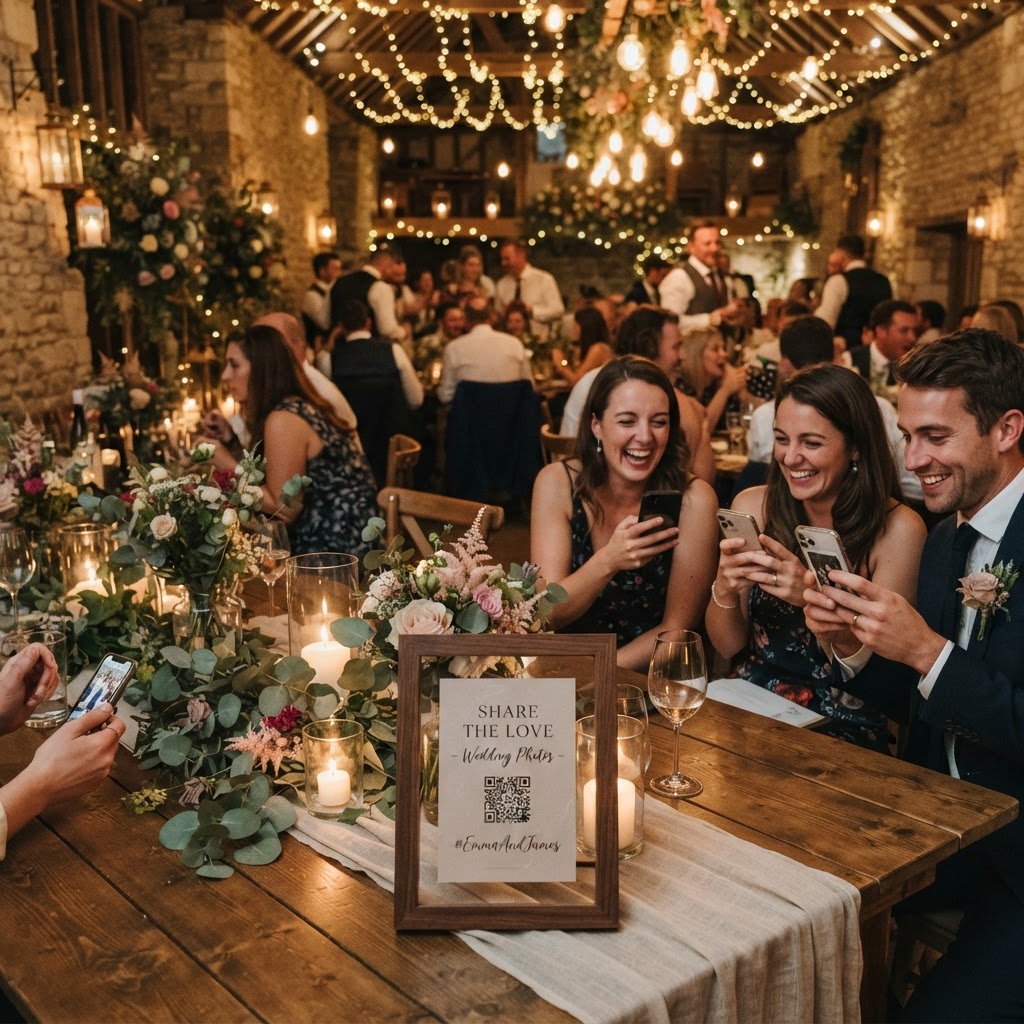
Wedding guest photo sharing is the process of using a centralised digital platform to collect images and videos captured by your attendees on their smartphones during your ceremony and reception. Rather than relying on guests to remember to email files or share them through messaging apps, you provide a simple QR code that links directly to a mobile browser interface. This allows guests to upload their media instantly without creating an account or downloading third-party software. By removing these technical barriers, you significantly increase the number of contributions you receive from friends and family throughout the day. The process works by placing physical signage at your venue that directs guests to a secure upload portal designed specifically for your event. Guests simply point their cameras at the code, tap the link, and choose the files they wish to share from their device library. This method keeps the entire collection in one private, managed location for your convenience.
What equipment do I need to set up guest photo collection?
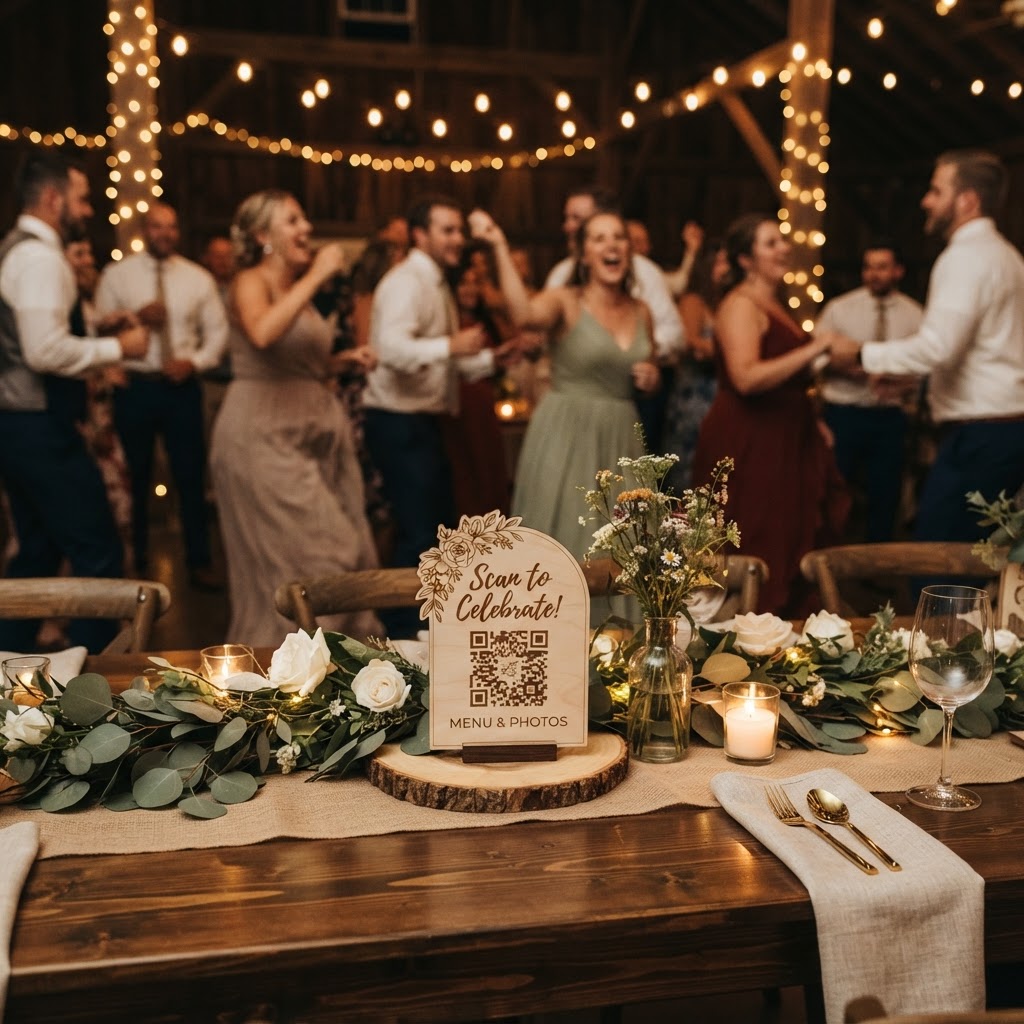
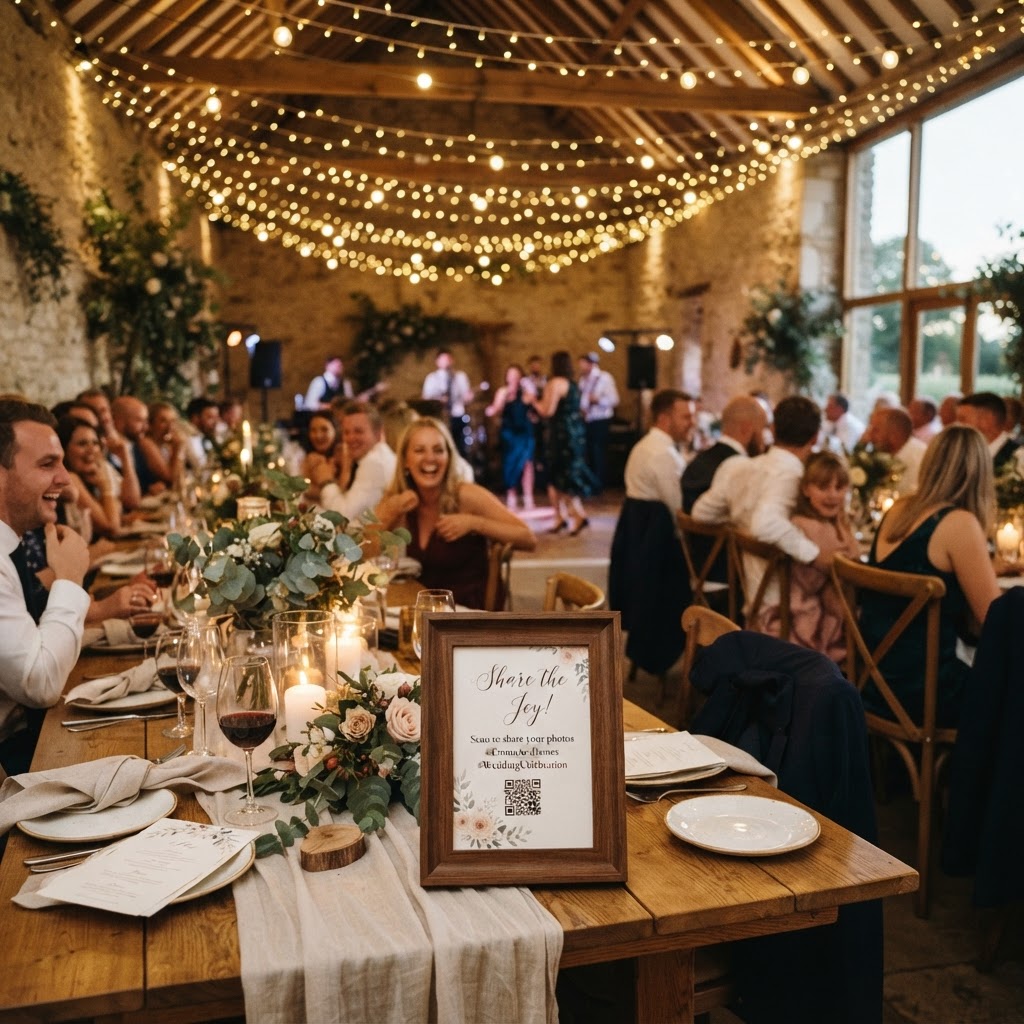
You only need a smartphone, a reliable internet connection at your venue, and printed QR code signage to manage your guest photo collection. The service you choose acts as the bridge between your guests and your private gallery. When selecting a service, prioritise options that allow for one-time payment structures rather than ongoing monthly subscriptions. For instance, a flat fee of £39 covers the service for the duration of your event. Ensure the platform supports both photo and video uploads so you do not miss out on speech highlights or dance floor clips. You must also check that the system allows for real-time engagement features like live slideshows. A live slideshow projects uploaded content onto a screen or monitor during the reception, which keeps guests entertained and encourages further interaction. Print your QR codes on high-quality cardstock and place them in frames at strategic locations, such as the entrance, bar area, and guest book table. Test the connection at your specific venue before the big day to ensure that mobile signal strength is sufficient for uploads. If the venue has poor reception, consider providing a dedicated Wi-Fi password for guests to ensure they can submit their media without frustration.
How to ensure guests actually upload their photos
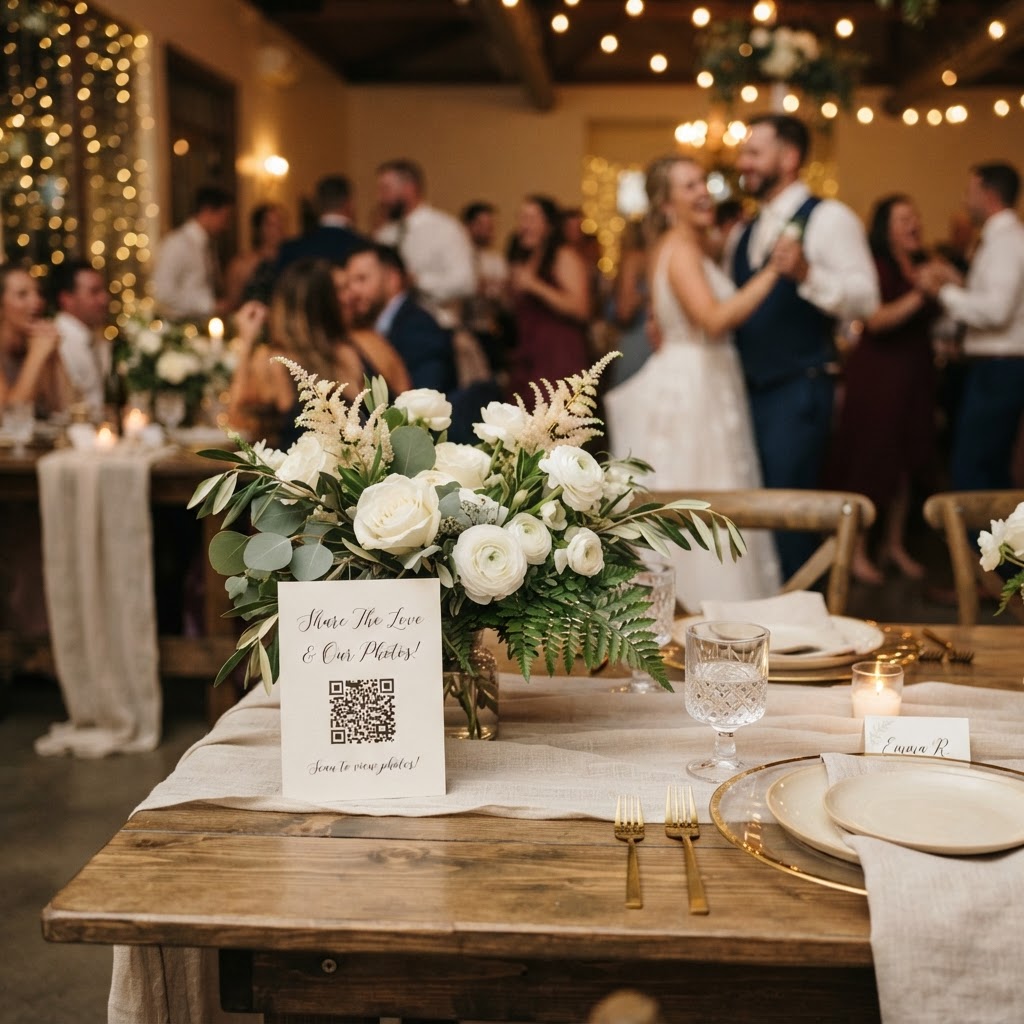
Encouraging high participation rates requires clear communication and consistent reminders throughout the wedding celebration. Many couples find that guests are more likely to engage when they understand that the collection is for the couple's private enjoyment rather than public social media distribution. Mention the photo collection process during your speech, or ask your master of ceremonies to announce it during the reception. Another effective strategy is to include a brief note about the photo sharing process within your order of service or on a small card tucked into the tablescape. You can also organise photo challenges to spark interest among your guests. A list of prompts such as 'find a guest with a funny tie,' 'capture the best dance move,' or 'get a shot of the dessert table' adds a fun element to the task. When guests have a specific goal, they are much more likely to pull out their phones and contribute to your collection. Keep the signage clean and readable so that even guests who are less confident with technology can participate without needing external help or complex instructions.
How long do wedding guest photos stay online?
Most professional event collection services maintain an open window for uploads for seven days after your wedding date, after which the gallery is deleted permanently within 90 days. This limitation is an important practical detail for your post-wedding planning schedule. You must download all your favourite images and videos during this period to ensure you do not lose any memories. Since these platforms are not designed for permanent long-term storage or high-resolution archiving, they function best as a temporary gathering point for candid content. Once the 90-day window closes, the digital space is cleared to protect the privacy and security of everyone involved. Download the full collection to your personal computer or cloud storage provider as soon as you return from your honeymoon. Organise your files into folders by event segment, such as the ceremony, reception, and evening party, to make the curation process manageable. This creates a cohesive narrative from the various guest perspectives while ensuring that your favourite moments are kept safe long after the temporary gallery has been removed from the internet.
How to curate the best shots for your wedding album
Curating your collection involves reviewing the raw footage and selecting the moments that provide the most emotional resonance for your records. Do not feel the need to keep every single out-of-focus shot or repetitive angle. Focus on the images that capture the atmosphere of the room, the genuine expressions of your loved ones, and the quiet details you might have missed during the day. Use your professional photographer's portfolio as the primary record for your formal portraits and key ceremonies. Use the guest collection to flesh out the 'in-between' moments, such as laughing friends at the dinner table or a group of guests enjoying the green screen photobooth. This approach creates a balanced visual history of your wedding day. Remember that the value of these images lies in their authenticity and the perspective they provide, even if the composition is not as polished as professional work. By managing the process with a tool like Moment49, you simplify the logistics of gathering these memories so you can focus on enjoying your time with guests.