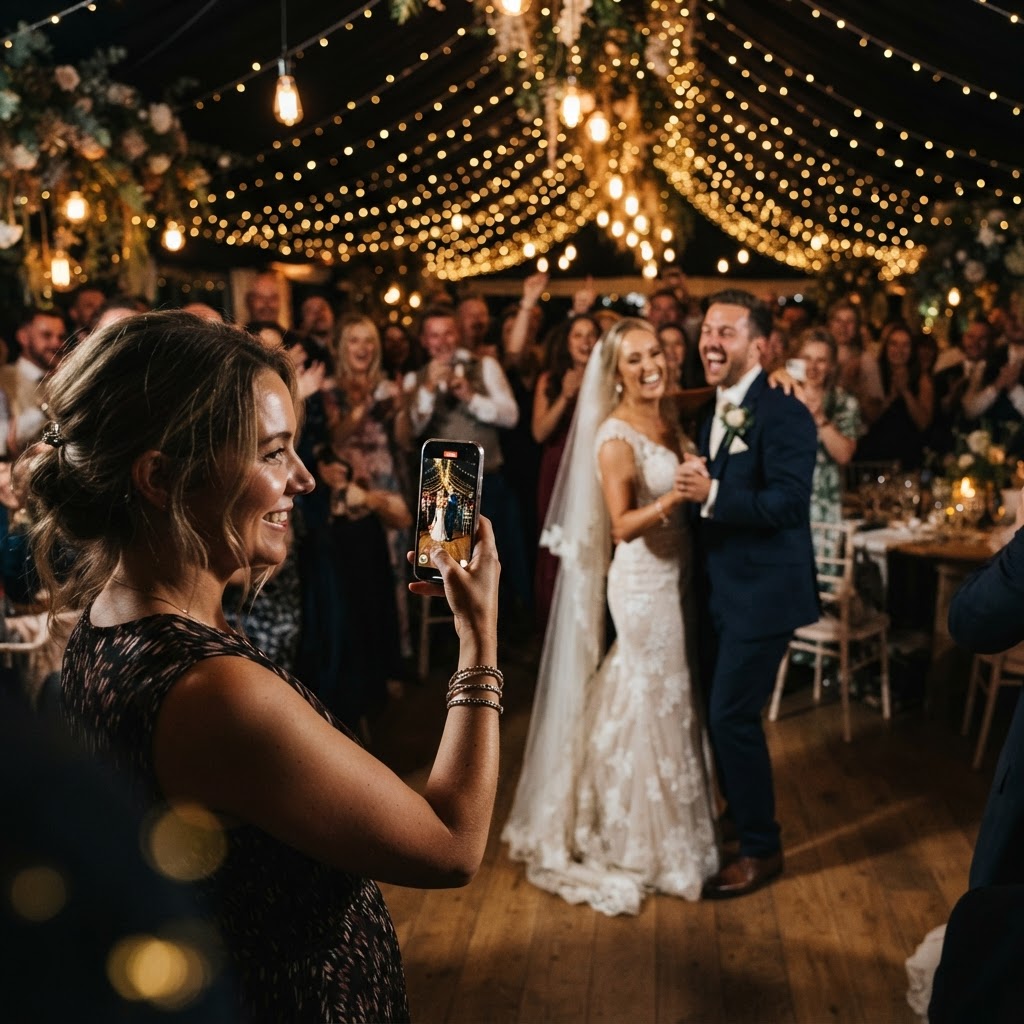
Digital wedding guestbook systems are platforms that allow couples to collect photos and video messages directly from guests using smartphone web browsers.
Planning a wedding involves coordinating hundreds of small details to ensure the day runs smoothly. You focus on the formal aspects like the venue, the catering, and the professional photography package. While your photographer captures the polished portraits and ceremony highlights, they cannot be everywhere at once. The most spontaneous moments often happen away from the professional lens. Guests are usually equipped with high-quality smartphone cameras, yet these images often remain trapped on personal devices. A digital guestbook creates a central space where everyone can upload their perspective of the event.
How do I get guests to upload photos at a wedding without an app?
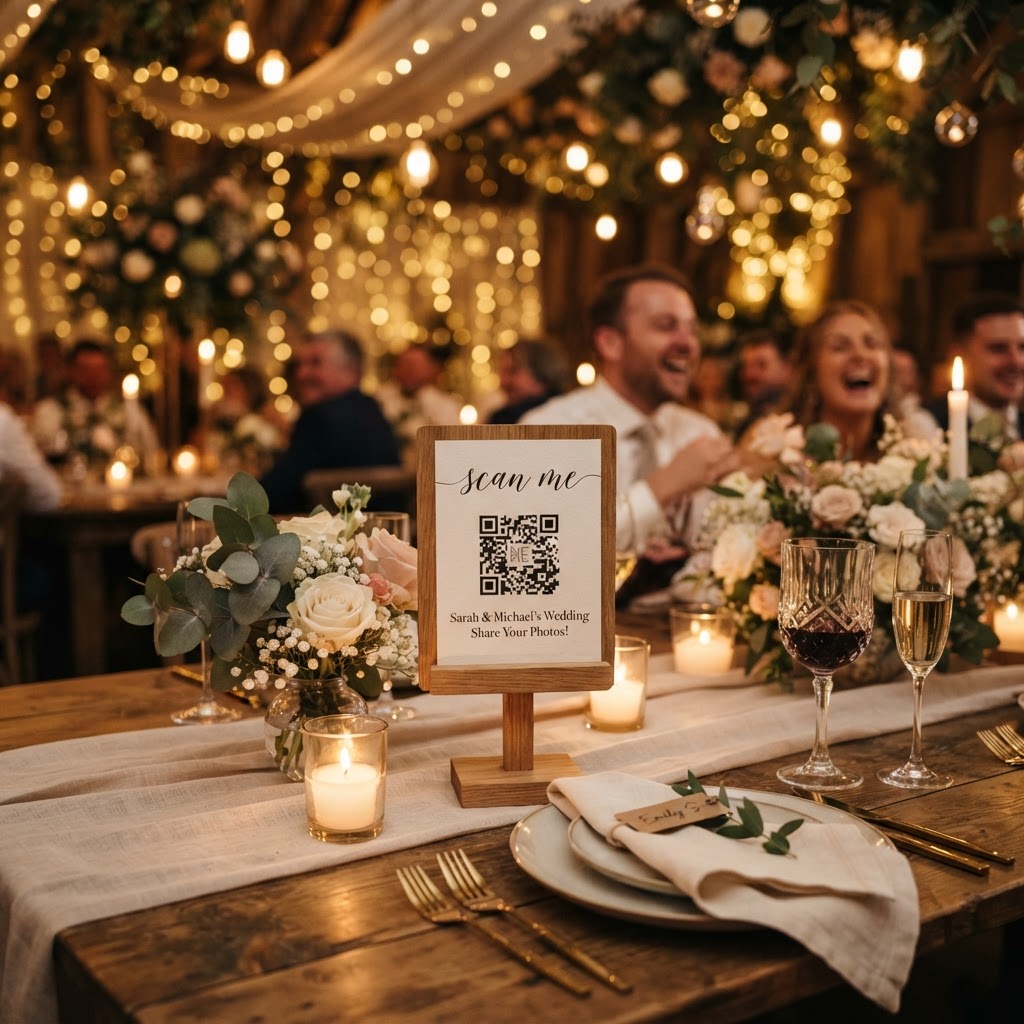
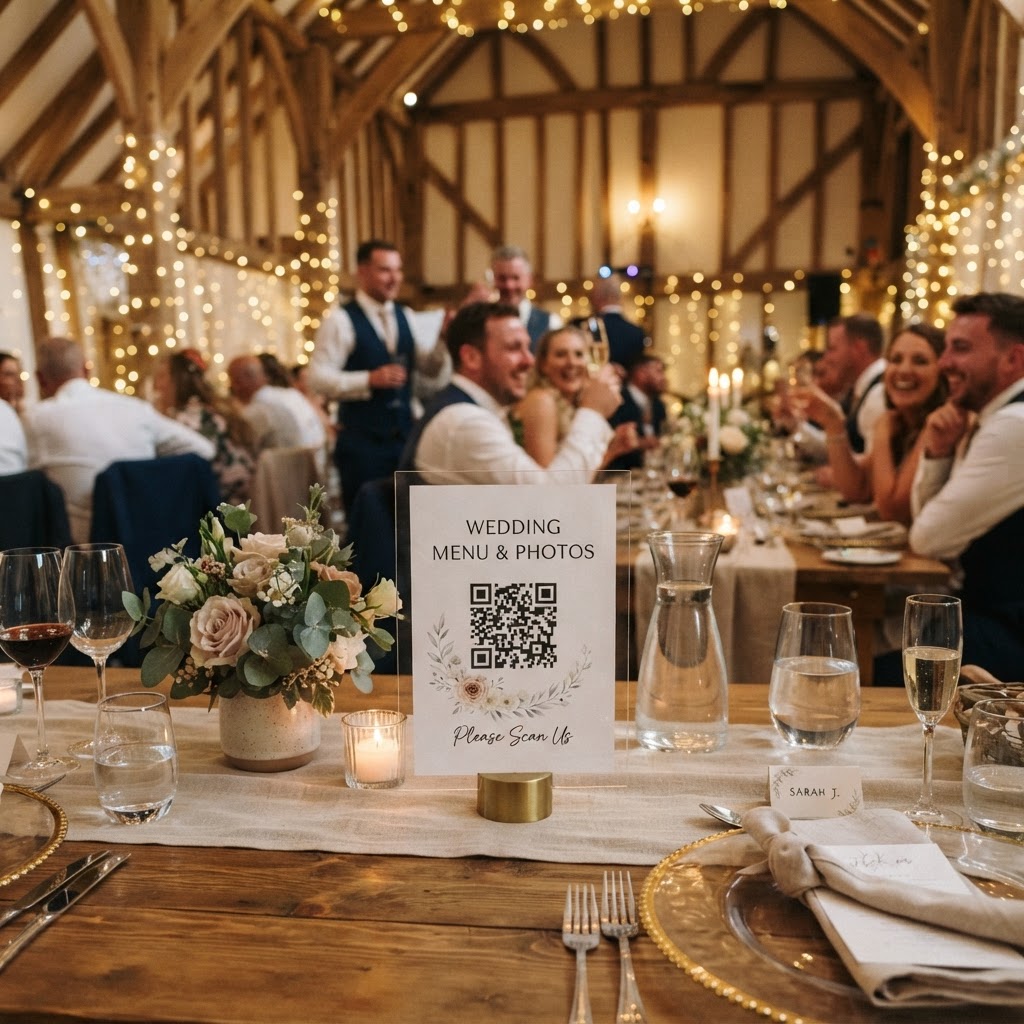
You ensure high participation by choosing a browser-based system that uses a QR code to bypass app stores and account creation. The friction of downloading an application, agreeing to terms of service, and creating a password will stop almost any guest from uploading their content. When you select a system that opens directly in a mobile browser, you remove the barrier to entry. Place small, printed cards or signs at every table featuring a simple QR code. When a guest scans the code, their phone camera app opens the upload portal immediately. They can select multiple images from their camera roll and submit them in seconds. This method feels like a natural part of the event rather than an administrative task for your friends and family.
What features should I look for in a guest media platform?
Look for systems that offer live slideshow integration, video message recording, and direct file access for the couple. A live slideshow is particularly effective for keeping the energy high during the reception. When guests scan the code to upload a photo of their table, that image can appear on a venue screen within moments. This provides instant gratification and encourages other guests to participate. Video messages are another essential feature. Instead of writing a short note in a book, guests can record a quick video greeting using the same browser interface. This captures their voice, their laugh, and their genuine emotion at that specific moment in the day. Ensure the system you select provides a simple way to download your collection. You should have access to high-quality files so you can print them or store them in your primary digital archives later. Always verify the storage timeline. Many services, such as the one offered by Moment49, keep uploads open for seven days after the event concludes. This provides enough time for guests to sort through their photos once they return home from the wedding weekend.
How much does a digital wedding photo collection service cost?
You can expect to pay a one-time flat fee of around £39 for a standard event package without recurring subscriptions. This payment covers the generation of your unique QR code, the temporary hosting of your gallery, and the ability to display a live slideshow. Avoid services that lock you into monthly subscription plans. A simple, one-off payment model allows you to budget accurately without hidden fees or surprise costs later in the year. Check that the service handles the technical hosting, so you are not responsible for configuring cloud storage or managing server bandwidth yourself.
What are the privacy limitations of digital gallery services?
You must understand that these galleries act as temporary collection points rather than permanent long-term storage solutions. Most services host your collected media for a specific window, such as 90 days, before deleting the gallery from their servers. This limitation means you must download your images to your own computer or cloud drive before the deadline expires. The privacy aspect is equally important. When you set up your gallery, ensure you have the option to keep the link private. You can choose to share the gallery link with your guests later, or keep it strictly for the couple to review first. This allows you to vet the content before showing it to family members or posting highlights on social media platforms.
How to implement photo challenges to improve guest engagement
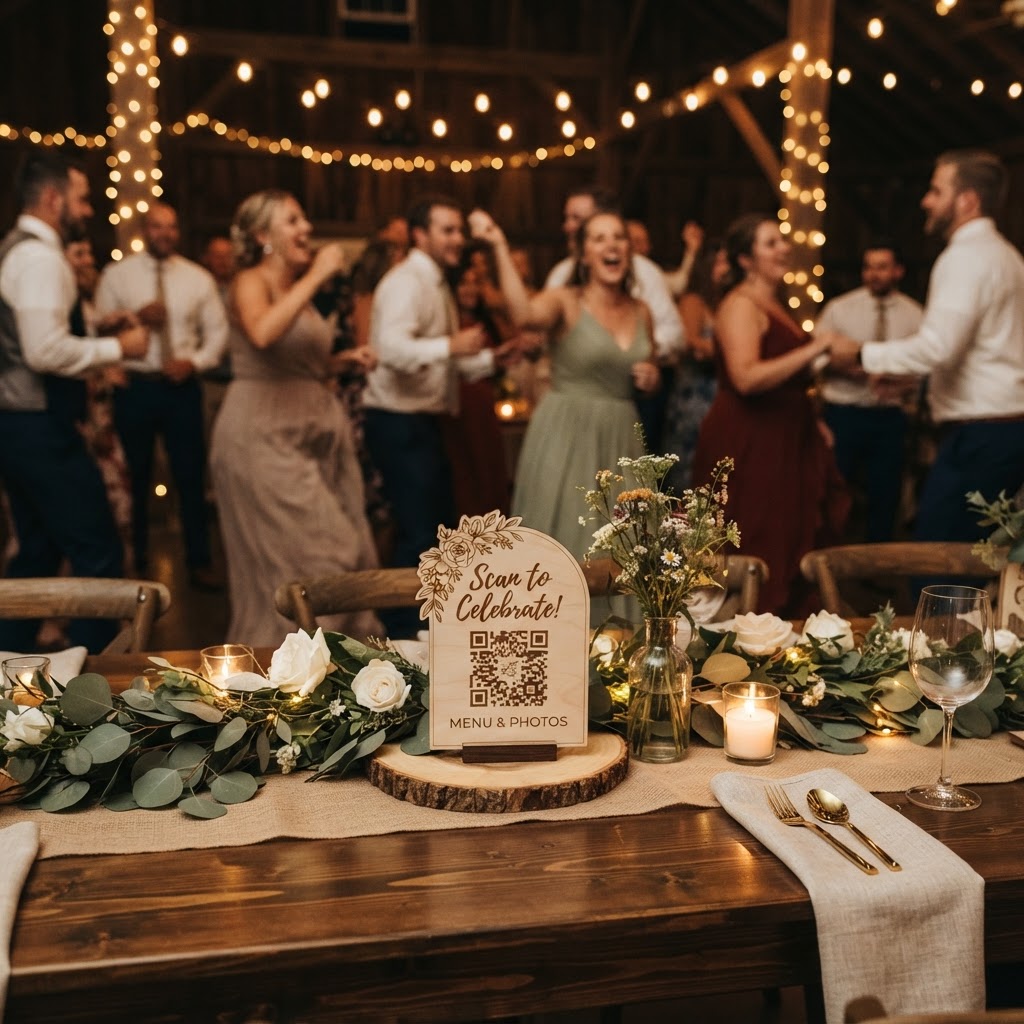
Engagement increases significantly when you provide guests with specific prompts for their photos. Rather than a vague request to take pictures, print a list of fun challenges on your table cards. You might suggest they capture the best dance floor move, a selfie with the couple, or a reaction shot during the speeches. This turns the process into a game that keeps guests entertained between courses. The variety of content you receive will improve, moving away from just blurry room shots to more meaningful, intentional captures. Always keep these instructions brief and readable. Use a font size that is easy to see in low-light reception settings. Place the cards near the centre of the table or incorporate the QR code directly into the menu or place setting. This subtle placement makes the technology feel like a refined element of the table decor rather than a distracting tech installation. By using these tools thoughtfully, you capture the true spirit of your wedding day exactly as it unfolded.