A wedding photo sharing system is a digital tool that allows guests to upload images and videos from their own devices to a shared, private gallery during your celebration.
How do I collect photos from guests at my wedding?
You collect photos from guests at your wedding by providing a simple QR code that guests scan with their phone camera to instantly upload files via a web browser. Traditional methods like asking guests to email photos or upload them to a generic cloud folder often fail because they require extra effort from your attendees. People are likely to take dozens of photos throughout the day, but they rarely take the time to share them after the event concludes. By using a browser-based QR system, you remove every technical barrier. There is no software to install and no login process to complete. Your guests simply scan the code, select the media from their phone gallery, and hit send. Because the process is immediate, guests are far more likely to contribute while they are still in the festive mood.
Which wedding features should I include for guests?
You should include features like a live slideshow, video guestbook, and photo challenges to ensure your guest-contributed content feels like an active part of the event. A live slideshow is particularly effective because it rewards guests for their participation. As soon as a photo is uploaded, it appears on a large display at the venue. This provides instant gratification and encourages other guests to get involved. A video guestbook is another valuable feature that goes beyond a written note. It allows guests to record quick, unscripted video messages that capture the warmth and excitement of the evening. Unlike a physical guestbook that might get misplaced or forgotten, digital video messages remain in your private gallery for you to revisit in the days immediately following the wedding. You can also integrate photo challenges to keep the momentum going throughout the reception. Instead of just asking for general photos, give your guests specific prompts. You might ask for a picture of the best dancer, a shot of the most creative wedding favour, or a candid moment between two people who just met. These prompts turn your guests into active participants who are constantly looking for fun, memorable scenes to document for your collection.
What does a digital guest photo system cost?
A digital guest photo system typically costs around £39 for an entire event with no ongoing subscription fees or hidden charges. This one-off payment covers the setup of your private gallery and the use of the platform during your wedding. You should always clarify the storage duration, as these platforms are intended for immediate sharing rather than permanent long-term storage. For instance, guest uploads are usually open for seven days after your wedding date to ensure everyone has a chance to submit their files. The complete gallery is then kept active for 90 days, giving you ample time to download every single image and video to your own secure hard drive or cloud storage before the files are deleted. This structure provides a clear, time-bound service that is focused on collecting the spontaneous memories of your wedding weekend.
How do I encourage guest participation?
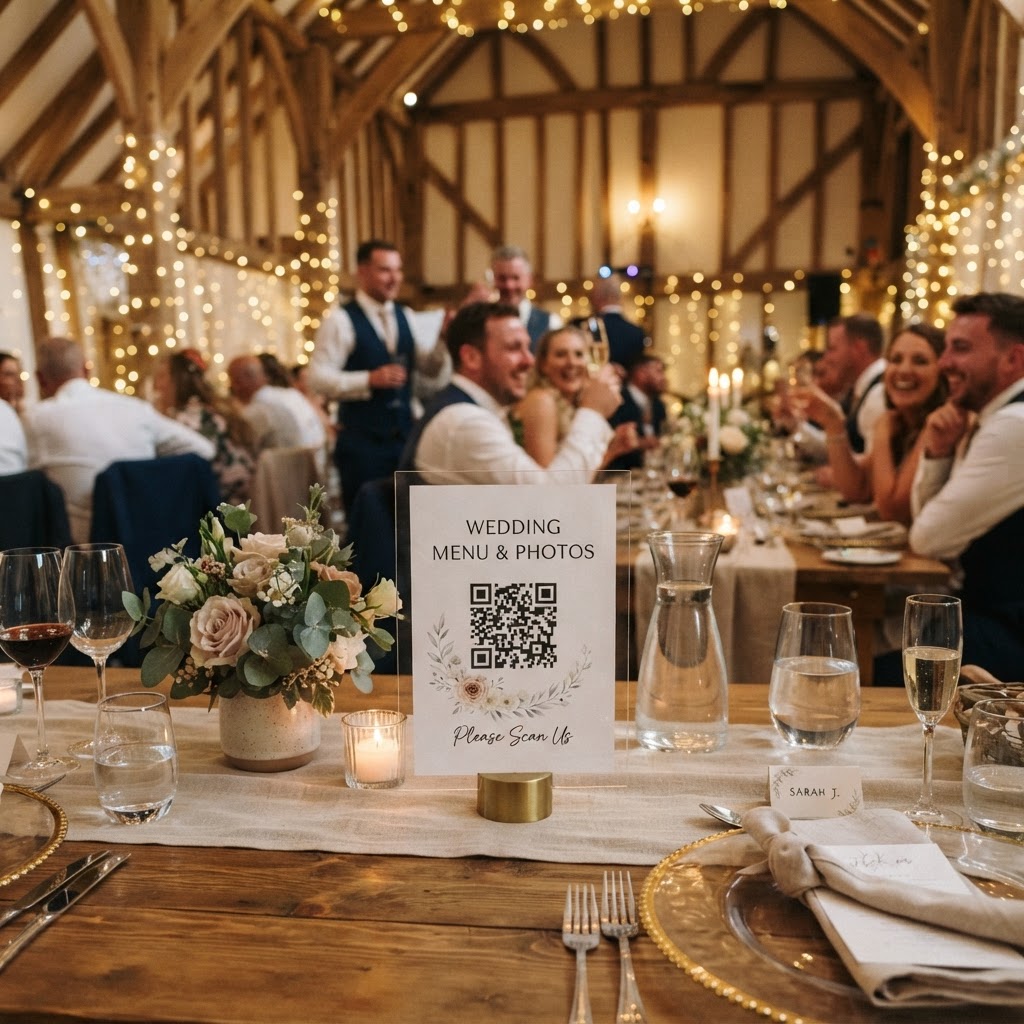
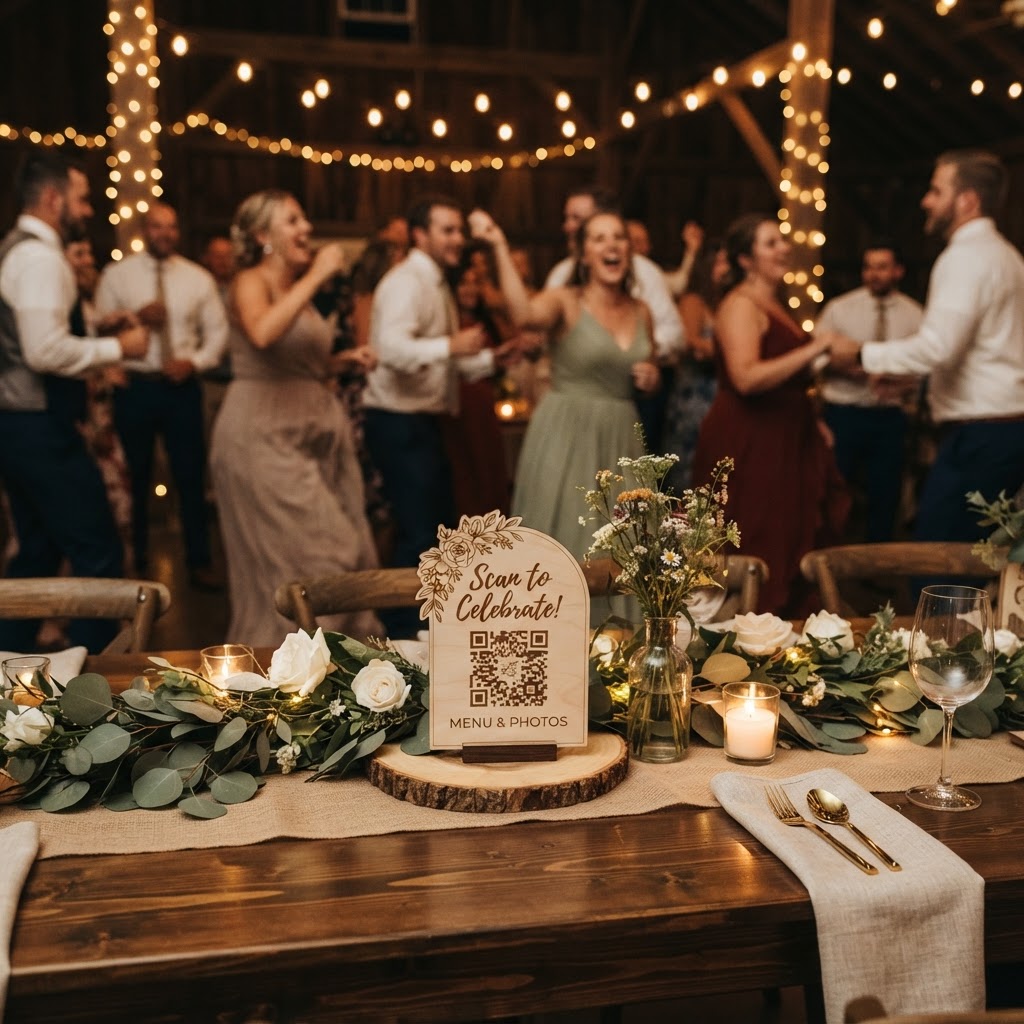
You encourage participation by placing QR codes in areas where guests naturally spend their time, such as at the bar, on dining tables, or near the photobooth. Signage is the most important factor in your success. If you hide your QR code on a small, inconspicuous card at the back of a table, it will likely be ignored. Place your QR code inside a decorative frame or attach it to your place cards. Ensure the design is clean and legible, with clear instructions that explain exactly what the guest needs to do. Use phrases like Scan to upload your photos or Share your videos on the big screen. When you place a sign at the entrance, mention the live slideshow so guests know that their images will appear on the wall throughout the night. If you decide to include a green screen mode or other interactive digital features, make sure these are signposted separately near the specific station. People are much more likely to participate when they understand that their efforts are being showcased as part of the wedding entertainment rather than just being sent into a private void.
Is a digital photo service better than professional photography?
A digital photo service is not better than a professional photographer, but it provides a necessary, candid supplement to your official wedding album. Your professional photographer is focused on capturing the main events, the portraits, and the carefully composed details. They are the ones documenting the formal structure of your day. However, they cannot be in every room at once, nor can they capture the exact perspective of your friends as they react to the speeches. Guest-contributed photos capture the raw, unpolished, and hilarious moments that happen when nobody is looking. You get to see the party through the eyes of the people who know you best. Relying on your guests allows you to see the day from multiple angles simultaneously. It fills in the gaps between the professional shots. While the professional photos provide the classic, beautiful imagery for your mantelpiece, the guest gallery provides the living, breathing narrative of the celebration. By choosing to use a browser-based tool like Moment49, you ensure that you capture all these peripheral moments without making your guests feel like they are working for you.