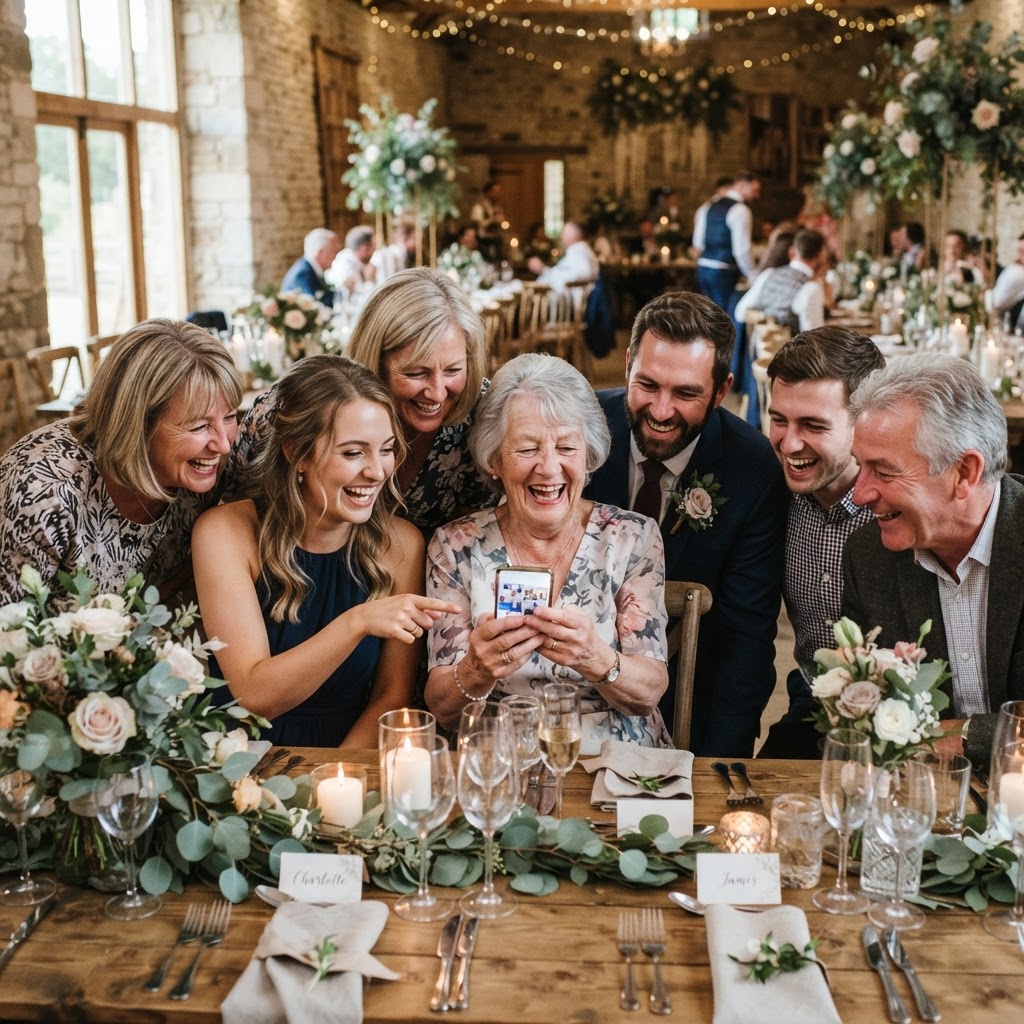
A digital wedding guestbook is an interactive service that allows guests to upload photos and video messages directly from their smartphones to a shared online gallery using a QR code. Traditional guestbooks often consist of a physical paper volume left on a table, which is rarely opened again after the wedding day ends. Modern digital versions solve this by capturing the day from the perspectives of your friends and family, creating an immediate, dynamic record of the reception. These systems operate through a web browser, which means your guests can participate instantly without the need to download an application or create a new user account. Because the entire process relies on the phone cameras your guests already have in their pockets, the barrier to participation is low. This approach turns your wedding guests into additional photographers who capture the moments your professional videographer or wedding photographer might miss.
How does a guest upload photos without an app?
Guests upload photos and videos without an app by scanning a QR code with their standard mobile camera, which opens a direct upload portal in their web browser. This browser-based technology is essential for ensuring that people of all ages can participate. If you ask your guests to download a piece of software, register an account, or log in with an email address, you will inevitably lose participation from a large portion of the room. The setup is designed to be frictionless, taking only a few seconds to scan, tap, and submit. Because the process is integrated directly into the phone’s existing software, the user experience feels like a native part of their device. You should provide clear instructions on small cards at each table, ensuring that the transition from taking a photo to uploading it is as fast as possible. When the system is this simple, guests are far more likely to engage throughout the entire evening, from the early arrivals at the drinks reception to the final songs on the dance floor.
Can I show the photos on a screen during the wedding?
You can display a live slideshow on a screen during your wedding by connecting your gallery to a projector or television, which allows photos to appear in real-time as they are uploaded. This feature acts as a form of entertainment that keeps the energy high throughout the meal or during the evening party. Seeing their own candid photos pop up on a big screen provides immediate gratification to your guests, often encouraging them to take more pictures. This communal aspect of sharing turns a private task into a collective activity, often sparking conversations between guests at the same table. If you want to lean into this further, you can introduce specific photo challenges to guide their participation. You might ask guests to photograph the most creative outfit, a close-up of a table decoration, or a specific moment during the speeches. These prompts give your friends and family a sense of purpose and prevent the gallery from being filled with only one type of image. Using a screen in this way transforms the atmosphere of the room and makes the guestbook a central part of the celebration.
How much does a digital guestbook cost and what is included?
A digital wedding guestbook typically costs a one-off fee of £39, which covers the entire event, including the hosting of images and video messages. This flat-rate model is usually preferred over subscription-based services because it eliminates the risk of hidden costs or recurring monthly charges. When you pay for this service, you are securing access to a private gallery where all media is collated into one place. You should confirm that the price covers the creation of the QR code, the hosting of the video guestbook, and the ability to run the live slideshow mode. Because you are hosting content for a limited time, the cost covers the infrastructure needed to manage high-volume uploads during the peak hours of your reception. Always check the specific terms of the provider to ensure that your final payment is truly a single transaction and that there are no extra fees for the number of guests or the total storage used by your visitors.
What happens to the photos after the wedding?
The photos uploaded to your digital guestbook remain accessible for seven days after your wedding date, at which point the gallery is typically purged from the provider’s servers to protect your privacy. It is important to remember that this service is intended for immediate collection and viewing rather than long-term storage or archiving. You must download all the photos and videos you wish to keep onto your own personal hard drive or cloud storage before the seven-day period expires. The gallery is permanently deleted after 90 days, ensuring that no sensitive images of your guests remain floating on third-party web servers indefinitely. You should assign a trusted friend or family member to handle this download process a few days after the wedding so that you are not worried about your digital files while on your honeymoon. Treating the service as a temporary bridge to gather content—rather than a permanent cloud archive—will ensure you do not lose any of the memories your guests took the time to record for you.
How do I set up the QR codes for my guests?
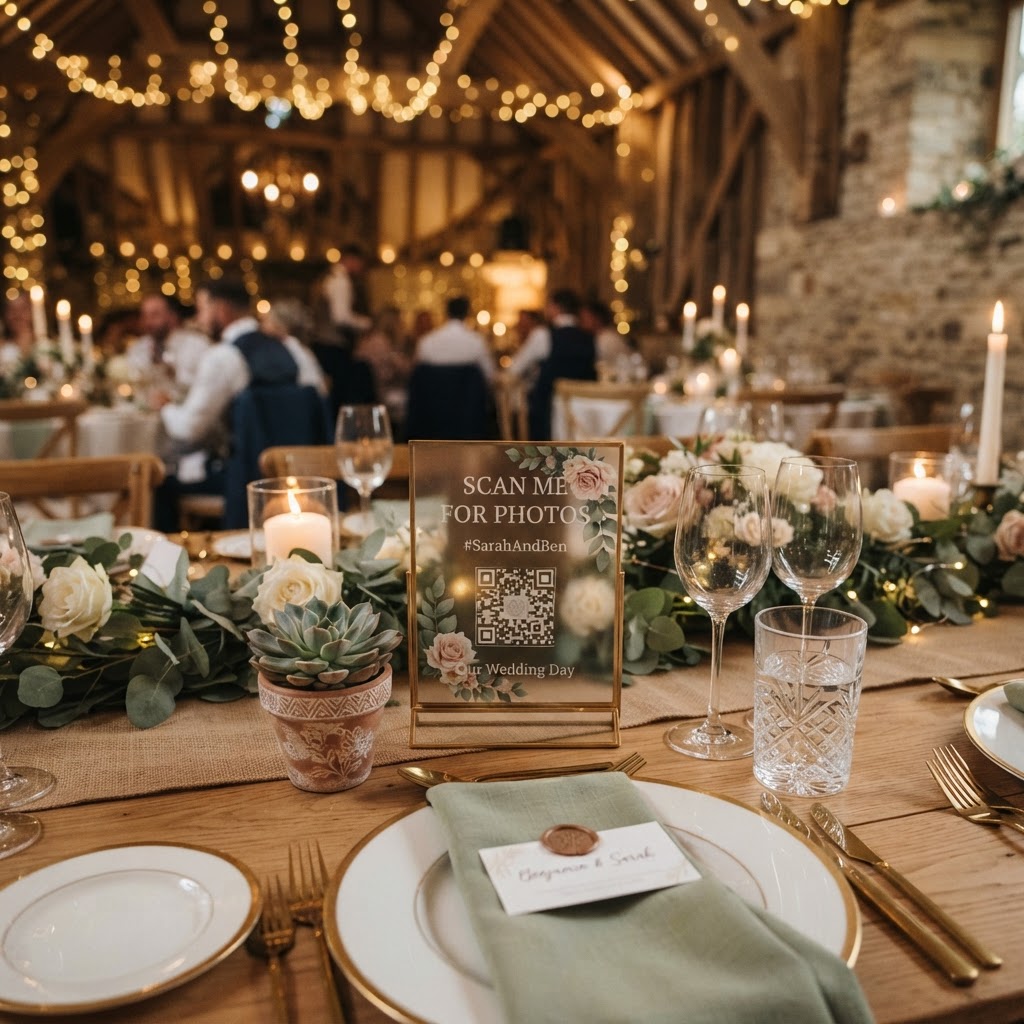
You should place physical cards containing the QR code and clear, simple instructions on every dining table to ensure guests know exactly how to participate. Your guests may be busy or preoccupied during the day, so place the cards in a visible position where they are likely to be noticed during the meal. Including a brief sentence such as 'Scan to add your photos and videos' is usually sufficient. You can also have your MC or toastmaster make a quick, informal announcement to remind guests that they can contribute to the digital guestbook throughout the night. This mention is especially helpful after the formal speeches or right before the dancing begins, as these moments often generate the most interesting photos. Keep the signage elegant so it does not distract from your table centrepieces, as a small card is usually enough to signal the service to your attendees. By making the portal accessible at the point of action, you remove the effort required for guests to remember where to upload their media. This straightforward setup is how many couples choose to manage their digital content using Moment49.