A digital wedding guestbook is a browser-based system that allows couples to collect photos, videos, and messages from their guests in real-time during an event.
How do I get guests to upload photos at my wedding?
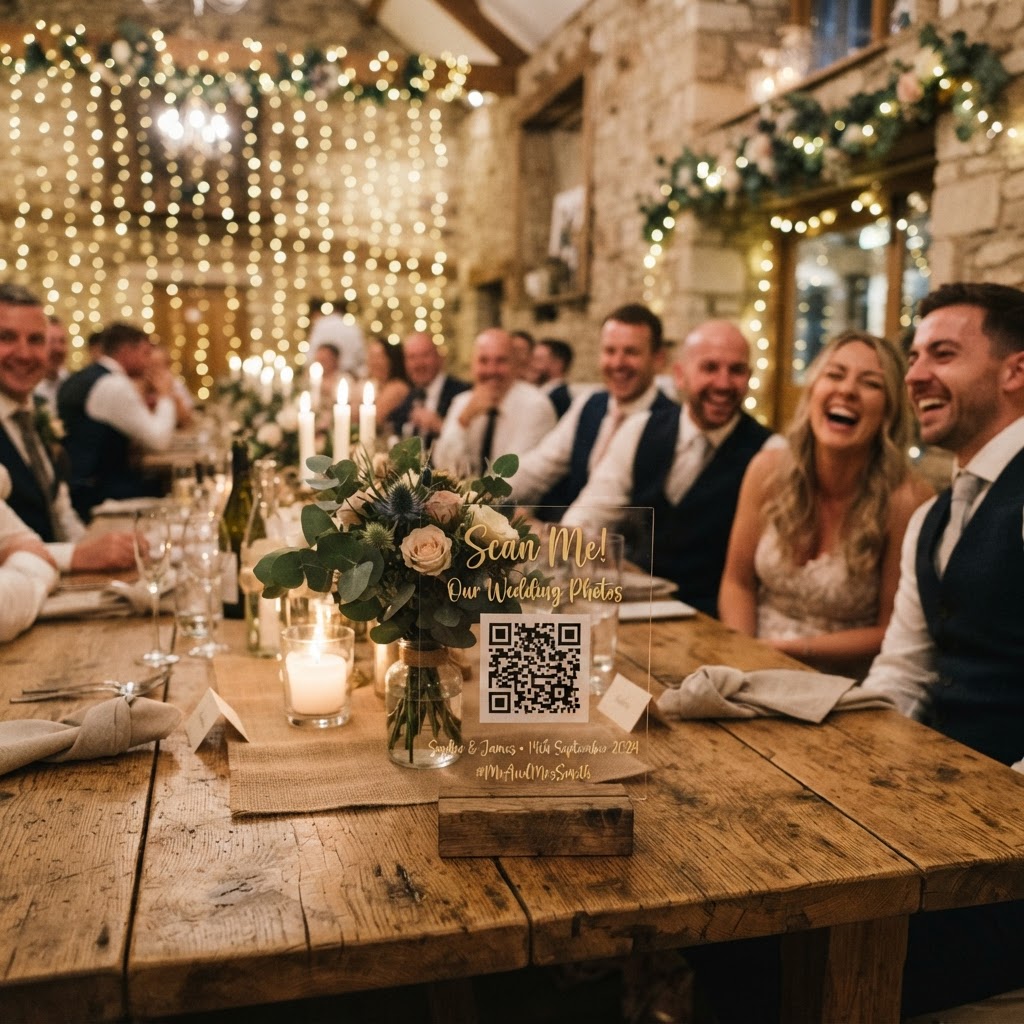
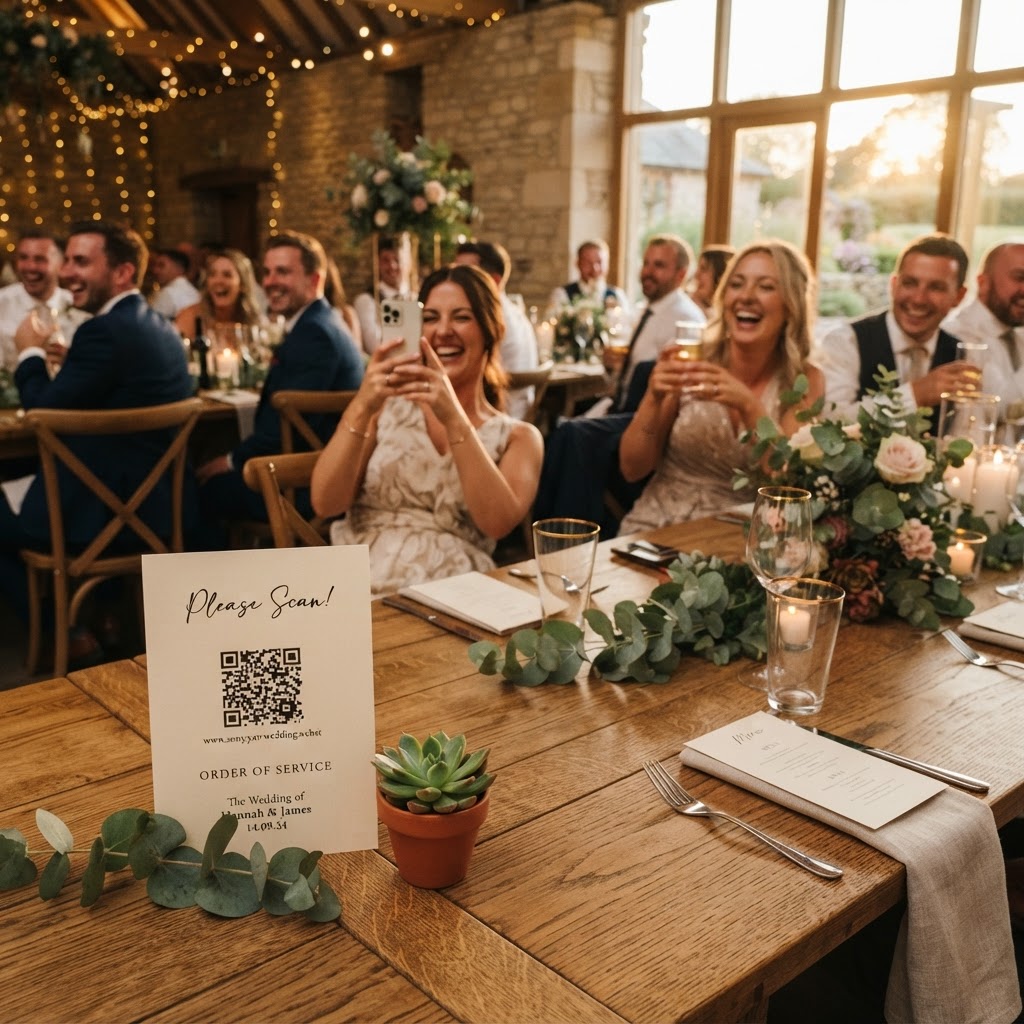
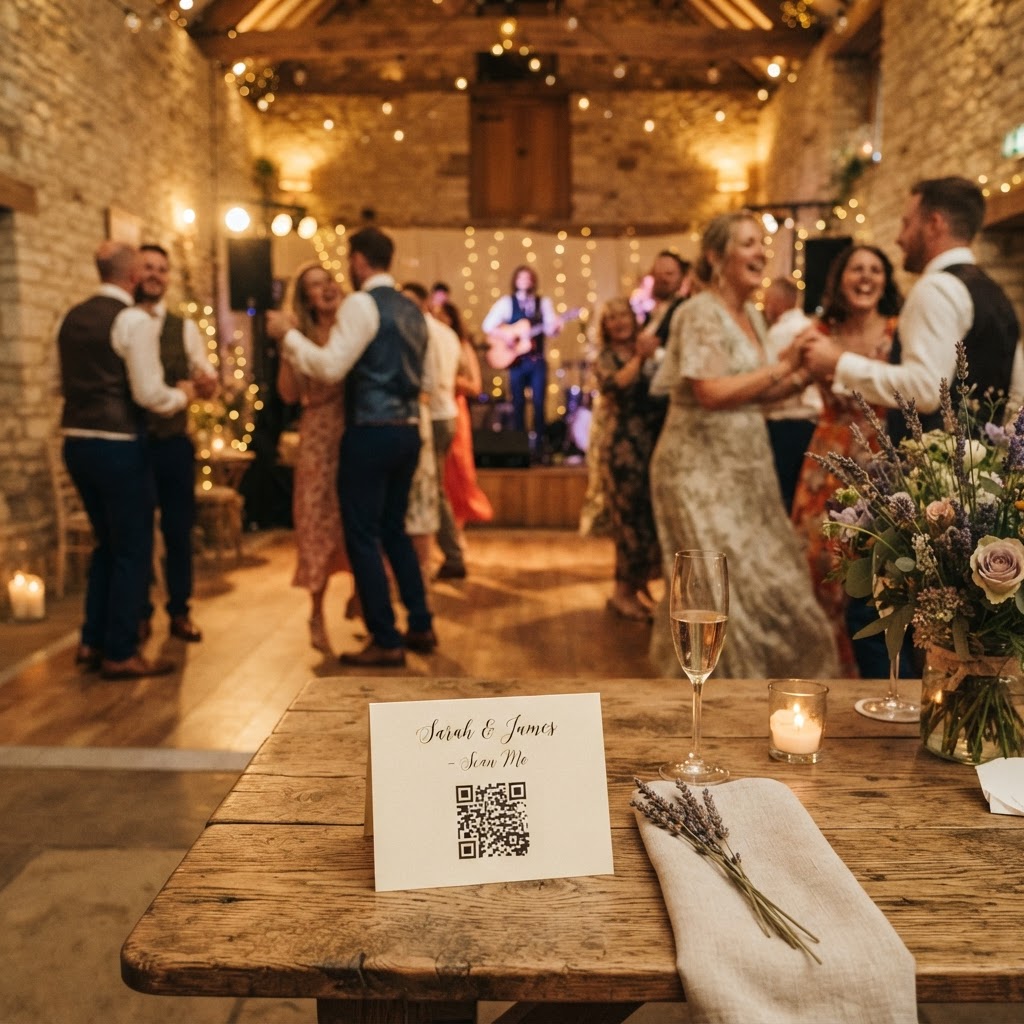
You ensure high participation by removing the friction of app downloads and account registrations for your guests. People are protective of their smartphone storage and generally unwilling to install new software for a single event. When you use a system that relies on a simple QR code scan to open a web browser, you lower the barrier to entry significantly. Place QR code cards on every table, near the bar, and on signage at the entrance to ensure the invitation to share is visible throughout the room. When the process takes seconds and requires no login, even the least tech-savvy members of your family will find it easy to contribute their own unique perspectives of the day.
Does a digital guestbook replace my wedding photographer?
A digital guestbook acts as a supplement to your professional photography rather than a replacement for it. Your photographer is focused on capturing the main events, formal portraits, and key moments, but they cannot be everywhere at once. Guests provide the candid, unfiltered, and often hilarious moments that happen when nobody is looking. This could include a quiet moment at the bar, a spontaneous dance-floor battle, or an intimate reaction during a speech. By using a browser-based collection tool, you gather these fleeting snippets from the perspective of the people who matter most to you. It transforms the day from a single viewpoint into a collaborative narrative of your celebration.
Why should I use a live slideshow at my wedding?
A live slideshow is an effective way to break the ice and encourage interaction between guests who may not know each other well. When guests see their own photos or videos appearing on a large screen during the reception, it creates a shared sense of joy and belonging. It turns the act of photography into a communal activity that invites participation. You can set this up using a laptop connected to a projector or a smart television at the venue. Seeing their contribution in real-time encourages other guests to pick up their phones and start capturing the action themselves. It keeps the energy levels high and provides constant entertainment throughout the wedding breakfast or evening party.
How do I set up creative photo challenges for guests?
You should design specific, actionable prompts to guide your guests toward capturing the best moments of the event. Instead of simply asking for photos, provide a list of fun challenges to play throughout the reception. Consider printing cards that ask guests to capture a specific type of shot, such as a selfie with someone they just met, a photo of the best dance move, or a candid shot of the couple laughing. You can also incorporate green screen photobooth modes if your chosen platform supports it, which allows guests to place themselves in funny backgrounds. Gamifying the experience in this way prevents the photos from becoming repetitive and encourages guests to explore the venue with a creative eye.
What are the limitations of digital photo sharing tools?
You must understand the practical constraints of digital collection systems to avoid losing your data after the wedding. Most platforms operate as temporary landing zones rather than permanent, long-term cloud archives. For example, guests can typically upload their media for a period of up to seven days following the event date. Once that window closes, the system usually prepares the final collection for you to download. Furthermore, these platforms often delete the content from their servers within 90 days of the event. You are responsible for downloading all your files to a secure hard drive, cloud storage service, or physical backup before this deletion date. Treat these tools as a way to gather memories during the immediate aftermath of the wedding, then move your files to a permanent home quickly.
How do I manage the budget for wedding technology?
You should prioritise flat-fee services that avoid subscription models or hidden charges to maintain control over your wedding budget. Many platforms charge a one-time fee, which covers the entire usage period for the wedding event. For instance, a single payment of £39 is a common standard for this type of service, providing you with full access to the features without any recurring costs or premium upgrades. Check whether the price includes the live slideshow feature, video guestbook capabilities, and the ability to download your media. By choosing a transparent, one-off payment model, you avoid the headache of managing recurring subscriptions or surprise invoices while you are planning other aspects of your big day. Always check what happens to your data if you exceed certain storage limits, although most flat-fee wedding services are designed to handle the volume of an average guest list without extra cost. Remember that your primary goal is to curate a private gallery that is easy for you to manage, review, and share with your inner circle. Using a system like Moment49 provides this dedicated space, ensuring you keep your memories secure and under your own control.