A wedding photo station is a digital collection system that allows your guests to upload pictures and videos directly from their mobile phones to a shared, private gallery during your celebration.
How do I encourage guests to share their wedding photos?
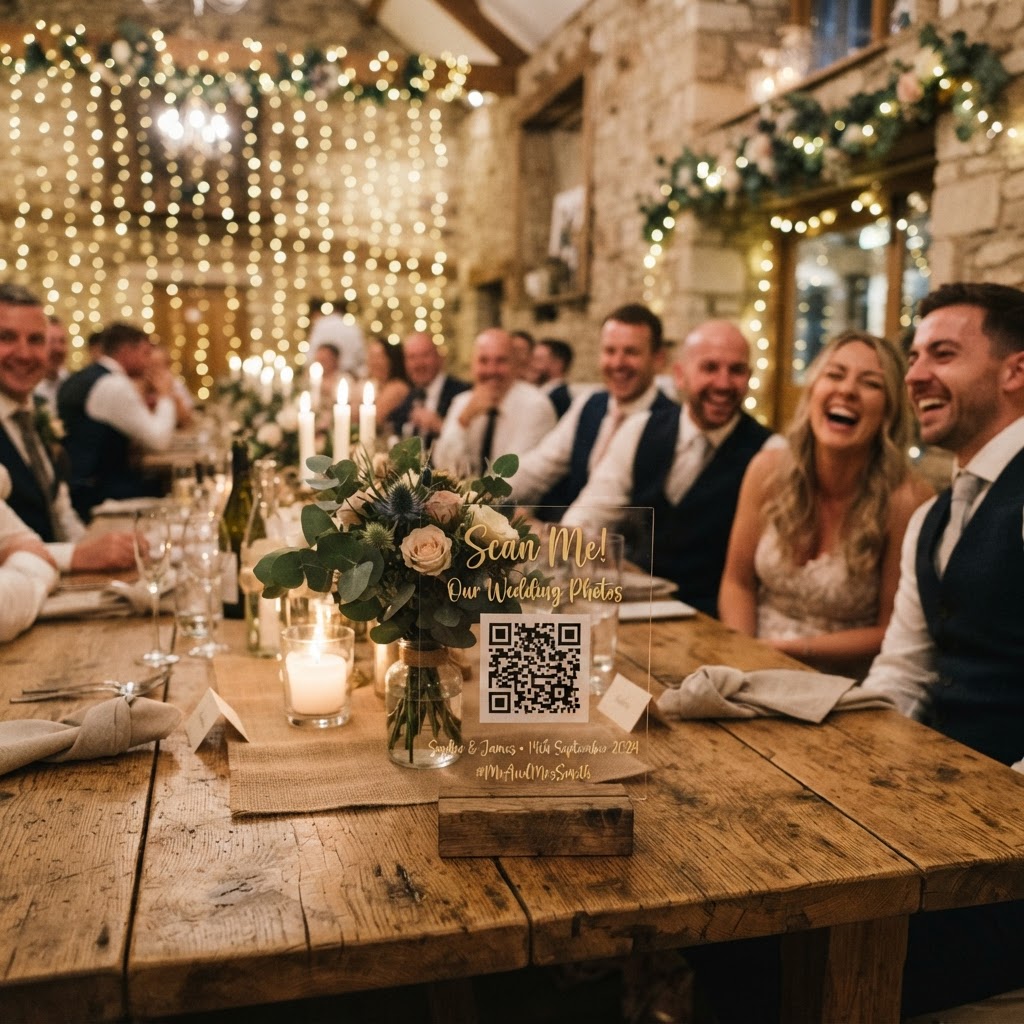
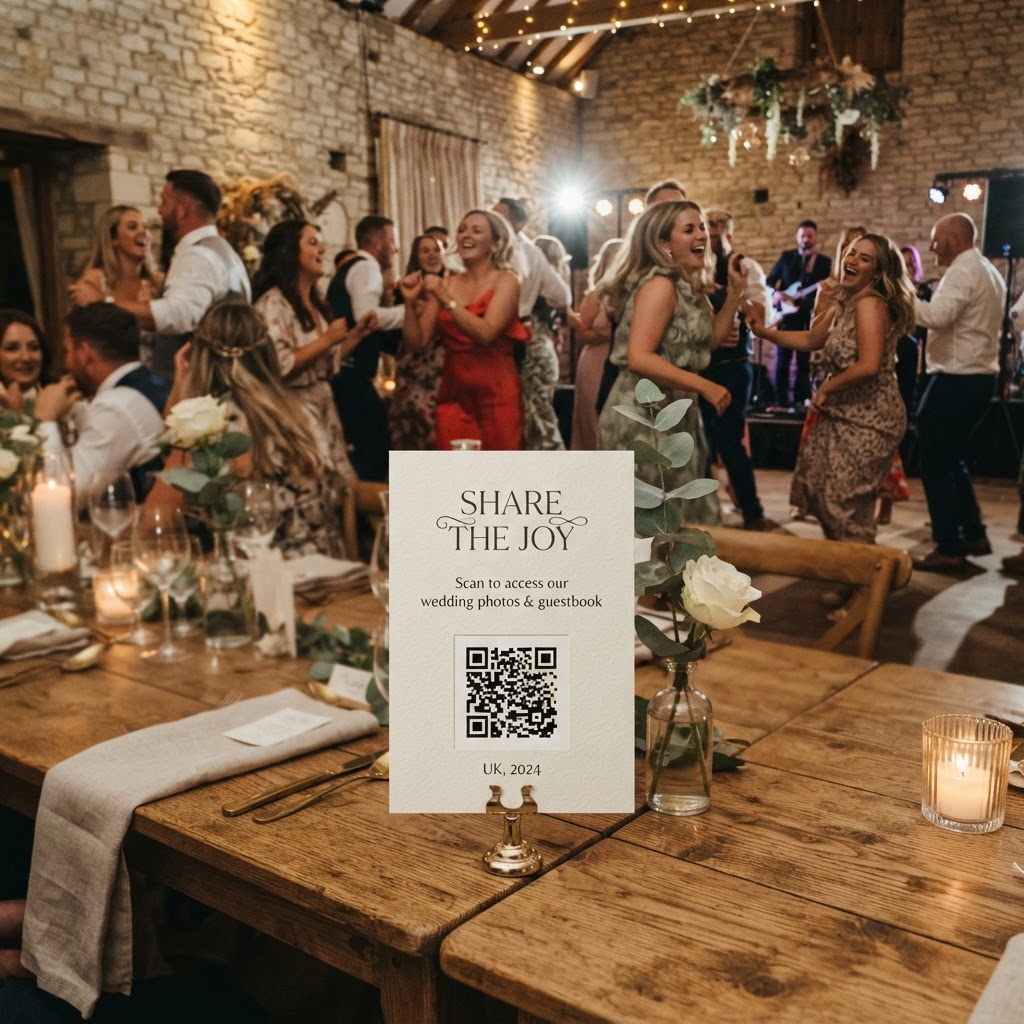
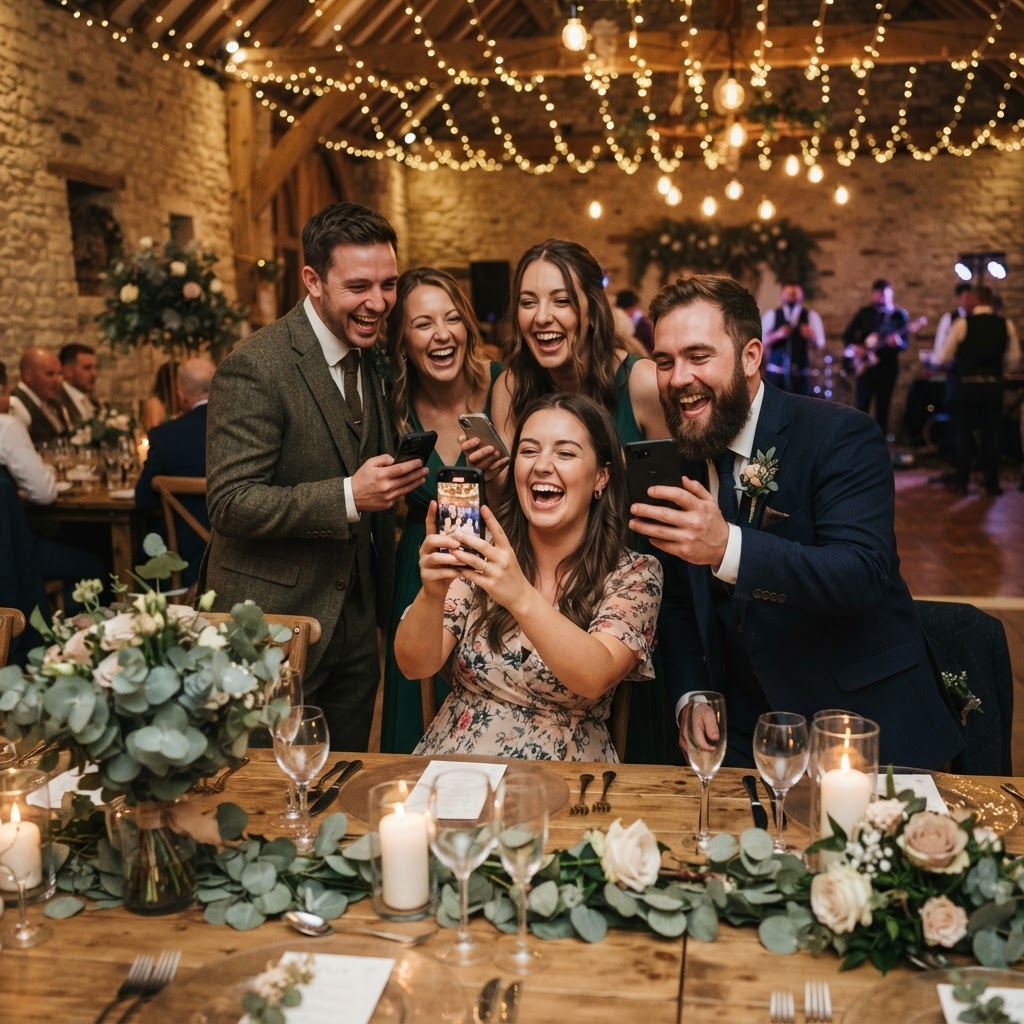
You encourage participation by eliminating every possible barrier to entry for your guests. People will not download a new app or create an account just to upload a single photo during a reception. The most effective systems use a QR code placed on wedding tables or near the entrance that links directly to a mobile browser. When a guest scans this code, their camera or browser opens immediately. They can snap a picture or upload an existing file from their phone memory within seconds. By removing the need for registration, you turn a complex technical task into a simple, three-tap process that fits naturally into the flow of the evening.
Where should I place photo station instructions?
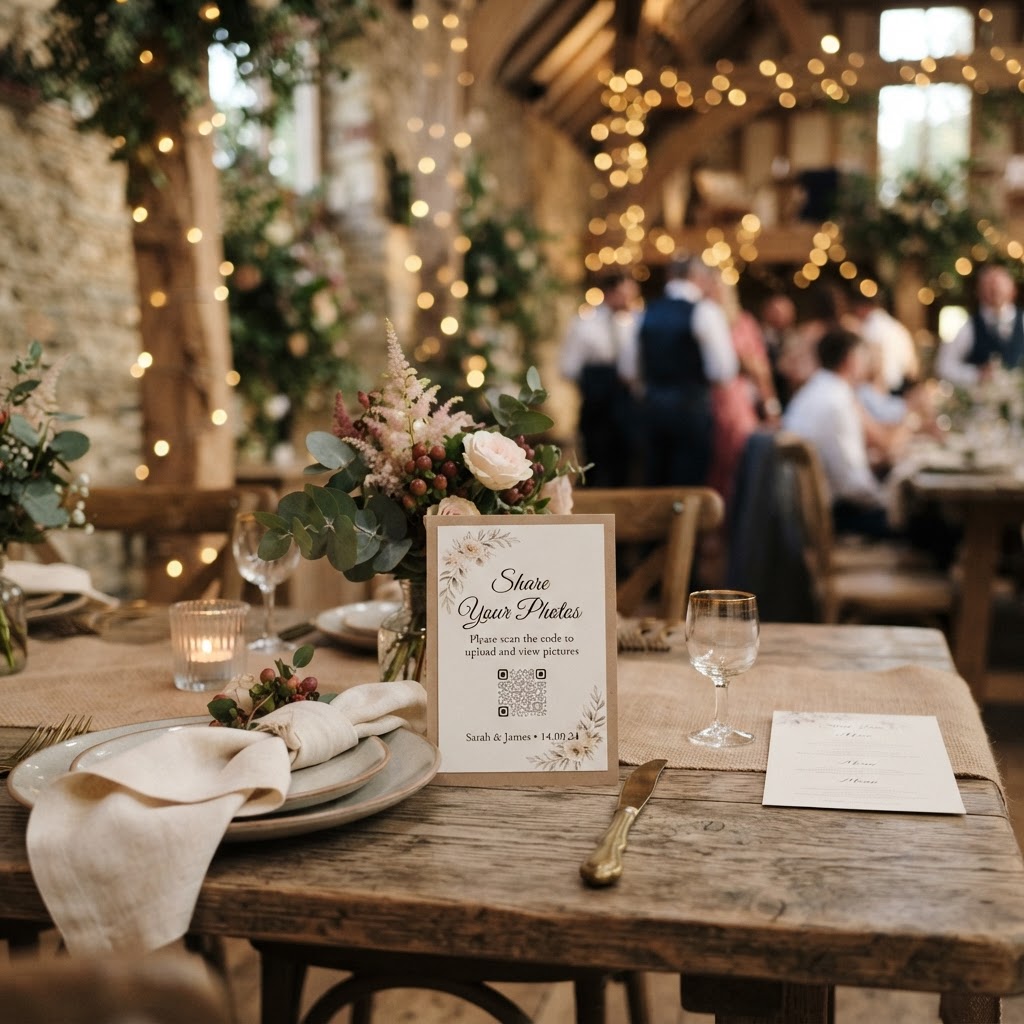
Place your instructions in high-dwell-time areas where guests have a few minutes to spare and their phones are already in their hands. The reception tables are the most reliable spots, as guests sit there for speeches, meals, and conversation. A small, printed card with a QR code and a clear call to action serves as a subtle reminder throughout the dinner. Do not rely solely on a single sign at the entrance, as guests are often distracted by greetings or finding their seats upon arrival. Other effective locations include the bar area, the coffee station, or near the guestbook table. If you are using a live slideshow, placing the instruction card near that screen helps connect the action of uploading to the immediate visual reward.
How can I keep guests entertained with photo challenges?
You keep guests engaged by providing a list of specific missions that transform them from passive observers into active documentarians. Generic requests to take photos often lead to dozens of identical blurry selfies. Instead, print elegant cards with prompts that encourage guests to look for specific details. Suggest they capture the funniest dancer on the floor, a candid shot of friends laughing, or a close-up of a table decoration. By giving your guests a mission, you keep them occupied during downtime between the ceremony and the wedding breakfast. This directed approach results in a diverse gallery that tells a much richer story of your day than random shots would. You can even print these prompts on the back of your place cards to ensure every guest sees them.
Can I display guest photos on a screen during the reception?
You can display guest photos during the reception by setting up a live slideshow that updates automatically as files are uploaded. This creates an immediate feedback loop that acts as a powerful psychological incentive for others to contribute. When guests see their own photos or their friends' images popping up on a large screen near the dance floor, it generates a social buzz. People naturally want to participate once they see the gallery taking shape in real time. This dynamic content also adds a unique element of entertainment that standard decorations cannot provide. Whether you use a tablet or a projector, the effect remains the same, as the visible community effort makes the event feel more inclusive and shared.
Why should I include a video guestbook?
You should include a video guestbook because moving images capture the raw emotion, laughter, and tone of voice that still photography simply cannot convey. Asking guests to record short, fifteen-second clips provides you with a living narrative of the day. These videos become precious keepsakes that offer a more personal touch than a traditional pen-and-paper message. You can prompt guests to share their favourite memory of the couple or offer a piece of advice for the future. These clips act as a bridge between the formal reception and the intimate feelings of your closest friends. They provide a much more authentic look at your wedding day than the posed shots from a professional photographer.
What are the technical limitations of digital galleries?
It is vital to understand that most guest-led photo systems are designed for temporary event use rather than long-term storage. For instance, some platforms keep uploads open for only seven days after your wedding date. Furthermore, these galleries are often deleted from the host server ninety days after the event concludes. You must make a plan to download all high-resolution images and videos to your own personal computer or a permanent cloud storage service well before this deadline. Do not rely on the sharing platform as your primary archive. Treat the service as a tool for the collection phase, then move your files to a secure location where you have full control over the data. This keeps your digital memories safe long after the temporary gallery has been removed from the provider server.
How do I manage privacy for my guest gallery?
You manage privacy by ensuring your gallery is private, password-protected, and accessible only to those who have the link you provide. Guests appreciate knowing that their photos will not be public for strangers to see. When people feel that the environment is secure, they are much more likely to share natural, unguarded photos. Always be transparent about how these photos will be used, as this transparency builds the trust required for participation. You are curating a digital space for your closest friends and family, not a public social media feed. If you provide a simple and secure system like the one offered by Moment49, you ensure the focus stays entirely on your wedding celebration.