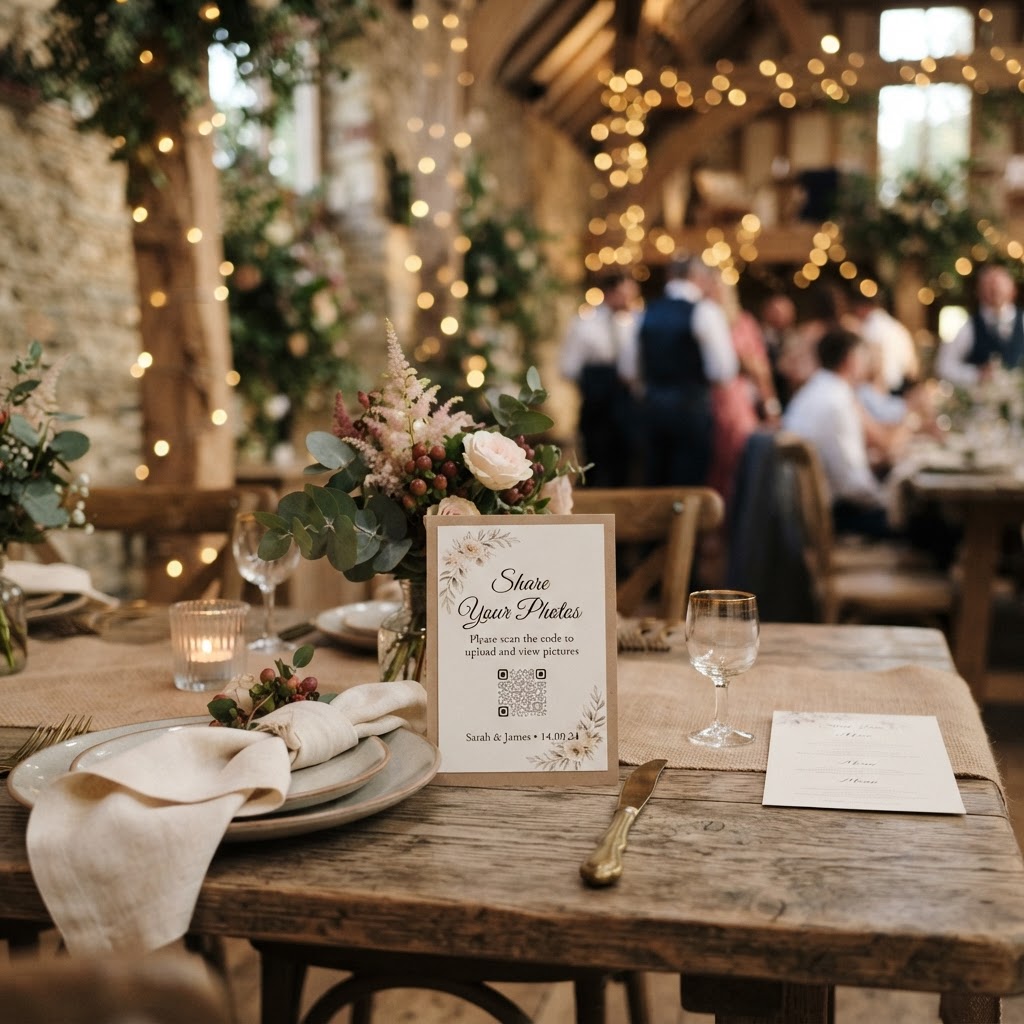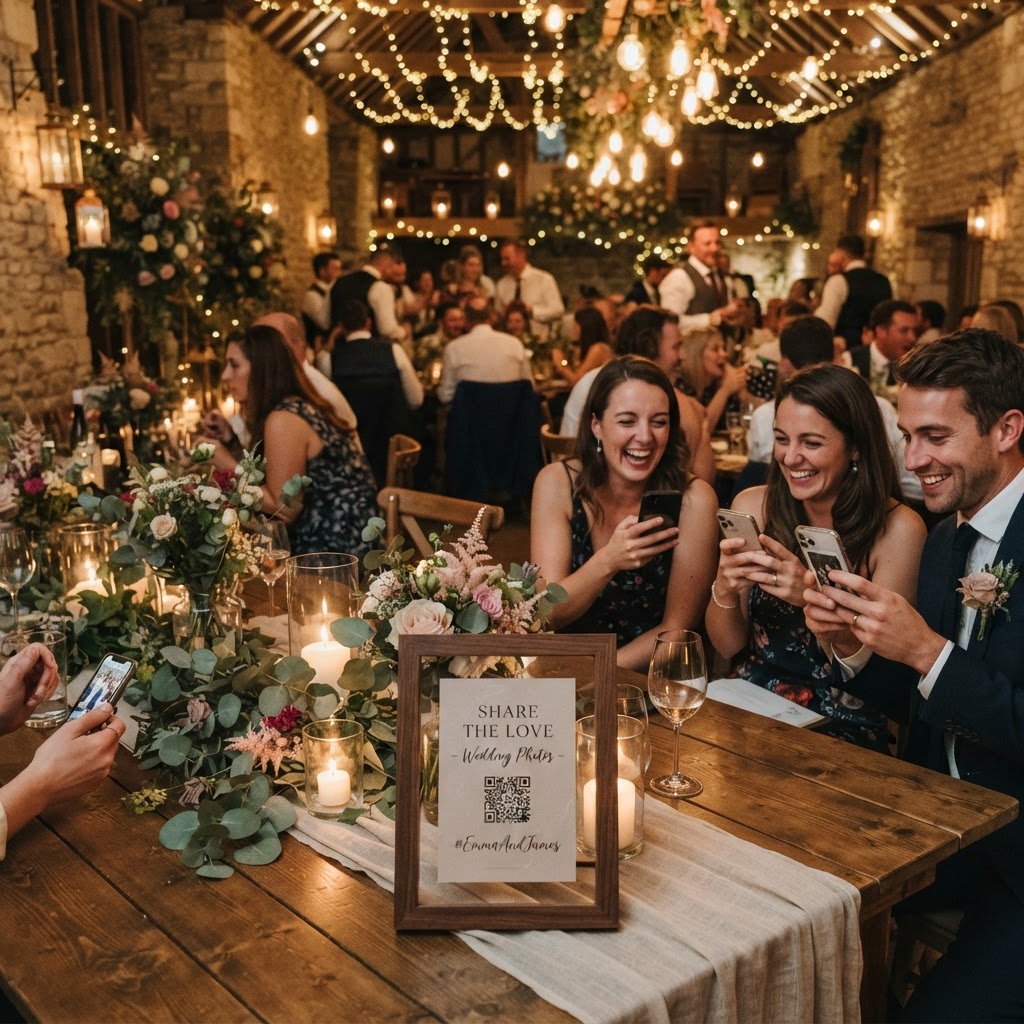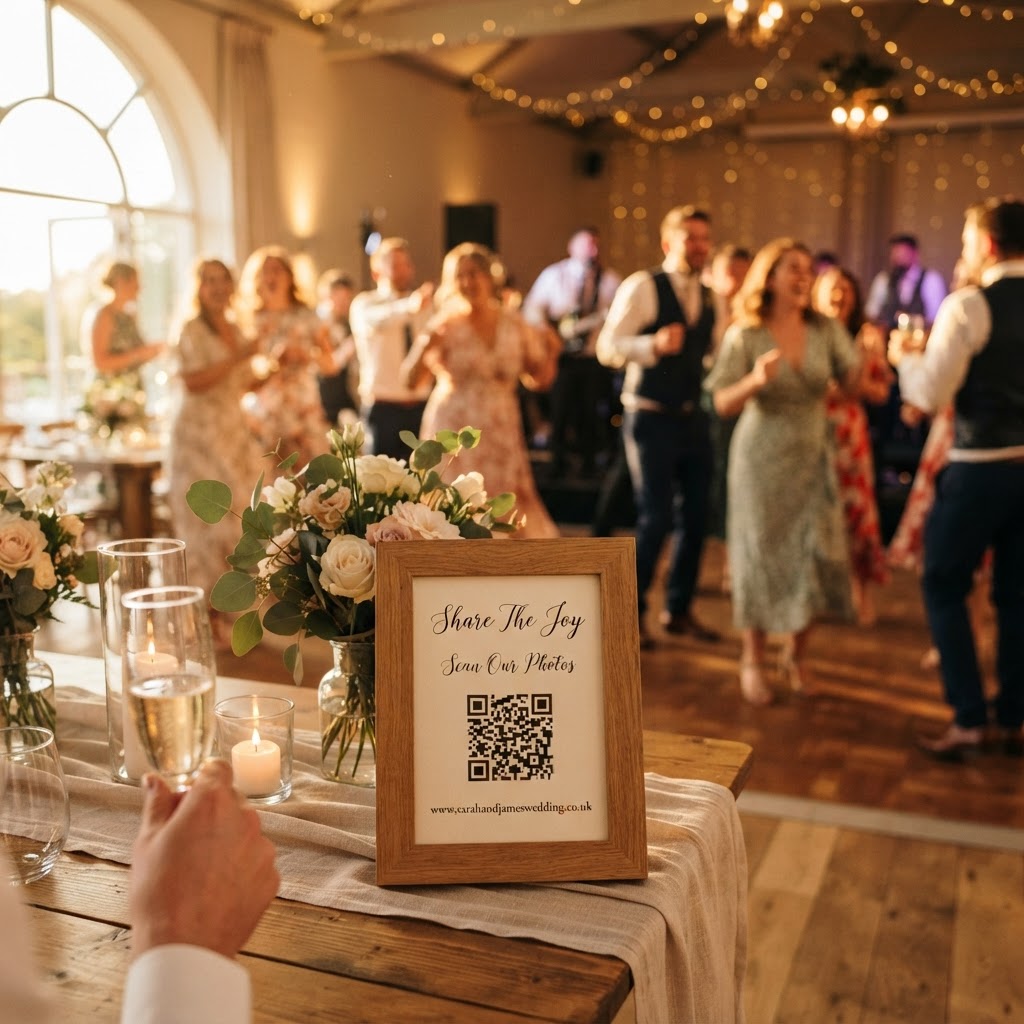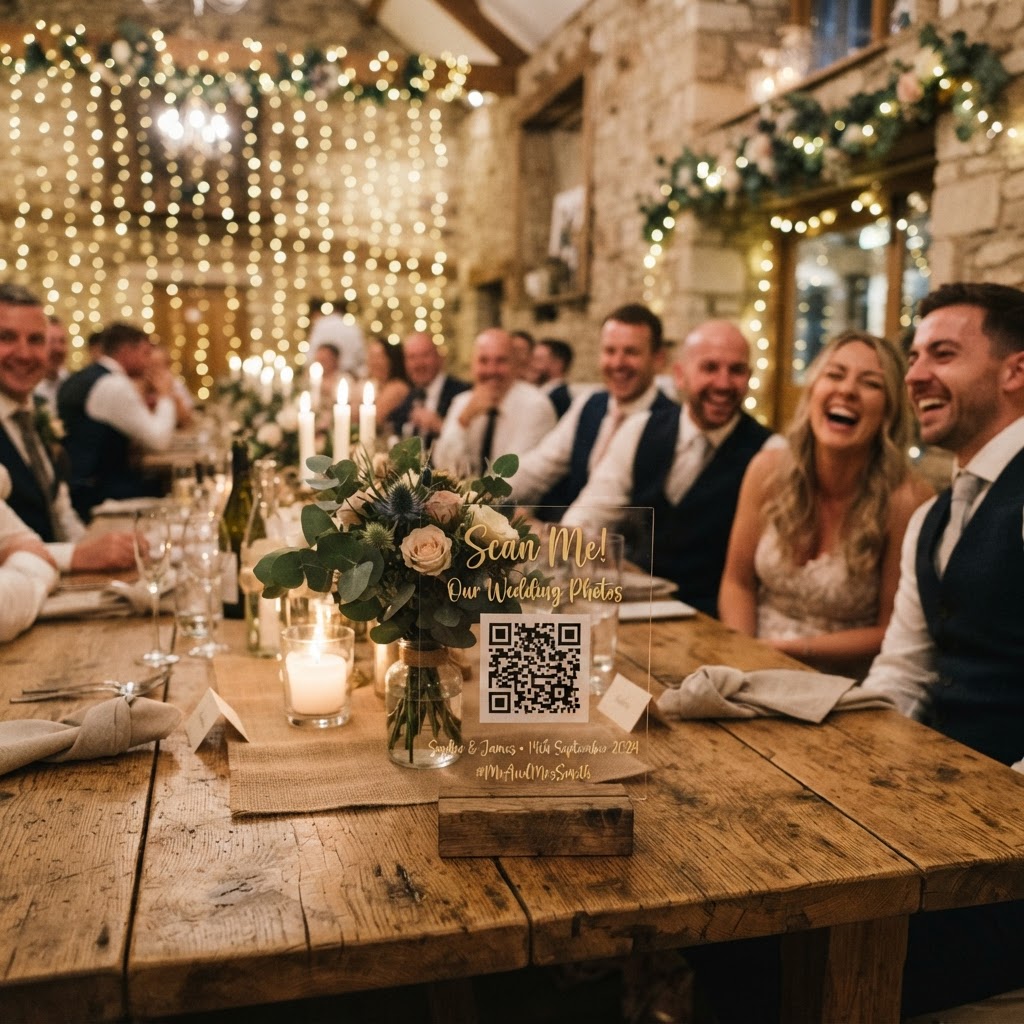
Wedding photo sharing is the process of using digital tools to collect candid images and video clips captured by your guests throughout your wedding day.
How can I collect guest photos without an app?
You collect guest photos without an app by using a browser-based QR code upload system that allows guests to contribute media directly from their smartphones. Requiring guests to download third-party software or create specific accounts creates a technical barrier that stops them from participating. Most people already have enough applications on their phones and are reluctant to add more just for one event. A browser-based system ensures that the path from taking a photo to uploading it takes only a few seconds. You simply print a QR code on your wedding stationery or display it on signs around your venue. When guests scan the code, their phone opens a webpage where they select their photos or videos for an instant upload. This approach removes the need for email follow-ups or chasing down friends for files weeks after the celebration. You gain access to a private, organised gallery where every guest contribution lands in one place.
What features should I look for in a sharing service?
The best services for event media provide a balance between ease of use for guests and functionality for you as the couple. Look for a service that includes a live slideshow feature to display incoming photos on a projector or screen during the reception. This adds an interactive element that encourages guests to keep taking photos because they see their work featured publicly. Video guestbook capabilities are another essential feature to look for in a modern system. Guests often find it easier to record a quick, heartfelt message on video than to write a long note in a physical book. Consider whether the service offers a green screen photobooth mode, which gives guests a fun activity during quiet periods of the wedding. Verify that the payment structure is transparent and simple. A single flat fee of £39 is common for this type of service, which covers your event without any hidden subscription costs or recurring charges. Always confirm how long your gallery will remain active. Standard practice for these temporary event platforms is that guest uploads remain open for seven days after the wedding, and the final gallery is deleted after ninety days. This is not a long-term archive solution, so you must download your favourite photos to your personal storage before the deletion deadline.
How do I encourage guests to share their photos?
You encourage guests to share their photos by providing clear instructions and specific photo prompts that guide them on what to capture. If you leave the task too vague, guests might forget to use the system or only take standard group portraits. Print the QR code on small cards placed at every table setting. Use clear, encouraging language like, Share your snaps to help us fill our gallery. You can turn the act of photography into a game by creating a list of photo challenges. Place these prompts near the bar or on the tables to give guests a sense of purpose. Suggest that they capture the bride and groom laughing, the best dance moves, the candid moments at the table, or funny details like the table decorations. Gamification works best when you provide these prompts as a list for guests to tick off throughout the evening. When guests feel they have a mission to complete, they are much more likely to pull out their phones and contribute to the collection.
Is a digital guestbook better than a physical one?
A digital guestbook is a better way to capture authentic personality and emotion compared to a traditional written note. People often feel pressure to write something profound in a physical book while guests are waiting behind them. A video message allows for a spontaneous, relaxed delivery that captures the voice and expressions of your loved ones. You can see your friends and family as they are in the moment, which provides a much more vivid memory than black ink on paper. Since these video clips are uploaded directly to your private gallery, they are easy to share with relatives later or to play back during anniversaries. Remember that these videos can be emotional, funny, or even chaotic, but they reflect the real atmosphere of your big day. Always ensure your guests understand they can record these videos at any point during the reception, perhaps by setting up a dedicated area with a sign explaining the process. This helps guests feel comfortable stepping away from the dance floor for a moment to record a thoughtful greeting.
How do I manage my wedding photos efficiently?
You manage your wedding photos efficiently by using a centralised, private gallery that keeps everything in one place until you are ready to download them. Avoid the common mistake of relying on WhatsApp groups, which suffer from poor image quality and difficulty in gathering files from dozens of different people. Centralised systems handle the organisation for you, allowing you to focus on your wedding day rather than acting as an amateur photo editor. Because the platform acts as your personal digital vault, you can access your guest photos from your computer after the event. You should set aside an hour in the week following your wedding to download the entire collection to your local hard drive or cloud backup. Since these platforms typically delete all data after ninety days, treat this as a strictly temporary holding space. By preparing your plan well in advance, you ensure that you walk away from your wedding with a comprehensive collection of memories. A service like Moment49 provides this complete toolkit, from the initial guest scan to the final download of your event memories.