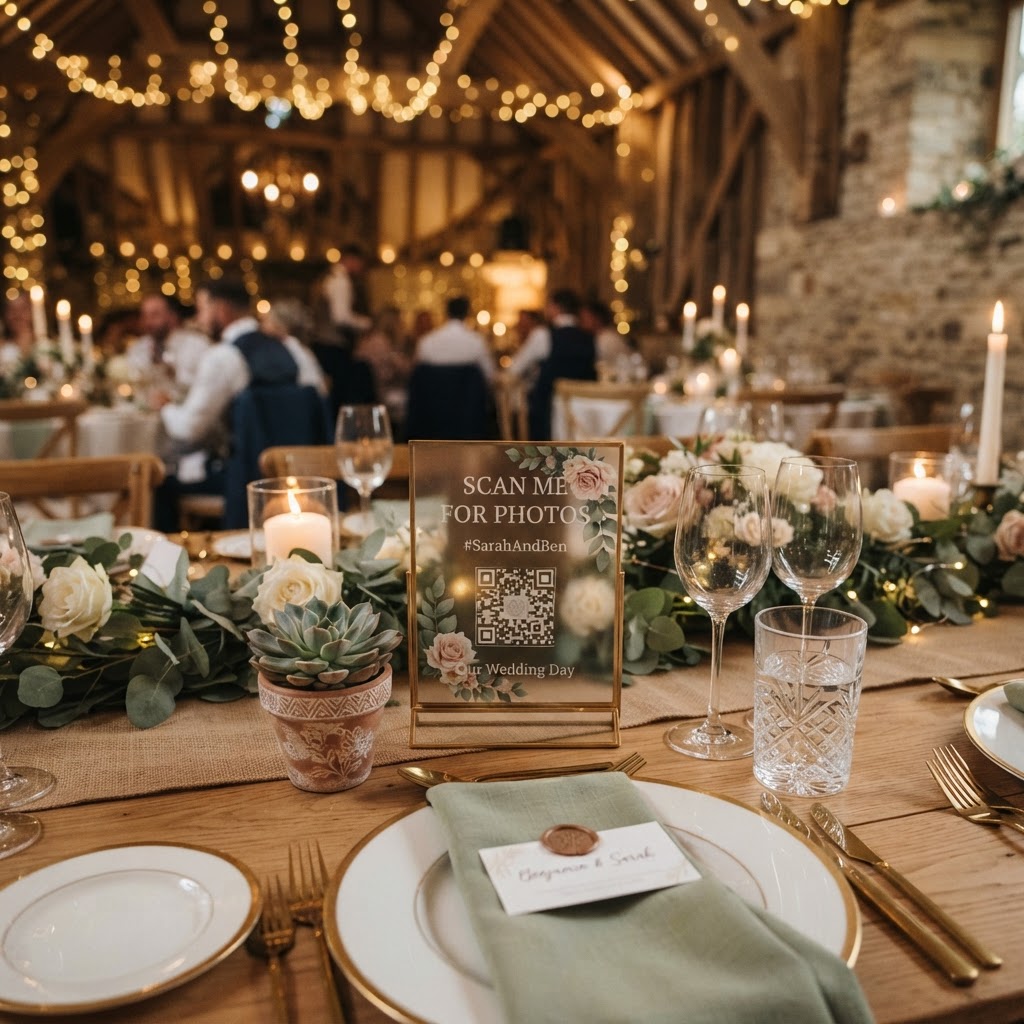
Inclusive Wedding Tech is the practice of using accessible digital tools that allow every guest to share photos and videos without needing to install applications or create accounts.
Planning a wedding in the UK involves balancing cherished traditions with modern expectations. You likely want to capture every angle of your day, but technology often creates unintended barriers. When you require guests to download an app or sign up for a service, you inadvertently exclude those who are less comfortable with smartphones. True inclusion requires a system that is invisible to the user. When the technology works in the background, your guests can focus on enjoying the celebration. Accessibility ensures that your grandmother feels just as capable of contributing to your visual record as your most tech-savvy cousin.
How do you make sure all guests can upload photos without an app?
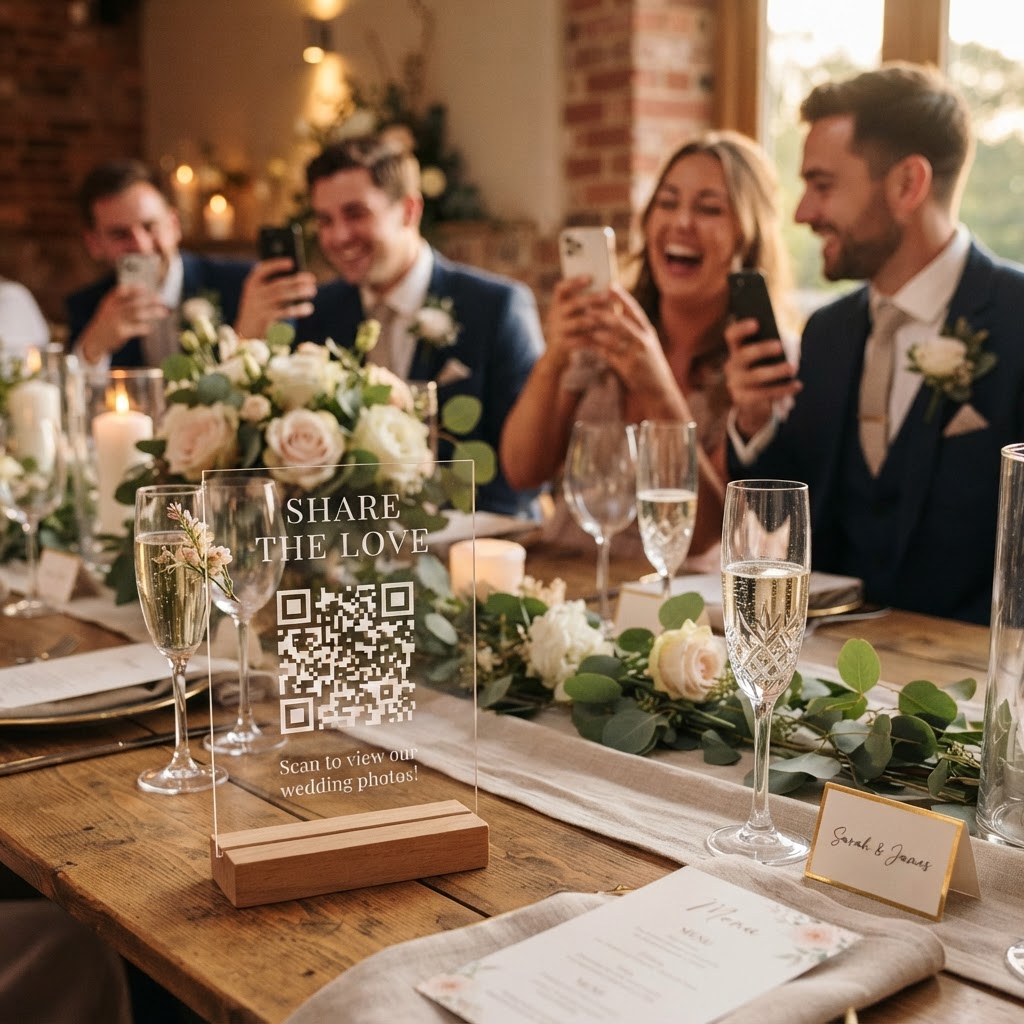
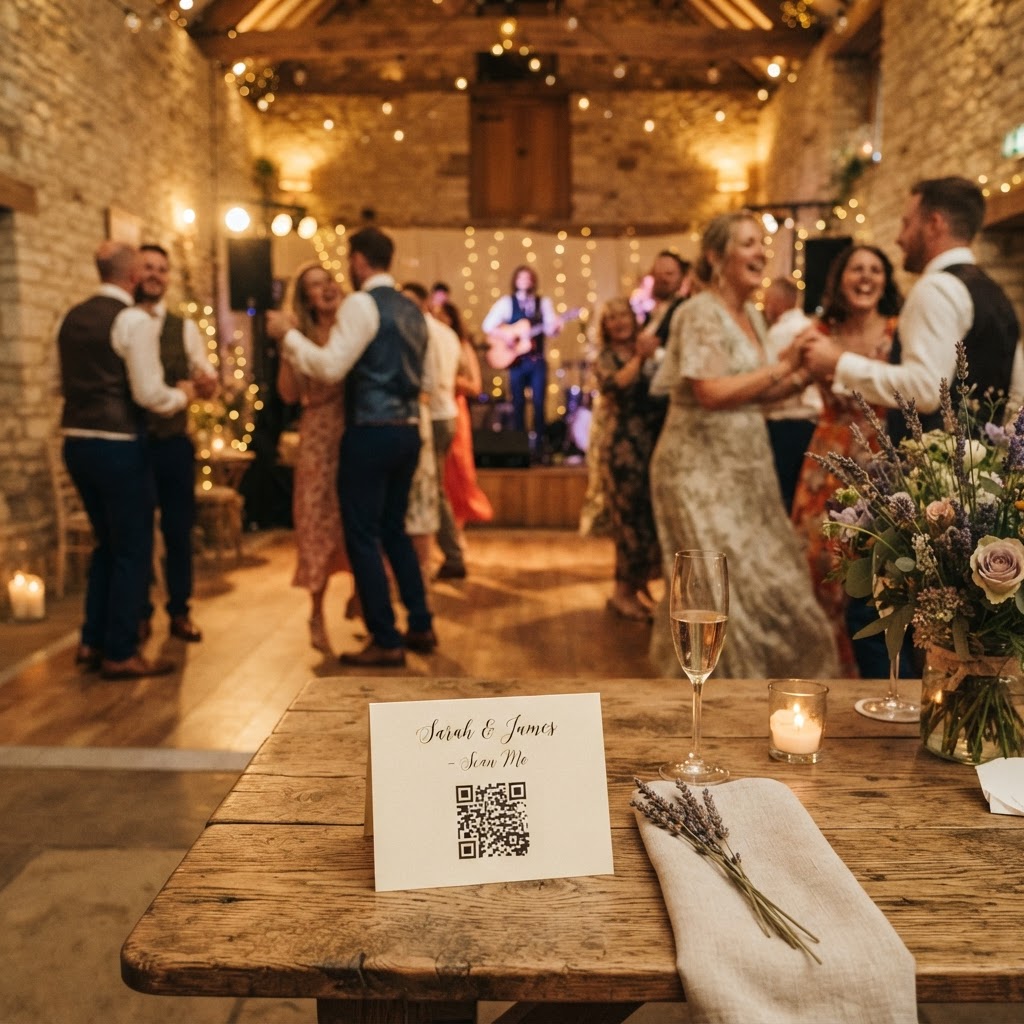
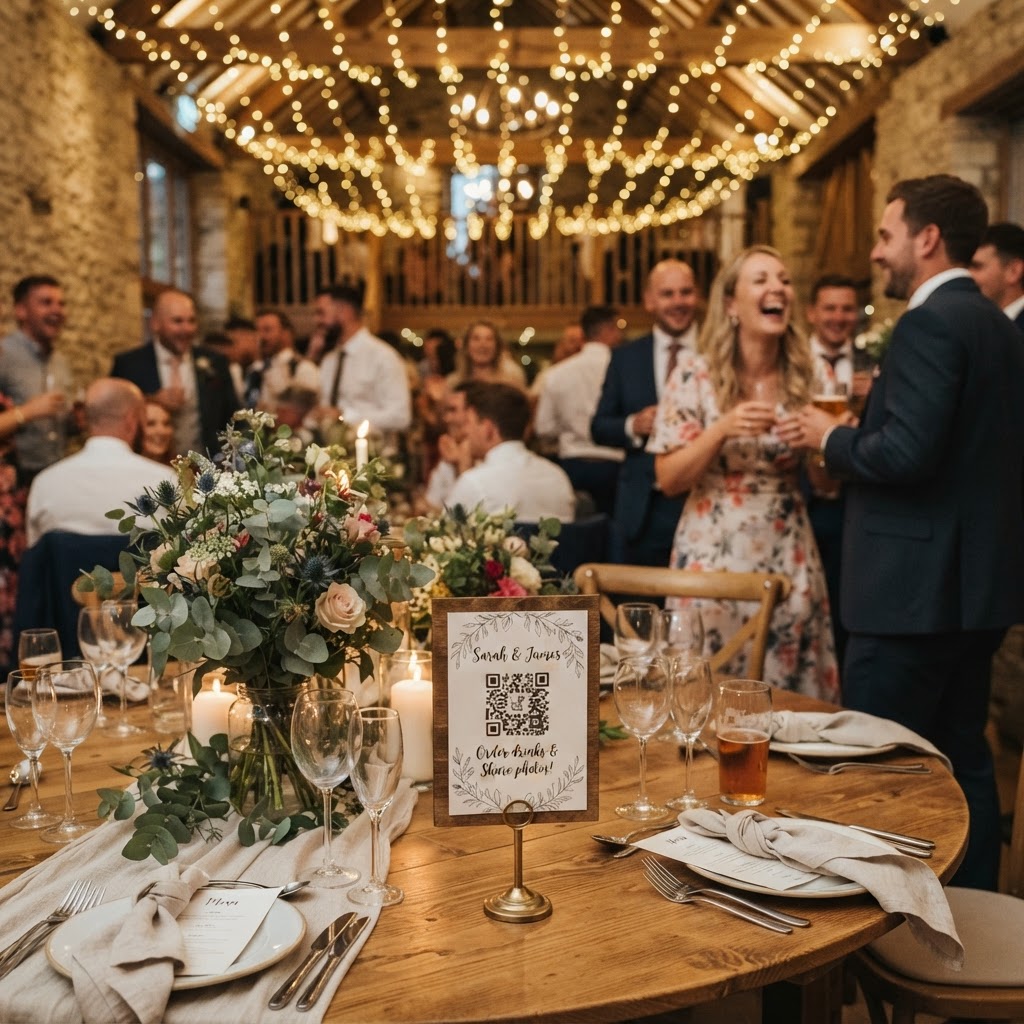
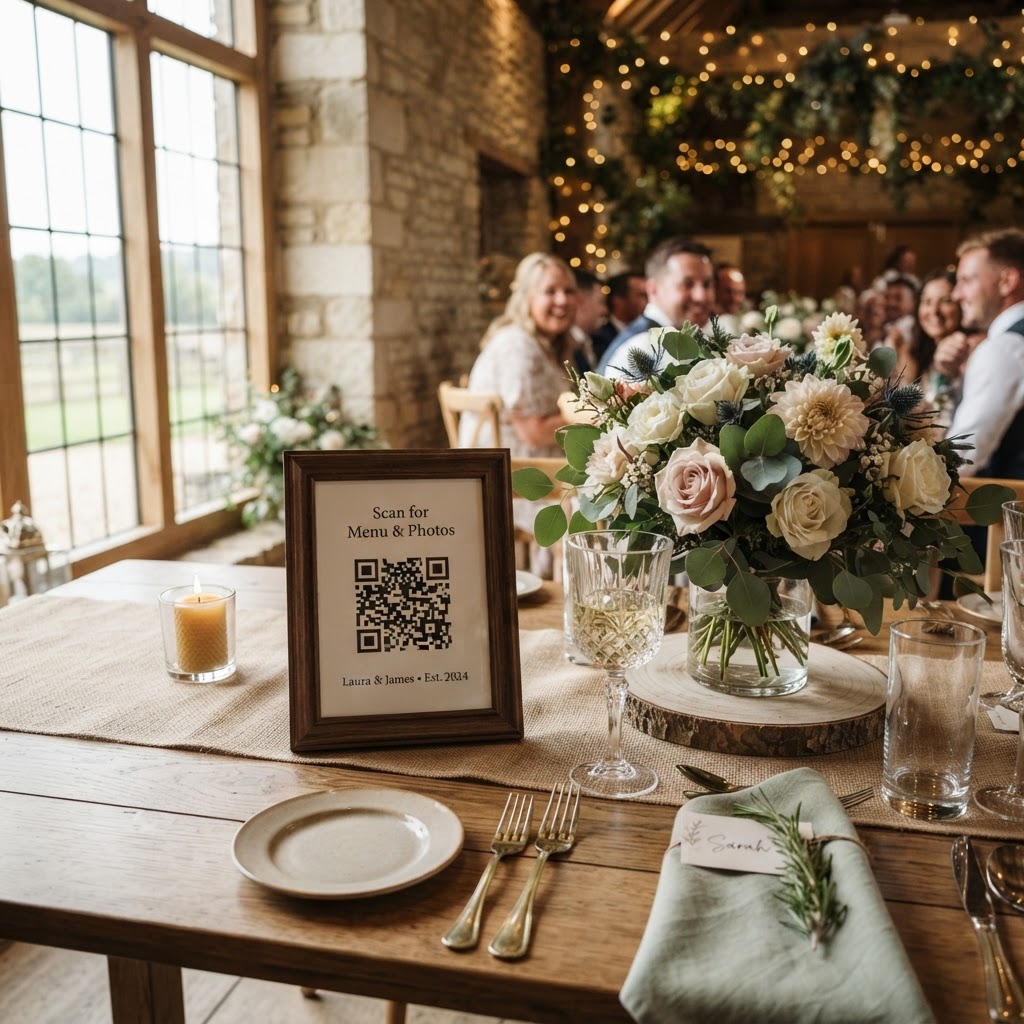
You ensure universal participation by selecting a web-based platform that operates entirely through a standard smartphone browser. By printing a QR code on table cards or signage, you provide a direct gateway to your digital gallery. Guests simply open their phone camera, scan the code, and gain instant access to a secure upload portal. This method removes the need to store passwords or navigate complex settings. Because the browser handles the heavy lifting, your guests can snap a picture and upload it in seconds. This speed is vital for keeping the momentum of the party going. When the barrier to entry is this low, participation rates typically climb across all age groups.
The Value of Real-Time Interaction
A live slideshow is an excellent way to maintain engagement throughout your reception. By projecting the incoming photos onto a screen, you show guests that their contributions are seen and appreciated immediately. This creates a positive feedback loop that encourages more people to join in. When a guest sees their photo of the wedding cake or a dance floor candid pop up on the display, they feel like an active part of the event narrative. This shared visual history becomes a conversation starter for guests who might not know each other well. It turns the act of taking photos into a collaborative activity rather than a solitary task. To manage this effectively, ensure your display is positioned in a central area where people naturally congregate during the evening.
What happens to the photos after the wedding day?
The photos uploaded by your guests remain accessible through your private gallery for a set period, after which the files are permanently deleted. Most systems of this type are designed as temporary repositories rather than long-term storage solutions. For instance, guests can typically contribute their files for up to seven days after the event. This window is useful for capturing those final shots from the honeymoon departure or the post-wedding breakfast. Once this period closes, the gallery remains available for you to review and download your favourite images. Eventually, the digital space is wiped clean, with complete deletion occurring ninety days after the event concludes. This structure prioritises your privacy while providing a distinct timeframe for organising and downloading your collection to a permanent hard drive or physical album.
Building a Digital Guestbook
While still photos are wonderful, videos provide a much deeper sense of the day. A digital video guestbook allows your friends and family to record personal messages. These clips capture the genuine laughter, toasts, and well-wishes that written cards often lack. You can encourage people to leave these messages during quieter moments, perhaps during the wedding breakfast or as they wait for the evening music to start. Because these videos are uploaded to the same gallery as the photos, you have a single location to review all your multimedia memories. Think of this as a multi-sensory time capsule that reflects the authentic spirit of your celebration.
Managing the Tech Effort
To keep the process smooth, you might assign a trusted friend or family member to be your tech liaison. This person does not need technical skills, but they should be comfortable moving around the room. Their role is to place instruction cards on the tables and check that guests understand how to use the QR code. You should write a simple, encouraging prompt on your cards, such as Scan to share your view with the couple. Avoid long manuals or overly technical explanations. If someone is struggling, a quick demonstration from your liaison will resolve the confusion instantly. Keep the signage clear and legible, using large fonts to ensure it is readable in lower light conditions.
Creating a Fun Atmosphere
You can encourage more creative shots by suggesting specific themes or challenges. Ask your guests to capture the funniest dance floor moves or the best candid shot of the newlyweds. This transforms the photography into a game that keeps people active. If you want to take the concept further, consider using a green screen photobooth mode. This allows guests to superimpose their photos onto fun backgrounds, adding a layer of entertainment to the reception. These interactive features work best when integrated with your existing gallery, ensuring that every themed shot is saved alongside the more traditional pictures of the ceremony. You can even run these sessions simultaneously with the main upload portal, making the entire experience feel like a dedicated media station. Such thoughtful touches make your wedding feel more personal and engaging, while the final digital collection remains safe and restricted to your private use through tools like Moment49.