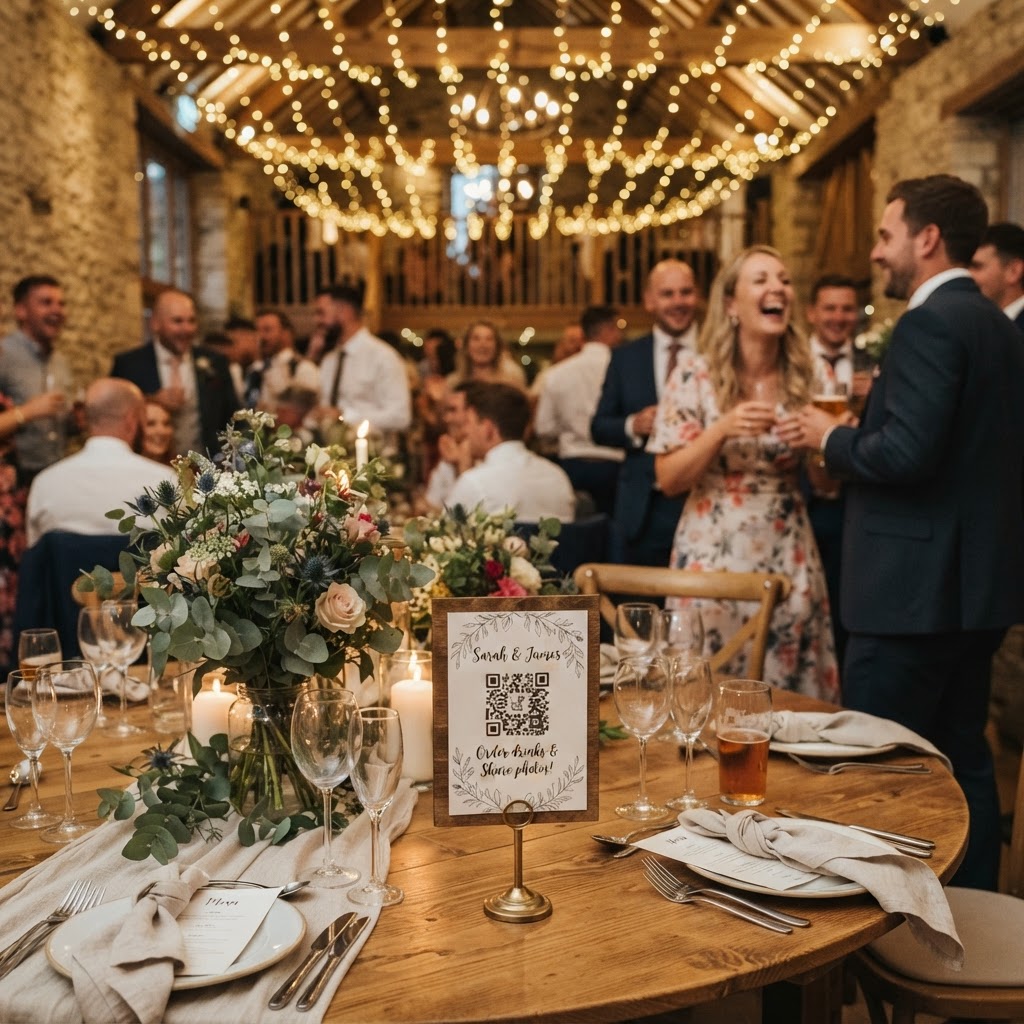
Wedding photo sharing is the process of collecting digital images and video clips captured by guests on their mobile devices during your event.
How do I gather guest photos without asking them to download an app?
You gather guest photos without app downloads by using a browser-based QR code system that allows for immediate uploads from any smartphone camera. Many couples struggle with the technical hurdles of traditional photo sharing because they rely on guests remembering to email files later. Email services often compress images, which ruins the quality for your prints. WhatsApp groups can become messy and difficult to organise once you have dozens of people adding content simultaneously. By placing a QR code on each table, you direct your guests to a specific web portal. They simply scan the code, tap their camera roll, and upload their favourite moments within seconds. This process removes every barrier to participation, ensuring your gallery grows steadily throughout the day.
What are the best places to display my wedding QR codes?
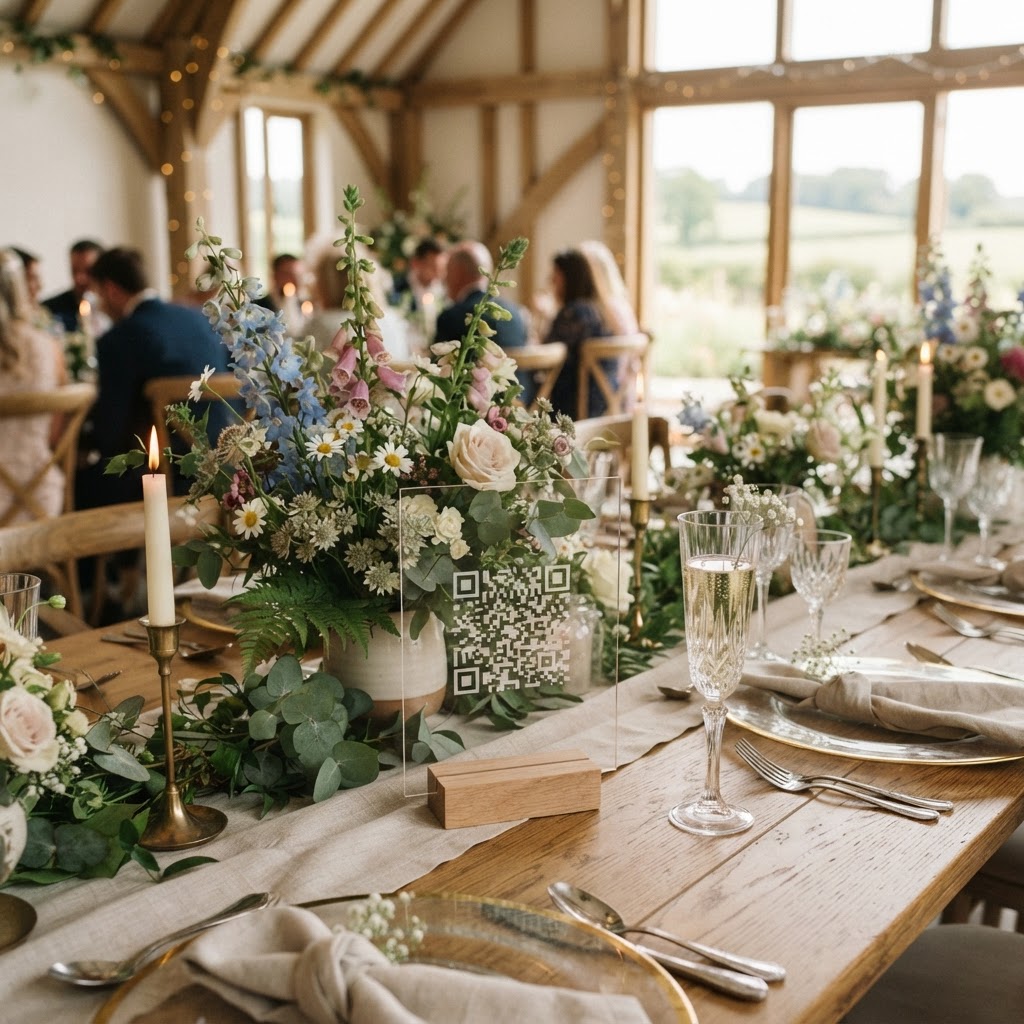
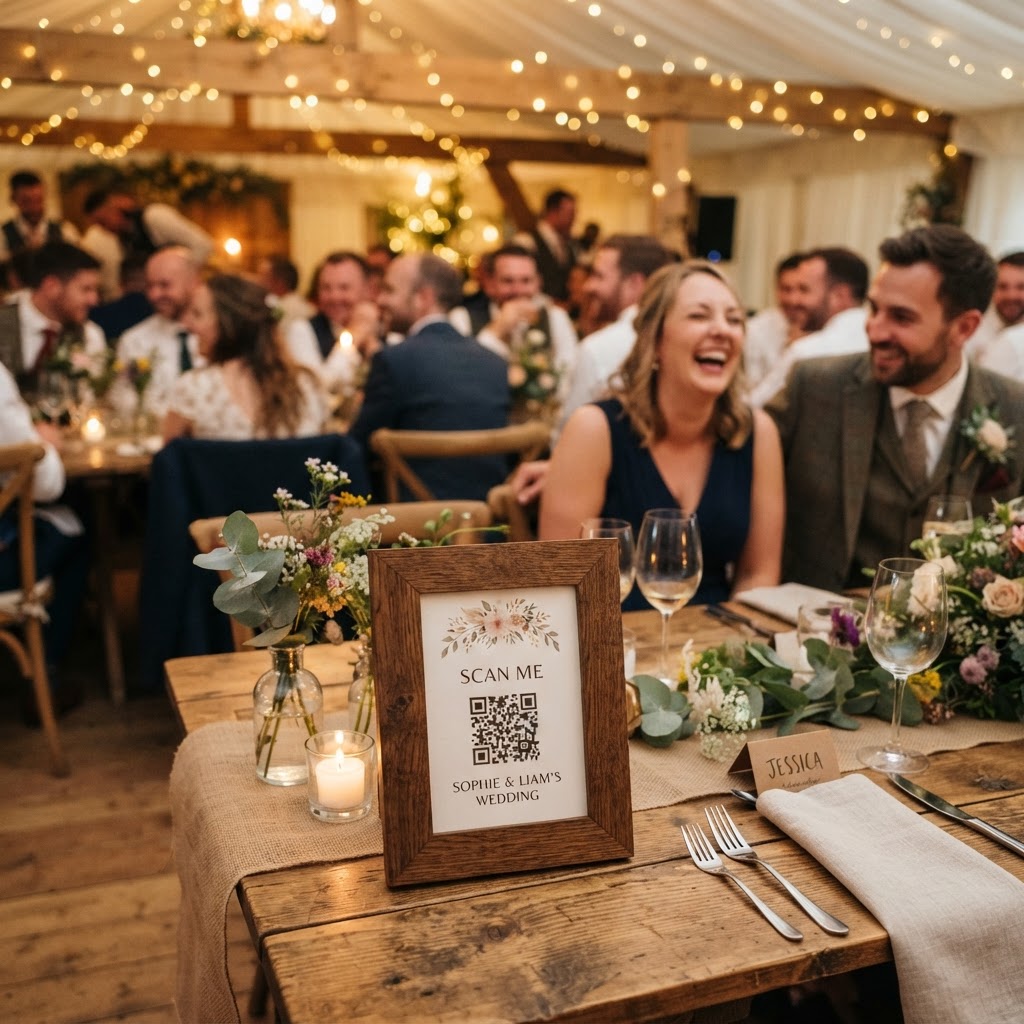
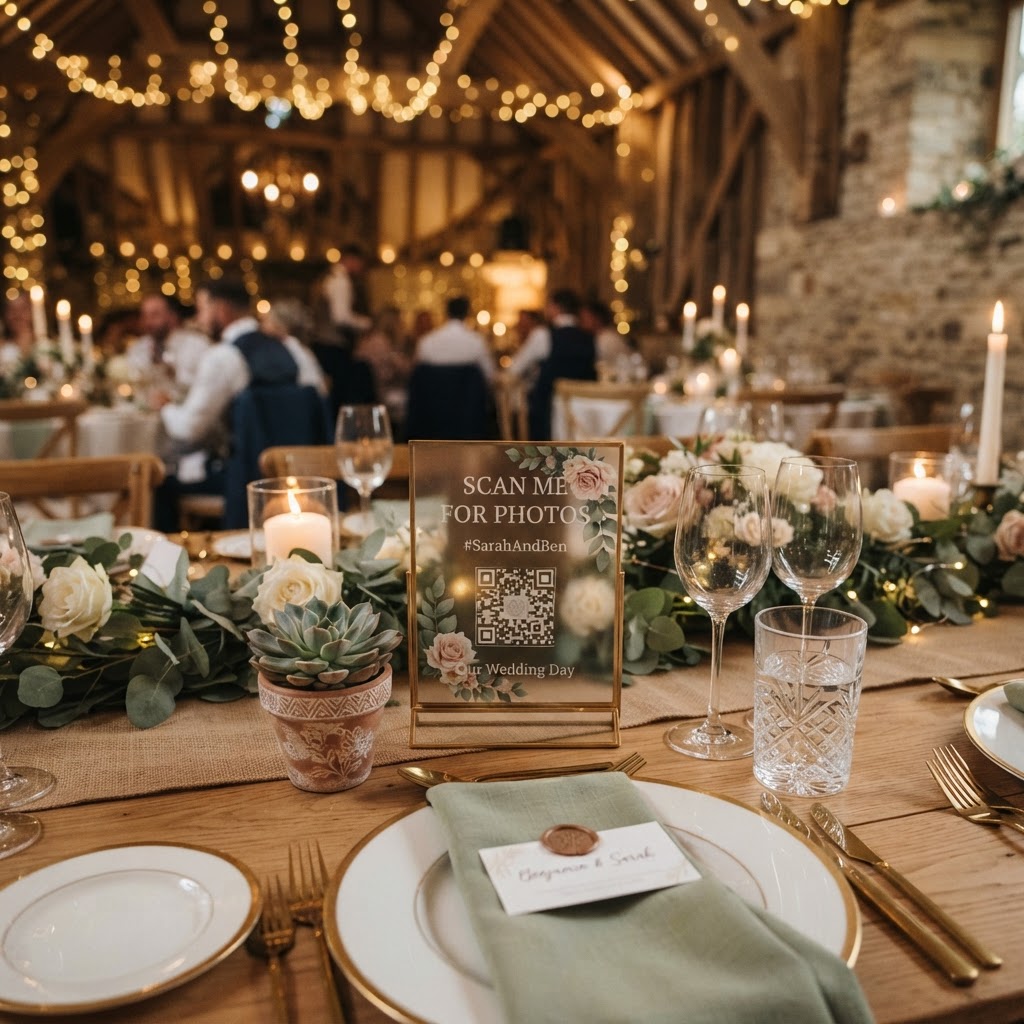
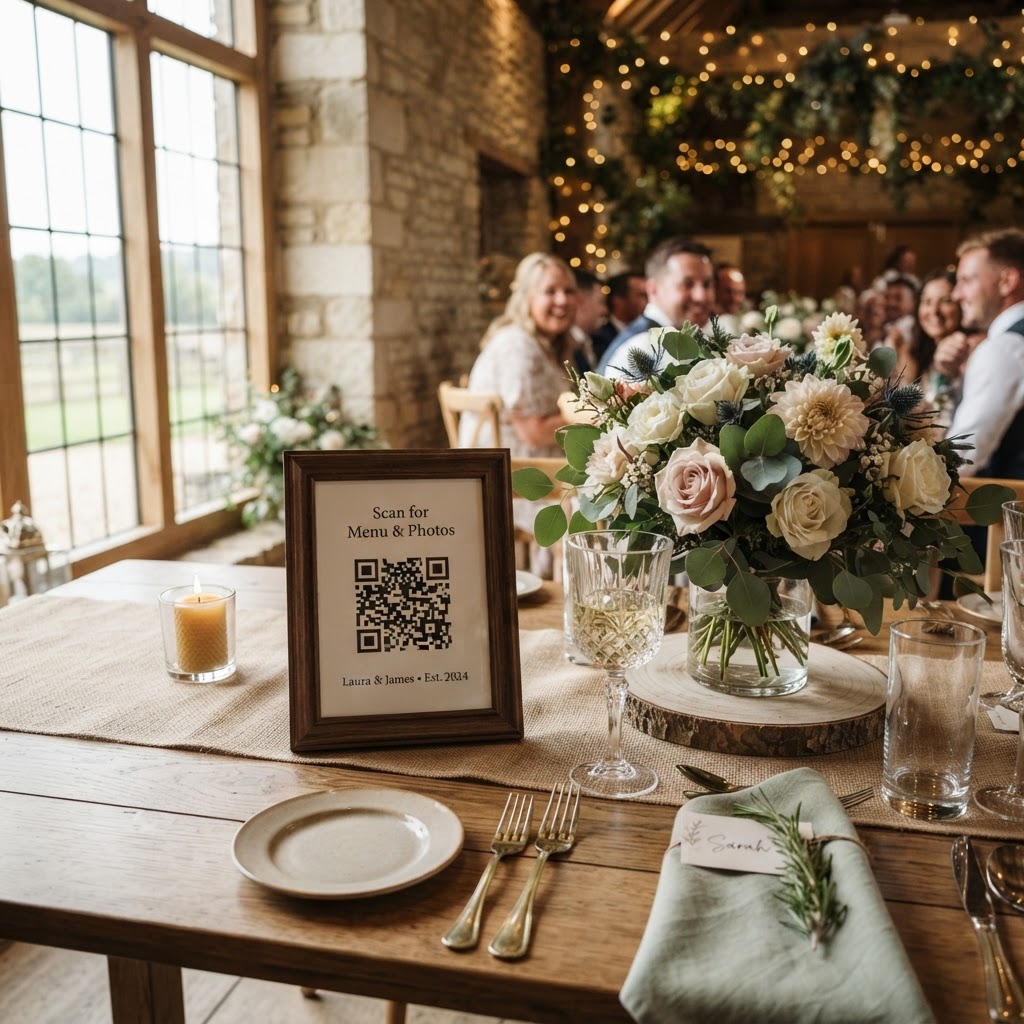
The best places to display your wedding QR codes are high-traffic spots where guests naturally pause, such as the bar, the entrance, and every individual dining table. If you limit your signage to a single sign at the door, guests will likely forget to use it once the celebrations begin. You should print the QR codes on small, tasteful cards that complement your existing table stationery. Include a short, friendly instruction line beneath the code, such as Scan here to share your photos with us. You might also place a sign by the cake table or the photobooth area to remind guests to document the smaller details of the day. A subtle mention in your wedding programme or on the back of the menu can serve as an extra reminder for those who missed the table cards. Ensure the cards are printed clearly so the camera lens can focus on the code even in low lighting conditions.
How can I keep my guests engaged with the photo collection process?
You can keep your guests engaged by using a live digital slideshow that displays photos on a projector or screen as soon as they are uploaded. This immediate feedback loop acts as a form of entertainment during the transition periods of your reception, such as when the wedding party is busy with photos or during the gaps between courses. Watching their own photos appear on a big screen encourages other guests to get involved and look for interesting angles to capture. You can also introduce specific photo challenges to spark creativity. Print simple cards with prompts like capture the best dance move or snap a photo of the dessert table. These prompts turn passive observers into active participants who feel like they are contributing something meaningful to your collection. If the platform supports it, you might also activate a green screen photobooth mode to provide an interactive experience for those who want to pose for silly or artistic digital portraits during the evening.
What should I look for in a wedding photo sharing service?
You should look for a service that provides a private gallery, supports video messages, and keeps the user experience simple enough for all age groups. Since you want to preserve the authenticity of your day, the service must accept high-resolution files so you can print them later. Verify that the platform does not require guests to create an account or provide personal data, as this is the primary reason people abandon the upload process. A helpful feature to look for is a digital guestbook option, where people can record short video messages in addition to photos. These videos often capture the emotional tone of the evening better than text ever could. Be aware of the technical limitations of these services, as most platforms clear their servers after a set period. For example, your guests can usually upload content for up to seven days after the wedding, and the full gallery is typically deleted from the servers 90 days after the event. This structure means you must download your archive well before the three-month deadline to avoid losing any of your files.
When is the right time to tell guests about sharing their photos?
The right time to tell guests about sharing their photos is during your welcome speech or just before you move into the main dining portion of the evening. A brief, lighthearted announcement helps shift the focus to the collaborative nature of the day. You can say something like we have a live gallery running tonight, so please scan the codes on your tables to share your snaps with us. Avoid making this sound like a formal requirement, as you want the photos to remain authentic and candid rather than staged. If you see a lull in activity, a quick nudge from a bridesmaid or the MC can remind guests that they have the power to contribute to your visual history. Remember that your goal is to capture the messy, funny, and beautiful moments that a professional photographer might miss while they are focused on the formal shots. By setting up a system like Moment49, you ensure that every snapshot is stored in one accessible location for you to enjoy after the wedding wraps up.