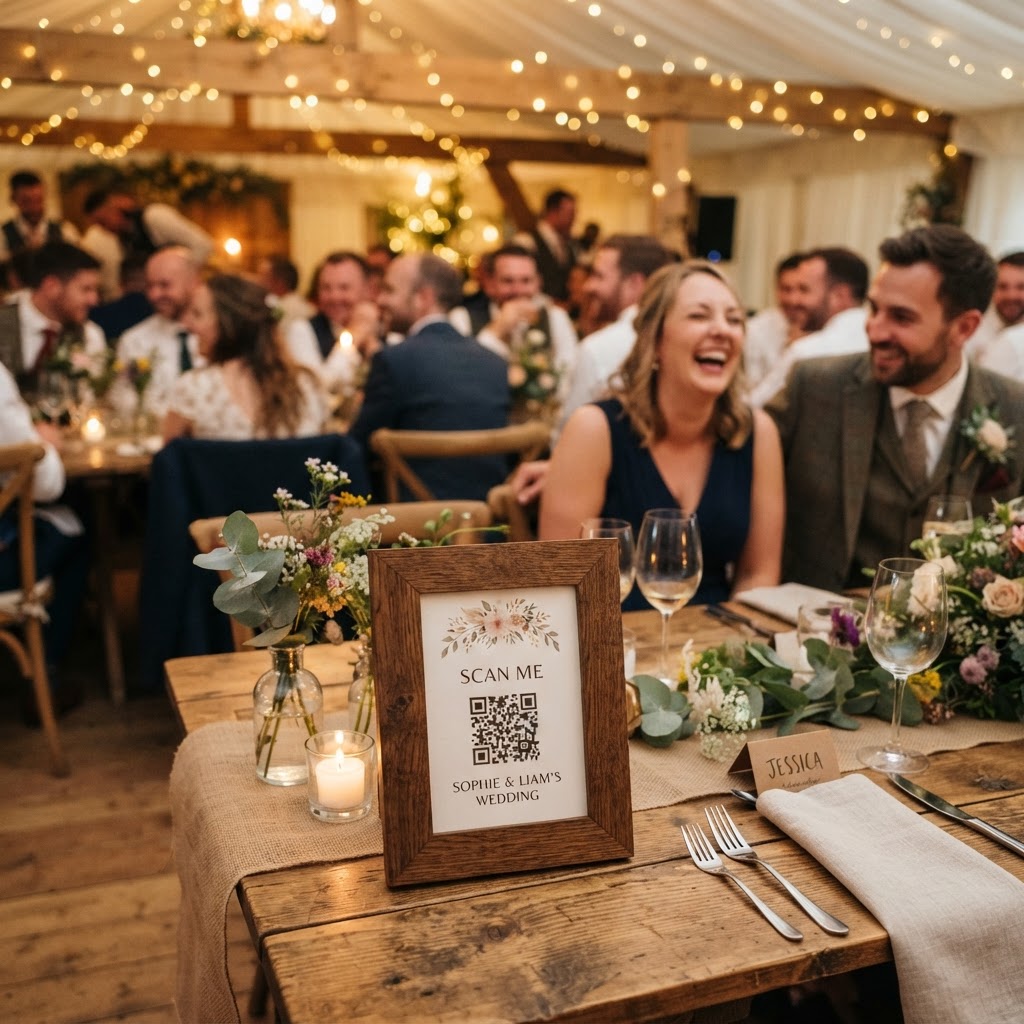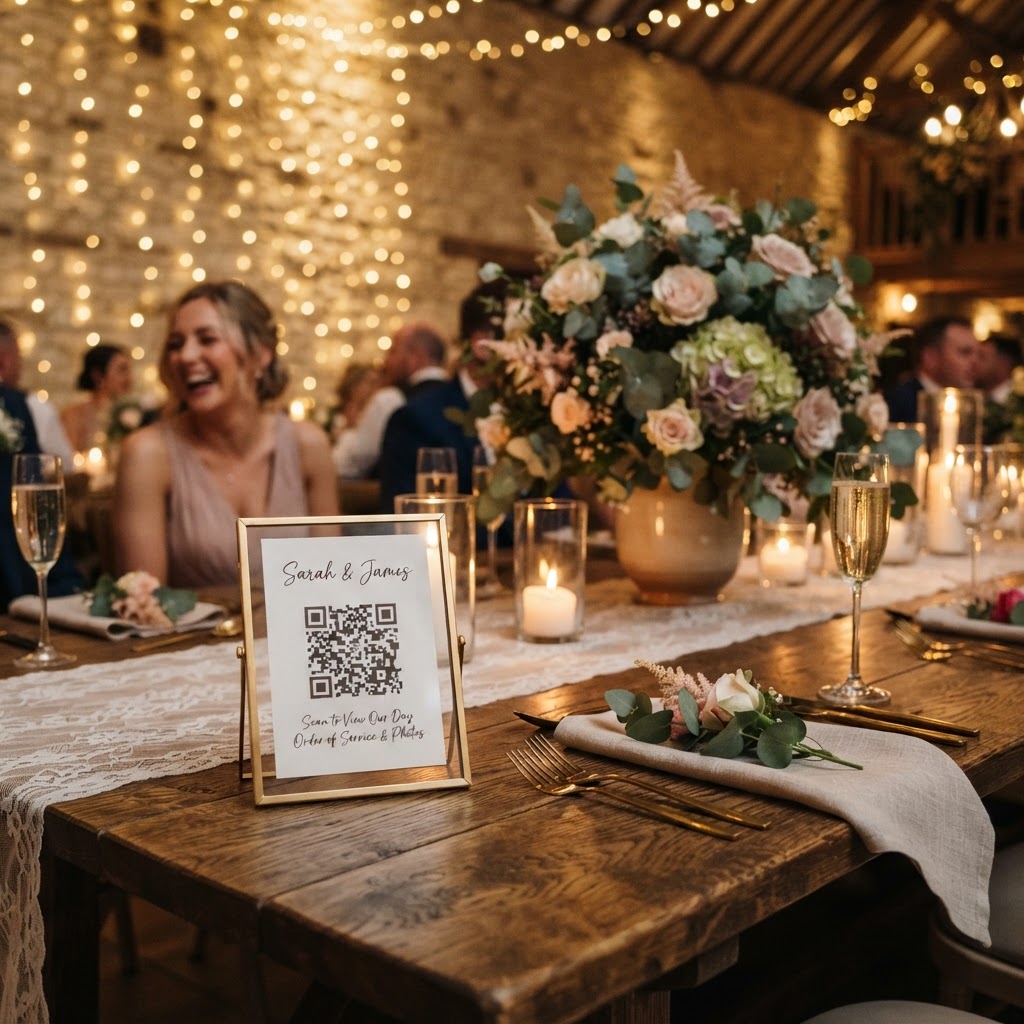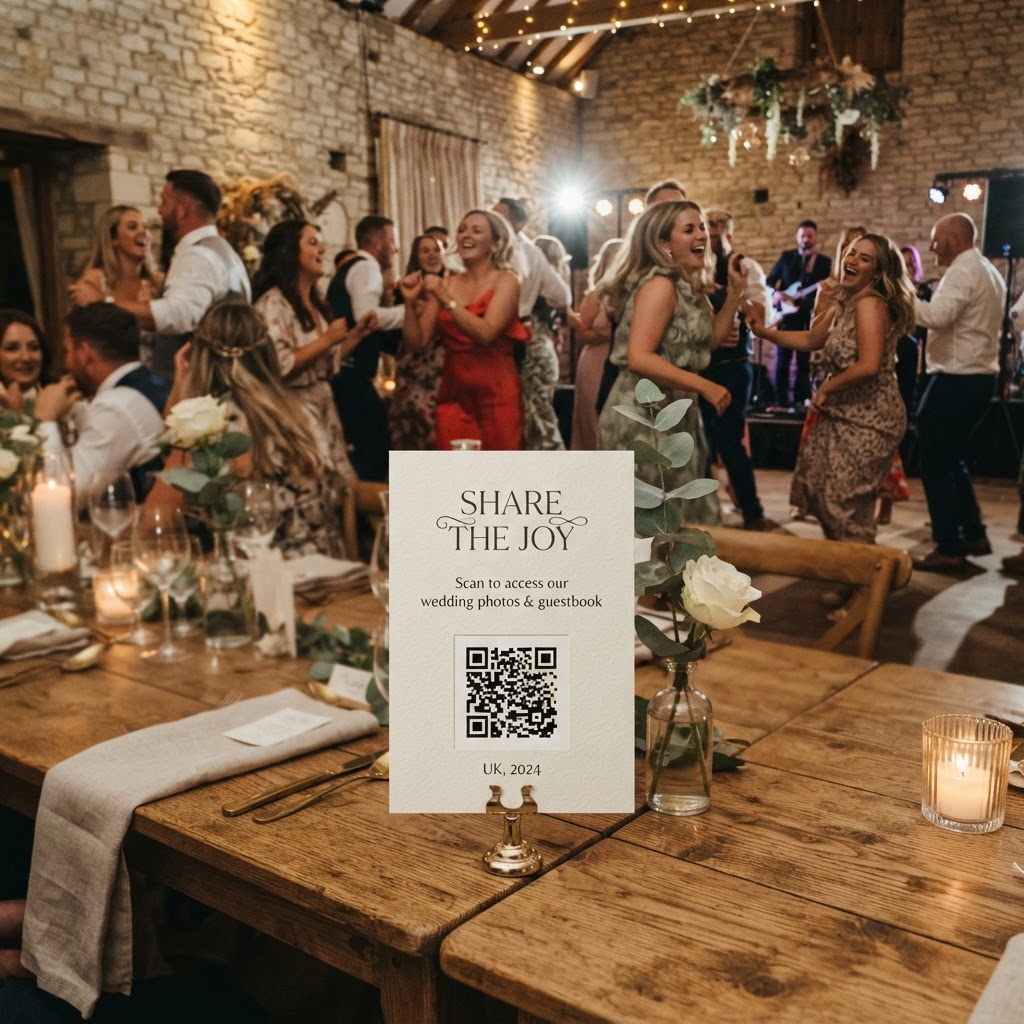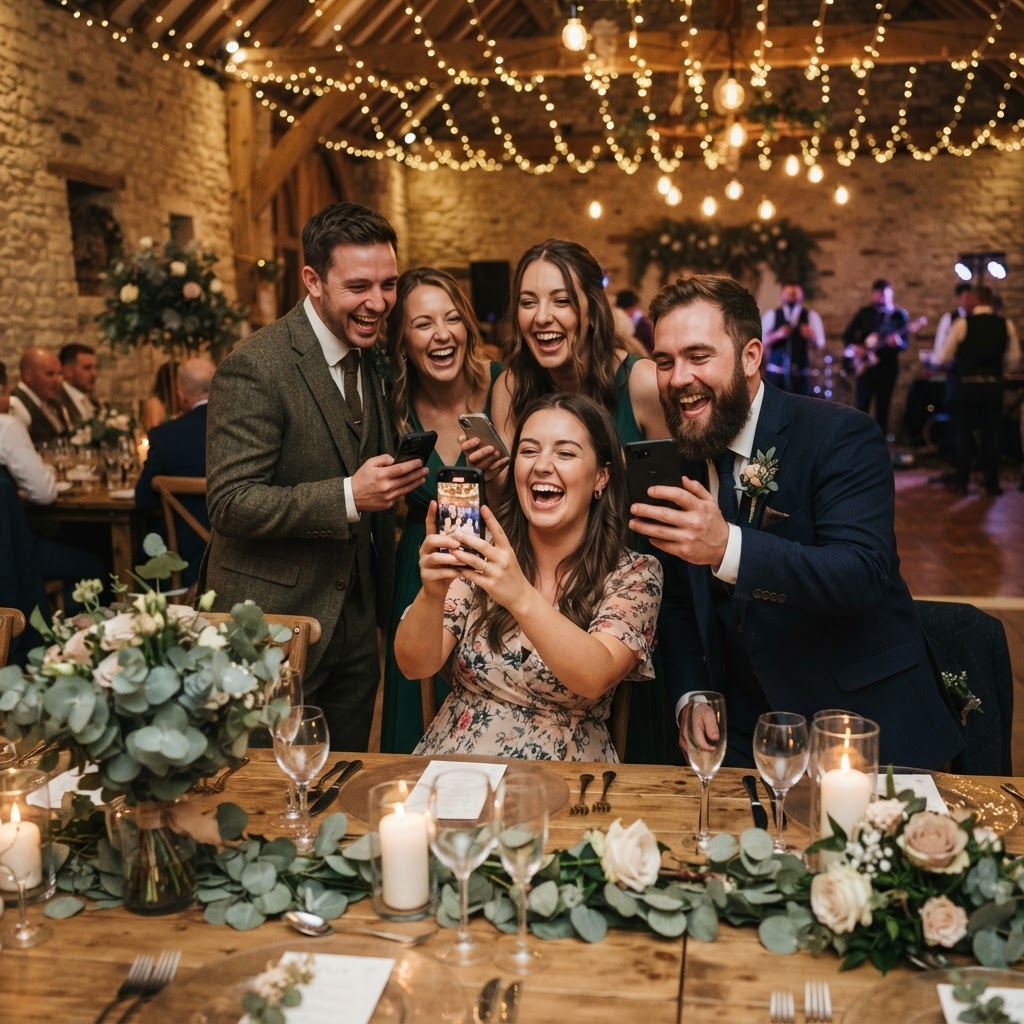
A digital video guestbook is a collection of recorded clips and photos captured by wedding guests that provides an interactive, modern alternative to traditional paper journals.
How do I set up a digital guestbook for my wedding?
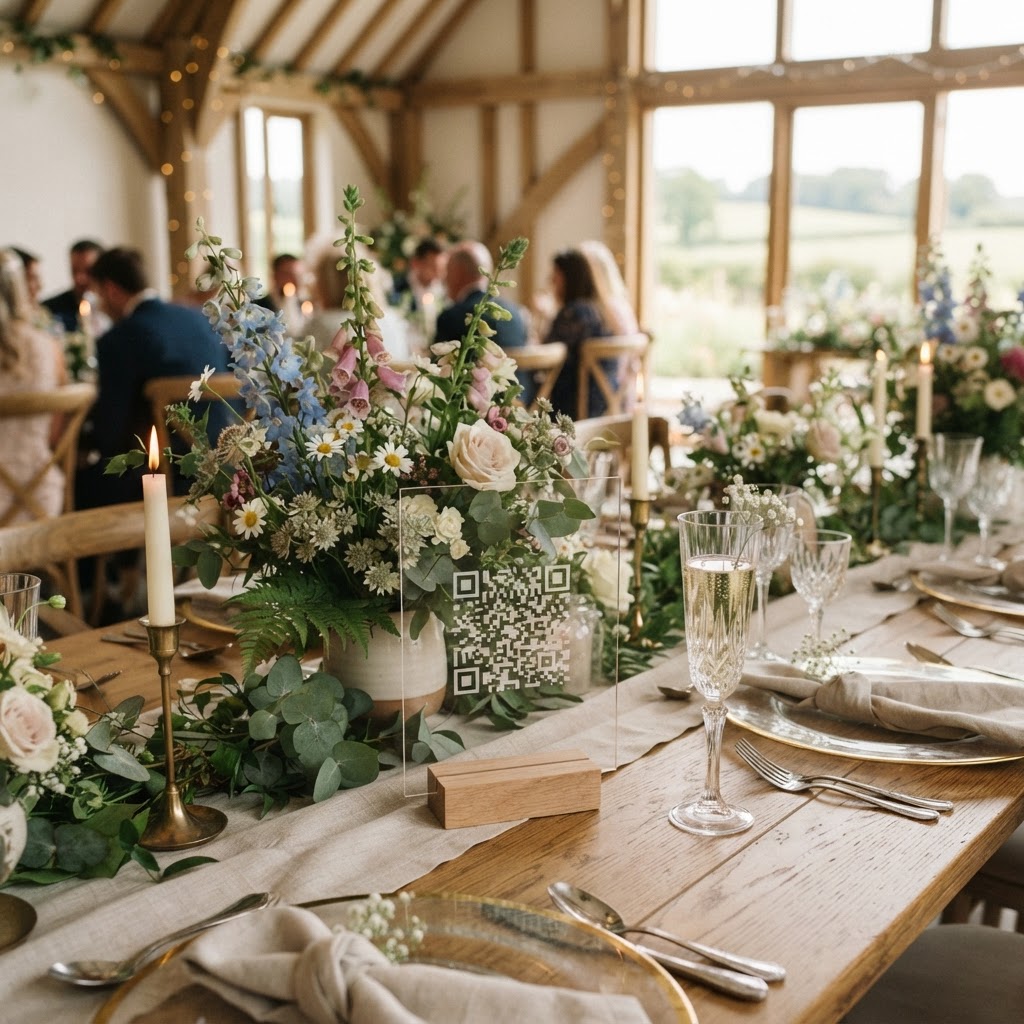
You set up a digital guestbook by choosing a web-based service that allows guests to upload content via a QR code without installing software or creating an account. Start by selecting a provider that offers a simple, scan-and-shoot interface that works directly within a standard mobile browser. You should print the unique QR code on small cards to place at every table, or include it on your wedding programme. Ensure the instructions are crystal clear so guests know exactly what to do when they approach the code. A small sign saying scan to record your message or scan to share your photos works best. Test the process on your own phone before the wedding to ensure the flow is smooth and intuitive. Once the service is active, the system collects every upload into a private digital gallery that you can access after the festivities. You should also check if the service provides a live slideshow feature to display photos or videos as they are uploaded to the projector screen at your venue. This gives guests immediate feedback and encourages others to contribute their own clips throughout the night.
Why should I choose digital video over a paper book?
Traditional paper guestbooks often become a chore because guests feel pressured to write something witty while standing in a crowded queue. A digital video guestbook changes the dynamic from an obligation into a spontaneous, sentimental expression of joy. You capture the actual tone of voice, the laughter, and the genuine emotion that text simply cannot convey. Paper books are often tucked away into a drawer or a box, where they are rarely looked at after the event. A digital gallery allows you to relive those raw reactions whenever you want, and you can easily share specific clips with family members. It also avoids the problem of losing physical cards or struggling to read handwriting in the dark atmosphere of a wedding reception. When a guest records a video, they are documenting the spirit of the day in a format that feels far more personal and modern.
How do I encourage guests to record messages?
You encourage participation by removing every barrier to entry and giving guests fun, specific prompts to follow during the evening. If the process requires an account, a password, or an app installation, your participation rates will inevitably drop. People are there to enjoy the food and the dance floor, so the interaction must take only a few seconds. Use table cards that suggest specific themes for the videos to avoid the generic congratulations message. Ask guests to tell their favourite story about the couple or share their best piece of marriage advice. You can also organise photo challenges by asking people to capture specific things, such as the best dance move on the floor or a candid photo of someone laughing. These tasks turn the act of contributing into a game rather than a task. When guests see their photos or videos pop up on a large screen during the reception, they feel part of the entertainment. This creates a feedback loop where others see the fun and decide to contribute their own media.
What are the technical limits of a digital gallery?
A digital gallery is a temporary solution for gathering media, as most services keep uploads open for a strictly limited time after the event. You must download all your content promptly, as many platforms delete the entire gallery within 90 days of the wedding date. This means you should treat the digital gallery as an active collection point rather than a permanent cloud archive. After your seven-day upload window closes, spend an evening downloading every file onto a local hard drive or a secure permanent cloud storage folder. Do not rely on the platform to host your memories for years to come. Make sure you have a back-up plan for your wedding media as soon as the event concludes to avoid losing any cherished clips. Understanding these operational windows allows you to maximise the utility of the service during the event while protecting your files for the long term.
What is the cost of a digital guestbook service?
Most dedicated digital guestbook services charge a flat, one-off fee that typically hovers around thirty-nine pounds for an event. This covers the use of the web-based upload platform, the storage of your photos and videos, and often includes features like the live slideshow and themed photobooth modes. Avoid services that lock you into monthly subscriptions or hidden tiers for downloading your own media. You want a provider that offers the full experience, including the ability to generate QR codes, for a single, transparent price. Because this is a temporary service, you are essentially paying for the convenience of centralising guest photos and videos during your wedding week. Always confirm what is included in the price before you purchase, specifically verifying that you can download high-resolution copies of all videos without additional charges. Using a service like Moment49 ensures you have a private, accessible hub for these memories during the crucial window around your big day.