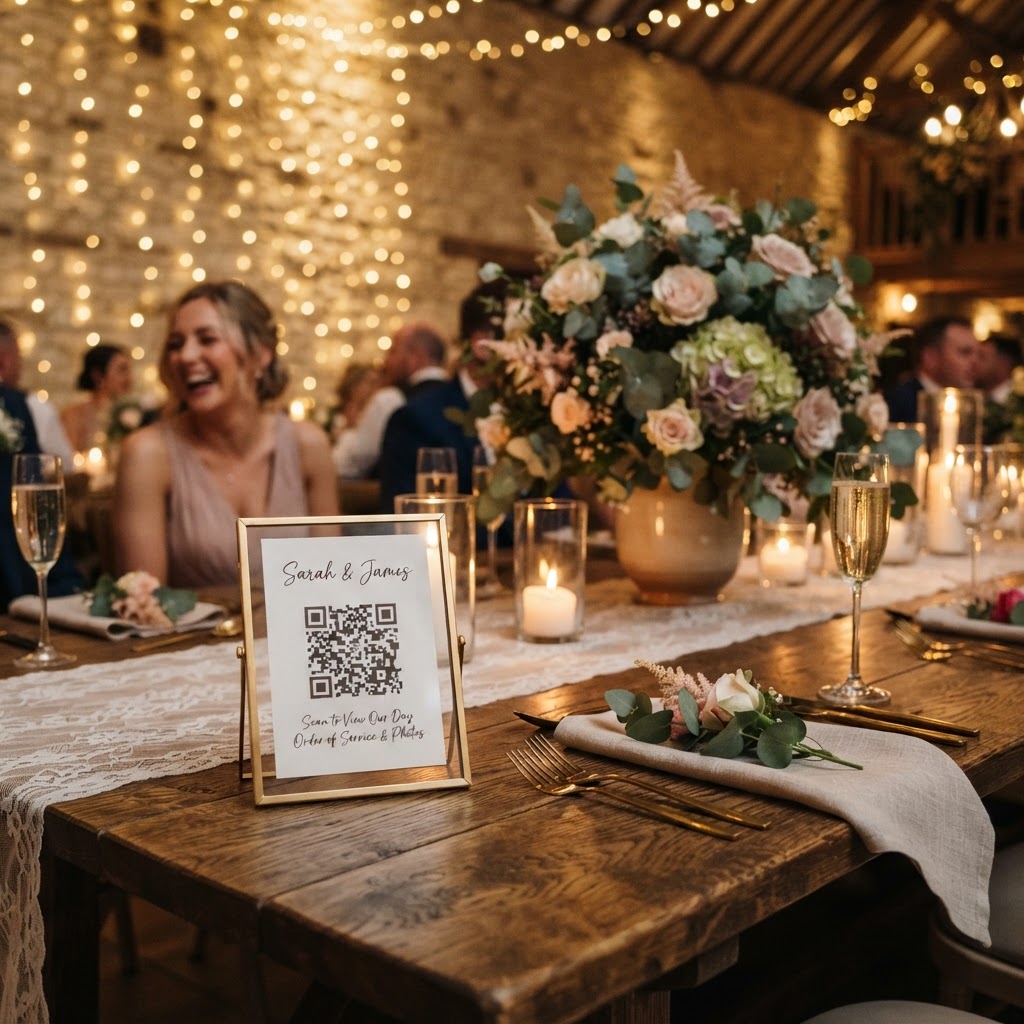
How do guests upload wedding photos without an app?
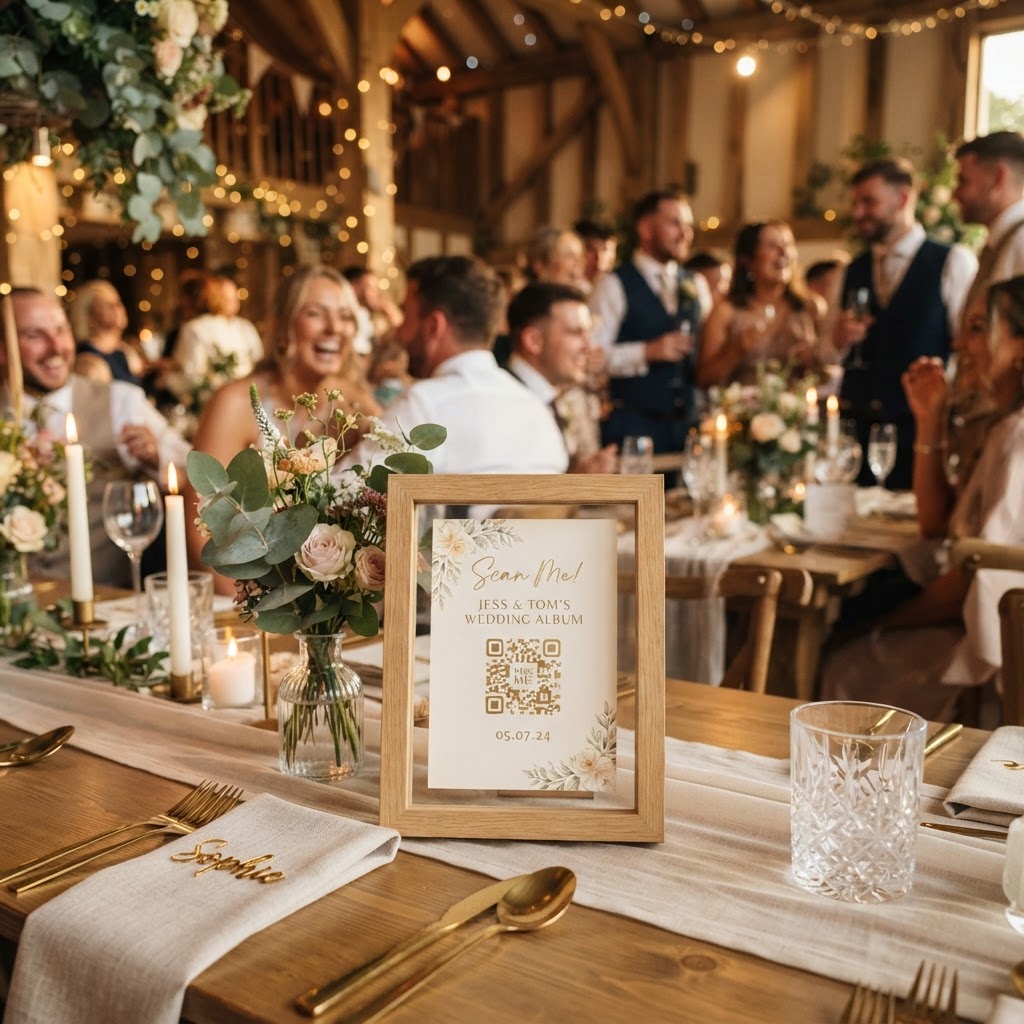
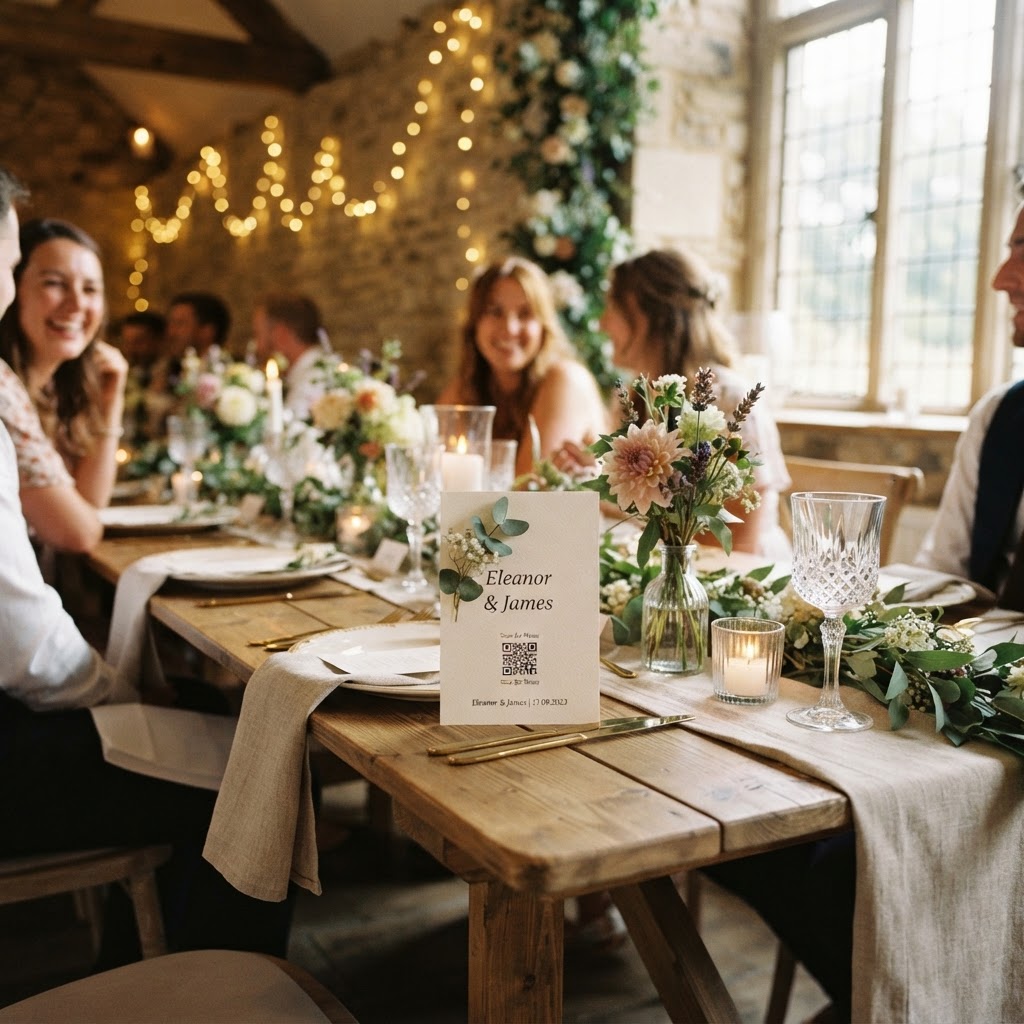
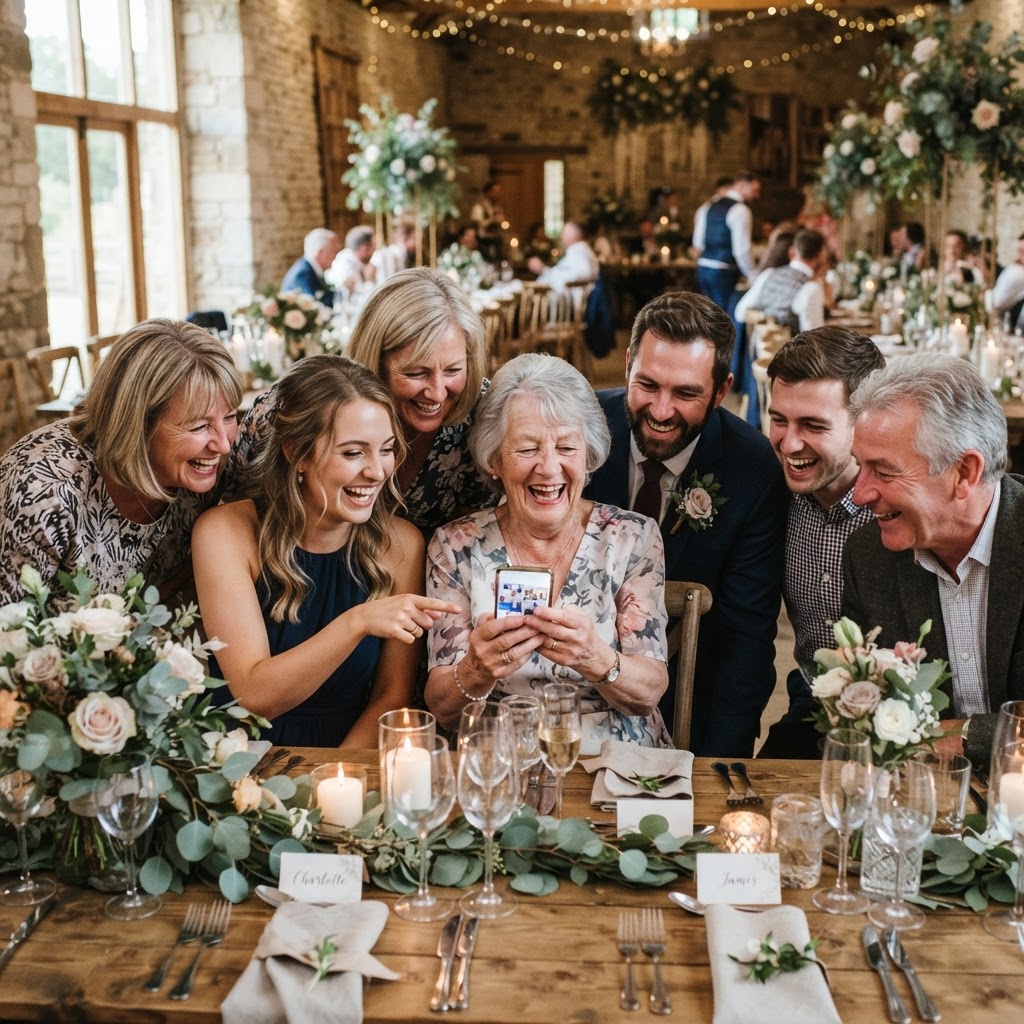
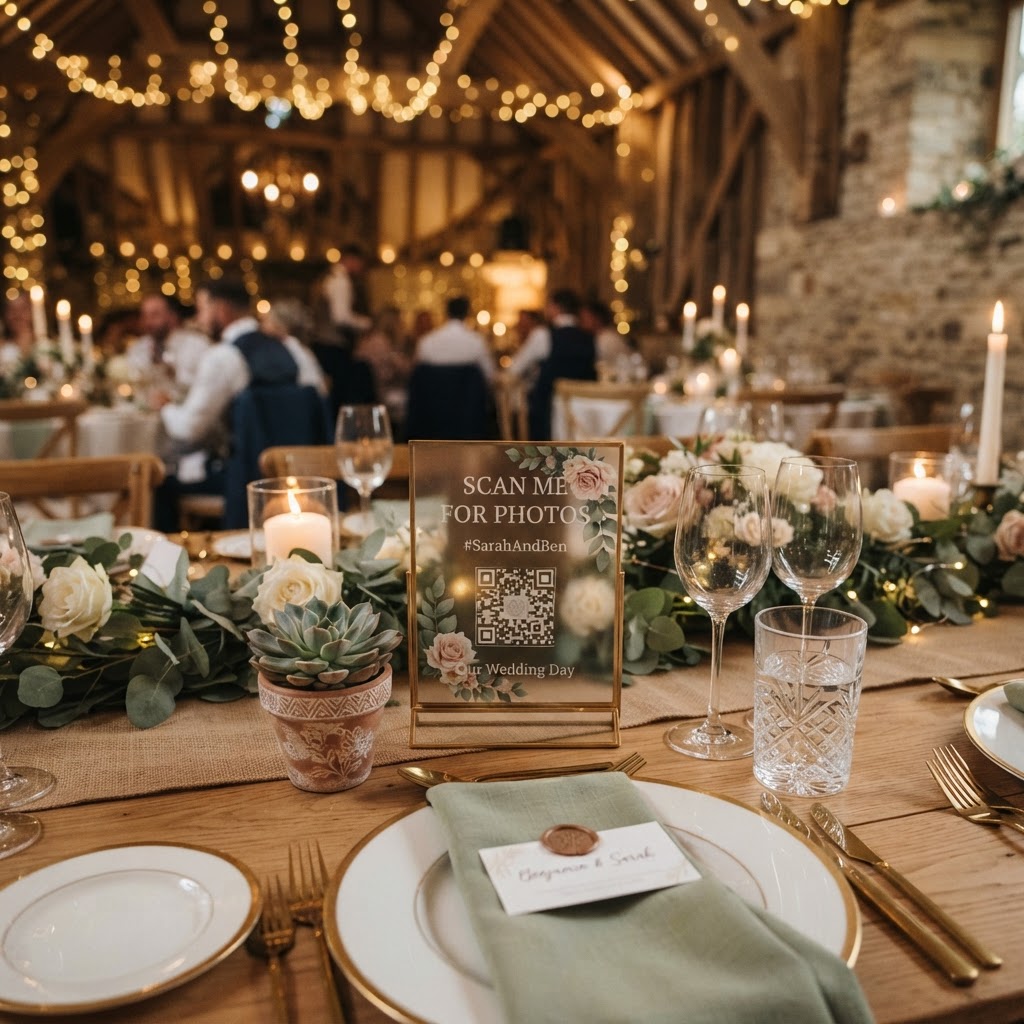
Wedding guest photo sharing is the process of using a browser-based portal that allows attendees to upload images and videos directly from their mobile phones after scanning a QR code. Guests simply point their phone camera at a code displayed on a table or at the venue entrance. This action opens a private upload page in their existing mobile browser. They do not need to download software, create an account, or log in to a specific platform to participate. The simplicity of this approach removes the primary barrier to guest participation, which is the time and effort required to install new apps. When the process is reduced to a single scan and a few taps, your friends and family are far more likely to capture and submit their candid perspectives.
What are the benefits of a live wedding slideshow?
A live wedding slideshow is a display feature that broadcasts uploaded photos and videos onto a projector or screen at the venue in real time. This keeps the energy high throughout the reception, as guests see their own contributions appearing almost instantly. It transforms the act of photography from a solitary chore into a shared social experience. When guests see their friends' photos on the big screen, it often encourages them to take more creative shots of their own. You should ensure your venue provides a stable internet connection and a compatible screen to facilitate this. Consider placing the screen in a central location where people gather, such as near the dance floor or the bar area, to maximise visibility. The live feed turns your guests into active participants, giving them a meaningful way to contribute to the overall atmosphere of the evening.
How to organise a digital photo scavenger hunt
A digital scavenger hunt is a structured activity where you provide guests with a list of specific moments or subjects to photograph during the wedding. This gamification helps you move beyond basic selfies and encourages your guests to document the diverse range of experiences occurring throughout the day. Print the list of prompts on individual cards and place them at each dinner table. Ensure your prompts are clear and achievable, such as capturing a candid laugh during a speech, a creative dance move on the floor, or a detail of the floral decorations. By giving guests a mission, you help them engage with the venue and the other attendees in a more thoughtful way. This activity ensures that you receive a wider variety of images that represent the unique energy of your celebration rather than just dozens of identical photos from one angle.
How to handle video messages at your wedding
A video guestbook is a modern alternative to a traditional paper book where guests use their smartphones to record short, heartfelt messages for the couple. Instead of struggling with pen and paper in a crowded room, guests can find a quiet moment to film themselves sharing their well wishes. This method captures authentic emotion, laughter, and tone, which is often lost in written notes. You can encourage participation by setting up a dedicated sign or a small station that explains how to scan the code and record. Advise your guests to keep their messages brief to ensure the process remains efficient for everyone. These digital clips become a cherished part of your wedding media collection, allowing you to rewatch the genuine excitement of your friends and family long after the event has finished.
Managing privacy for your wedding photos
Privacy management involves using a secure, private digital gallery to host your wedding photos rather than relying on public social media platforms. Not every guest wants their dance floor antics visible to the general public or indexed by search engines. Hosting your media in a closed environment ensures that your photos remain within your circle of friends and family. This gives you total control over the narrative and allows you to curate the collection after the wedding. You should explain to your guests that their uploads are private and for the couple's personal collection. This assurance encourages people to feel more comfortable and natural in front of the camera, knowing that their photos will not be shared widely without your consent.
What are the limitations of modern photo sharing?
Understanding the logistical constraints of your chosen photo platform is essential for managing expectations regarding your final collection. Most browser-based systems operate on a temporary basis to maintain high performance and security for all users. For instance, guest uploads typically close exactly seven days after the wedding date. This window allows ample time for guests to share their files once they have recovered from the event. Furthermore, the resulting digital gallery is usually deleted ninety days after the wedding. You must download all your photos and videos to your own personal storage or cloud drive before this period ends to prevent permanent loss of your data. This is not a long-term archiving service, so make sure to treat your final download as the master copy of your wedding media. For a single flat fee of £39, you can manage this experience through Moment49, ensuring your wedding day memories are gathered quickly and effectively.