Wedding photo sharing is the process of collecting digital images and videos taken by guests using their mobile phones during your marriage celebration.
How do I collect wedding photos from guests without an app?
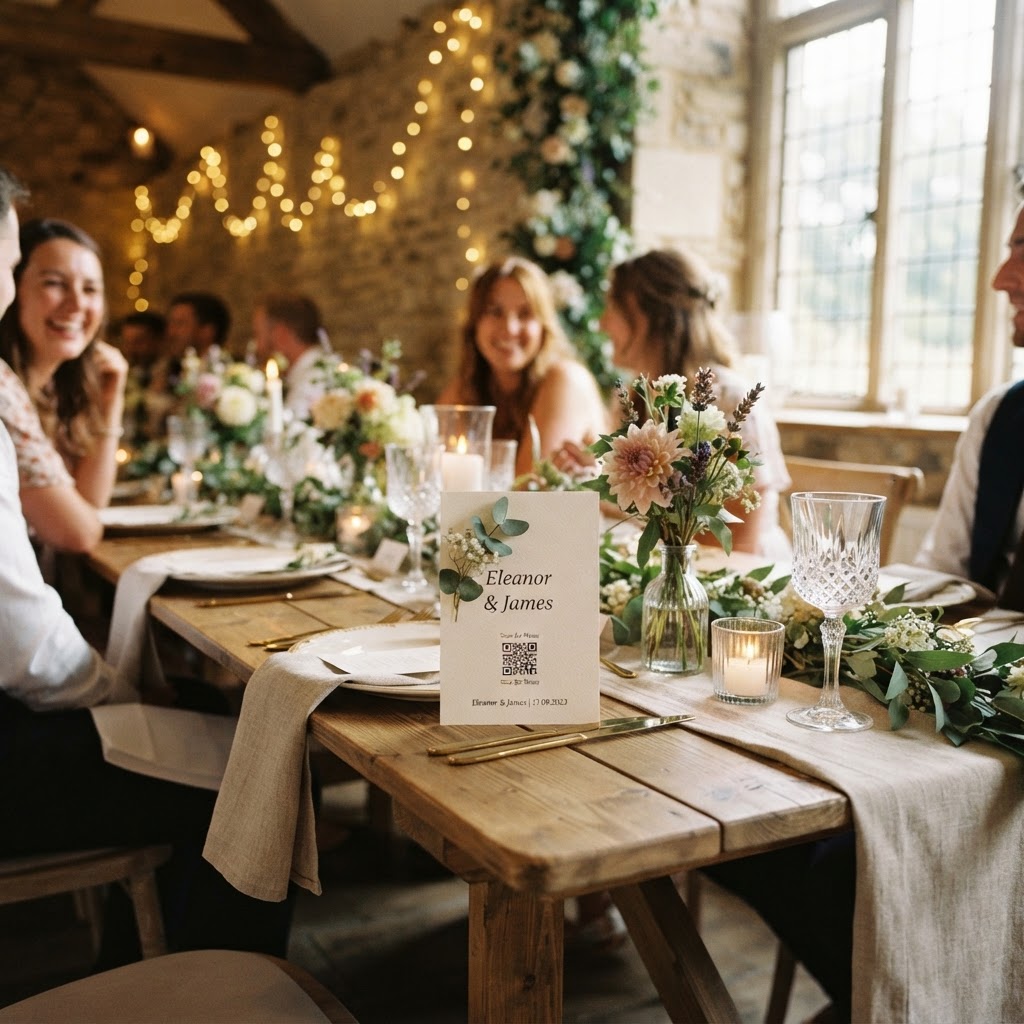
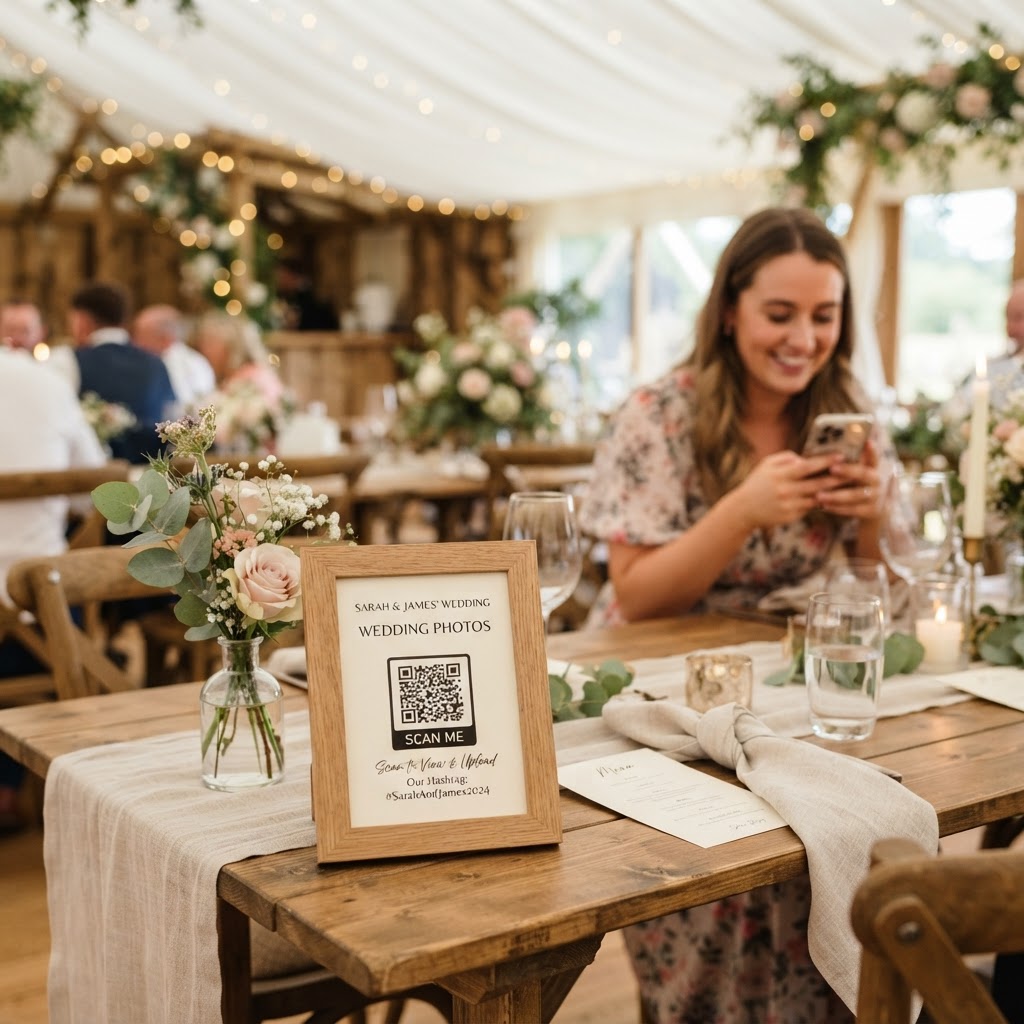
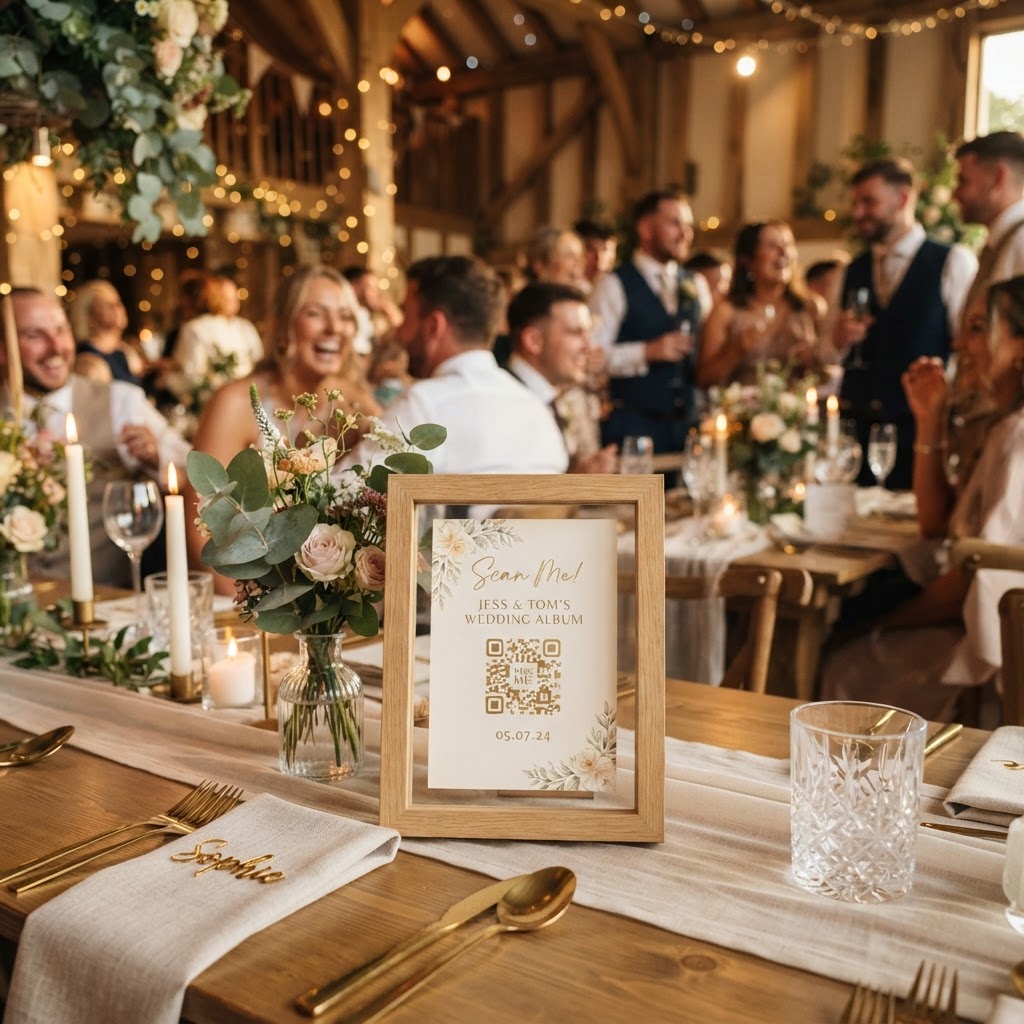
You collect wedding photos from guests without an app by providing a scannable QR code that directs smartphones to a browser-based upload interface. This approach removes the barriers of account creation and software installation. Guests simply point their camera at a code placed on their table or at the reception entrance to join your digital gallery instantly. Because the system runs through a mobile browser, everyone can participate regardless of whether they use an iPhone or an Android device. You should print your QR codes on small cards or table numbers to ensure they are visible. Place these codes in areas where guests naturally congregate, such as the cocktail hour bar or the centre of each dining table. By using a browser-based portal, you prevent the common frustration of guests having to download new software just for a few minutes of utility. This method ensures that the process feels like a natural part of the event rather than a technical chore.
What items should I include in my photo station to encourage uploads?
You should include a clear sign with instructions, your unique QR code, and a list of creative photo prompts to encourage guest uploads. A physical sign acts as a constant reminder that you are actively seeking their perspective on the day. Position this station near the entrance of the reception or by the bar, as these high-traffic zones provide the best visibility. You might include printed cards with specific requests to guide your guests. Examples include asking for a group selfie with someone they just met, a close-up of the table floral arrangement, or a shot of their favourite dessert. These prompts move guests beyond taking standard photos and encourage them to document the specific details you might otherwise miss. Ensure your signage is printed in a font large enough to read from a few feet away. Use high-contrast colours so the QR code stands out against the background. Keep the messaging direct and friendly by using phrases such as Share your view or Help us build our wedding album.
How to set up a live wedding photo slideshow
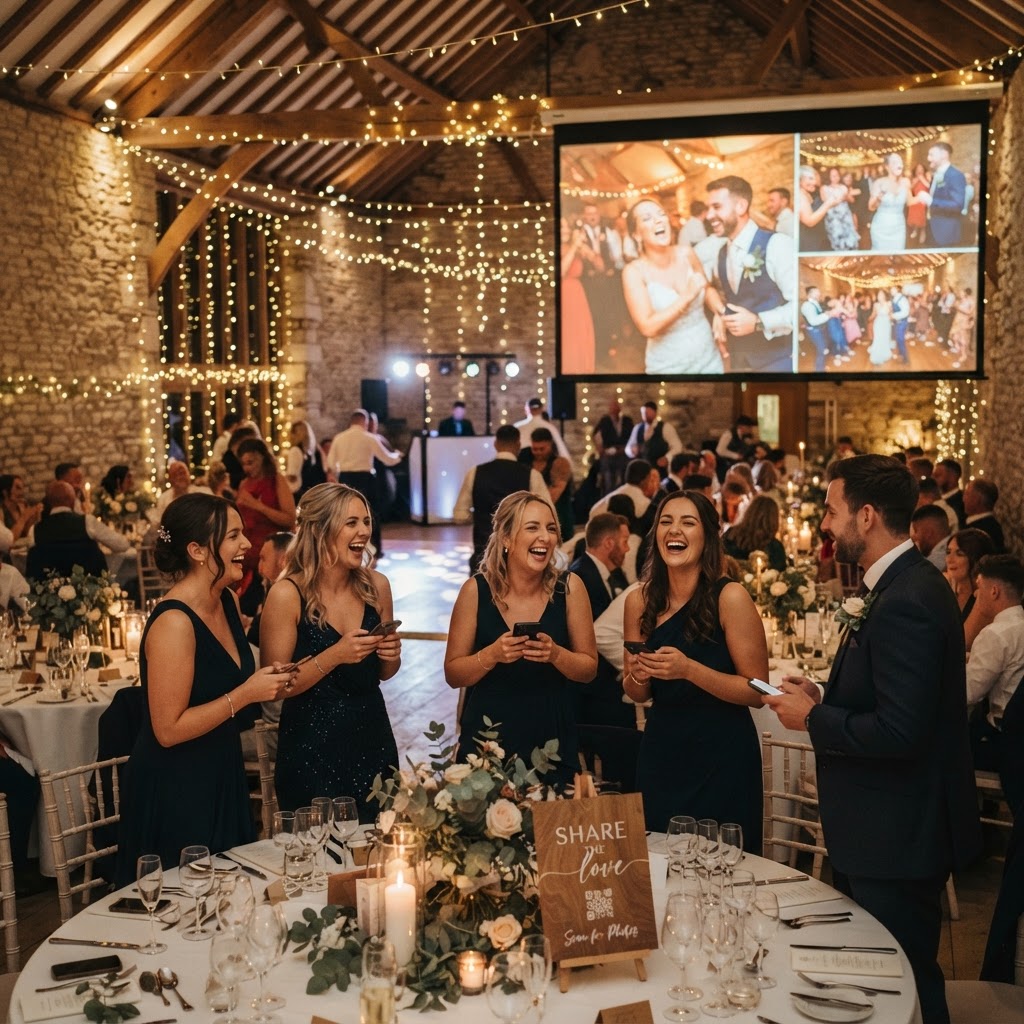
You set up a live wedding photo slideshow by connecting your photo sharing platform to a display screen or projector at your venue. This feature creates a communal feedback loop where guests watch their own photos appear on a large screen seconds after they hit upload. The live display serves as a focal point, especially during the reception when guests might be waiting for food or between dances. You will need to coordinate with your venue or AV provider to ensure you have a stable Wi-Fi connection or a reliable 4G signal in the room. Test the connection at least an hour before guests arrive to verify that the feed is updating correctly. This interactive element transforms your wedding from a passive viewing experience into a collaborative event. It encourages more participation because guests feel excited to see their contributions showcased among the professional photography.
Can guests record video messages for the couple?
Guests can record video messages for the couple by using the same upload portal that hosts your photo gallery. Many platforms allow for short video clips, which function as a modern, digital version of a traditional guestbook. You should explicitly mention this on your signage to let guests know that video messages are welcomed. A video guestbook provides a dynamic way to capture the atmosphere, laughter, and personal well-wishers that are lost in written notes. Encourage guests to record their messages during quieter moments, perhaps after the speeches or during the coffee service. Because these files upload directly to your private gallery, you can watch them as soon as you have a moment. These clips often capture the raw emotion of the day in a way that static photos cannot match.
What are the privacy and storage limits for guest photos?
The privacy and storage limits for guest photos depend on the service provider, but most require you to be aware that uploaded content is temporary. When using a professional hosting service for your event, your gallery is typically private and accessible only to you and those with your code. Note that uploads are generally open for 7 days after the event concludes, which allows guests time to share their files once they return home. The final gallery is typically deleted after 90 days. This means you must download your favourite photos and videos to your own personal computer or hard drive before that window closes. You remain the owner of the content, but the digital storage provided is for the immediate aftermath of the wedding rather than long-term archival. Organise your files by saving them into folders on your desktop or a cloud service as soon as you receive the notification that the gallery is ready for final export. Treating the gallery as a temporary staging area allows you to curate your favourites and keep them safe long before the 90-day expiration date arrives. One payment of 39 pounds covers the entire event, which avoids the complexity of subscriptions or recurring monthly bills. Use this time effectively to review every contribution and save the highlights from your friends and family. Your goal is to gather these unique perspectives while the memories are still fresh and the files are readily available for download. After the 90 days, the platform clears the space to prepare for the next event, making it vital to manage your digital collection within the timeframe provided by the service. Every aspect of this system, from the initial QR code scan to the final video download, is designed to be straightforward for a wedding hosted via Moment49.