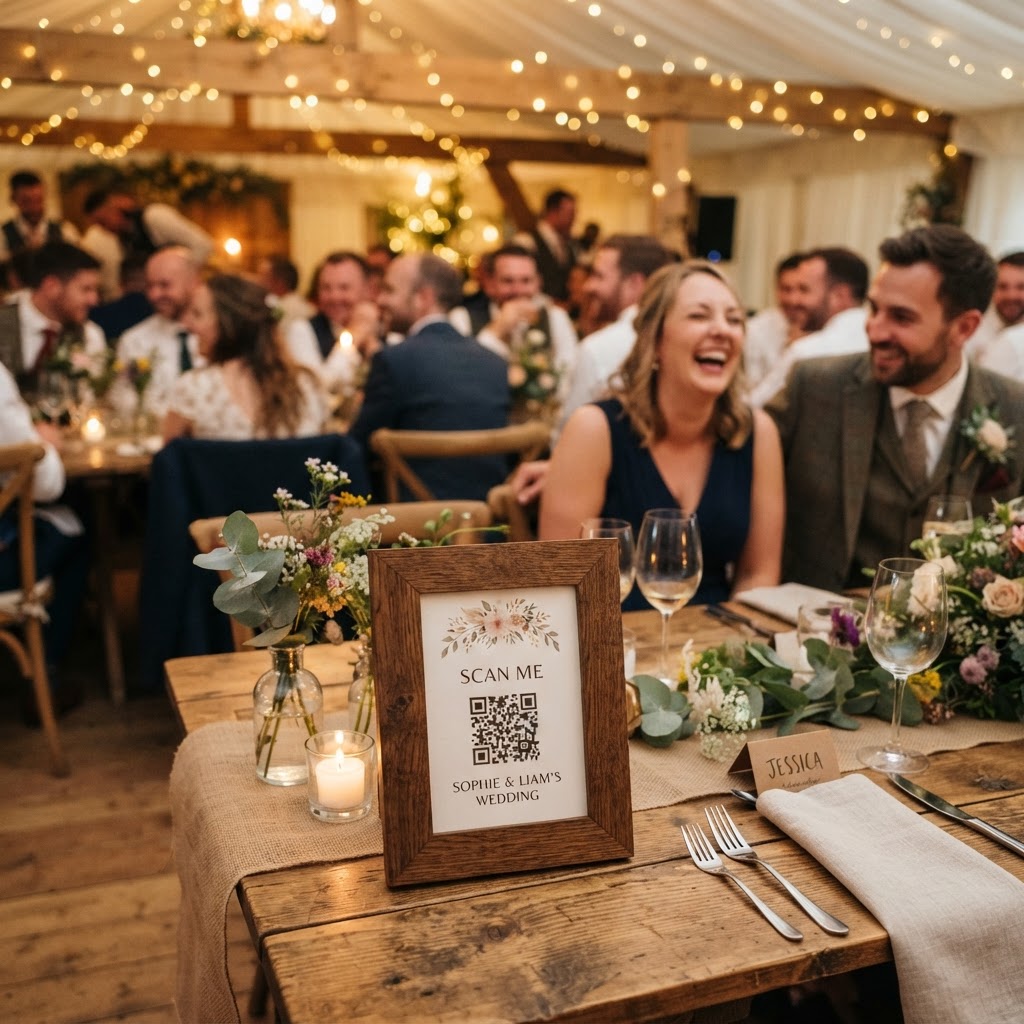
Wedding guest engagement is the practice of organising specific activities or tools that encourage attendees to interact with one another and contribute to the atmosphere of a celebration. Couples often worry that their friends and family members from different life stages might struggle to mingle during a wedding reception. While a high-energy playlist or a fully stocked bar helps set a tone, bridging the gap between social circles often requires a shared focus. You do not need expensive entertainers or complex stage shows to create a vibrant atmosphere. You simply need to provide guests with a meaningful way to participate in the day through a shared, digital project.
How can I keep my wedding guests entertained?
You keep guests entertained by providing them with a creative role in documenting the celebration through a shared digital space. When people arrive at a venue, they often experience a period of observation before feeling comfortable enough to socialise or dance. Providing a digital activity acts as an immediate icebreaker that removes the pressure to find something clever to say to a stranger. You should avoid tools that require app downloads or complex account registrations, as these create friction that discourages older guests or those who are less comfortable with technology. A browser-based system allows anyone with a smartphone to snap a picture and share it within seconds without the burden of installing new software.
What are the best ways to share photos at a wedding?
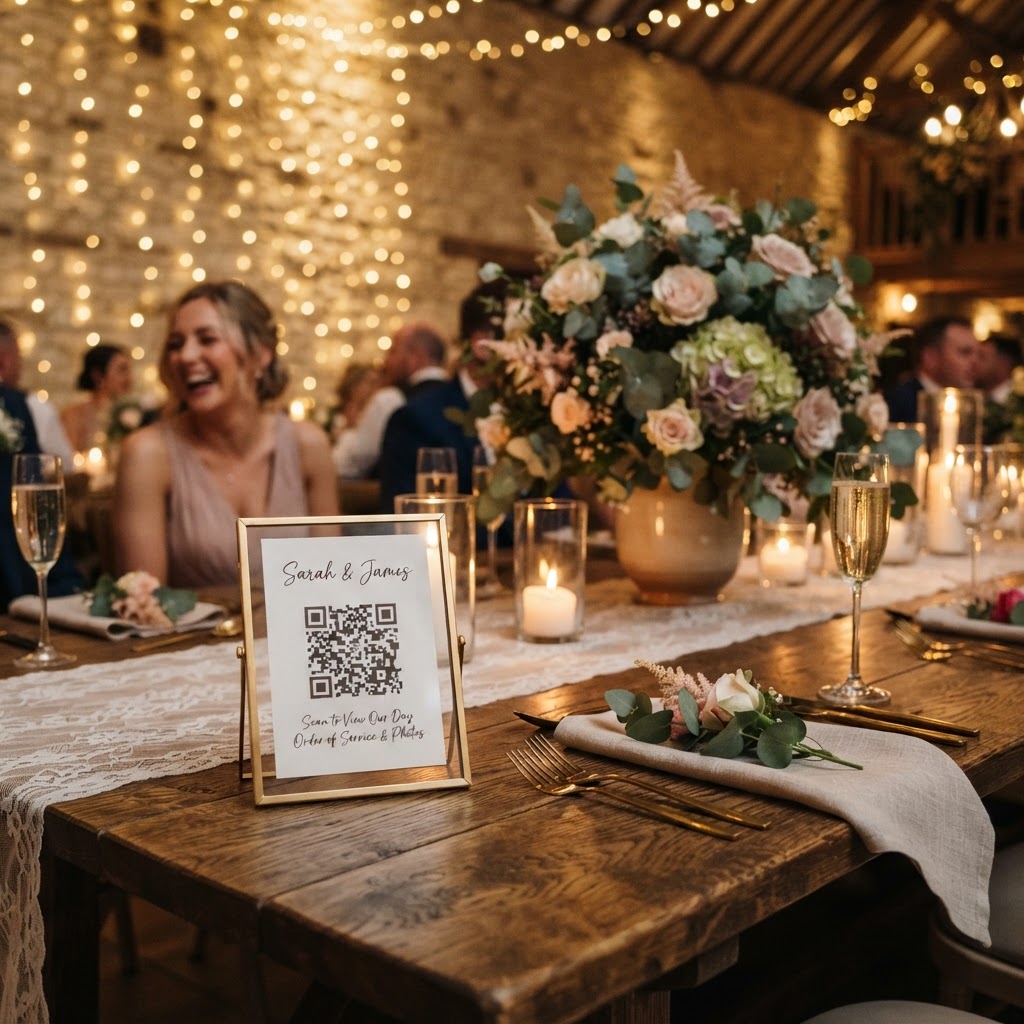
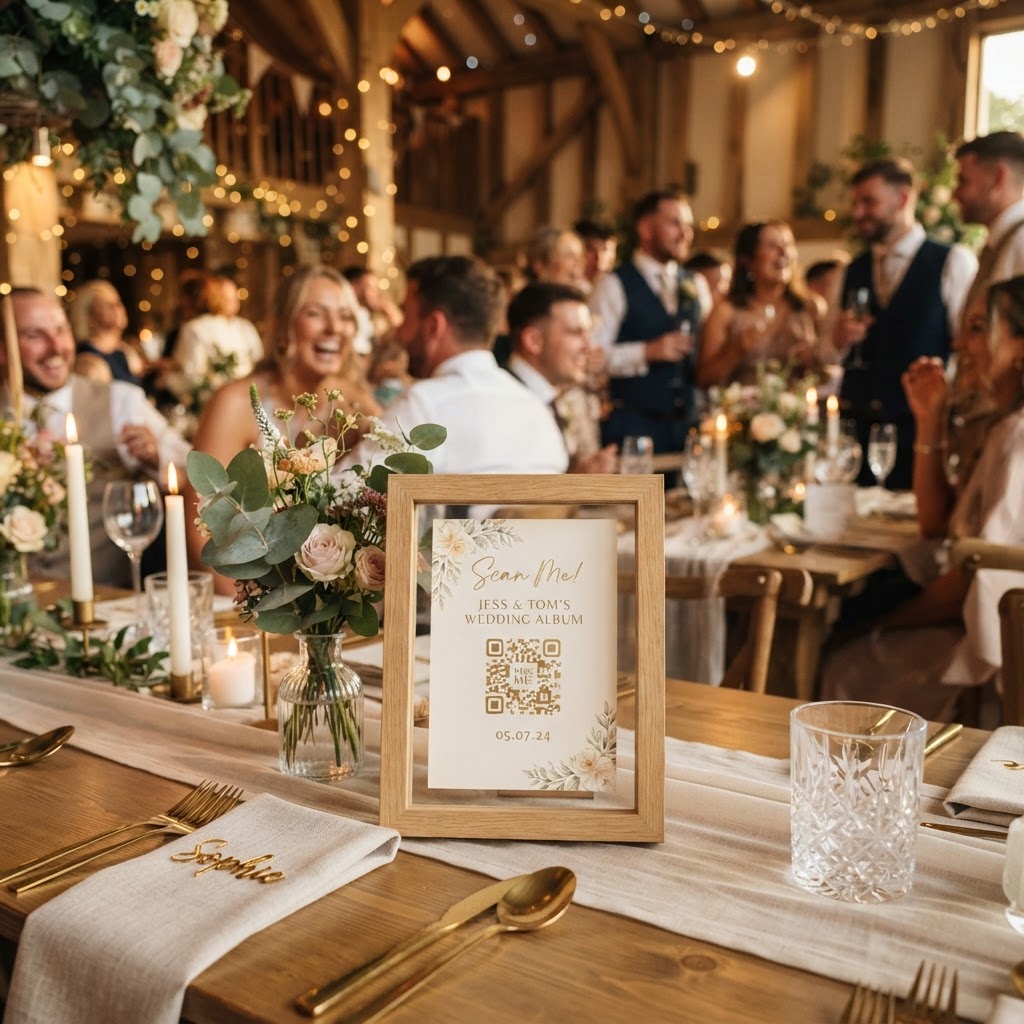
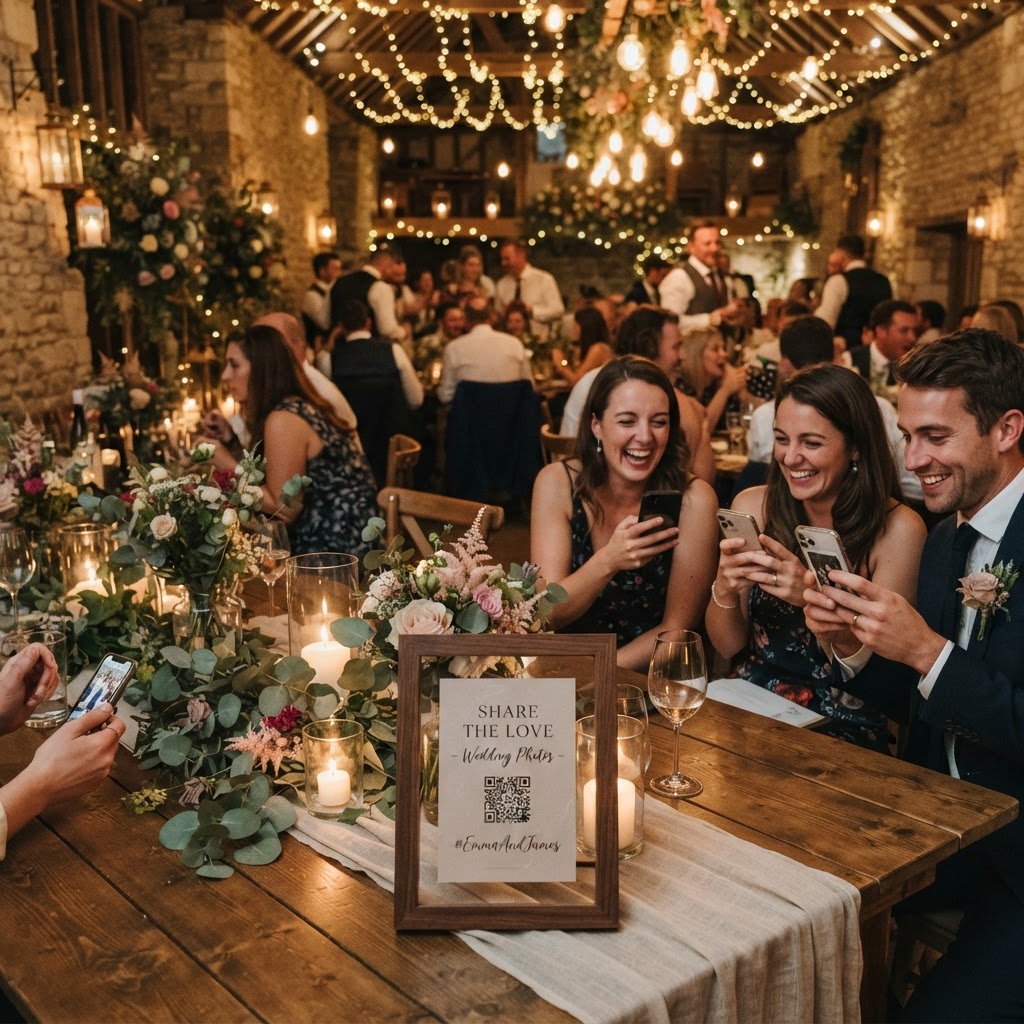
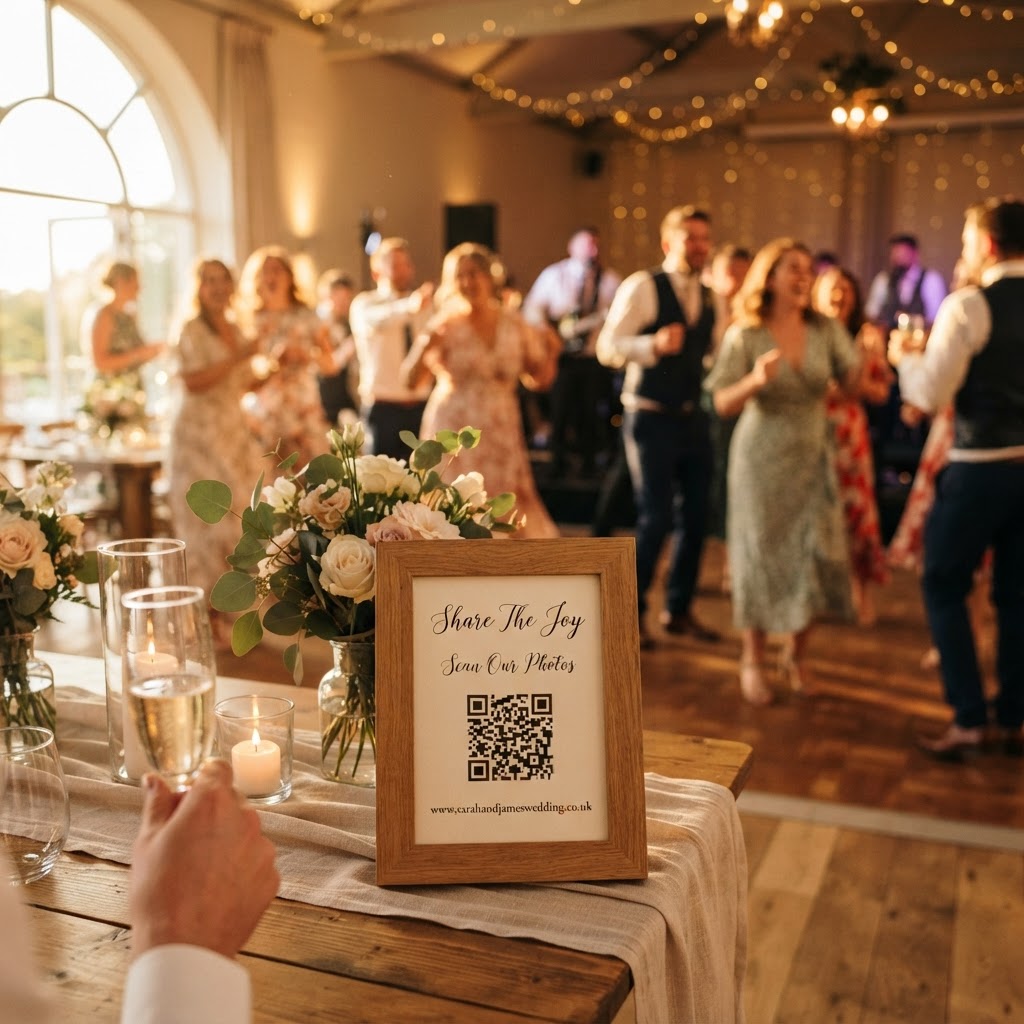
The best way to share photos is by using a QR code placed on each table that directs guests to a private, browser-based upload portal. This method bypasses the need for social media hashtags, which can become messy and difficult to aggregate after the event ends. By using a single dedicated portal, you ensure that all images remain in one private gallery that you can download later. You should provide clear instructions on small cards at each place setting. These cards might list a few creative prompts, such as taking a selfie with someone they just met or capturing the best-dressed guest. This encourages people to look around the room with a sense of purpose rather than staying within their own small social groups.
How do I set up a live wedding slideshow?
You set up a live wedding slideshow by connecting a laptop to a projector or screen and keeping a browser tab open to your gallery’s live feed. This functions as a digital mirror that reflects the joy of the room back onto the guests in real time. As people upload their candid snaps, the display updates automatically to show these moments to everyone present. This creates a feedback loop that encourages others to contribute their own shots. You will often find that once one group sees their funny selfie on the big screen, other guests are inspired to attempt their own creative contributions. This communal game transforms photography from a solo chore into a shared experience that keeps the energy high throughout the meal or during the quieter lulls of the evening.
How can I collect video messages from my guests?
You collect video messages by ensuring your chosen digital platform supports short-form uploads alongside standard photos. Traditional guestbooks often end up hidden away in a box or gathering dust on a shelf. A digital guestbook allows friends and family to record short, high-definition video messages that capture their genuine voices, laughter, and personal stories. These files provide a permanent archive of the sentiments your guests wished to express but may not have had the time or confidence to voice in a crowded room. You can encourage this by setting up a specific 'video booth' area where guests can retreat for a quiet moment to record their greetings away from the noise of the dance floor.
Should I include a green screen photobooth?
You should include a green screen photobooth if you want to provide a dedicated, high-engagement activity that occupies guests during transition times. This mode allows attendees to transport themselves to different backdrops, such as a beach, the moon, or a famous landmark, for a quick and silly photo. It works exceptionally well during the transition between the wedding breakfast and the evening party when the photographer might be busy with formal portraits. The photos produced are often the most shared and cherished images because they allow guests to be playful and break out of their professional wedding attire comfort zone. It turns the wait for the cake cutting or the start of the music into a memorable experience that guests talk about for the rest of the night.
How do I manage the digital gallery and data?
You manage your gallery by choosing a service that provides a clean, user-friendly interface for your final download of the files. It is important to remember that these services typically operate on a temporary basis to protect your privacy and reduce storage strain. For instance, you should plan to download your files soon after your wedding, as guest uploads usually remain open for only 7 days after the event concludes. Many platforms will then delete the entire gallery 90 days after the event. This short window means you must be proactive in securing your memories. You should check if the service requires a subscription or if it is a single, one-off payment of 39 pounds for the entire event. A simple, flat-fee model is often safer for wedding budgets because it removes the risk of unexpected monthly charges. You should always ensure that you have downloaded every image and video to your own personal hard drive or a secure cloud backup before the 90-day deletion date passes. Creating a folder on your computer for each stage of the event, such as the ceremony, the meal, and the party, will help you stay organised when the files finally arrive in your inbox. Using a platform like Moment49 provides a straightforward way to manage these uploads while keeping the technology invisible to your guests.