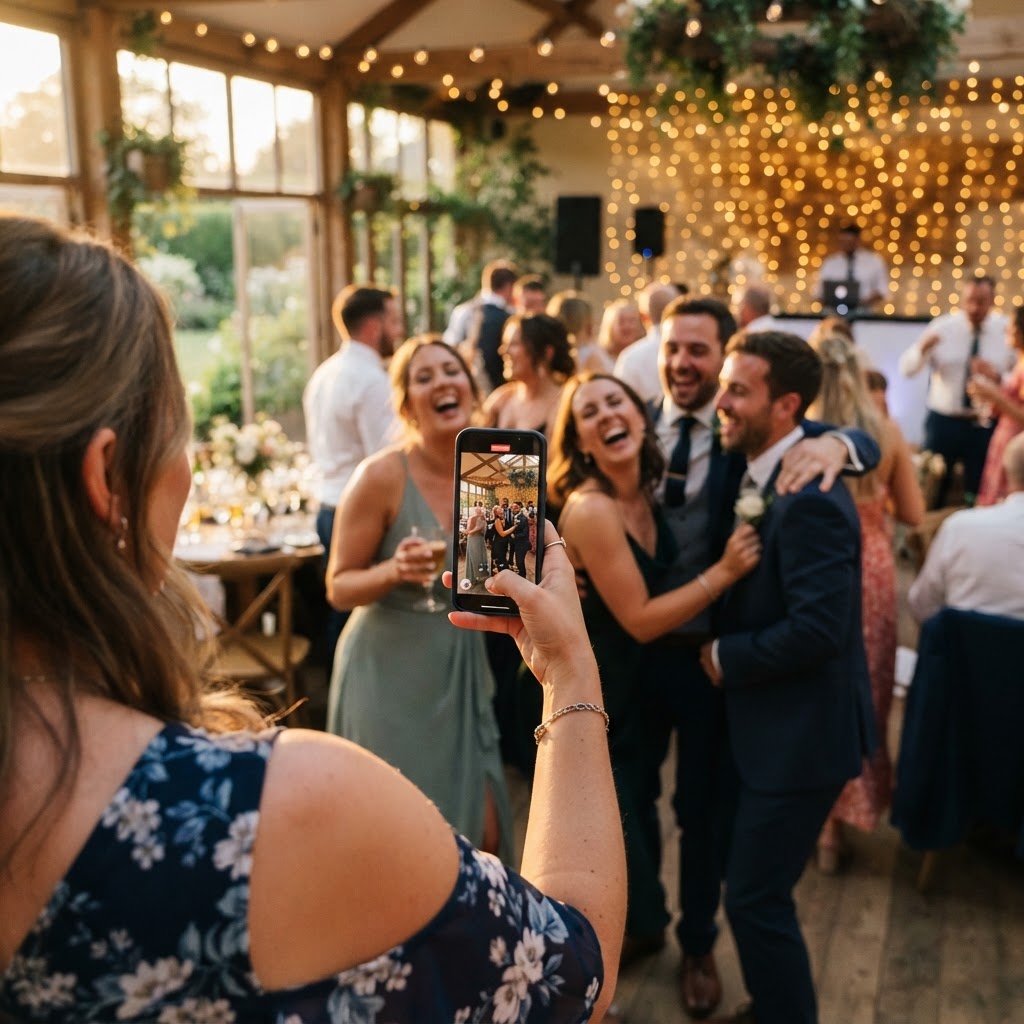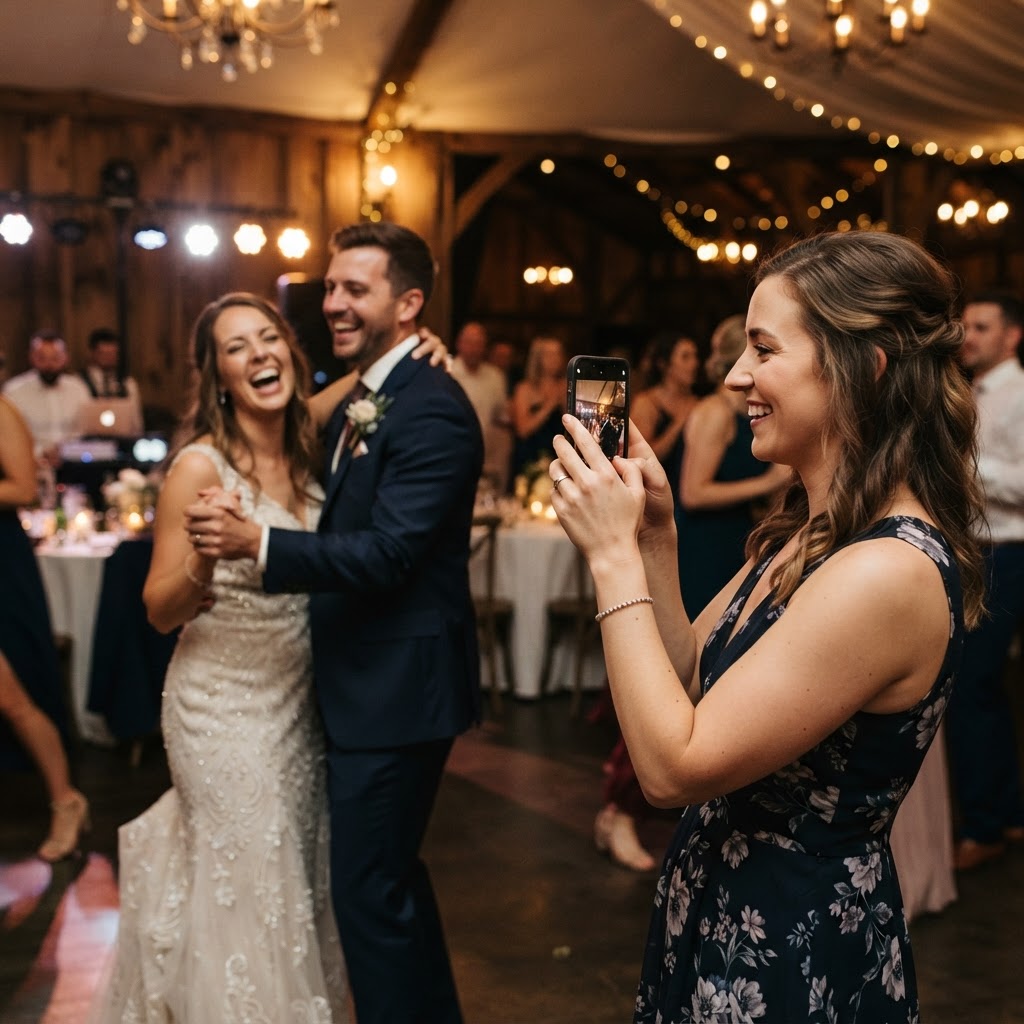
Wedding photo sharing is the process of collecting digital media from guests using a centralised portal to compile candid memories.
Every wedding benefits from the professional perspective of a hired photographer who captures the formal portraits and key ceremonies. However, your guests are also documenting the day from their own unique angles throughout the reception. These candid moments often include the laughter at the dinner table, the spontaneous dance moves, and the intimate conversations that occur away from the main event. Traditional methods of gathering these files, such as chasing links on social media or waiting for group chats to ping, often result in poor image quality and missed contributions. Modern digital tools have shifted this dynamic by allowing couples to create a dedicated space for content submission.
How can I get my wedding guests to share their photos easily?
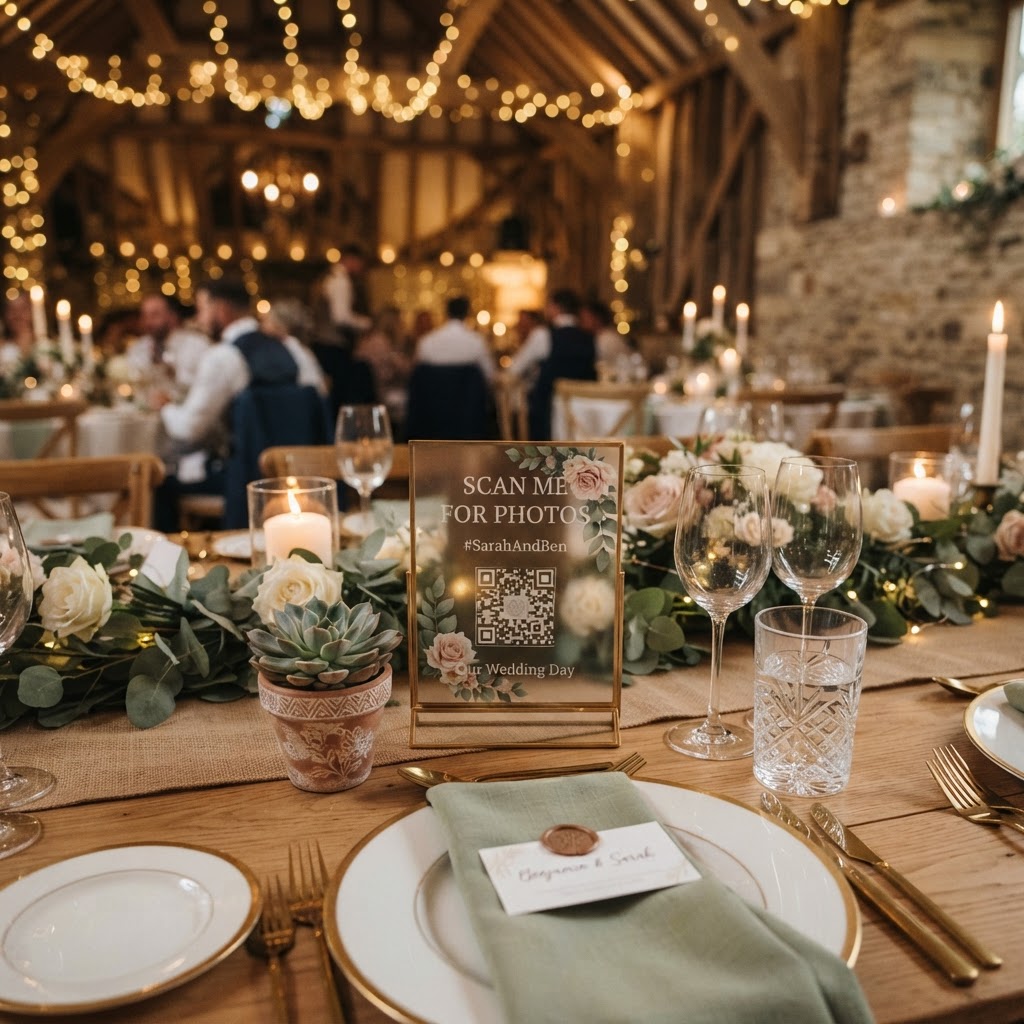
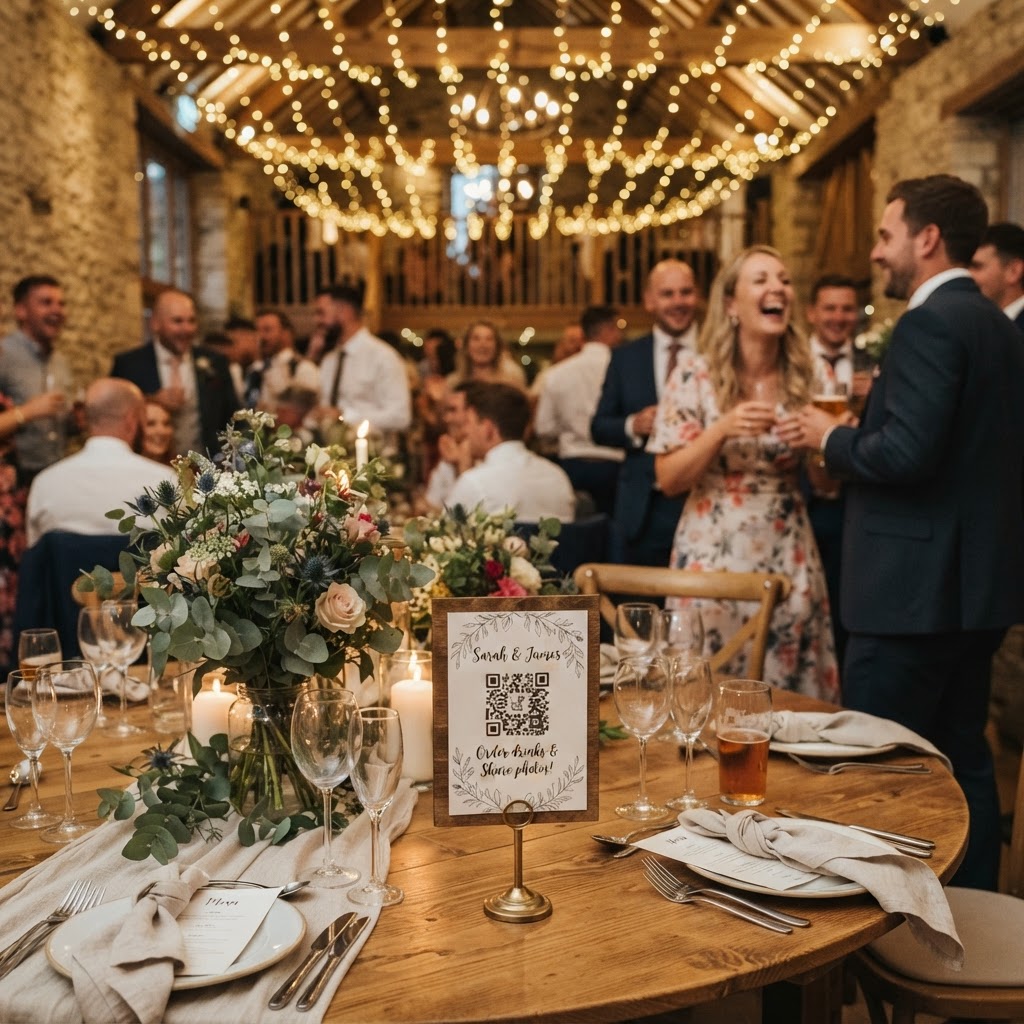
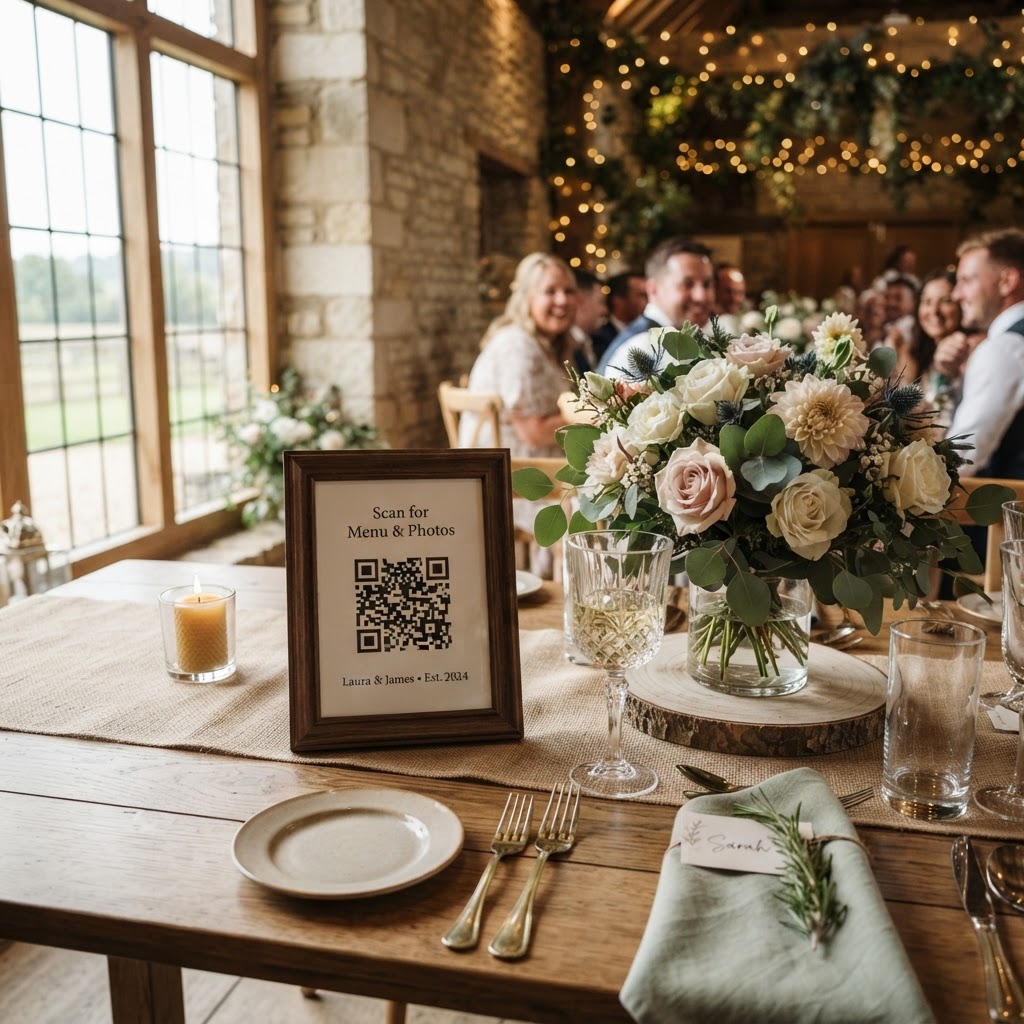
The most effective way to ensure high participation is to remove every technical barrier by using a browser-based QR code system that requires no app installation. When guests must download software or create a new account, they will frequently abandon the process due to the time and storage space required. A system that works directly through the smartphone camera and a mobile browser allows users to upload their files in seconds. You should place printed cards or small signs at each table setting to guide guests toward this portal. Keep the instructions brief and encourage them to upload throughout the night rather than waiting until the end of the event. If the process feels like a simple photo upload rather than an administrative chore, your guests will be happy to contribute their perspective to your collection.
What features should I include to increase guest engagement?
You can turn passive guests into active participants by introducing structure through photo challenges or interactive digital features. Assigning specific tasks to individual tables helps ensure that your gallery contains a diverse range of subjects rather than just hundreds of near-identical dance-floor snaps. You might print a prompt card asking guests to find the person with the most colourful tie or to capture the groom’s reaction during the speeches. Beyond static photos, consider incorporating a live slideshow on a projector or large screen at the venue. This provides immediate gratification as guests see their own submissions appear in real-time, which often motivates others to pull out their phones and start capturing the action. Ensure that your setup allows for video contributions as well, as a digital video guestbook provides a far more personal record than a traditional pen-and-paper book.
How do I manage the digital files after the event?
A well-managed digital hub allows you to maintain control over your wedding media while keeping the collection private and secure. Rather than relying on public social media feeds where you lose control over privacy, use a dedicated platform that provides a single, private gallery for your files. This allows you to curate your collection later without the frustration of sorting through fragmented messaging apps or tagged posts. When choosing a service, check the duration of the storage, as many systems offer a specific window for uploads and final access. For instance, you might use a system where guest uploads remain open for seven days after your wedding date to ensure everyone has time to contribute their favourite shots. Be aware that most of these professional services delete the gallery after a set period, such as 90 days, so you must download your final archive to your own devices before that deadline passes. This practice keeps the process simple and affordable for a one-off event, typically costing a flat fee of around thirty-nine pounds without requiring a long-term subscription or recurring monthly payments.
Can I use a green screen photobooth at my wedding?
Many digital sharing platforms now offer a green screen mode that allows guests to create professional-looking images using only their smartphones. This feature functions by letting users select custom digital backgrounds to replace their immediate surroundings during the photo capture. It brings the fun of a professional photobooth setup directly to every guest without the need for renting expensive hardware or occupying floor space with bulky equipment. You simply provide the QR code at the table, and the software handles the background replacement instantly in the mobile browser. This serves as a fantastic icebreaker for guests who might not know one another well, as they can experiment with different themes together. It adds a layer of creativity to the evening and ensures that your gallery includes fun, stylised portraits alongside the standard candid shots.
What should I write on my wedding photo cards?
Your printed signage is the primary bridge between your guests and your digital collection, so the text must be clear, welcoming, and direct. Start by stating exactly what you want the guests to do, such as asking them to scan the QR code to join your shared gallery. You should include one or two specific prompts to get them started, such as asking for a selfie with their table or a short video message for the couple. Make sure the typography is large enough to read in the dim lighting of a reception venue, and choose a design that matches your overall table decor. If you are using a tool like Moment49, ensure the unique code is clearly visible so that every guest knows exactly where to direct their digital media by the end of the night.