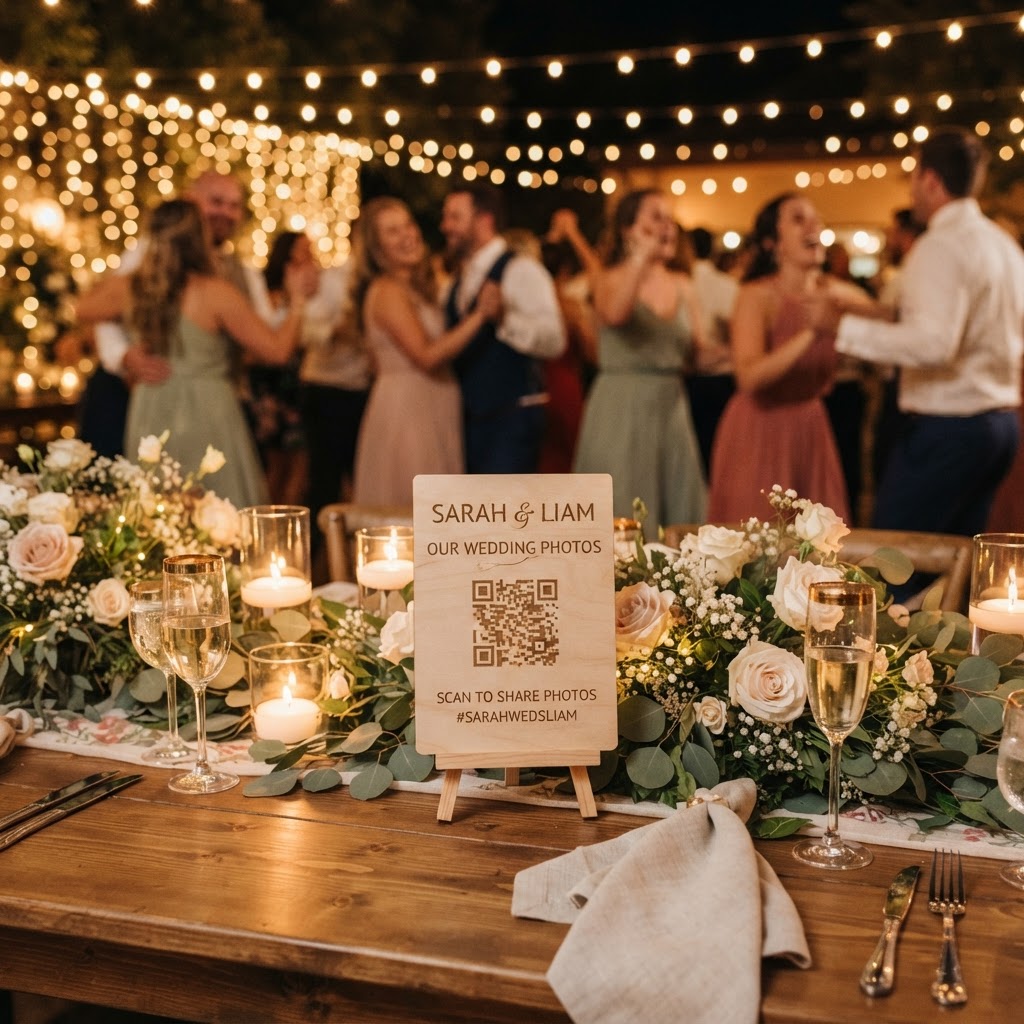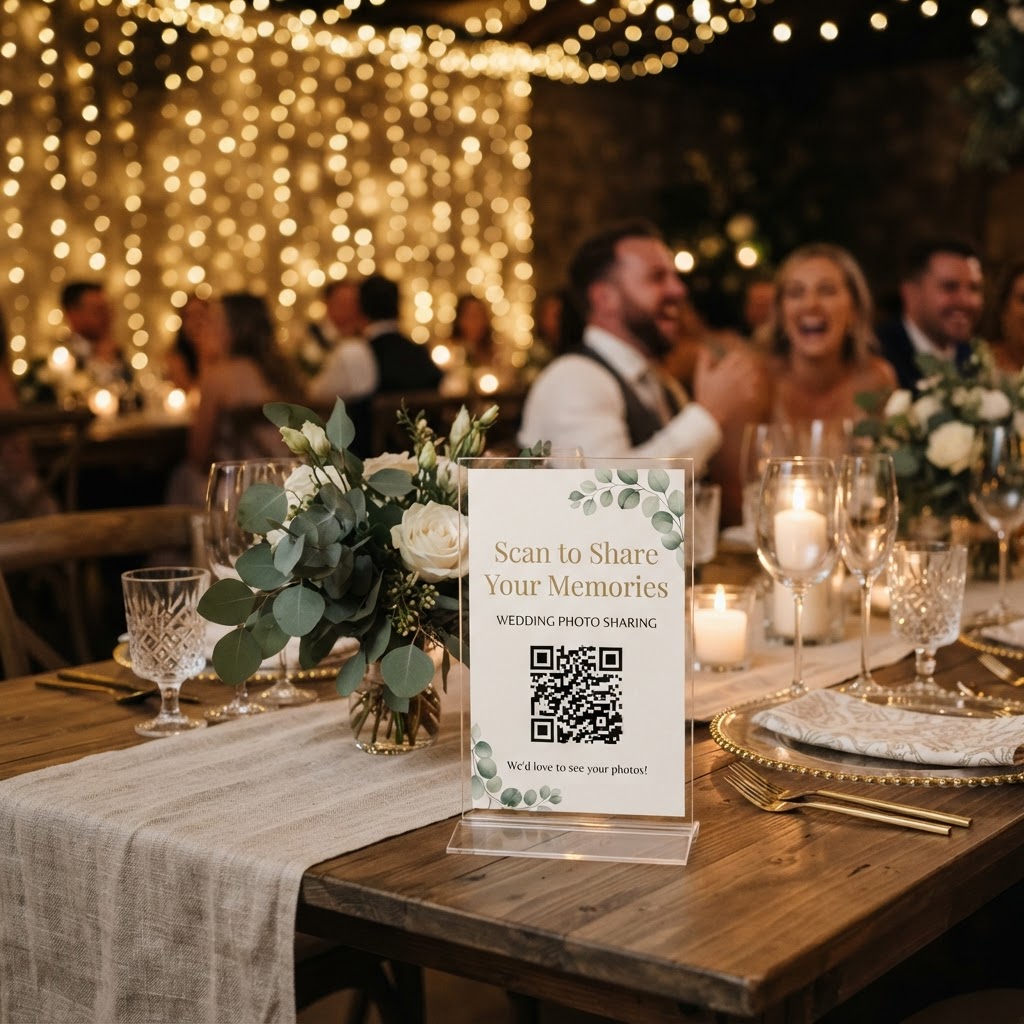
Wedding photo sharing is the process of collecting images and videos captured by your guests during your event through a central digital repository.
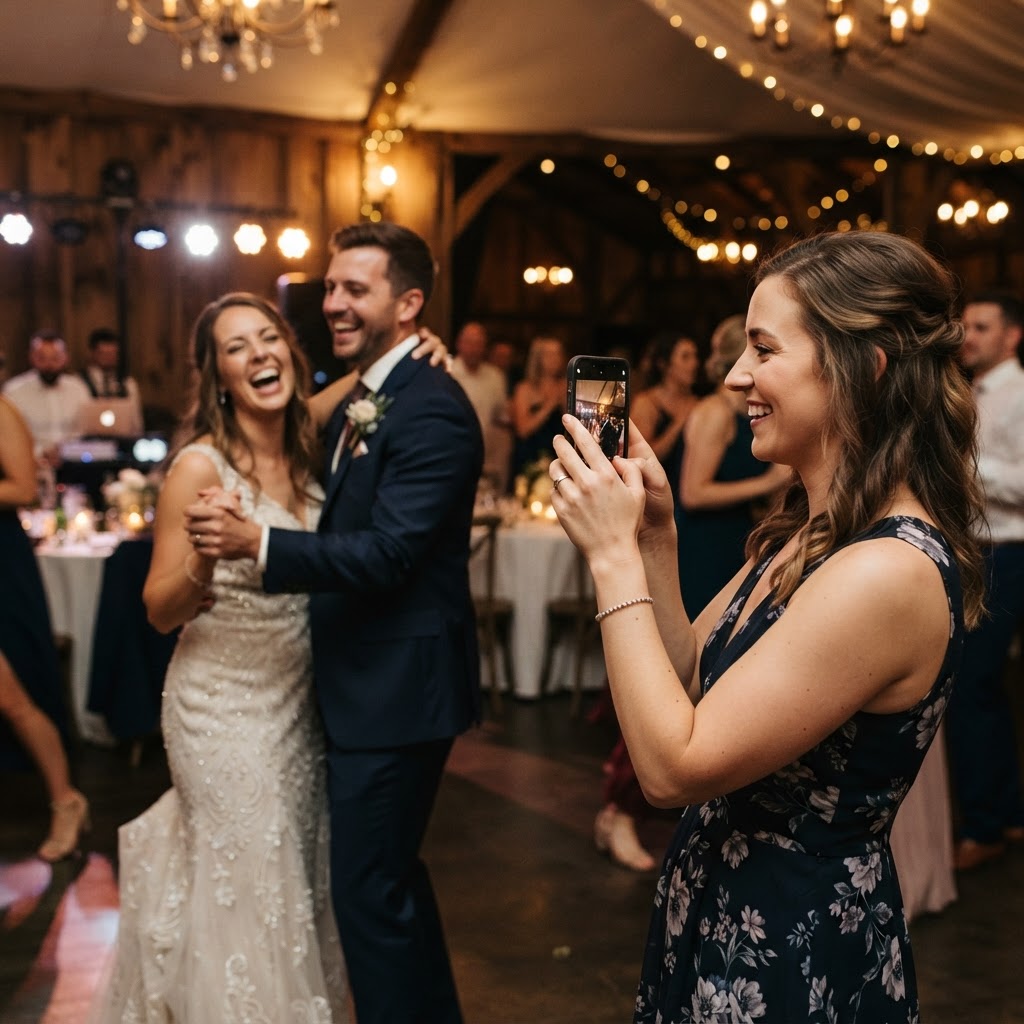
Your wedding day is a whirlwind of emotions, laughter, and carefully orchestrated details. While you have likely hired a professional photographer to capture the formal portraits and the main events, there is a whole layer of your wedding story that often goes undocumented. This involves the candid, heartfelt, and sometimes hilarious moments happening at every table, at the bar, and on the dance floor. Your guests are in the middle of the action and possess a unique proximity that a professional photographer cannot always match. They see the grandmother giggling in the corner, the best friend performing their best dance move, and the quiet intimate chats that happen away from the lens of a camera crew. Gathering these snippets allows you to experience the day from perspectives you missed while you were busy walking down the aisle or greeting guests.
How do I get wedding guests to share photos without an app?
You can facilitate guest sharing by using a web-based platform that allows users to upload content directly through their phone browser without installing an app or creating an account. Many couples fail to collect guest media because the barrier to entry is simply too high. If a guest has to download a new application, register with their email address, and remember a password, they will likely abandon the task before the first photo is even selected. By using a QR code placed on tables or at the bar, you turn a complex technical task into a simple scan-and-upload process. Guests can capture a photo, scan the code, and hit upload in seconds, which is essential for keeping the momentum of the celebration alive. This method removes the need for manual collection, such as hunting for SD cards or asking your bridal party to act as technical support during the reception.
What are the best ways to prompt guests to upload their photos?
The most effective way to encourage participation is to treat the photo collection as a fun, optional activity rather than a formal photography assignment. People love to feel included, but they often need a small, gentle nudge to start recording moments. Consider placing small, unobtrusive cards at each table setting with clear, playful prompts to get them started. You might use phrases such as 'Capture the laughter', 'Show us your dance floor moves', or 'Send us a video message' to set the tone. Avoid overly technical jargon or complex instructions, as these create unnecessary friction. The goal is to make the act of sharing feel like part of the evening's entertainment. You can also have your toastmaster or wedding coordinator mention the QR code during their announcements to ensure everyone is aware of the option to contribute to the gallery.
How can I display wedding guest photos live during the reception?
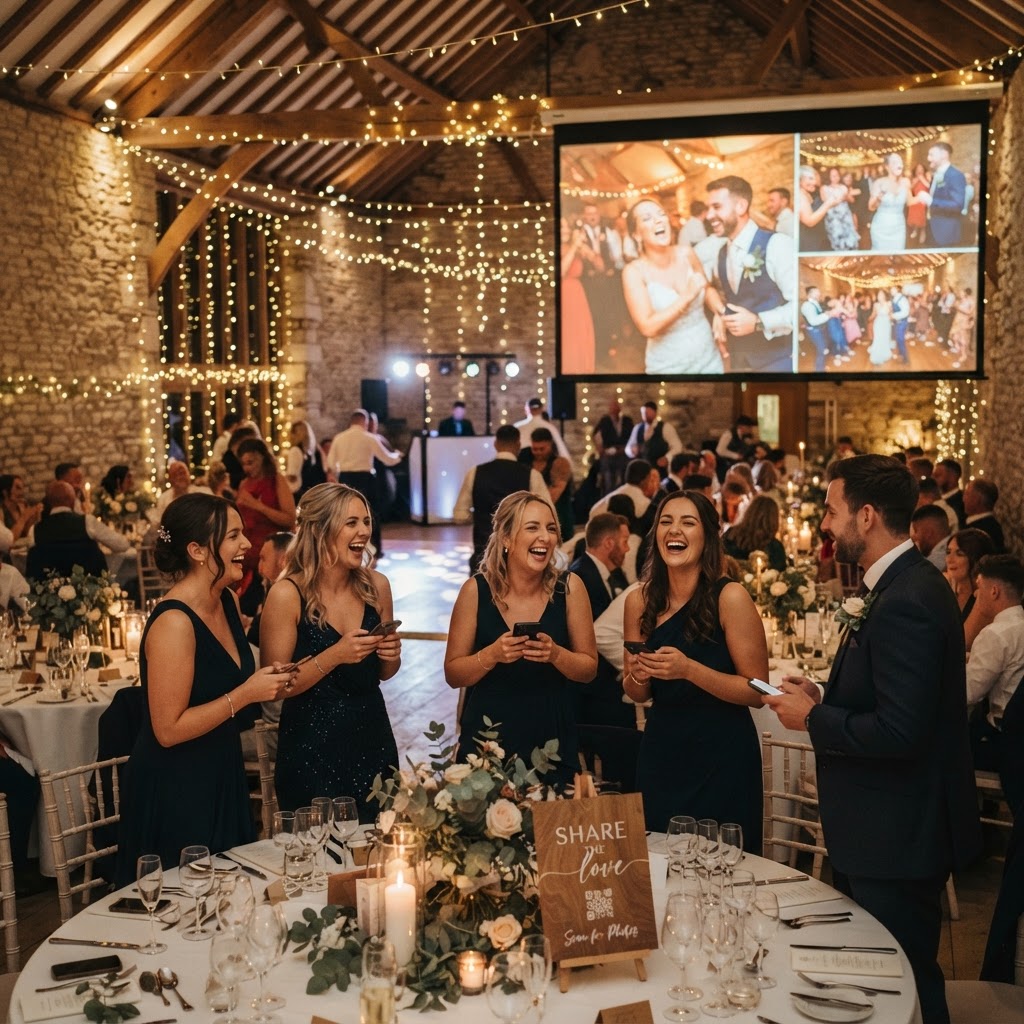
A live slideshow is a feature that allows guests to see their own snapshots and videos appear on a screen in real-time as they are uploaded. This creates a powerful feedback loop that encourages further participation throughout the night. When someone at the back of the room sees a great photo from a guest at the front, it sparks a connection and validates the fun of the event. It acts as social proof, showing others that the process is easy and enjoyable. This transforms your digital collection into an interactive experience that adds significantly to the atmosphere of the wedding reception. Providing a screen or projection area near the dance floor or the bar is often the most effective placement for this feature.
Should I set boundaries for guest photography at my wedding?
You should establish a clear divide between the ceremony and the reception to manage guest behaviour while still collecting the memories you desire. It is common to request an unplugged ceremony where guests keep their phones away to remain present during the exchange of vows. This ensures that your professional photographer has a clear view and that your family is focused on the commitment you are making. You can communicate this expectation clearly in your invitations or on your wedding website so that guests know exactly when they are encouraged to document the day. Once the ceremony concludes, you can invite everyone to take out their phones and start capturing the reception. This balance respects the gravity of the vows while acknowledging that the rest of the day is a party meant for documentation.
How do I keep my wedding guest photos private and secure?
You should choose a platform that provides a private, secure gallery rather than relying on public social media hashtags that are open to the entire internet. Using a dedicated, private space ensures that the content remains between you and your guests, which is vital for maintaining a personal atmosphere. While you may choose to share high-resolution professional images later, the candid snippets from your guests are best kept within a private collection. It is important to note that most modern platforms will host these files for a limited time. For instance, guest uploads typically remain open for seven days after the event, and the full gallery is often deleted after 90 days. This means the service is intended for immediate viewing and collection rather than long-term digital archiving. Plan to download and save your favourite files to your own personal storage well before the 90-day window closes to ensure you do not lose these precious memories.
Once the event concludes, you should avoid leaving the media in a digital folder to be forgotten. Use the candid footage to create a heartfelt anniversary slideshow, or include a printed copy of a specific guest photo in their thank-you note to add a personal touch. By keeping the process simple and using a tool like Moment49, you ensure that your wedding day results in a living, breathing record of how the celebration felt through the eyes of those who matter most.