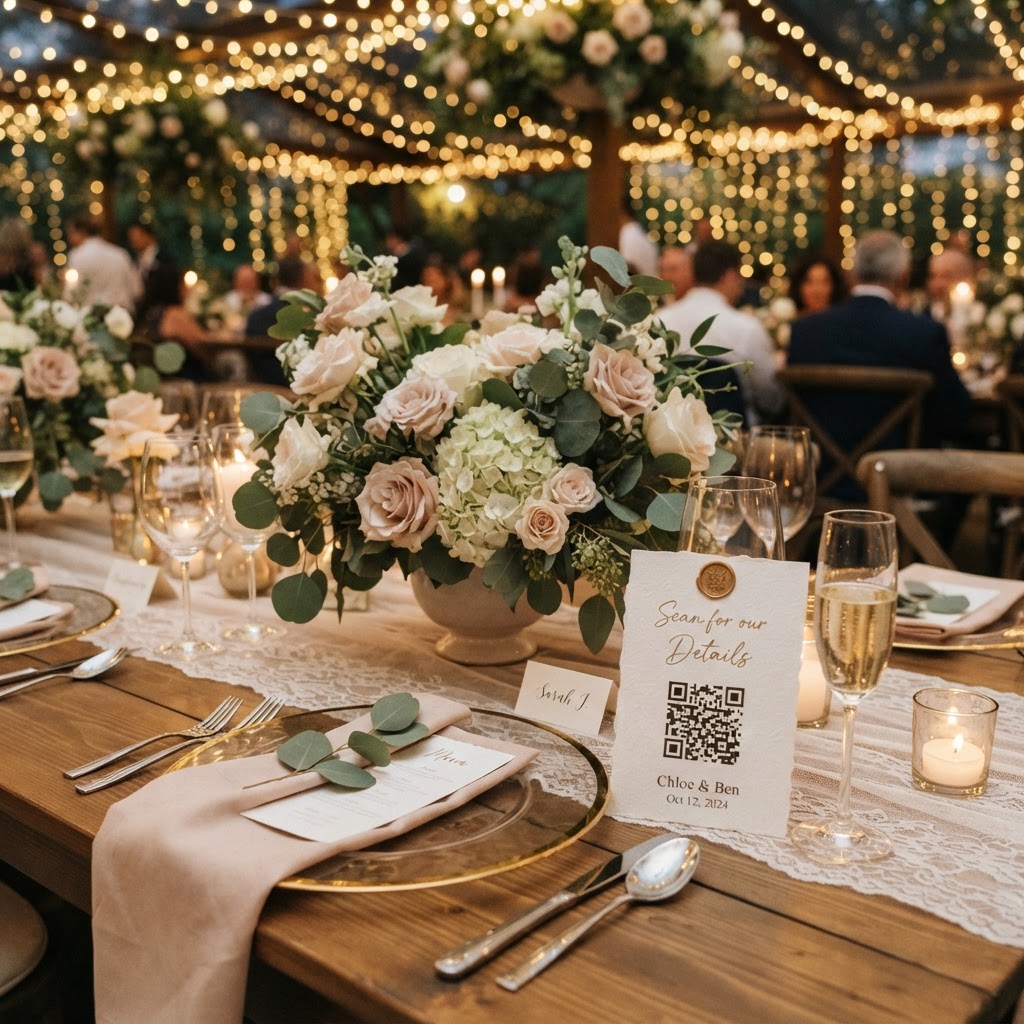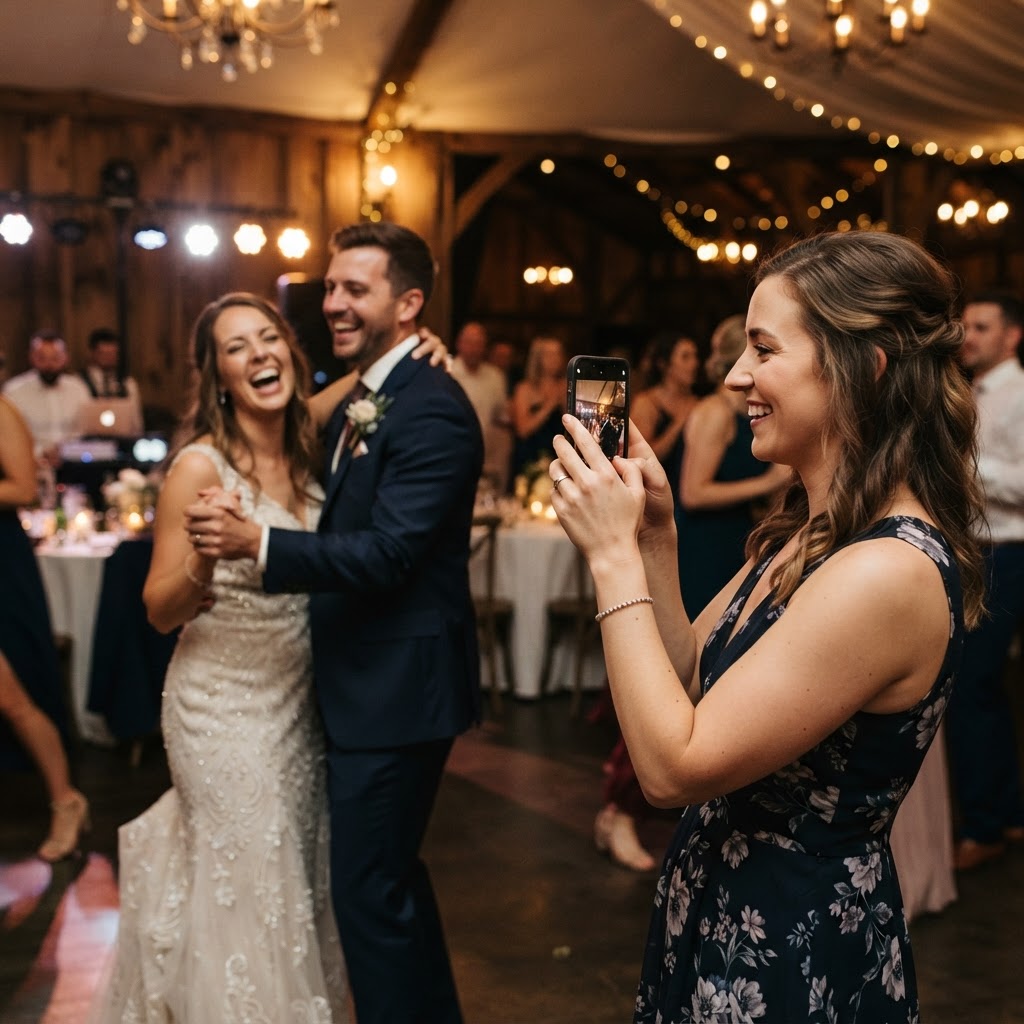
A crowd-sourced wedding album is a digital collection of photographs and video clips captured by your guests throughout your wedding day.
How do I encourage guests to take wedding photos?
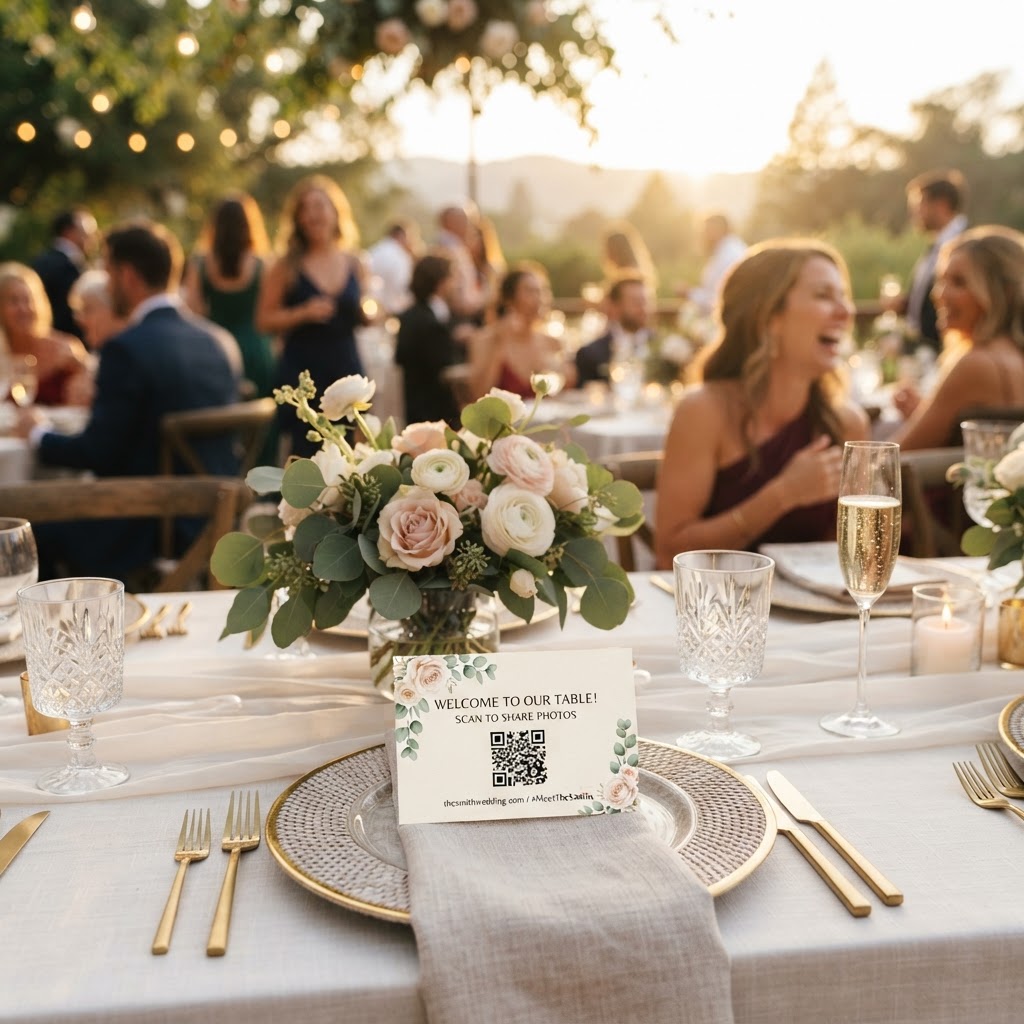
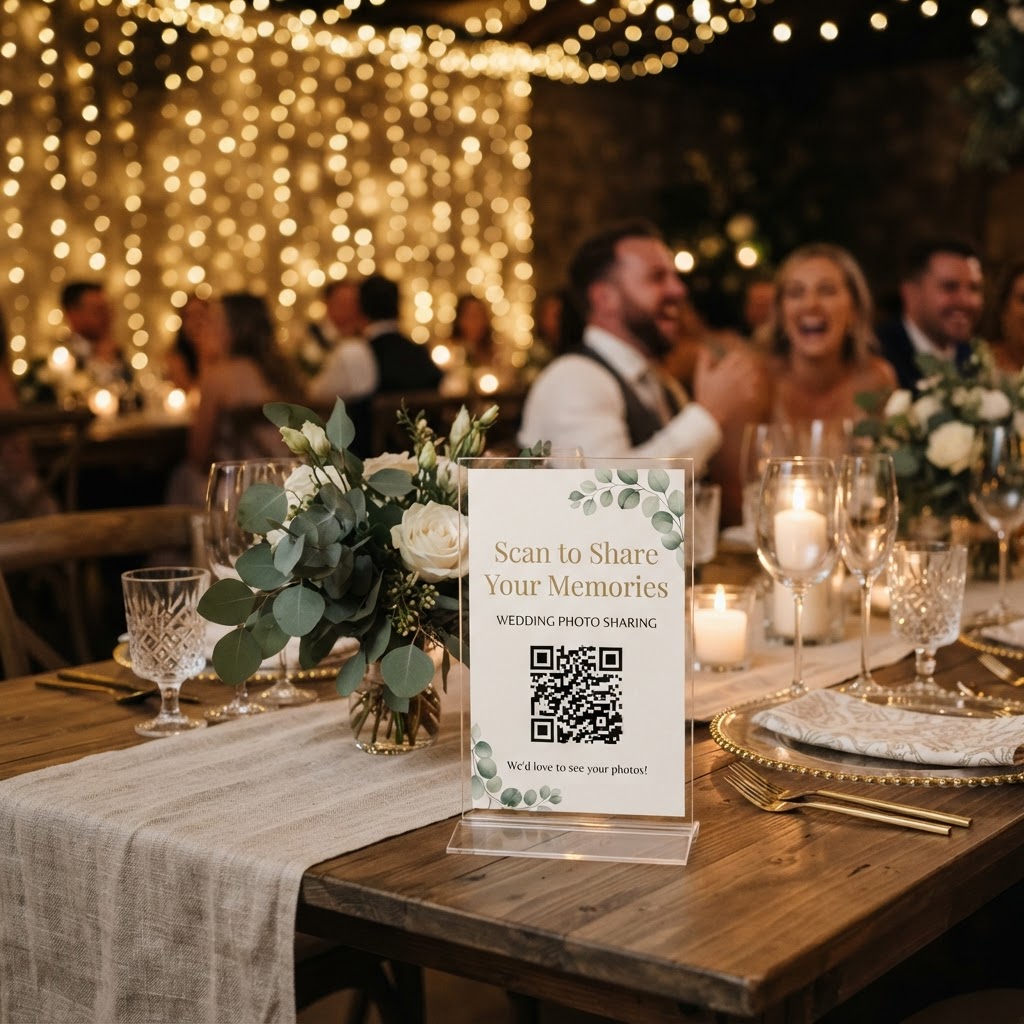
You encourage participation by providing clear instructions and making the upload process as simple as possible for your friends and family. Most guests want to help document the celebration but often feel unsure about where to send their files once the day concludes. Placing small printed cards on each dining table is an effective way to communicate your request. These cards should explain exactly why you want their candid shots and how they can share them without needing to download a specific mobile application. If you provide a direct link via a QR code, you remove the most common barriers to sharing. Make the mission fun by suggesting specific themes like capturing table conversations, funny dance floor moves, or details of the floral arrangements. When guests understand that you specifically value their unique perspective, they are far more likely to engage with the process throughout the evening.
How can I manage guest photos without an app?
You manage guest photos without an app by utilising a browser-based sharing platform that allows direct uploads from any smartphone. Modern systems allow guests to scan a QR code at their table, which opens a secure upload portal directly in their phone browser. This setup ensures that no one has to create an account or provide personal data to share a file. It is vital to test this flow before the wedding day to ensure the interface is intuitive for older guests or those less comfortable with technology. By choosing a system that supports both photos and video guestbook messages, you can capture more than just static images. Remember that these platforms typically keep uploads open for seven days after the event. Always download your files within this window to ensure you do not lose the content before the gallery is deleted after 90 days. This temporary window is perfect for quick collection but requires you to be proactive about saving your favourites to your own hard drive.
What are the benefits of a live wedding slideshow?
A live wedding slideshow displays guest photos on a screen in real time as they are uploaded during your reception. This feature turns a simple photo collection into a shared entertainment experience that keeps the energy high throughout the evening. Guests love seeing their own snaps appear on the big screen, which often prompts others to pull out their phones and contribute their own content. To make this work, ensure you have a dedicated screen or projector positioned in a prominent location, such as near the bar or dance floor. This visual feedback loop encourages more participation because guests can instantly see the impact of their contribution. It also serves as a great conversation starter for guests who might be seated with people they do not know well. Make sure you check the technical requirements for your venue to confirm that you have a stable Wi-Fi or mobile data connection to keep the feed running smoothy.
Should I have an unplugged ceremony?
You should have an unplugged ceremony if you want your guests to remain fully present during your vows rather than viewing them through a camera lens. An unplugged ceremony requests that guests keep their phones tucked away while you walk down the aisle and exchange rings. This decision helps your professional photographer work without interference from dozens of raised phones or tablets. You can easily transition to a connected reception once the formal portion of the day is complete. Clearly communicate this boundary on your wedding website and in the order of service booklet so guests understand your wishes. It is perfectly acceptable to explain that you want everyone focused on the emotion of the moment. Once the ceremony ends, you can announce that it is time for everyone to start acting as your secondary camera crew for the remainder of the festivities.
How to organise your final guest photo gallery
You organise your final gallery by treating it with the same level of care you give your professional wedding images. Once you have downloaded the files from your platform, move them into folders that match the natural flow of your day. Create distinct folders for the morning preparations, the ceremony, the cocktail hour, and the evening party. Within those folders, you might want to create subcategories for funny moments, group shots, and candid interactions. Do not be afraid to curate heavily by deleting duplicates or blurry images that do not add value to the collection. A smaller, high-quality collection of photos is much more enjoyable to browse than a massive, unedited folder of thousands of repetitive shots. You might also consider creating a small digital photobook or printing a selection of the best guest photos to keep as a physical memento. This process ensures that you do not leave these memories buried in your computer files. Using a service like Moment49 can simplify this entire logistical process by providing a secure, no-fuss way to aggregate these memories before they are removed from the system.