A live wedding digital gallery is a centralised online space where guests upload photos and videos via their mobile browser to create a shared visual record of the celebration.
How do guests upload wedding photos without an app?
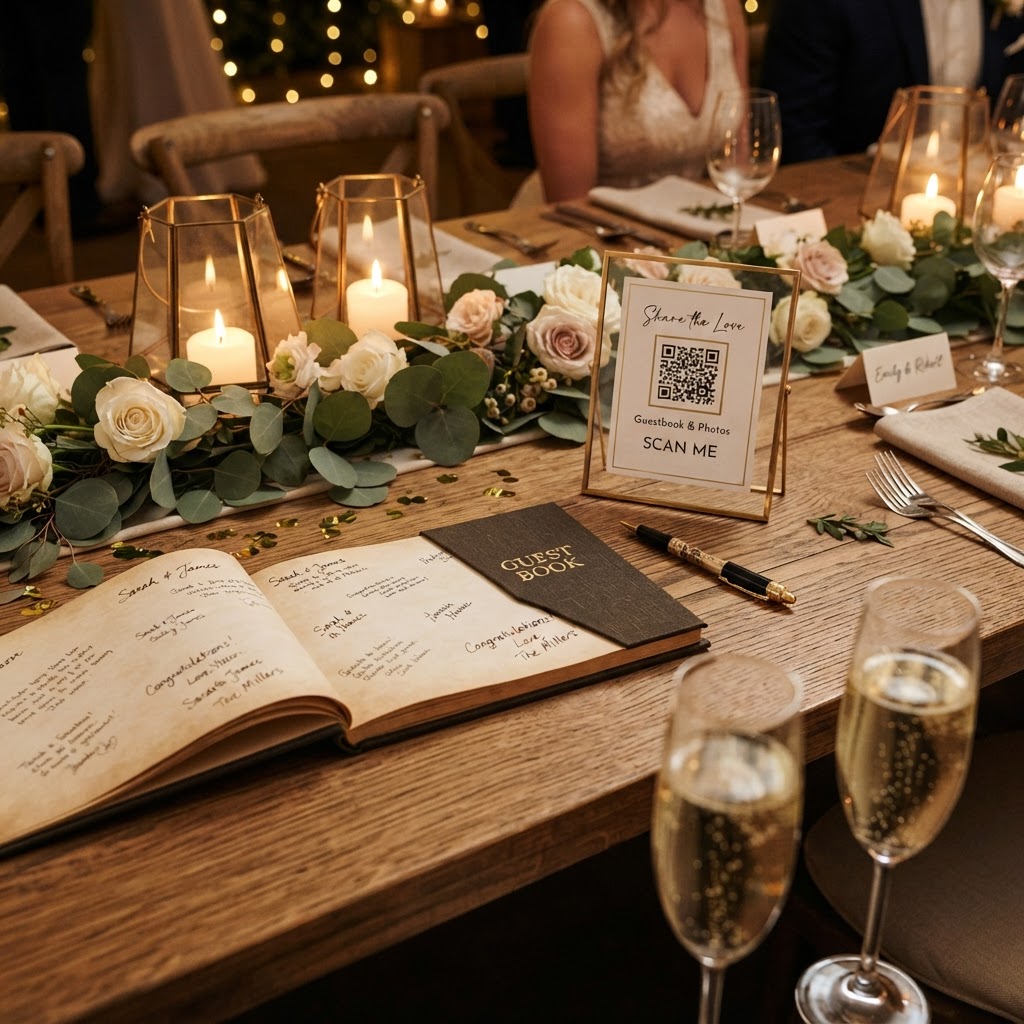
Guests upload wedding photos without an app by scanning a QR code with their phone camera, which opens a direct browser link to an upload interface. This process removes the technical barriers that traditionally stop people from contributing their media. Because the system runs entirely through a web browser, guests do not need to create an account, log in, or remember a password to participate. The simplicity of this approach is vital for ensuring that everyone, from the tech-savvy younger crowd to older relatives, can easily join in. To facilitate this, place printed QR code cards on every dining table, near the bar, or at the entrance to the reception space. You might even include a small sign that explains the process, such as telling guests to simply scan the code, snap their picture, and upload it to the live stream. Once the link is active in their browser, they can capture images or select them from their camera roll and add them to the shared collection instantly.
How to display a live slideshow at your wedding
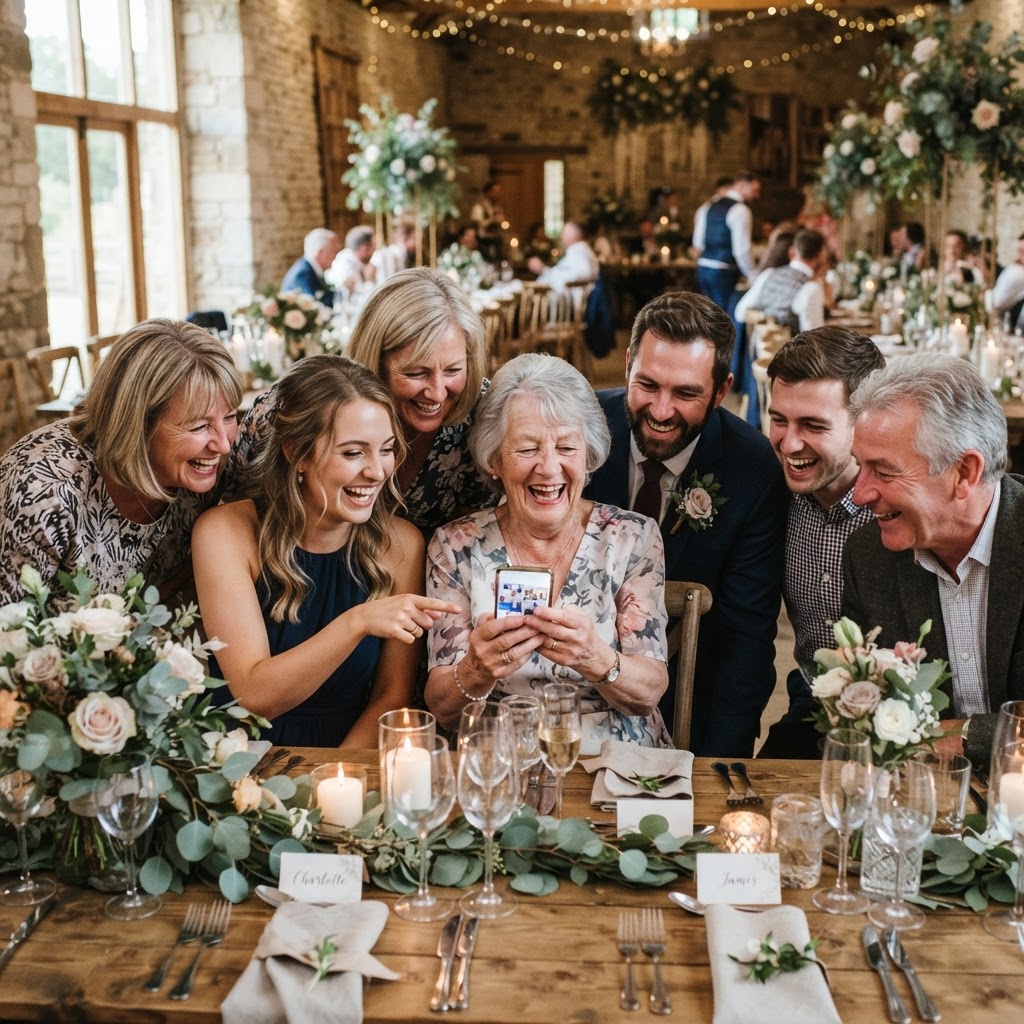
You display a live slideshow at your wedding by connecting a laptop to a projector or a large screen and setting the browser view to the gallery's automatic update mode. This feature pulls incoming content in real time and displays it to the entire room as it arrives. Seeing a photo appear on the screen just seconds after it was taken serves as immediate social proof that the system is working and encourages other guests to participate. It transforms a group of spectators into active contributors to the visual story of the day. You should test your connection at the venue during your initial walkthrough to ensure the screen or projector setup works with the venue's Wi-Fi or your own mobile data hotspot. Position the screen in a central location where it is visible to the dance floor and the dining area without being a distraction during speeches or the first dance. You can also assign a member of your wedding party or a trusted friend to manage the slideshow display, ensuring the technology remains running smoothly while you enjoy the festivities.
Managing the logistics of your digital guest gallery
You must establish a clear plan for managing the technical logistics of your gallery to ensure that the content remains accessible while understanding the service limits. Most platforms of this nature operate as a short-term collection tool rather than a permanent cloud storage solution. For instance, guest uploads typically remain open for seven days after your wedding date. This window allows for those final photos taken during the morning after breakfast or during the clean-up process to be included. Once this seven-day period concludes, the ability to add new content is locked. Furthermore, the gallery itself is usually hosted for a fixed duration, often 90 days, after which the data is deleted. You must make it a priority to download all of your collected images and videos onto your personal hard drive or a secure cloud service before this expiry date. By setting a reminder in your calendar for one month after the wedding, you ensure that you do not miss the window to save these memories permanently.
Creative ways to use interactive wedding features
You can use interactive wedding features to gather more specific content, such as a video guestbook or themed photo challenges, to make your gallery more engaging. Instead of relying on a physical pen-and-paper guestbook, which often sits ignored on a corner table, you can encourage guests to record short video messages of well wishes using their phones. These snippets are far more evocative and personal than written notes, as they capture the tone of voice and the genuine emotion of your guests. Additionally, you can implement photo challenges to guide your guests toward capturing specific details you might otherwise miss. Create a small printed list of tasks for each table, such as finding the person with the most interesting tie, capturing a photo of the wedding cake from a unique angle, or documenting a specific dance move on the floor. These prompts provide a fun, game-like element to the reception that keeps guests active and helps ensure you receive a diverse range of images. You can also use special features like a green screen mode if your venue setup allows, which adds a layer of professional-looking fun to the digital gallery.
What does a digital wedding photo service cost?
A digital wedding photo service typically costs a flat one-off fee, such as £39, which covers the entire duration of your event and the subsequent upload window. This structure is generally chosen to avoid the complexity of ongoing monthly subscriptions or hidden add-on costs. When you pay for this service, you are securing access to the web-based upload platform, the live slideshow display functionality, and the private gallery management features for a set period. It is important to confirm that the service does not require separate payments for different devices or restricted numbers of contributors. Because you are managing the distribution of the QR codes yourself, you can print as many or as few cards as you need for your venue layout. By using a platform like Moment49, you gain a simplified, single-payment tool that handles the technical heavy lifting without requiring you to manage individual guest accounts or complicated software setups.