Wedding photo sharing is the process of collecting images and videos from guests during an event to create a collective record of the celebration.
Planning a wedding often feels like a balancing act between formal tradition and modern expectation. You spend months selecting the perfect photographer to ensure every significant moment is captured in stunning detail. Yet there is a lingering truth that many couples realise only after the confetti has been swept away. The most authentic, hilarious, and heartwarming moments often happen away from the professional camera lens. While your photographer captures the formal portraits, your guests are witnessing candid interactions, table-side laughter, and dance floor chaos. Shifting your approach to include these perspectives turns your wedding from a single documented event into a rich, multi-layered story told by everyone who attended.
How do I get guests to share their wedding photos?
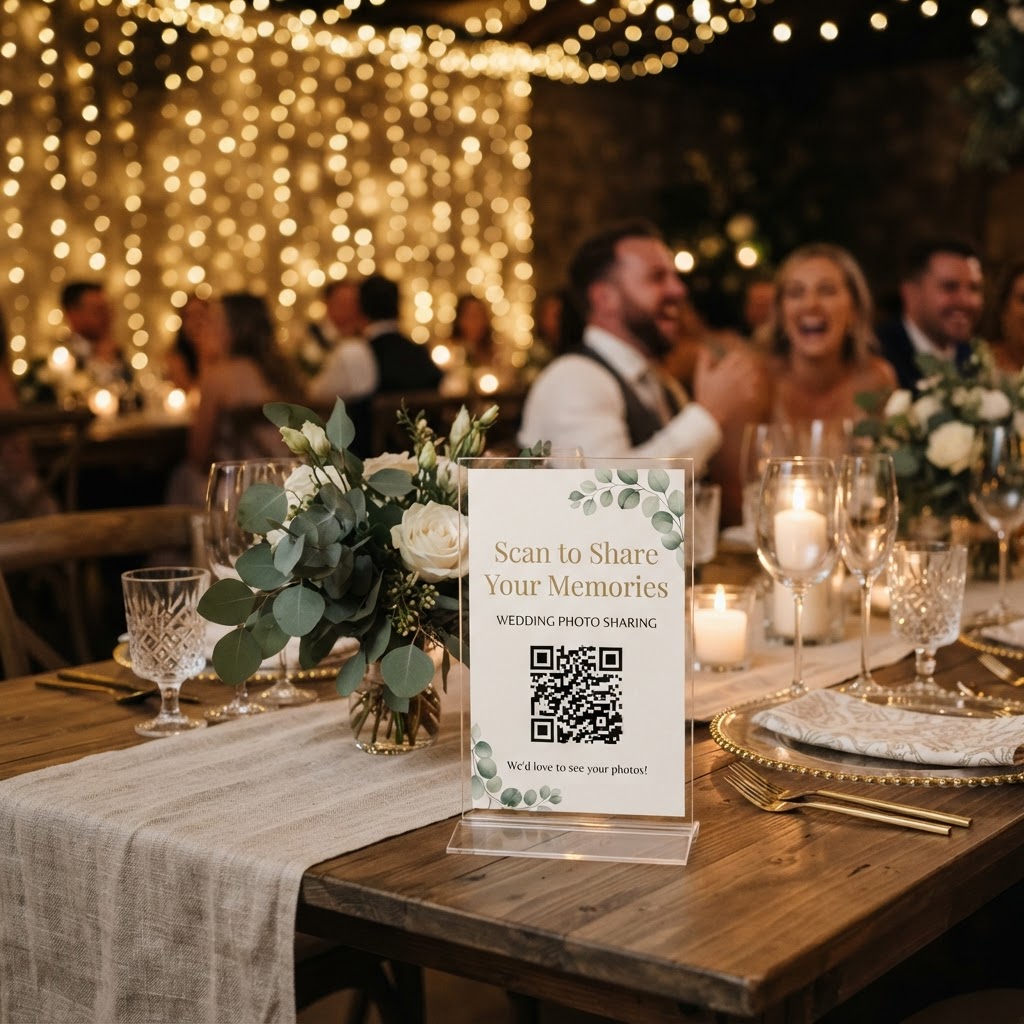
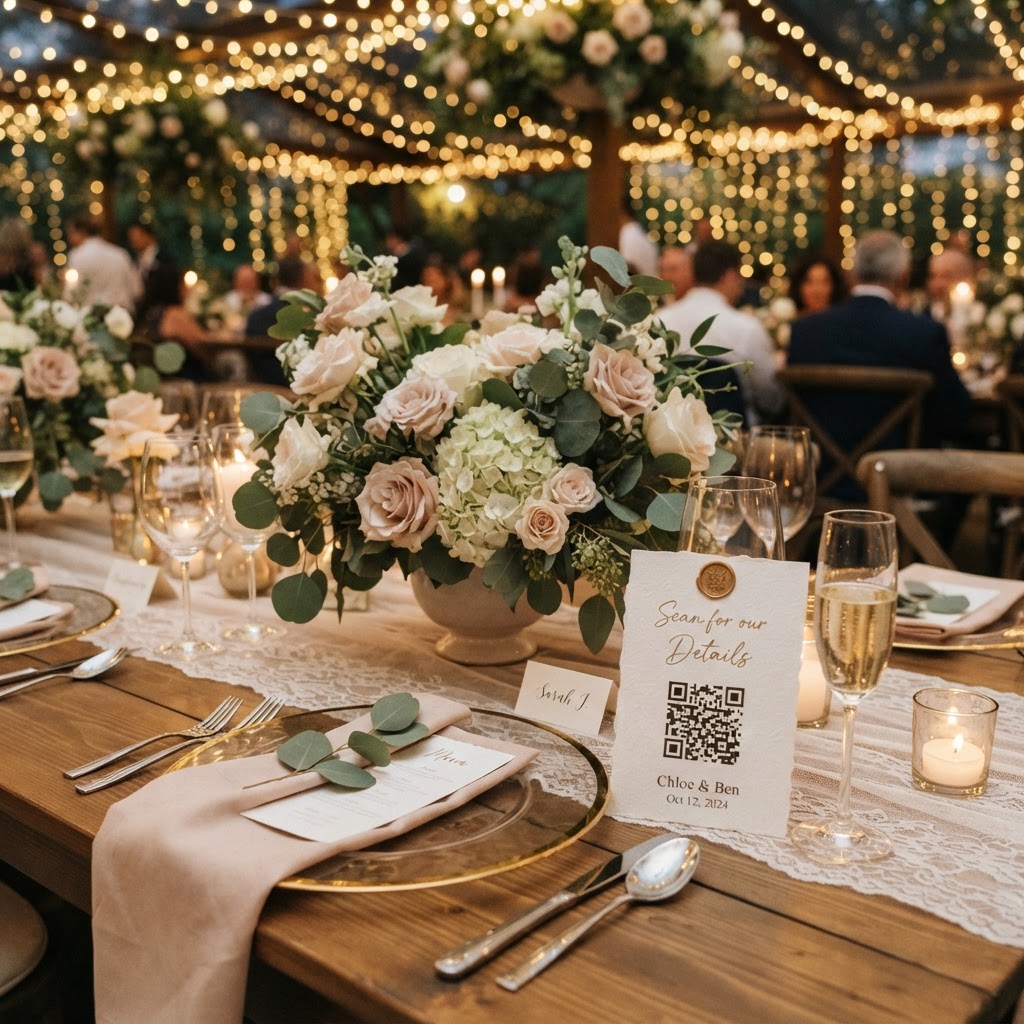
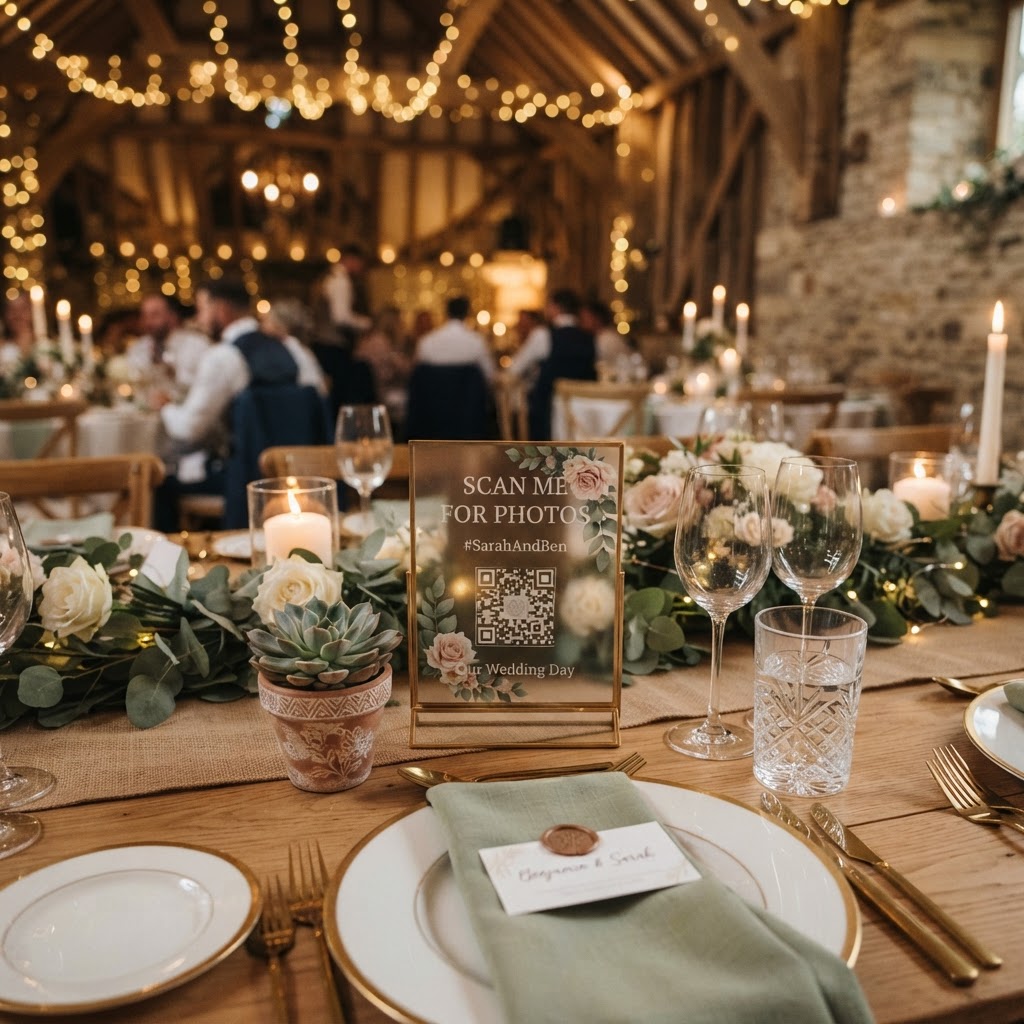
You get guests to share photos by providing a dedicated QR code at tables that links directly to a mobile browser upload page. People rarely follow through if they need to download a new app or create a specific account to share a few files. You want to reduce friction to the absolute minimum to encourage participation. Place a small, elegant card at the centre of each table or near the bar area. This card should display a clear instruction like scan the code to upload your favourite photos and videos. When guests can see their own content appear on a live slideshow screen in the room, they are far more likely to contribute throughout the reception. This feedback loop makes the act of uploading feel like part of the celebration rather than a chore. Keep the setup simple so that even guests who are less confident with technology can participate without needing your personal help.
How can I manage guest photos without losing control?
You manage guest photos by using a centralised, private platform that allows for instant uploads while maintaining privacy for all participants. Relying on WhatsApp groups or shared email threads is the enemy of a well-curated wedding collection. These methods quickly become chaotic, suffer from heavy image compression, and are difficult to organise later. A dedicated service acts as a single, cohesive repository for every file submitted. When choosing a platform, prioritise systems that offer a one-time payment structure rather than ongoing monthly subscriptions. This allows you to pay your £39 fee once for the entire event and avoid surprise costs. Look for features that allow you to download all files in bulk once the event finishes. Keep in mind that these platforms are designed for immediate collection rather than permanent storage. You must download and back up your final files to your own computer or cloud drive promptly, as many services delete the gallery after a period of 90 days. Guest upload windows usually close 7 days after your event date, which is plenty of time to capture those last few lingering shots from brunch the next morning.
What are the rules for an unplugged wedding ceremony?
The rules for an unplugged ceremony involve a clear, polite request for guests to keep their devices away during the vows so everyone remains fully present. There is a meaningful difference between the intimate ceremony and the energetic reception. During the vows, you want your guests to experience the emotion of the moment with their eyes rather than through a phone screen. Include a note in your order of service or ask the officiant to make a brief announcement before the ceremony begins. This establishes a boundary that allows guests to feel comfortable putting their devices away entirely. Once you reach the reception, the environment should shift. Encourage guests to start using their phones again to record the speeches, the dancing, and those candid moments at the bar. By creating these two distinct phases, you allow guests to be active participants in the party without losing the solemnity of your wedding vows.
Which creative photo challenges should I give guests?
You should give guests specific, fun photo challenges that prompt them to document the unique characters of your wedding party. Instead of asking for general photos, which can lead to hundreds of identical shots, offer a list of prompts. Suggest that they find the best dance floor mover, capture a selfie with a long-lost friend, or record a video message for the guestbook. These prompts turn your guests into roving reporters who know exactly what to look for. You might even include these challenges on the back of your menu or on the same card that features your upload QR code. Do not worry if the photos are not technically perfect, as the goal is to record the personality of the event. A shaky video of your friends singing along to a favourite song often holds more emotional value than a professionally staged portrait.
How should I handle my wedding photo archive after the event?
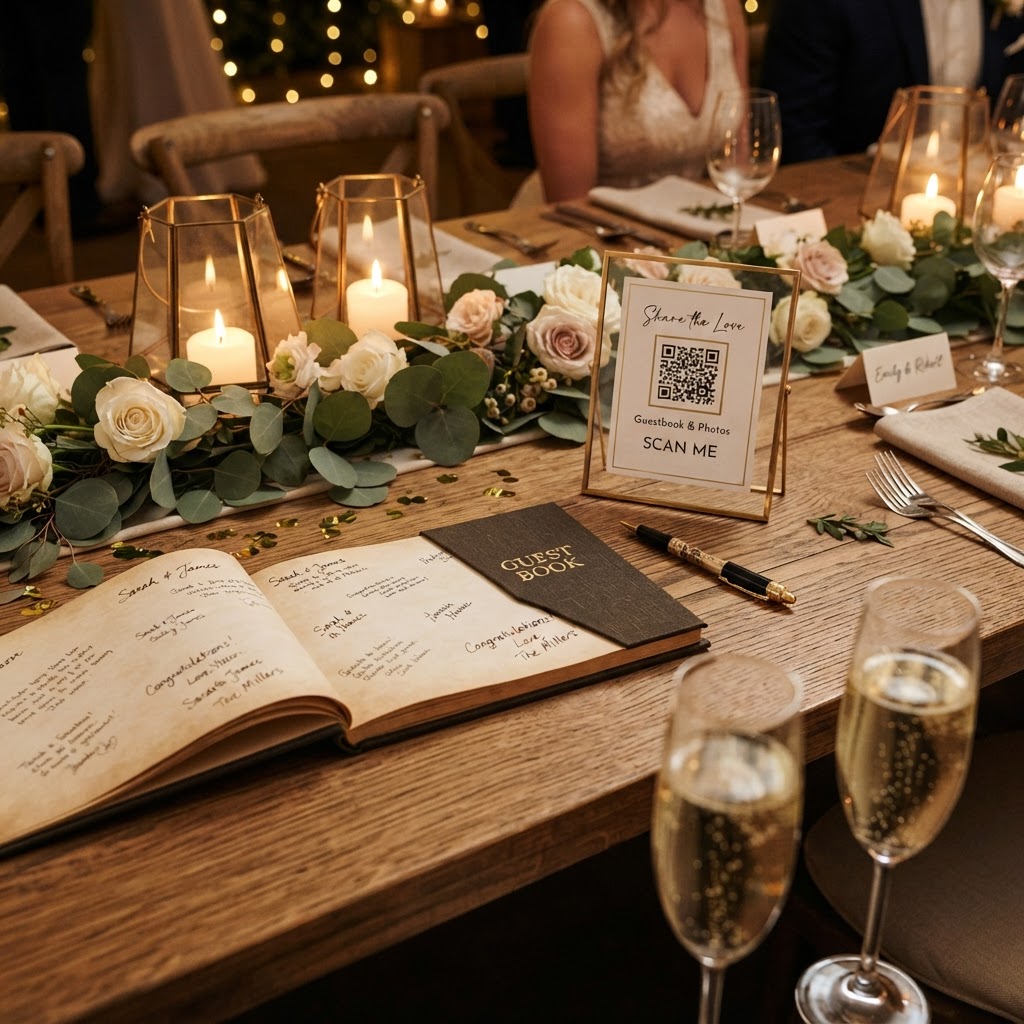
You should handle your archive by treating your guest-sourced images with the same care as your professional photographs once the event concludes. Your guests will have captured dozens of moments that no professional photographer could ever anticipate. Start by downloading every file from your digital gallery as soon as the upload period ends. Organise these into folders by the time of day or by specific events like the speeches or the cake cutting. Consider creating a secondary album called Guest Perspectives to house these images alongside your professional shots. You can even use the video guestbook messages as a digital keepsake to watch on your first anniversary. If you are using a tool like Moment49, ensure you finish your final download before the gallery is deleted after the 90-day window passes, giving you peace of mind that your memories are safely stored in your own library.