How do you make your wedding guest experience more engaging?
Wedding guest engagement is the intentional process of incorporating your friends and family into the activities of your ceremony and reception to ensure they feel valued rather than just observing from a distance. The traditional wedding model often leaves guests as passive spectators, but modern couples increasingly prefer a participatory approach. When guests feel integrated into the narrative of your day, the energy in the room shifts from a formal event to a genuine, shared community celebration. This transition requires thoughtful planning that removes friction from every interaction you introduce.
What are the best ways to involve guests without creating tech hurdles?
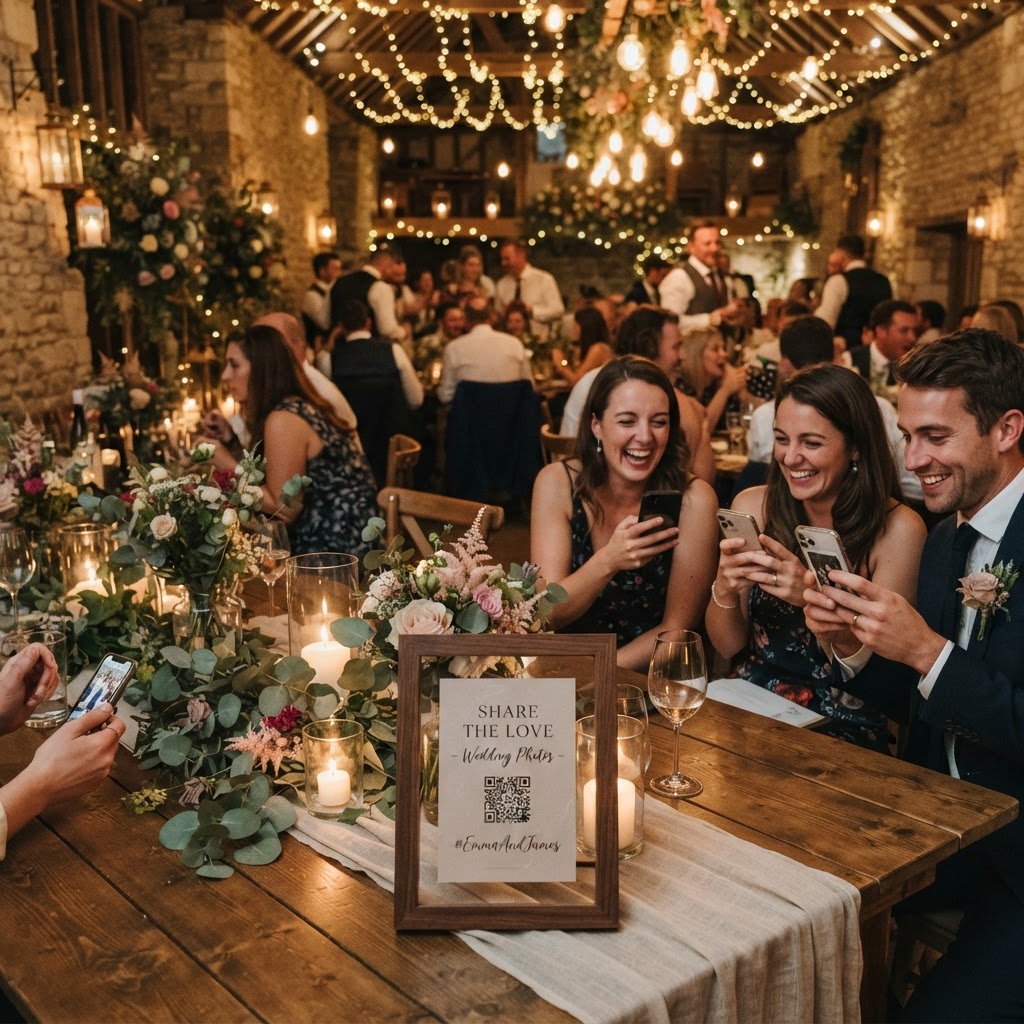
The most effective way to involve guests is by removing the need for them to download apps, create accounts, or manage passwords. People attend weddings to socialise and celebrate, not to troubleshoot software or manage account permissions on their mobile phones. You should look for browser-based platforms that allow guests to contribute their content through a simple QR code scan. This method works instantly on any smartphone and keeps the barrier to entry low for every age group. If your chosen technology requires a registration process, you will likely lose the participation of a large portion of your guests who find that process cumbersome.
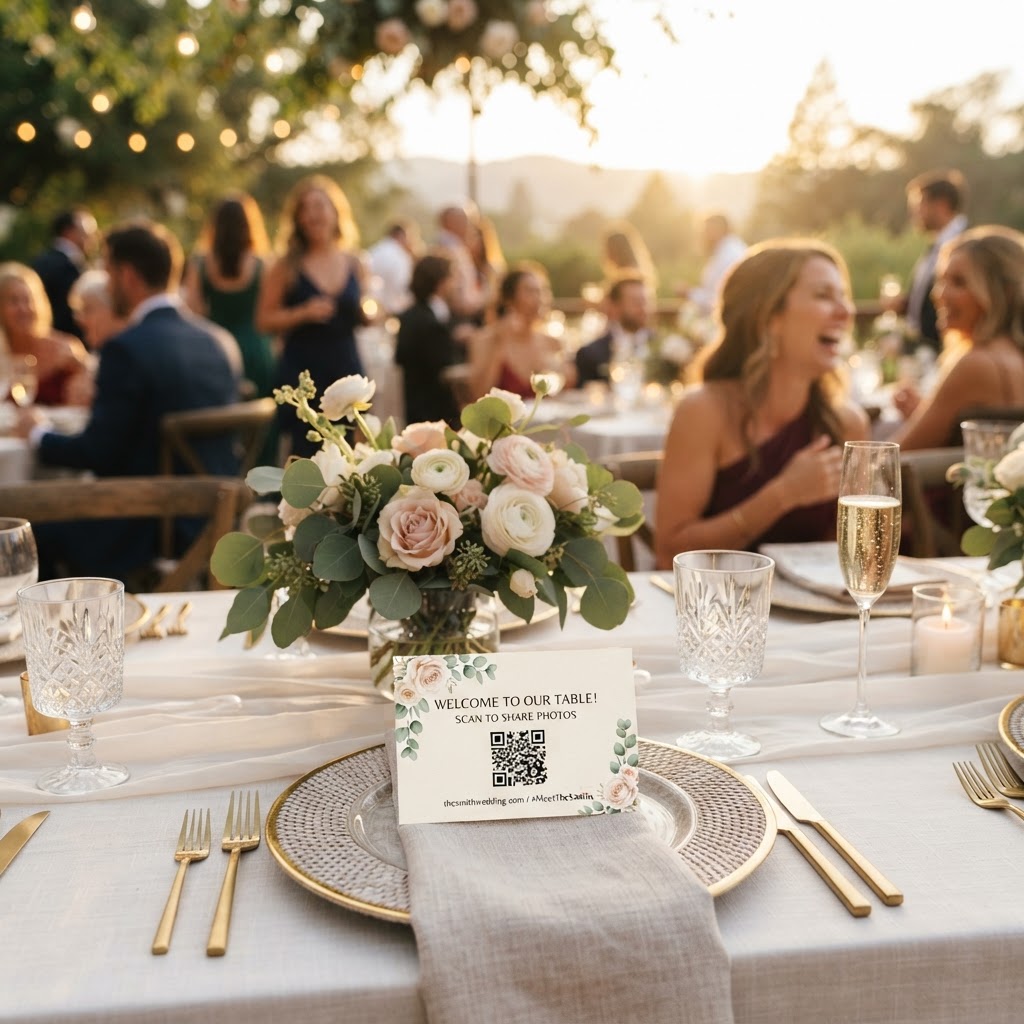
By placing small, unobtrusive signs with QR codes on tables or near the entrance, you create an invitation that is clear and accessible. When a guest scans the code, they should be taken immediately to a web page where they can upload photos or videos without further authentication. This setup allows your grandmother, who might be less comfortable with complex tech, to participate just as easily as your younger friends who are constantly on their devices. This focus on accessibility is the single most important factor in ensuring your digital engagement activities are successful.
How can you incorporate a live photo slideshow at your wedding?
A live photo slideshow is a dynamic display that updates in real-time as guests upload photos and videos from their own phones throughout the reception. Setting this up requires a laptop connected to a projector or a large display screen located in a high-traffic area of the venue. As guests snap photos of the dancing, the speeches, or their table mates, those images appear on the screen, creating an immediate sense of shared experience. This feature acts as a conversation starter, as guests walk up to the screen to see their own contributions and enjoy the candid perspectives captured by others.
When organising this, consider the balance of your reception flow. You can use the slideshow as a background element during dinner or ramp up the activity during the evening party. It keeps the energy high and encourages more guests to take part because they see the immediate reward of their contribution. Ensure you have a stable Wi-Fi connection or reliable mobile signal in the venue to support the uploads, and test your hardware setup at the venue in advance to avoid technical delays on the day itself.
How can video guestbook messages enhance your wedding memories?
Video guestbook messages are digital recordings that allow guests to provide short, personal video notes which capture the sights, sounds, and emotions of your day in a way that static text cannot. Traditional guestbooks are often tucked away on a shelf and rarely looked at after the event. A digital video guestbook provides an interactive alternative where guests feel encouraged to share a quick laugh, a sincere wish, or a highlight of the reception. Because these messages are stored digitally, they are much easier to share with family members who could not attend the ceremony.
You can encourage these messages by setting up a station with a clear prompt, such as asking guests to share their favourite story about you as a couple. Since the uploads are handled via mobile browser, there is no need for a dedicated camera person or expensive equipment. This approach provides a candid and raw look at your wedding day from the perspective of your guests. It is an excellent way to capture the atmosphere of the dance floor or the quiet moments between friends that your official photographer might miss while working on formal compositions.
Is an unplugged wedding or a connected wedding better?
The choice between an unplugged ceremony and a connected reception is not a binary decision, and you can effectively curate different rules for different portions of your day. An unplugged ceremony is often preferred by couples who want guests to focus on the vows and keep their faces visible rather than obscured by mobile phones. You can communicate this policy on your wedding website or in your invitations, keeping it polite and explaining that you have professional photographers to capture the main event. Guests are usually very happy to follow these guidelines when they understand the reasoning behind the request.
Once the ceremony concludes, you can pivot to a connected environment for the reception. This is the ideal time to open up the photo and video sharing, as the mood is more relaxed and celebratory. Providing an easy way to contribute to a shared gallery ensures that you capture those spontaneous interactions while still maintaining your desired focus during the solemn parts of the day. You do not need to choose between total disconnection and constant phone use, as setting clear boundaries allows you to enjoy the best of both approaches.
How to handle digital storage and gallery management?
Managing the digital files from your wedding requires a practical understanding of how data remains accessible after the celebrations end. Most collaborative sharing services operate with specific time limits to manage their resources, so you must keep these constraints in mind. For instance, guests can typically upload their content for a period of seven days following the event date. Once that week passes, you should download all your files to a permanent, personal hard drive or a cloud service you control for long-term storage. Most shared galleries are automatically deleted ninety days after the event, so treat the provided platform as a temporary hub rather than a permanent archive.
The cost of these services is usually a flat, one-off fee, often around £39 per event, which covers the entire platform for your chosen timeframe without any recurring subscription costs. This is a budget-friendly way to aggregate hundreds of unique images and videos without asking for individual files from every single guest. By centralising these memories early, you avoid the frustrating task of chasing friends and relatives for their copies months after the wedding. This professional approach to your shared media ensures you walk away with a comprehensive digital scrapbook of the night, including the candid photos and video clips that tell the real story of the party. You can find these capabilities and more for your event by choosing a service like Moment49.