What defines an inclusive digital wedding guestbook?
An inclusive digital wedding guestbook is a browser-based media sharing platform that allows guests to upload photos and videos without the need to download apps or create accounts. When planning a wedding, the goal is often to capture memories from every possible angle. However, the technology used must accommodate everyone from tech-savvy teenagers to older guests who might feel uncomfortable with complex interfaces. If you select a tool that forces a download or requires an account registration, you create an immediate barrier. Many guests will simply give up rather than navigate a sign-up process during a busy reception. Choosing a system that uses a simple QR code scan to open a mobile browser creates a frictionless environment for participation.
How do I make my digital guestbook accessible to all ages?
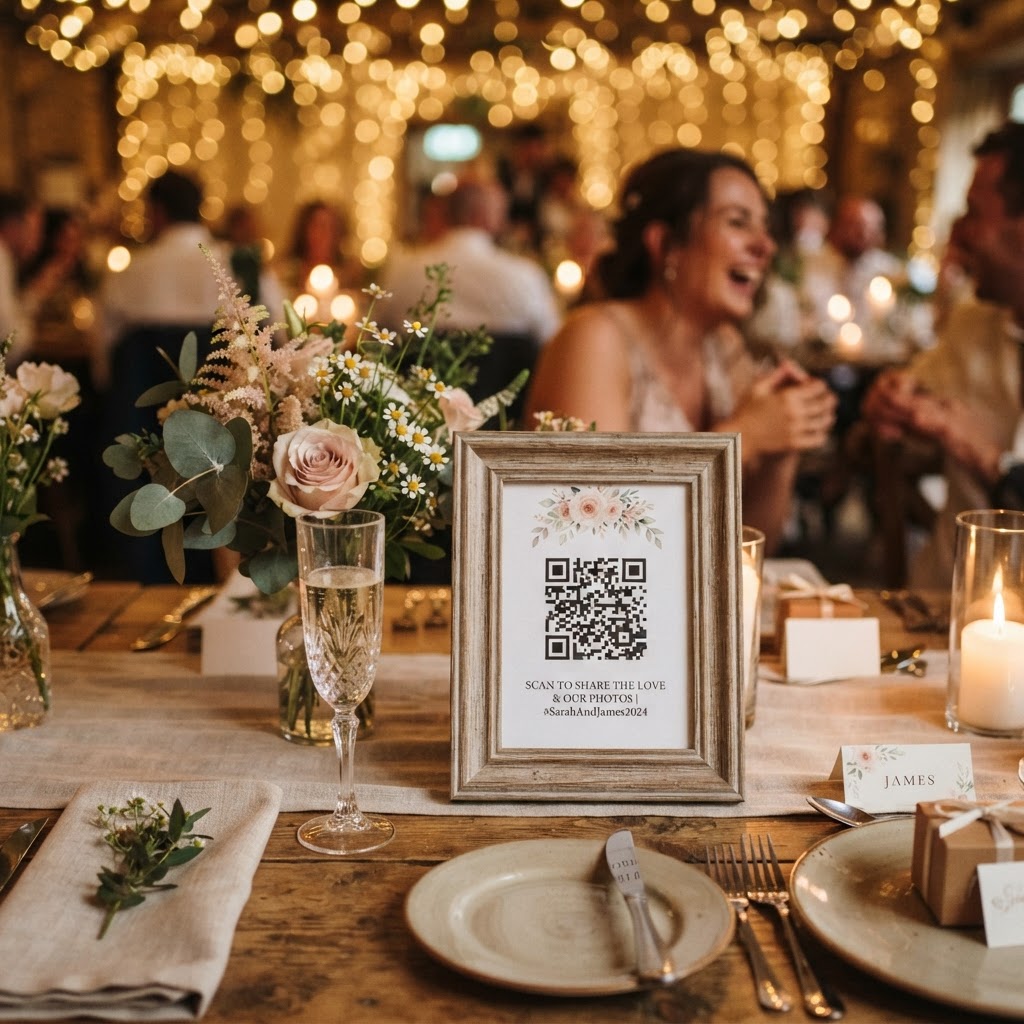
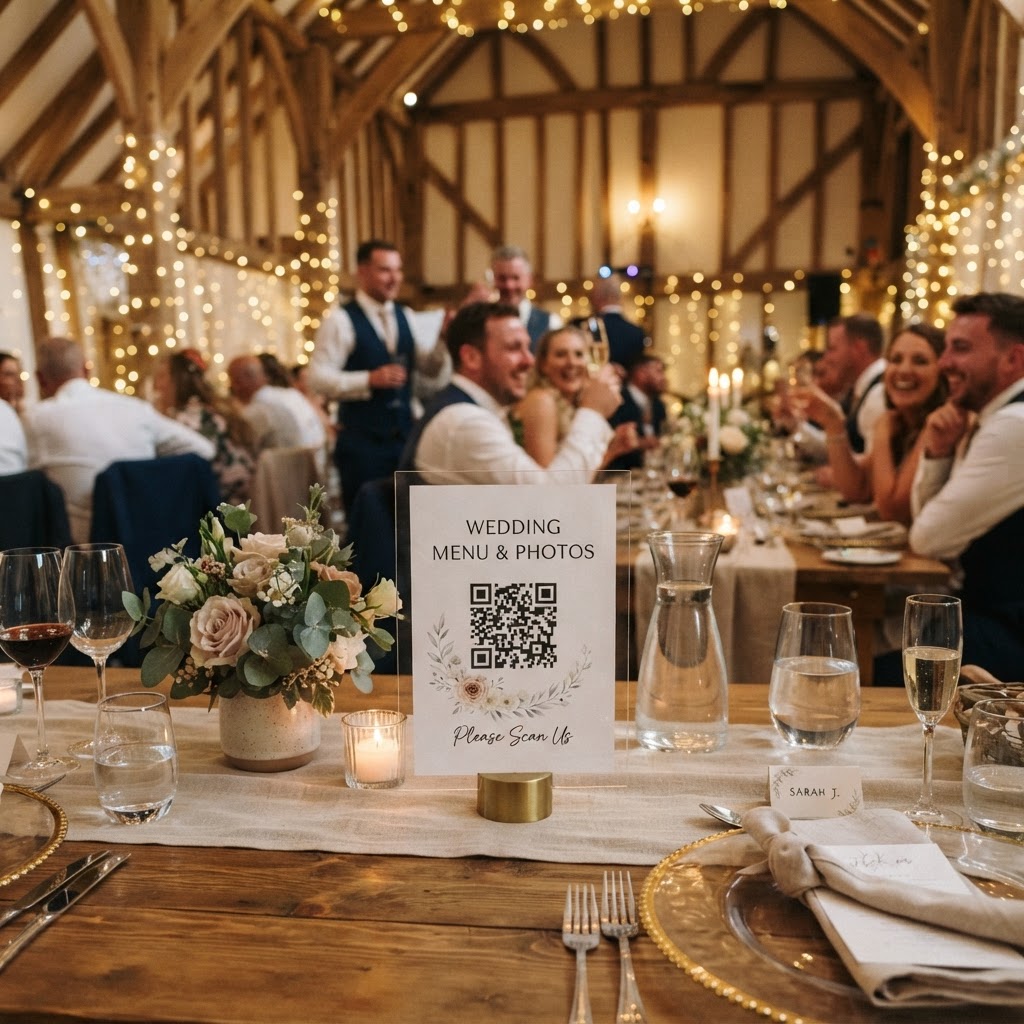
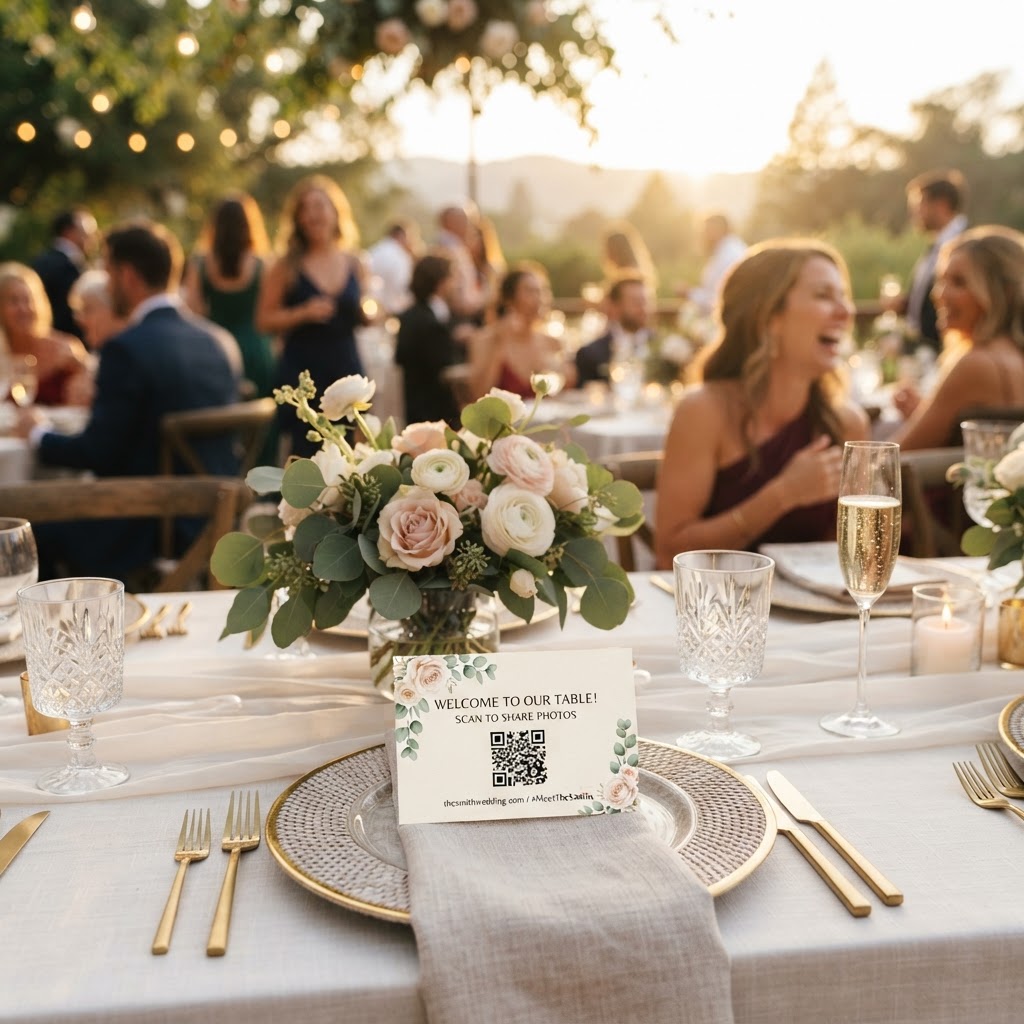
You ensure accessibility by removing all technical barriers between your guest and the act of sharing their media. Start by placing physical signage at key locations throughout your venue to guide people through the process. A single table at the entrance is rarely enough to reach everyone throughout the day. Place printed cards on every dining table, near the bar, and close to the dance floor where the action happens. The instructions must be incredibly brief. Use active language like Scan, Snap, and Share rather than technical jargon about uploading files or syncing galleries. You should also ensure that the QR codes are large enough to be seen from a standing position. High-contrast colours for your printouts are essential for readability in dimmed reception venues. If you have guests who may need extra support, consider asking your ushers or a tech-savvy friend to act as a digital concierge during the cocktail hour. They can show guests how quickly the process works, which builds confidence for the rest of the evening.
Can guests really share photos without an app?
Guests can share photos and videos instantly using only their phone camera and the mobile browser, provided the service is designed for direct web uploads. Modern smartphone cameras have built-in QR readers that launch a secure, private webpage automatically. This eliminates the storage-hungry requirement of downloading a standalone application that the guest will likely delete the next day. By keeping the process within the browser, you respect your guests' phone storage and their personal digital privacy. It is helpful to test this yourself before the big day. Take a photo of the QR code with your own phone, ensure the browser opens quickly, and confirm that the upload button is clearly visible. If the interface is cluttered or slow to load, it will frustrate your guests. A clean, simple layout is your greatest asset in encouraging participation from those who are not digitally confident.
How does a live slideshow change the reception atmosphere?
A live slideshow turns a solitary act of photo-taking into a communal event by displaying guest uploads on a screen in real time. Seeing their own photos appear on a wall or screen provides instant validation for guests. This feedback loop encourages others to participate as they witness the fun unfolding around the room. It also fills potential gaps in the professional photographer's coverage by capturing the funny dance floor antics and candid table conversations that a hired pro might miss. To set this up, you will need a laptop connected to a projector or a smart television located near the dance floor or the buffet area. Make sure the screen is positioned where it does not distract from speeches but remains visible enough to attract attention. The psychological effect of seeing oneself on screen is powerful. It creates a sense of belonging and community that a static photo album simply cannot replicate during the actual celebration.
What are the privacy limits of digital wedding galleries?
Private digital galleries offer a secure middle ground between public social media hashtags and keeping all your photos hidden away. Public hashtags are often cluttered with unrelated posts, or worse, open to strangers searching for wedding content. A dedicated, private platform allows you to retain control over who sees your images. You should verify that the service you choose provides a clear end-to-end process for privacy. With current standards, remember that these platforms are often intended for immediate memory sharing rather than permanent archival. Most services, including Moment49, keep guest uploads open for seven days after the event concludes. The gallery is then usually deleted after 90 days. Treat these tools as a way to collect and enjoy your images quickly, rather than as a long-term storage solution. Download your favourite photos and videos as soon as you receive the link to ensure you keep the memories safe for your own collection. This 90-day window is a standard industry practice to ensure the service provider can manage server space and maintain the high-speed performance required for real-time slideshows.
Should I include a video guestbook feature?
A video guestbook feature is highly recommended because it captures the genuine emotion and voices of your loved ones in a way that written notes cannot. Static signatures in a traditional paper book are lovely, but they rarely capture the laughter or the heartfelt well-wishes shared at the height of the celebration. By enabling video uploads, you allow your guests to record short messages whenever they feel moved to do so. This is particularly effective during the later stages of the reception when guests are feeling festive and sentimental. You might even set up a specific prompt for the video messages, such as asking guests to share a favourite memory of the couple or a bit of marriage advice. Having these videos compiled alongside the photos provides a complete, multi-sensory record of the day. This digital collection becomes a cherished memento that you can watch on your anniversaries, offering a far more intimate look at the event than standard photography allows. Make sure the space near your QR code signs is relatively quiet if you want clear audio messages, or accept the background music as part of the authentic wedding atmosphere. Creating this accessible digital experience is a thoughtful way to bring everyone closer together, ensuring your event is remembered through the eyes of those you love most.