Wedding photo organisation is the process of collecting, curating, and securing all the candid images and videos captured by your guests during your ceremony and reception.
You have dedicated months to planning every detail of your wedding day. From the table settings to the evening playlist, each choice reflects your personality. When the event concludes and the venue clears, you are left with your memories. Professional photographs cover the key moments, but the candid shots from friends and family offer a different, more personal perspective. Managing these scattered files from dozens of different smartphones can quickly become overwhelming without a structured plan.
How do I collect wedding photos from guests without them downloading an app?
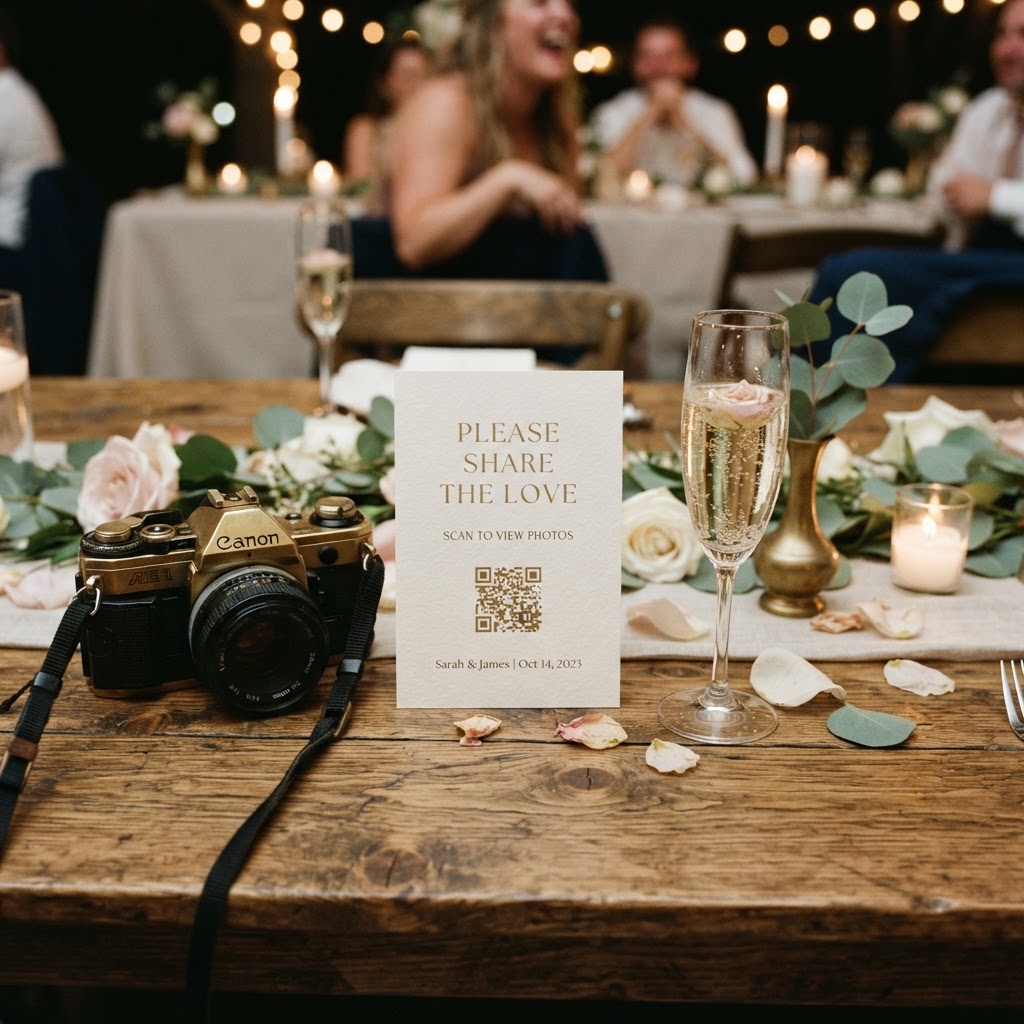
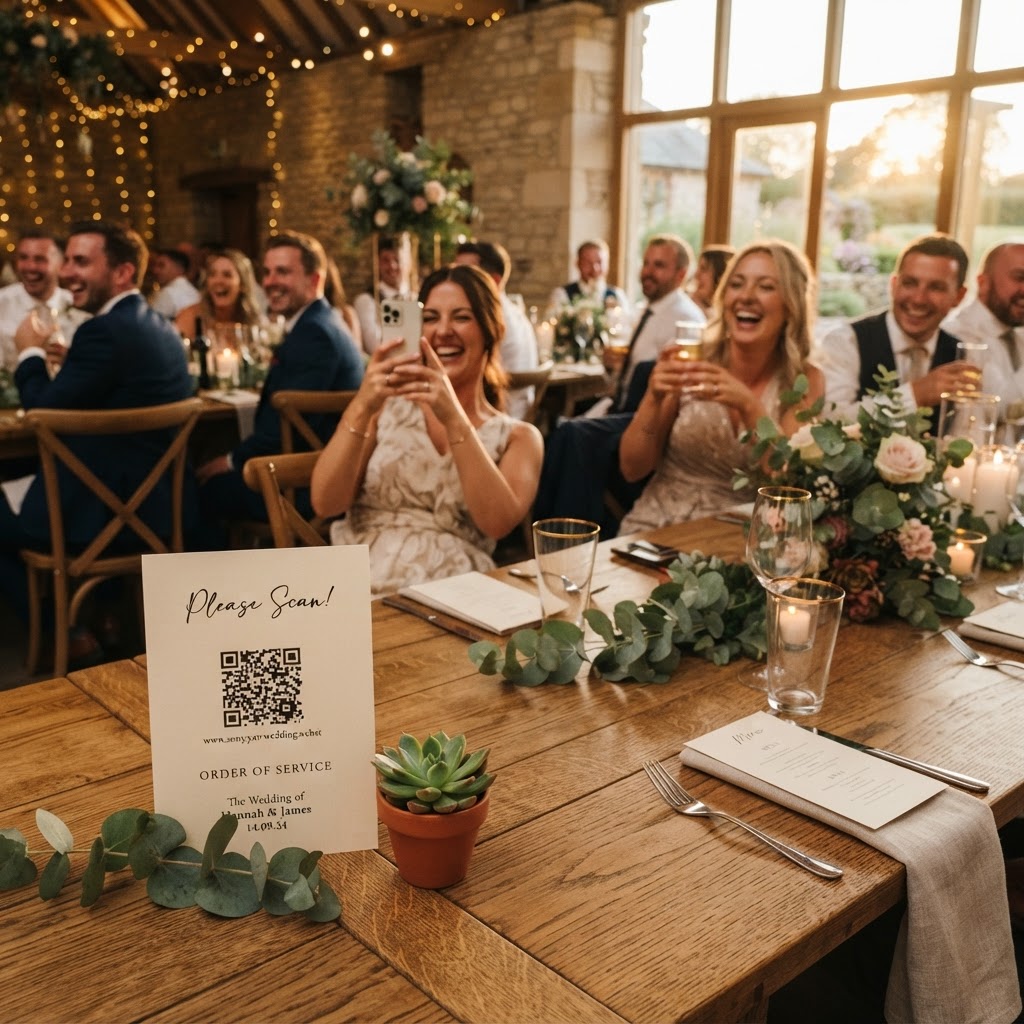
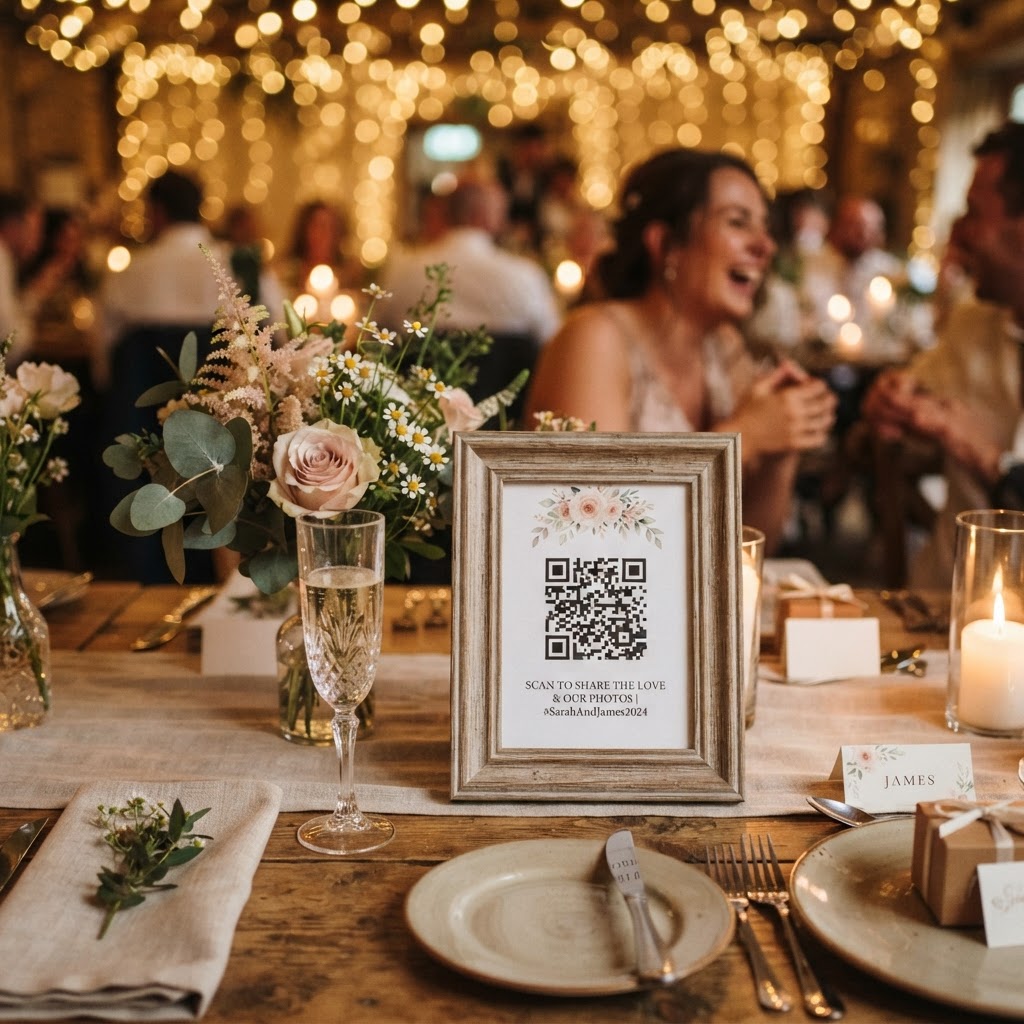
You can collect guest photos without requiring your friends and family to download an app by using a browser-based QR code system that allows for immediate uploads. Many couples struggle with the friction of asking guests to install new software or create accounts on a wedding day. If a process is too complicated, your guests will simply forget to share their content. Instead, look for a web-based service where a simple scan of a QR code opens a mobile browser window. Guests can select photos or videos from their phone and upload them instantly. This method bypasses the compression issues found in group chats like WhatsApp. It keeps the original image quality intact and centralises every file into a private, secure gallery that you can manage directly.
What should I consider when choosing a photo collection service?
When selecting a service, consider the cost structure, the duration of the storage, and the ease of access for your guests. Many platforms charge a flat fee for the event, such as a one-off payment of £39, which avoids the burden of recurring monthly subscriptions. Check how long the upload portal remains active. For instance, some services keep uploads open for seven days after the event. This gives your guests time to finish sharing their media once they return home. It is equally important to know how long the company keeps your files. Some providers will delete the gallery ninety days after the event, meaning you must download your archive well before that deadline. Do not treat these services as long-term cloud storage. Treat them as a short-term collection hub that helps you gather files before you move them to your personal computer or permanent hard drive.
How can I encourage guests to capture more photos?
You can encourage guests to capture more photos by setting specific creative tasks and integrating interactive elements like live slideshows into your reception. People often feel shy or unsure if they should be taking photos during specific parts of the day. A list of fun challenges placed on the tables can remove this uncertainty. Examples include asking guests to photograph the best dance move, the most creative cocktail, or a group selfie with people they just met. For a more dynamic experience, use a live slideshow feature. When guests see their own photos appearing on a large screen at the venue, it creates a feedback loop that prompts more people to contribute. This turns the act of sharing into an engaging group activity rather than a chore. You can also prompt guests to record video messages. These short, spoken clips often become the most cherished parts of the collection, capturing the atmosphere of the room in a way that static images cannot.
How should I store and organise my wedding photos after the event?
You should organise your files by categorising them into folders based on the event stage and following a backup plan that includes at least two distinct physical locations. Once you have downloaded your collection, start by creating folders for the ceremony, the cocktail hour, the wedding breakfast, and the evening reception. This level of organisation makes it much easier to revisit specific moments later. Do not feel the need to keep every single image that was uploaded. The goal is to curate a highlight reel that represents the day as you remember it. Select your favourite 100 images to create a physical photo book. A printed album is more likely to be viewed than a folder sitting on a computer drive. For digital preservation, follow the 3-2-1 rule. Keep three copies of your data, store them on two different types of media, and ensure one copy is kept off-site. A local external hard drive combined with a reliable home computer is a good start, but keep a second drive at a different location or use a reputable cloud storage service for the final archive.
What is the best way to handle green screen or booth effects?
You can incorporate a green screen photobooth mode if your chosen platform provides it, as this allows guests to swap out backgrounds and create playful memories on the spot. If your selected tool supports this, place a small sign next to your QR code station explaining how to access the feature. This acts as a cost-effective alternative to hiring a physical booth, which can take up significant space and budget. It adds an interactive layer to the evening, providing guests with an activity to do between dance sets or while waiting for drinks. Remember to check if the platform allows these special mode photos to be automatically saved to your main gallery alongside standard shots. This ensures your final download contains every single creative output your guests produced. Using a tool like Moment49 can help manage this entire process, from the first upload to the final download of your files.