Real-time wedding photo sharing is the process of collecting images and videos captured by your guests during the event via a web-based platform.
How do guests upload their wedding photos without an app?
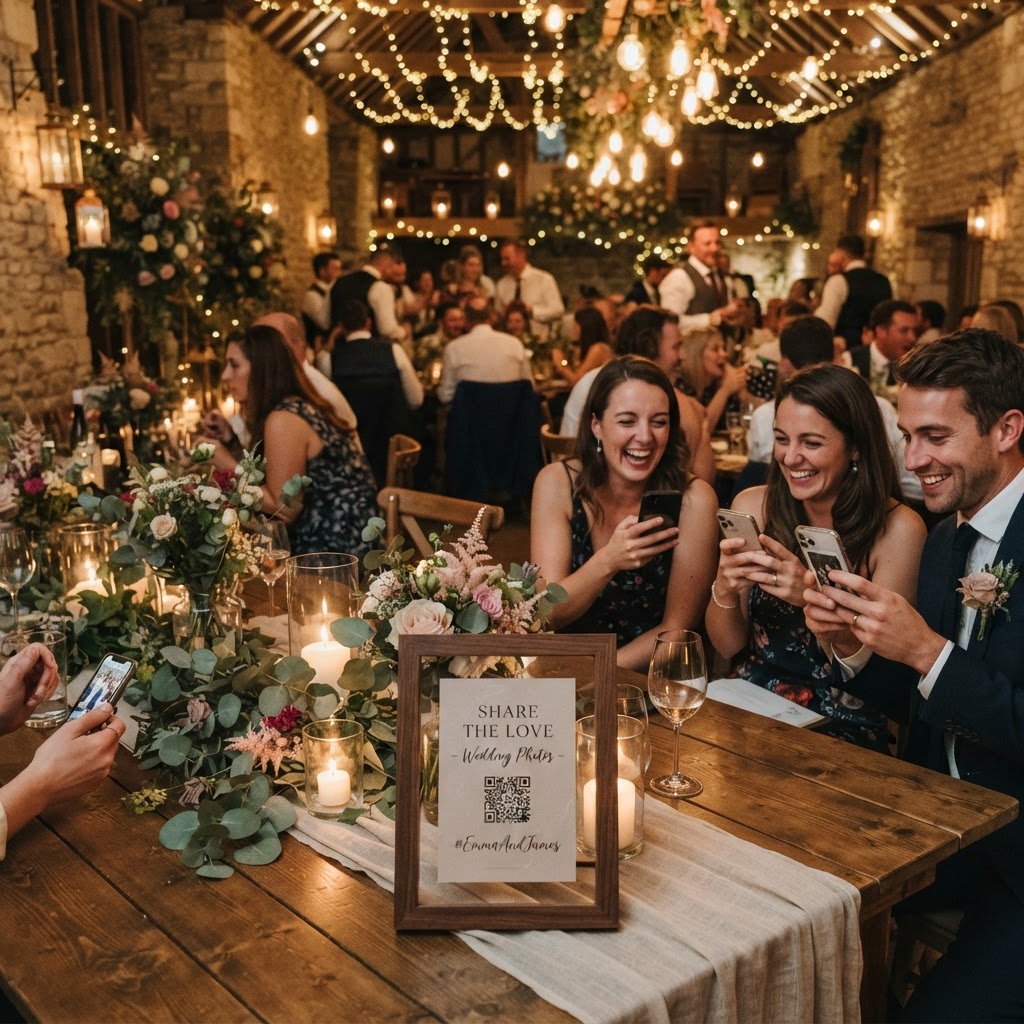
Guests upload photos and videos by scanning a QR code with their phone camera and accessing a browser-based uploader that requires no app or account creation. This simplicity is vital because forcing guests to download software or register for an account creates a barrier that prevents participation. When you select a service for your wedding, prioritise platforms that allow users to open a link, tap a button to select their files, and upload them instantly. Because the process happens entirely within their phone's mobile browser, guests avoid the frustration of compatibility issues or long loading times. This frictionless approach means that even less tech-savvy relatives can contribute their images to your shared gallery within seconds of taking them.
Where should you place QR codes for the best results?
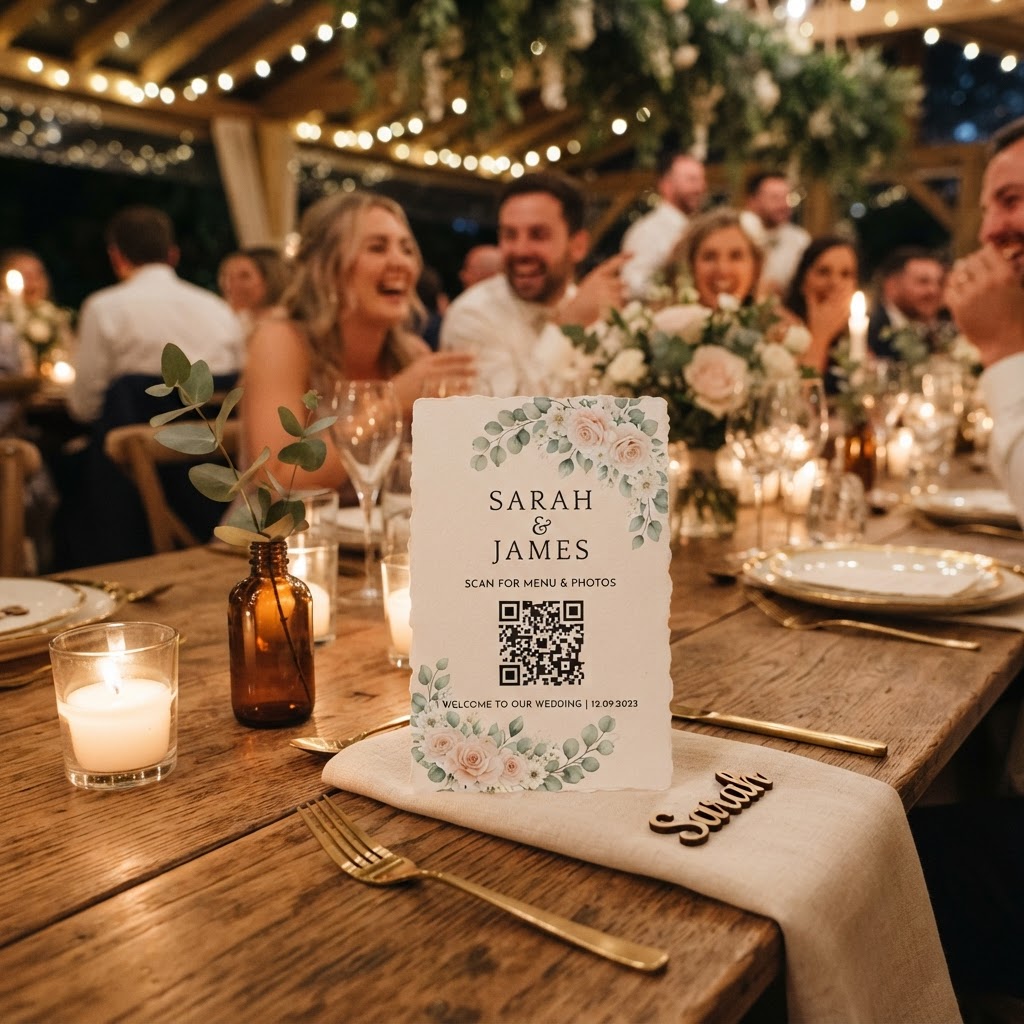
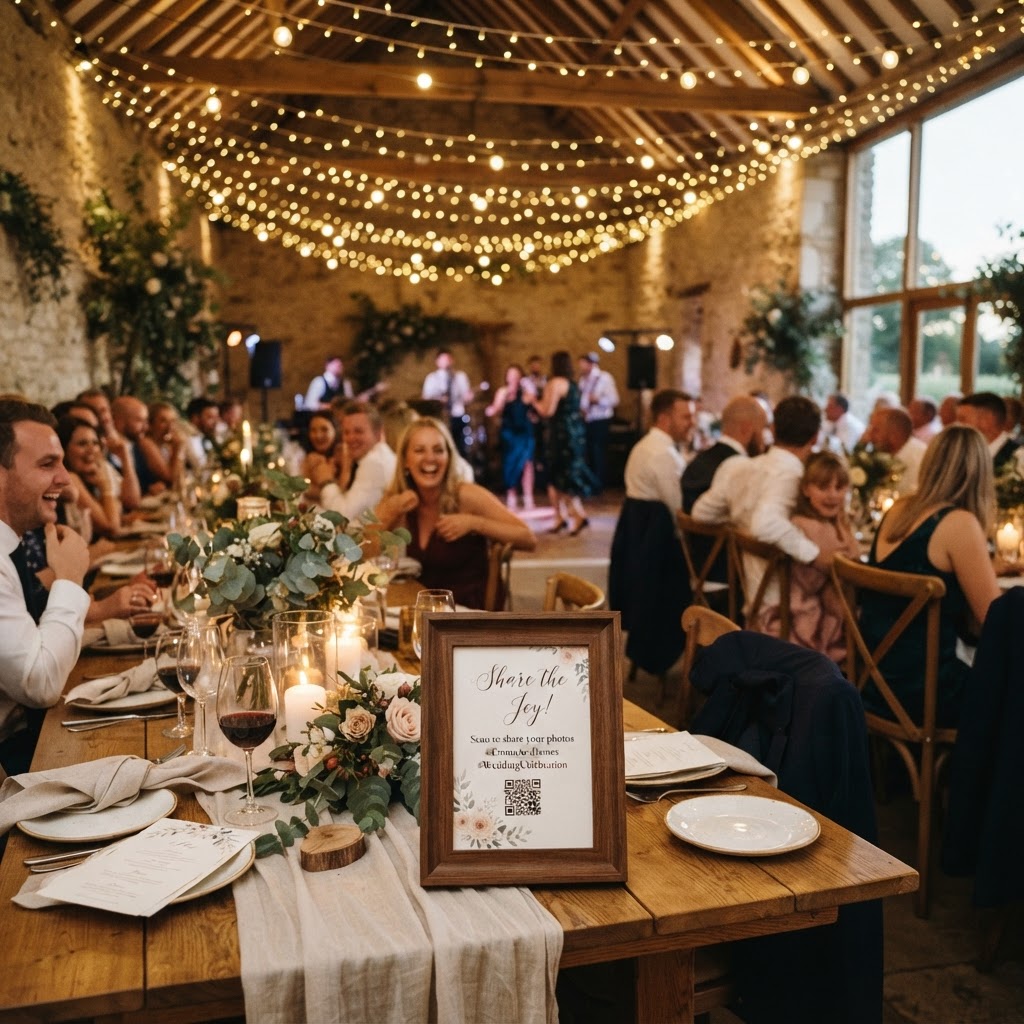
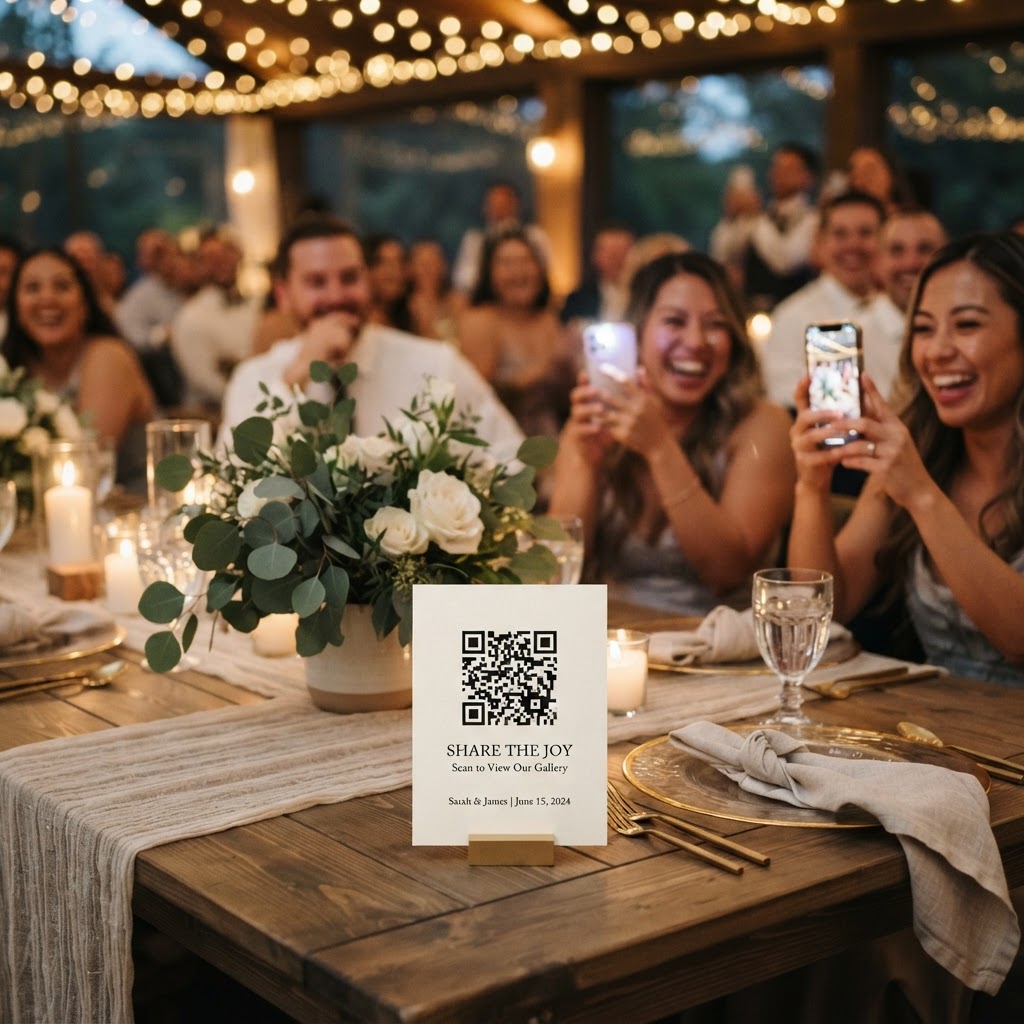
Place your QR codes in high-traffic areas like the bar, the guestbook table, your order of service, and on individual table centrepieces to maximise visibility. Guests are most likely to upload content when they are standing still, waiting for a drink, or sitting at their tables during dinner service. If the code is only displayed on a single sign at the venue entrance, most guests will forget it exists once the ceremony concludes. Print your QR codes on small, high-quality cards that match your stationery theme. Placing these cards on the back of chairs or near the seating plan ensures that every guest has the instructions within reach throughout the entire celebration. You might also consider printing the code on the menu cards, as guests often study these while waiting for courses to be served, giving them ample time to explore your photo-sharing portal.
How can you encourage guests to share their best photos?
Encourage high participation levels by providing clear instructions and specific photo prompts that guide your guests toward capturing the best moments. Many guests feel hesitant about what to upload, so a list of simple challenges can spark their creativity and ensure you receive a diverse range of images. You could suggest they photograph the couple laughing during the speeches, a candid shot of friends dancing, or the best table decoration they can find. Mention this initiative during your welcome speech to remind everyone that their perspective matters. A warm, personal request from the couple is often the most effective way to turn guests into active contributors. Keep the tone light and fun to ensure that capturing moments feels like part of the celebration rather than an additional chore for your friends and family.
What are the benefits of a live slideshow at your wedding?
A live slideshow turns the act of sharing photos into an interactive form of entertainment that keeps the energy high throughout your reception. By projecting the uploaded images onto a screen or display at the venue, you allow guests to see their own photos and those of others in real-time. This visual feedback loop encourages more people to join in because they can see the gallery growing as the night progresses. It serves as an excellent icebreaker for guests who may not know each other well, giving them something to discuss while waiting for the evening entertainment to begin. Ensure your venue has a compatible display or projector available for this purpose. Testing the connection before the event starts is essential to ensure that uploads appear on the screen without technical delays or connectivity issues.
How do you manage a digital video guestbook?
A digital video guestbook allows your friends and family to record short, personal messages that provide a much deeper emotional connection than a written note in a traditional book. These clips can capture the raw excitement of your wedding, featuring well-wishes, funny stories, or heartfelt congratulations from guests who might otherwise be too shy to speak on a microphone. When setting this up, designate a quiet corner or a specific area of the venue where guests can record their messages without too much background noise. Explain that these videos are for your private collection, which can help guests feel more comfortable being authentic and spontaneous on camera. Since these videos are stored digitally, they provide an immediate way to revisit the joy of the day in the days immediately following your celebration.
Is the gallery a long-term storage solution?
It is important to understand that most live photo-sharing platforms are designed for short-term collection rather than long-term archival storage. Most services allow guest uploads to remain open for seven days after your wedding date to ensure everyone has time to contribute their favourite shots. Once this window closes, the files are typically compiled for you to download, and the online gallery is eventually deleted after ninety days to maintain privacy and security. You must ensure you download your final collection of photos and videos to your own computer or cloud storage well before the ninety-day deletion limit expires. Treat the gallery as a temporary collection point and verify your backup procedures early to avoid losing any of the candid memories that your guests have captured for you. By using a platform like Moment49, you gain a secure space to curate these moments for your own use, knowing that the professional photography remains the primary long-term record of your wedding day.