Candid wedding photography is the practice of documenting unposed, genuine interactions and emotional moments throughout a wedding day.
How can I get my guests to take better wedding photos?
You can encourage better photos by providing clear, simple prompts that move your guests beyond the standard group shot. Most wedding guests want to contribute to the day but often struggle to know what makes a meaningful image. Instead of a generic request, you should place small instruction cards on tables that suggest specific subjects. Ask your guests to capture the emotional reactions during the speeches, close-ups of your table centrepieces, or the high-energy movements on the dance floor. When guests have a mission, they pay closer attention to the small details around them. You might suggest they look for a quiet conversation in a hallway or a friend laughing at a joke. This approach shifts the guest mindset from passive observer to creative contributor. The photos you receive will be far more diverse than anything a single professional photographer could capture alone.
Where should I display the QR code for photo uploads?
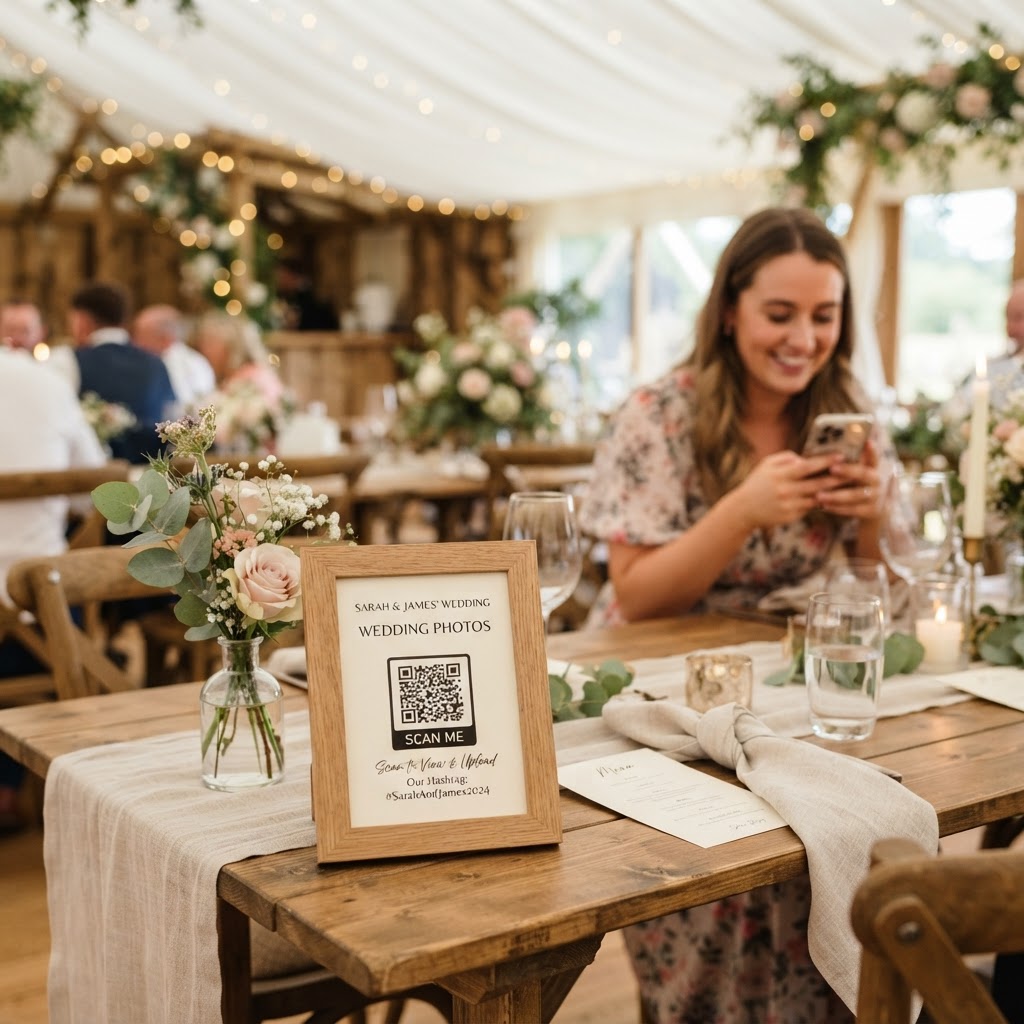
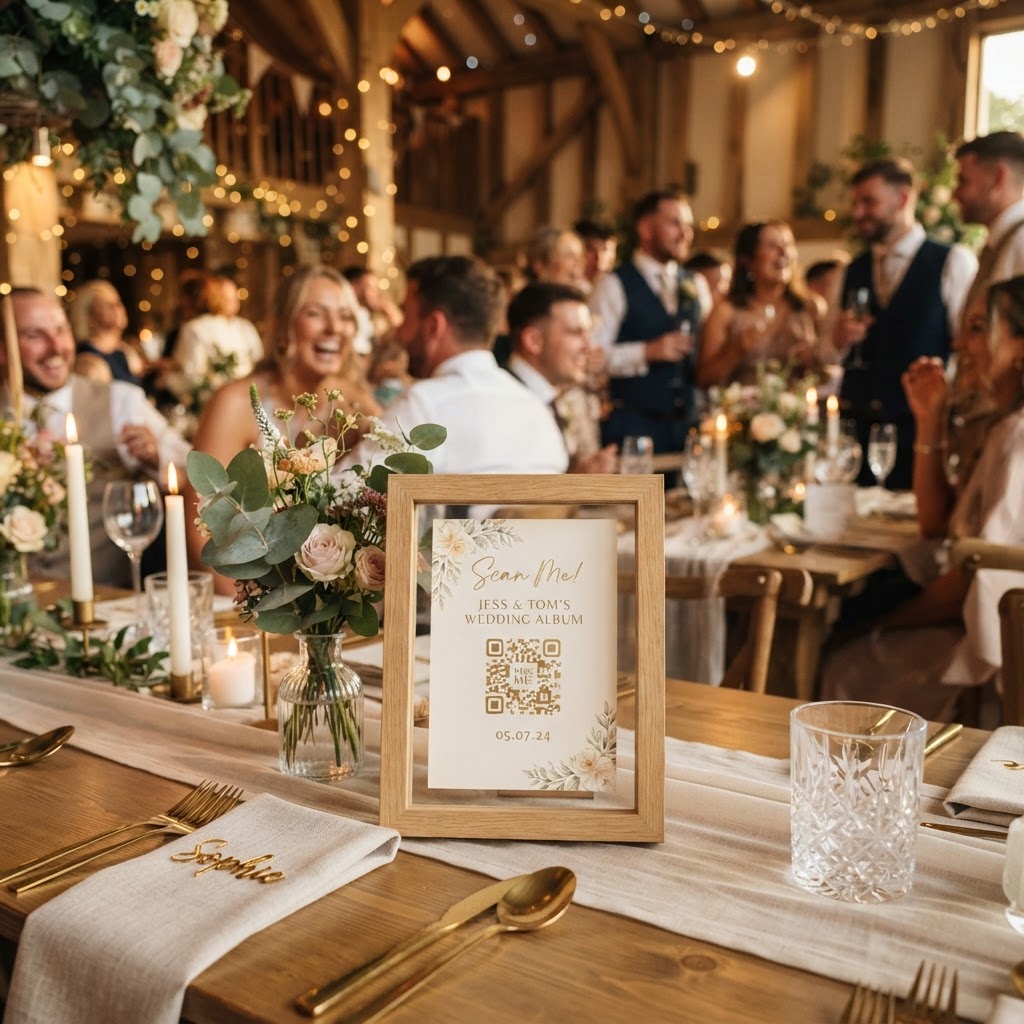
You should place your QR code in high-traffic locations like the welcome table, the bar area, and near the dance floor to ensure maximum visibility. Each wedding venue layout is different, but guests tend to gather where they can get a drink or take a break from the festivities. Printing the QR code on a small stand or a decorative card makes the process feel intentional rather than like an administrative task. Ensure the code is large enough to be scanned from a distance of about one metre. You should also instruct your master of ceremonies or the best man to mention the photo sharing process during the welcome speech. This public reminder helps guests understand that their participation is welcomed and encouraged throughout the day. By making the process visible and easy, you lower the barrier to entry for even the least tech-savvy family members.
What are the best ways to collect guest media?
The most efficient way to collect guest media is by using a platform that allows for browser-based uploads via a QR code without requiring app installations. Traditional methods like shared cloud folders or email often fail because they require guests to remember specific passwords or deal with restricted file sizes. When you use a system designed for a single event, the files do not get compressed by messaging apps that strip away image quality. A professional-grade system handles the heavy lifting of sorting and storage for you. You need a platform that works instantly on any smartphone browser, as this removes the friction that stops people from contributing. Remember that guests will stop uploading once the post-wedding excitement fades. Look for a system that keeps the upload window open for seven days after the event. This gives guests enough time to recover from the wedding hangover and upload their best shots while the memories are still fresh in their minds.
How do I manage the wedding gallery after the event?
You should approach your guest gallery as a temporary, high-energy digital companion to your formal professional album rather than a permanent archive. Because professional photographers deliver curated, high-resolution prints, you should use guest photos to tell the story of the party atmosphere. You can spend an hour sorting through the uploads shortly after the wedding to remove accidental shots or blurry duplicates. Many couples find that grouping these photos into a folder titled with the wedding date helps keep everything organised. If you want a dynamic visual experience, consider using a live slideshow feature during the reception. This allows guests to see their own photos appearing on a screen as they upload them in real-time. This feedback loop often encourages more people to participate. Be aware that most guest-sharing platforms, including the service provided by Moment49, delete the gallery ninety days after the event. This is a deliberate design choice that prevents you from having to pay for long-term server costs for thousands of low-quality files. Treat the ninety-day window as a deadline to download your favourite moments to a personal hard drive or a secure cloud backup.
Does a DIY photo booth mode work for all weddings?
A green screen photo booth mode works well for weddings that have a defined space and a sense of humour among the guests. You can provide a designated corner with basic props and a simple backdrop. When guests use their own phones to scan the code, the software overlays their photos onto a pre-selected digital background. This creates a fun, interactive experience without the cost of renting a physical booth and hiring an attendant. You must ensure the area has decent lighting, as phone cameras struggle in dark corners. If you choose this route, add a small sign explaining how to access the booth mode from the main upload page. It serves as an excellent icebreaker during the quiet period between the ceremony and the wedding breakfast. While it is not a replacement for a professional portrait session, it provides a lighthearted way to get guests mingling and creating unique content that feels authentic to your group of friends.
By blending professional artistry with the raw energy captured by your guests, you build a complete picture of your wedding day. You retain the formal record while ensuring that the small, hilarious, and deeply personal moments do not vanish into the ether. Making your guests partners in your documentation ensures you preserve the joy of the day for years to come using Moment49.