Wedding guest entertainment is a strategy to maintain event energy during gaps in the formal schedule.
Planning a wedding in the UK requires careful attention to the timeline between the ceremony and the evening reception. Couples often focus heavily on the formal elements of the day, such as the menu and the table plan, while overlooking the periods when guests are left to their own devices. These gaps often occur during the couple’s portrait session or while the venue staff resets the room for the evening meal. Providing light touch points for engagement during these times ensures that the atmosphere remains celebratory rather than stagnant. Guests generally want to feel like participants in your day rather than passive observers. When there is no direction, the energy in the room often dips as people become unsure of where to congregate or what to do next. The goal is to provide low friction invitations that encourage interaction without making the event feel like a scheduled production or a boot camp.
How do I keep wedding guests entertained during photo sessions?
You keep guests occupied during portrait sessions by providing accessible activities that encourage them to move around the room and interact with others. One of the most effective methods involves placing printed cards at each table that suggest specific photo challenges for the guests. These cards can ask them to capture images of the bride’s aunt dancing, a friend from university, or a detail of the floral arrangements. When guests have a shared goal, they stop worrying about table manners or finding conversation starters and start bonding through a common pursuit. These cards do not need to be elaborate or expensive to print. They serve as a clear instruction that helps bridge the gap between people who may not know each other well. You can encourage guests to use their own phones to snap these photos, which removes the need for you to rent professional equipment that might be difficult for guests to manage during a busy afternoon.
How can guests share wedding photos without an app?
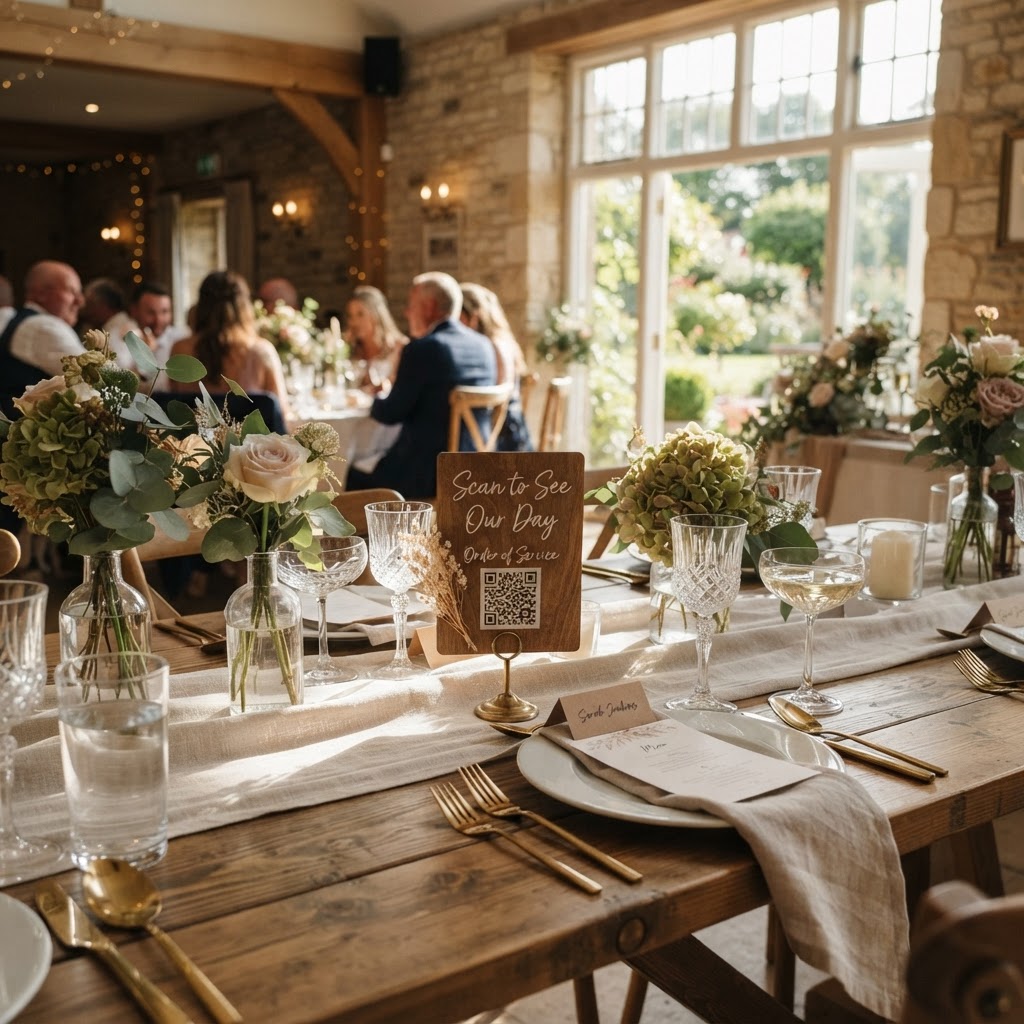
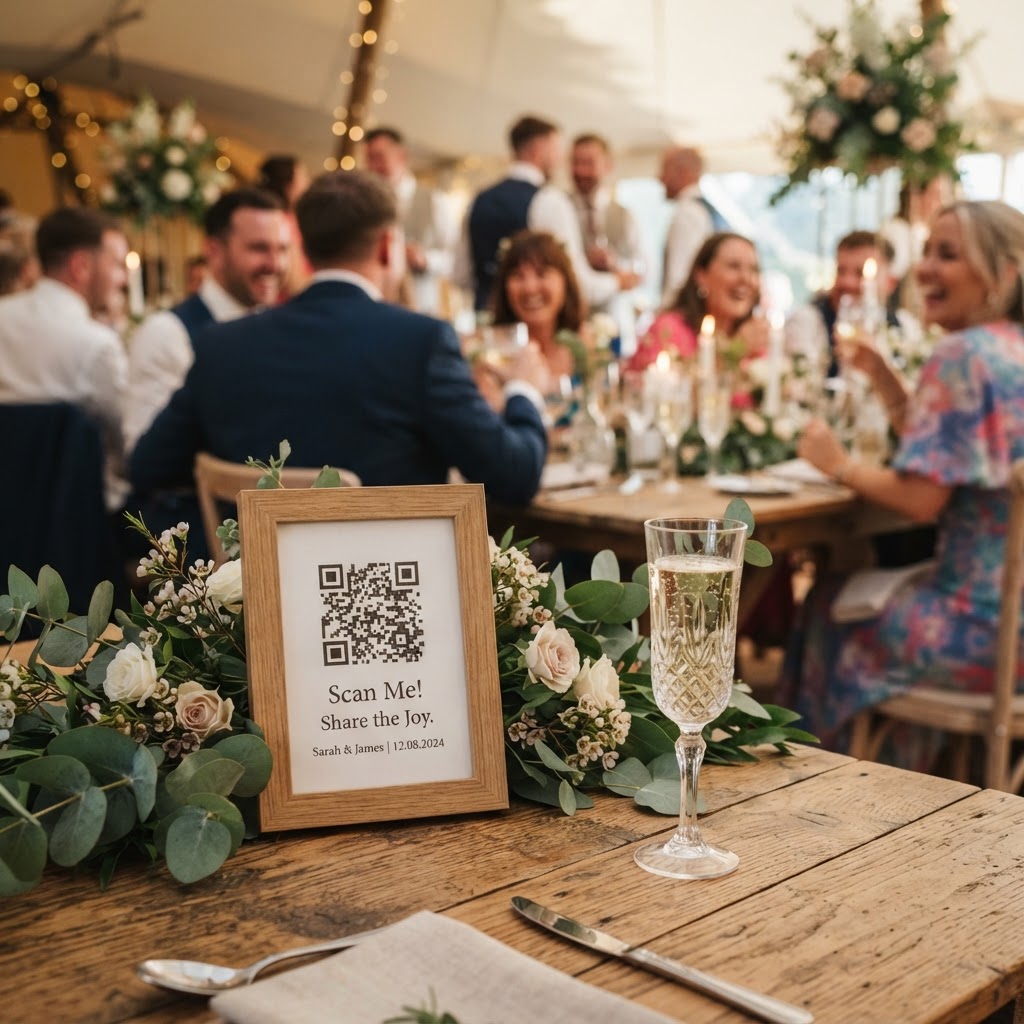
Guests can share wedding photos without an app by scanning a QR code placed on their table that opens a direct upload portal in their mobile browser. This approach removes the barrier of downloading software or creating a login account, which is the most common reason people fail to participate in digital sharing projects. When the process takes only a few seconds, guests are far more likely to capture candid, funny, or sentimental moments that your professional photographer might not see. This digital link allows your friends and family to become the eyes and ears of the day. Because the system runs on the phone browser, it works for almost anyone with a smartphone, regardless of their technical proficiency. You can set up these QR codes as part of your table stationery or place them at the entrance of the venue to ensure high visibility. Once the upload is complete, the images are collected into a private digital gallery. It is important to remember that these services typically host photos for a limited window of time, such as seven days for uploads and ninety days until deletion, so plan to download your favourites promptly to preserve them for your personal archive.
What are the best ways to use a live wedding slideshow?
You can use a live wedding slideshow to turn guest photos into a central piece of visual entertainment throughout the evening. By connecting your digital gallery to a screen or projector at the venue, you allow guests to see their contributions appearing in real-time. This provides an immediate feedback loop that encourages more people to join in. As the day progresses, the slideshow transforms from a simple display of photos into a growing timeline of the event. It acts as an excellent icebreaker during the transitions after the meal. If you choose to incorporate a video component, guests can also leave short messages that play between the photo rotations. This creates a casual video guestbook effect that feels much more natural than standing in front of a formal camera rig in a separate room. When setting this up, make sure the screen is positioned in an area where it does not obstruct the flow of traffic but is still visible to those sitting at their tables or standing at the bar.
Should I include a digital photobooth for my guests?
A digital photobooth adds a layer of interactive fun that can be managed entirely through your guests' existing mobile devices. Instead of hiring a traditional booth that occupies valuable floor space and requires physical props, you can opt for a green screen mode on your mobile browser. This feature allows guests to select a custom background that fits your wedding theme or colour scheme. They simply scan the code, snap the photo, and the software processes the background swap instantly. This is particularly effective for keeping children and adults occupied during the later hours of the reception. Because it does not require a physical technician or constant maintenance, you can keep the costs down significantly compared to traditional hire services. A service like Moment49 provides this type of feature for a flat fee of £39, which covers the entire event without any hidden subscription costs or additional equipment rentals. This allows you to allocate your budget elsewhere while still offering high quality entertainment for your guests.
How can I ensure my wedding entertainment remains inclusive?
You ensure your entertainment remains inclusive by keeping the barrier to entry as low as possible for guests of all ages. Avoid activities that rely solely on complex social media apps or specific digital platforms that your older guests might not understand. A QR code placed on a physical card is a universally recognised signal for interaction that requires nothing more than opening a phone camera. When you explain the activity during a quick announcement, keep it short and focused on the benefit of sharing memories. Tell them that their photos help you see the day through their eyes. Ensure the instructions are printed in a large, readable font on the table cards. If you are using a slideshow, ensure the text on the screen is large enough to be read from across the room. Accessibility also extends to the physical environment, so ensure that any space set aside for these activities does not create congestion or block walkways for guests who are using mobility aids. By focusing on simple, human-centric interactions, you create a collaborative environment where guests feel part of the celebration.