Guest-led wedding photography is the practice of collecting candid photos and videos captured by attendees to supplement professional coverage.
How can I get my wedding guests to take photos?
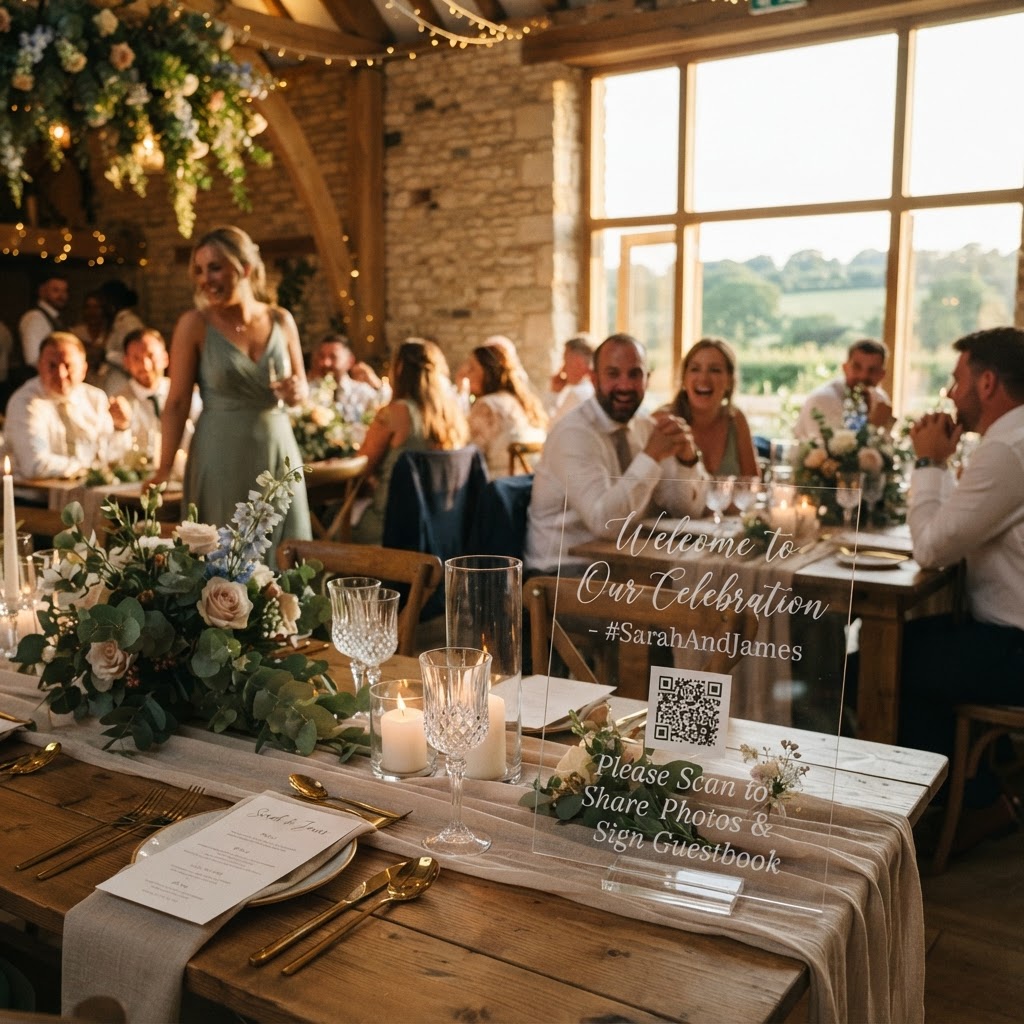
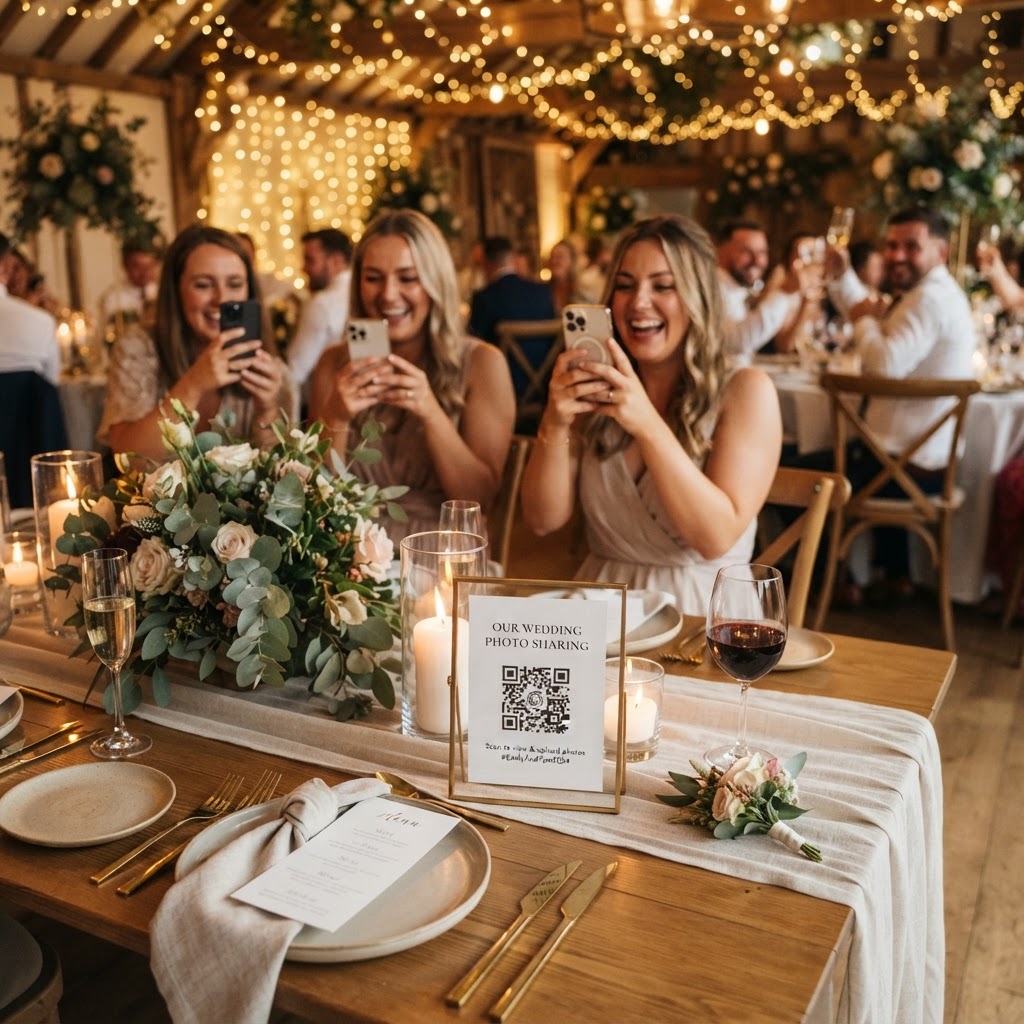
You can encourage guests to take photos by removing every possible technical barrier between them and your digital collection. People are generally happy to contribute, but they will ignore requests that require downloading an unfamiliar app or creating a new online account. The most effective approach is to use a system that allows guests to scan a QR code and upload files directly from their mobile web browser. This process takes seconds and requires no storage space on their personal phones. Place small, discreet cards on every dining table or next to the bar to serve as visual reminders. Clear signage should clearly state the action, such as scan to upload, to avoid any confusion for older guests or those who are not tech-savvy. When the upload process is instantaneous, guests are far more likely to capture those unplanned, funny moments that happen away from the professional photographer lens.
What are the best photo challenge ideas for weddings?
The best photo challenge ideas for weddings involve giving guests specific, achievable prompts that transform their perspective into a game. Simply asking people to take photos often leads to generic shots, but a well-defined scavenger hunt provides a clear objective. You might ask guests to find and photograph the most creative dance move, the longest tie in the room, or a secret handshake between friends. You can print these prompts on the back of your QR code cards or include them on the wedding menu. These small nudges encourage guests to look for detail rather than just documenting the bride and groom. When you give guests a purpose, they become active participants in the storytelling of your day. This approach also helps break the ice between tables by giving guests a shared task to complete during the reception.
Setting up a live slideshow during your reception
A live slideshow is an excellent way to maintain engagement and provide immediate gratification for your contributors. When guests scan a code and upload a photo, seeing it appear on a large screen or projector only moments later creates a rewarding feedback loop. This process encourages others to participate, as they want to see their own shots displayed for the room to enjoy. Ensure your screen is positioned in a central, visible location but away from the main wedding focal points like the cake or the dance floor. You will need a device such as a laptop connected to a projector or a smart television to display the live feed. Test the connection at your venue before the day begins to ensure the gallery updates without manual intervention. Seeing the day unfold from dozens of different angles in real time adds a dynamic energy to the reception that few other forms of entertainment can provide.
Using digital video guestbooks for heartfelt messages
A digital video guestbook allows you to collect sincere, spoken messages from your guests that capture the emotion of the evening. Traditional paper guestbooks often sit empty because guests feel pressured to write something witty or profound on the spot. By contrast, a digital video format allows your friends and family to record a quick message at their leisure. Many guests feel much more comfortable speaking naturally after a glass of champagne than they do composing a written entry. This method allows you to hear the genuine tone of voice and laughter of your guests, which creates a much deeper archive of the day. Ensure the QR code for video uploads is placed in a quiet area of the venue to help guests record clear audio. You will find that these clips are often the most rewatched items in your collection long after the wedding is over.
Practical logistics and platform limitations
Managing the technical side of your wedding photography does not need to be expensive or time-consuming. Many couples choose to pay a one-time fee of 39 pounds for a service that handles the technical heavy lifting for their event. This eliminates the need for monthly subscriptions or ongoing maintenance. It is important to remember that these services are intended as temporary gathering tools rather than permanent cloud storage solutions. Most platforms allow guests to upload their files for seven days after your event. After this period, the collection period closes, and the gallery is typically deleted after 90 days. You must ensure you download all your photos, videos, and guestbook messages to your own computer or hard drive before this deadline. Treat this digital gallery as a gathering space for the week surrounding your wedding and move the files to your permanent archive once the deadline approaches. Do not rely on these temporary galleries for long-term backup, as their purpose is solely to facilitate the easy collection of event-day media.
Managing the guest gallery curation process
Avoid the temptation to curate your guest gallery while you are still at the venue. Your job on the wedding day is to enjoy the festivities, not to manage a digital dashboard. Use the live slideshow to enjoy the content as it happens, but save the time-consuming process of sorting through hundreds of files for when you return from your honeymoon. When you finally review the collection, you will likely find a mix of high-quality artistic shots, blurry candid moments, and humorous clips. Embrace this variety, as the imperfect photos are often the ones that best capture the raw, unpolished spirit of the celebration. Many couples find that the most authentic captures come from friends who are having the most fun. If you use a service like Moment49, you keep a private gallery that is intended only for your personal viewing, which encourages guests to upload their most relaxed and candid material.