Wedding photo sharing is the process of collecting digital images and video files captured by your guests during a ceremony or reception.
Your wedding day moves quickly, filling the hours with laughter, speeches, and dancing. While your professional photographer focuses on formal portraits and staged artistic shots, they cannot document every interaction happening simultaneously. Guests act as an informal camera crew, capturing unique angles and intimate moments that occur away from the lens of the professional. You need a reliable method to gather these images without creating a logistical burden for yourself or your attendees.
How do you collect guest photos without an app?
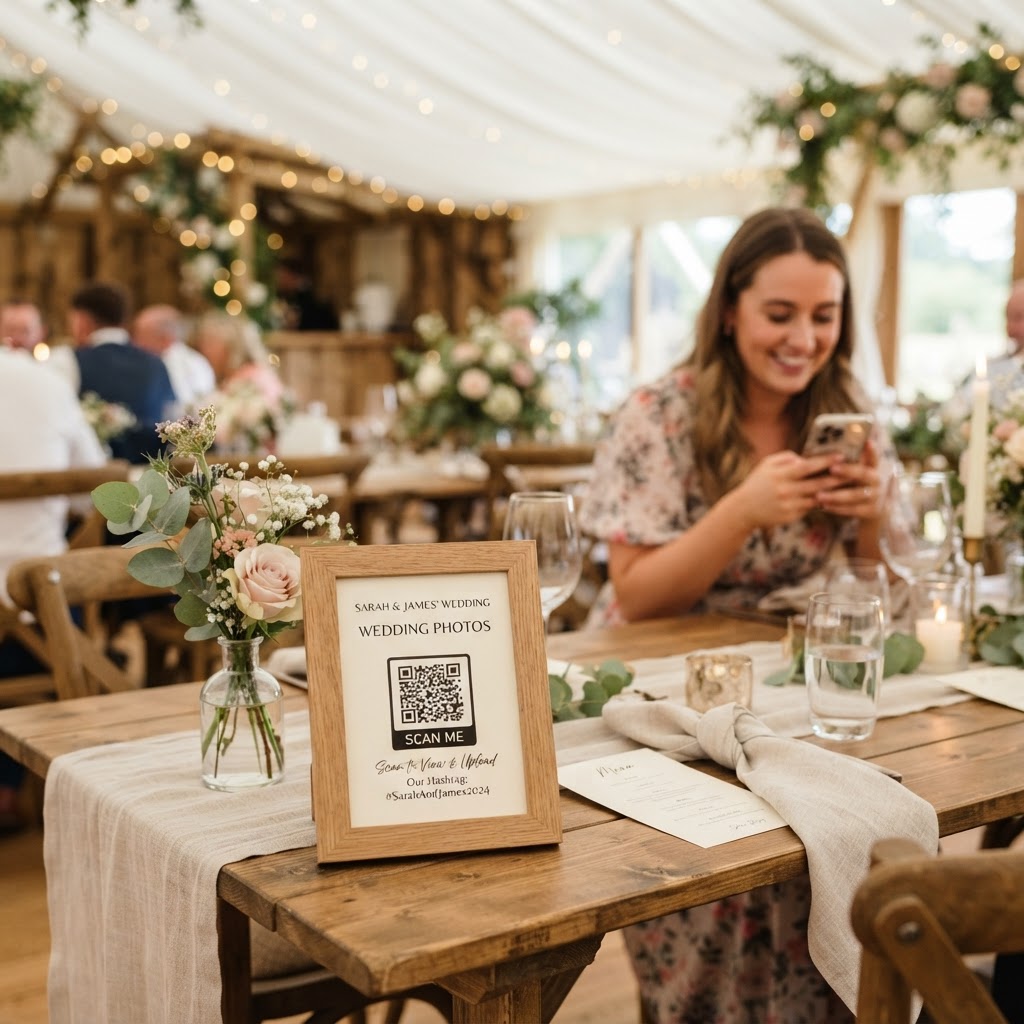
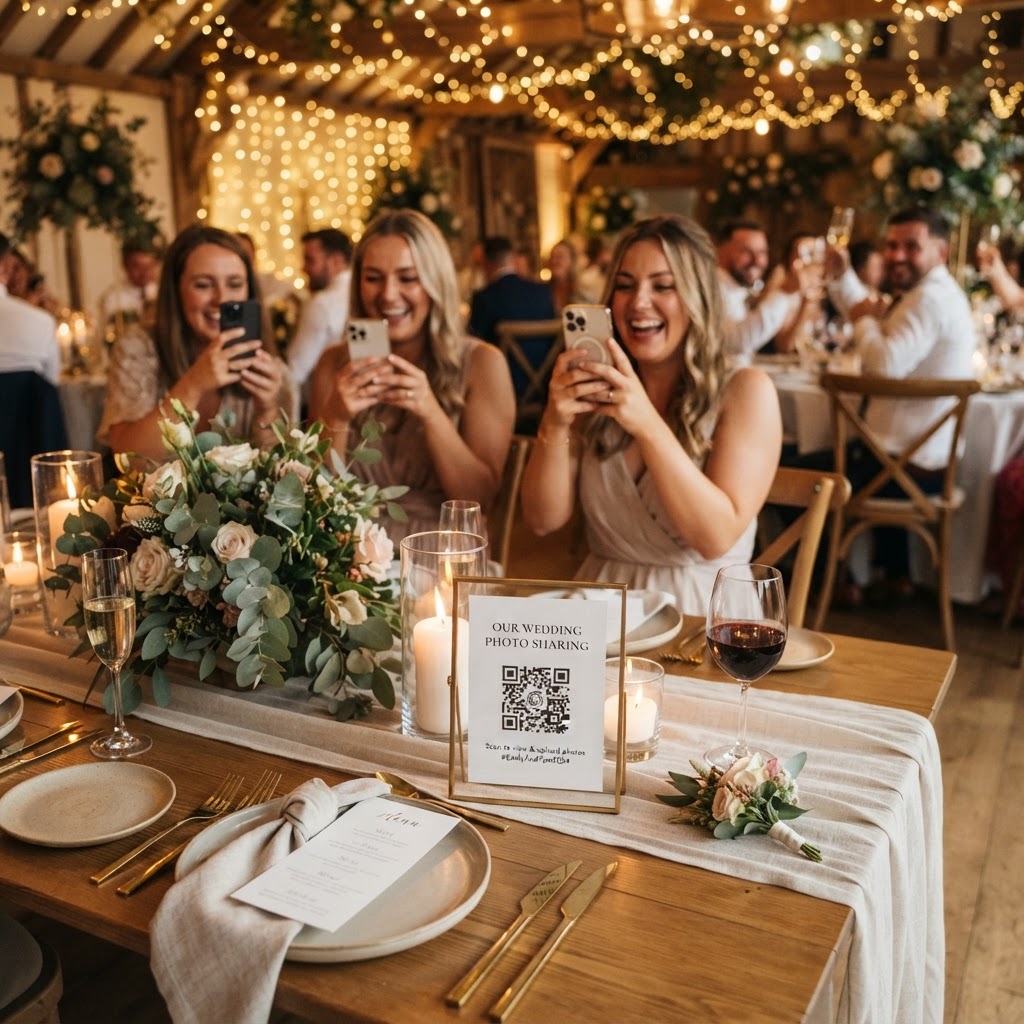
You collect guest photos without requiring an app by using a browser-based upload system accessed via a QR code. Traditional methods of gathering guest content, such as asking people to email files or share them through messaging services, frequently result in poor image quality. These platforms often compress files, stripping away the resolution needed for high-quality printing. Furthermore, asking guests to download a specific mobile application before they can contribute is a significant barrier to participation. Many people are cautious about their phone storage space and may lose interest if they face a complex installation process. By using a browser-based system, you remove the need for software downloads or account registrations. A guest simply scans a printed QR code with their camera, selects the photos or videos from their library, and hits send. This approach ensures that the barriers to participation remain low, encouraging more people to contribute their perspectives throughout the evening.
How do I encourage guests to upload more content?
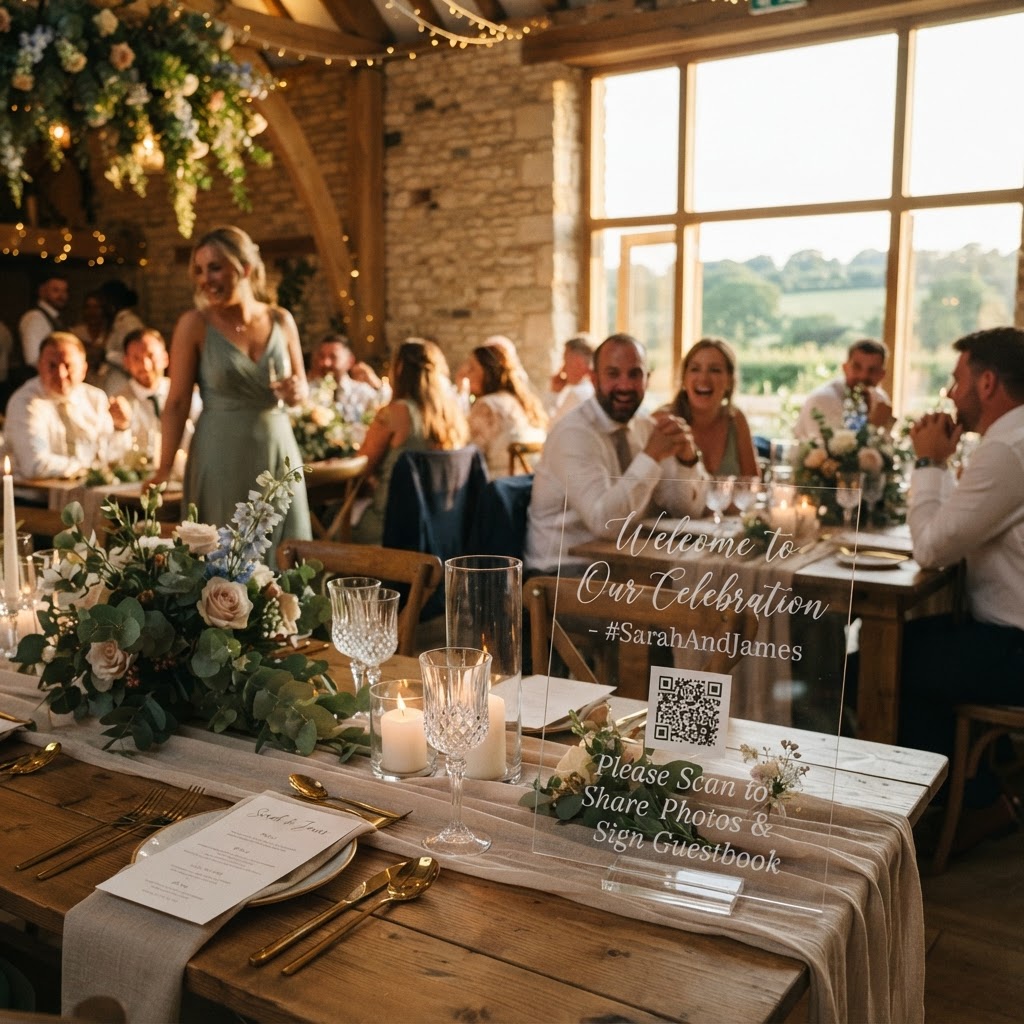
You encourage guests to upload more content by placing QR code signage in visible locations and providing clear instructions on the tables. You should treat these instructions as part of your event decor rather than a functional afterthought. A minimalist acrylic standee placed near the bar or on the welcome table often proves more effective than large, intrusive posters. Guests are more likely to participate if the process feels like a natural part of the event rather than a technical chore. Consider adding a small note to your menu or seating chart that mentions the photo sharing link. Clarity is essential because guests are often distracted by the festivities. When they know exactly where to go and what to do, their participation rate increases significantly.
What features should I look for in a photo sharing system?
You should prioritise features like live slideshows and video guestbook options to turn the act of sharing into an engaging social activity. A live slideshow projection is particularly effective at keeping energy levels high. When a guest uploads a photo and sees it appear on a big screen seconds later, it validates their contribution and encourages others to join in. It transforms a collection of individual phone images into a shared narrative of the event. Video guestbooks are another powerful feature. Instead of writing a traditional message in a book, guests can record a short video greeting. These clips capture the tremor of excitement in a loved one’s voice or the laughter of a friend during a story, providing a much more immersive keepsake than text on paper ever could. Some systems even offer creative additions like green screen photobooth modes. These allow guests to swap their real-world background for something elegant or whimsical, adding a sense of playfulness to the evening and giving guests a reason to interact with the system multiple times.
How do I manage the digital archive after the wedding?
You manage the digital archive by accessing your private gallery to review and download the content before the upload window closes. It is important to remember the technical constraints of these systems when planning your archive strategy. Guest uploads typically close seven days after your event date to allow for final processing. The digital gallery itself is often deleted ninety days after the event, meaning this is not a platform intended for long-term storage or permanent cloud hosting. You should treat this service as a temporary bridge to collect your media, not as a permanent cloud storage solution. Ensure you download all your favourite images and videos to a personal hard drive or secure cloud storage service well before the ninety-day deadline expires. This proactive approach ensures you retain the memories permanently while enjoying the convenience of a modern collection tool during the event itself.
What does it cost to use a guest photo sharing service?
You can expect to pay a one-off fee for the service, which typically avoids the complexity of long-term subscriptions or hidden monthly costs. A straightforward pricing model is a major advantage for wedding planning. With a single payment of £39 for an entire event, you gain access to all the features, such as the private gallery, the slideshow, and the video guestbook. This fixed-fee structure allows you to budget effectively without worrying about hidden charges or usage tiers. By keeping the financial commitment simple, you can focus your energy on the event itself. Ensure the service provider is clear about what happens to the data and when the gallery closes, as this transparency is crucial for your peace of mind. Using a service like Moment49 provides an easy way for your guests to share their perspectives of your special day without the frustration of apps or logins.