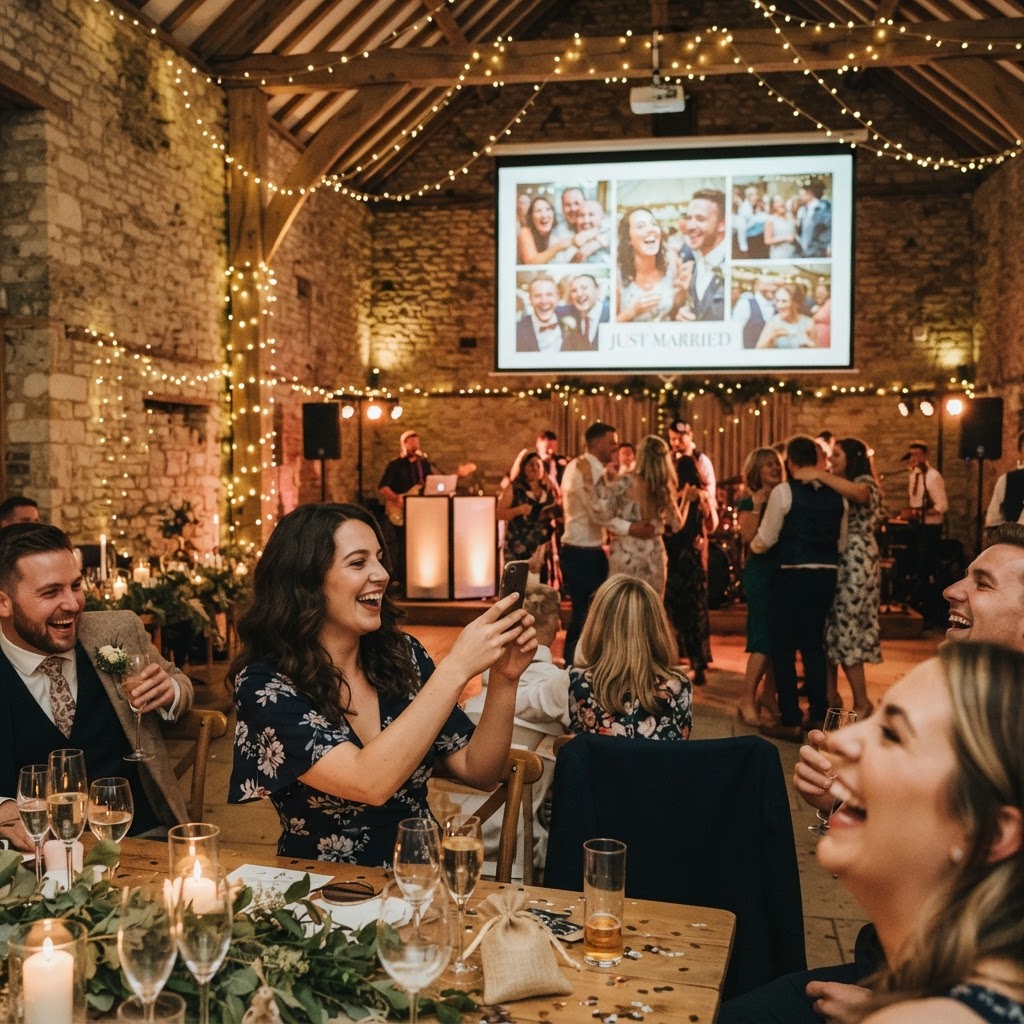
A live wedding photo feed is a digital display that broadcasts guest-uploaded images to a screen in real time.
Planning a wedding in the United Kingdom requires careful attention to the balance between formal ceremony and the relaxed energy of an evening party. While your hired professional photographer captures the essential, polished portraits of the day, there is a vast world of candid, hilarious, and heartwarming moments happening at every table that you will inevitably miss. Bridging the gap between the professional shots and the guest perspective is the most effective way to ensure your wedding feels truly inclusive and alive. By implementing a system that allows your friends and family to upload their content as it happens, you turn every guest into an active contributor to your wedding archive.
How do I encourage guests to share their photos?
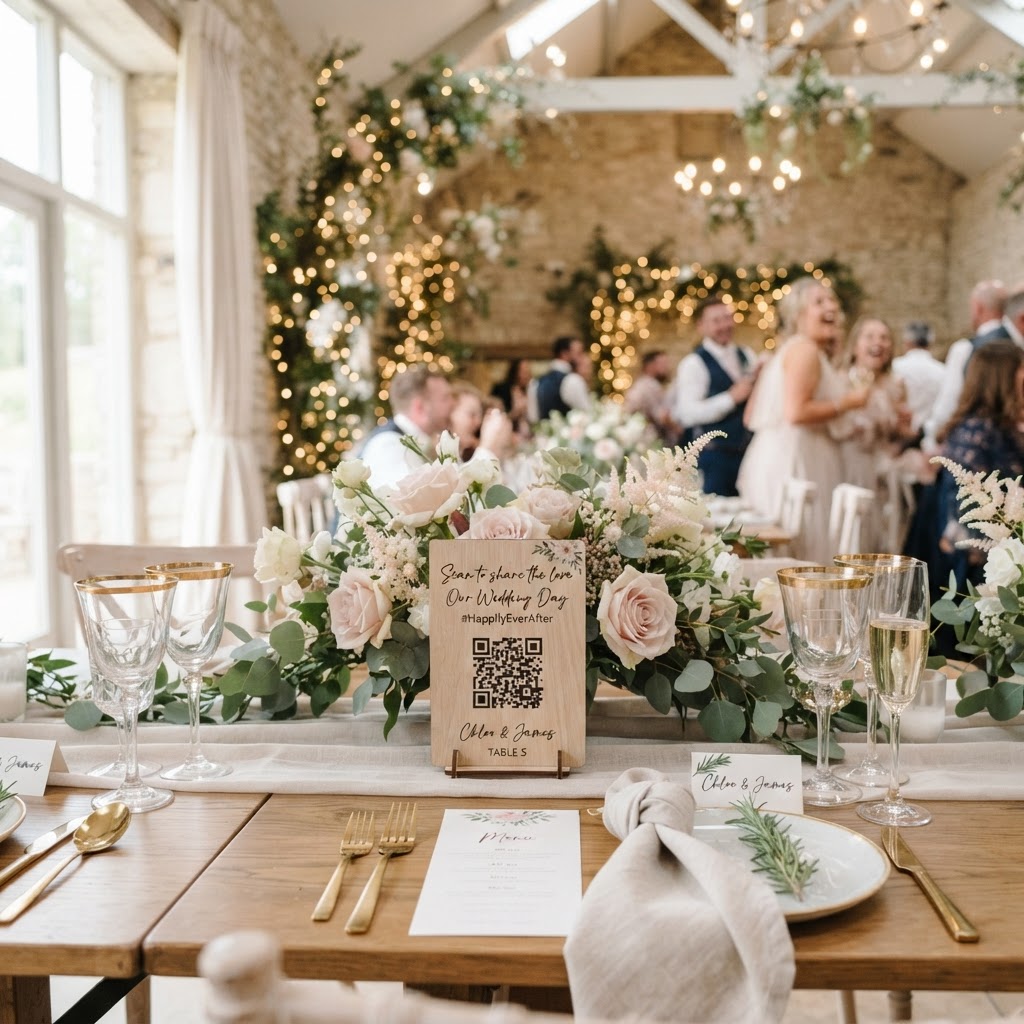
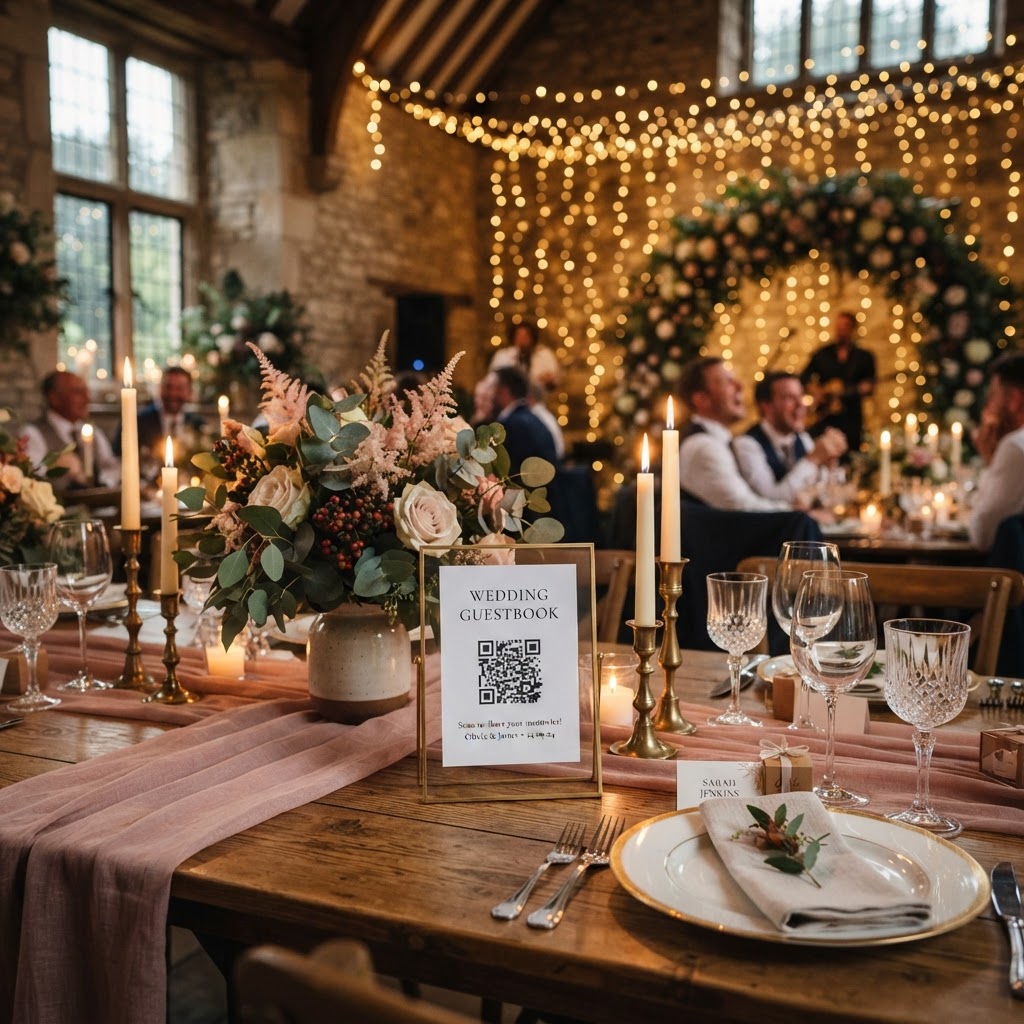
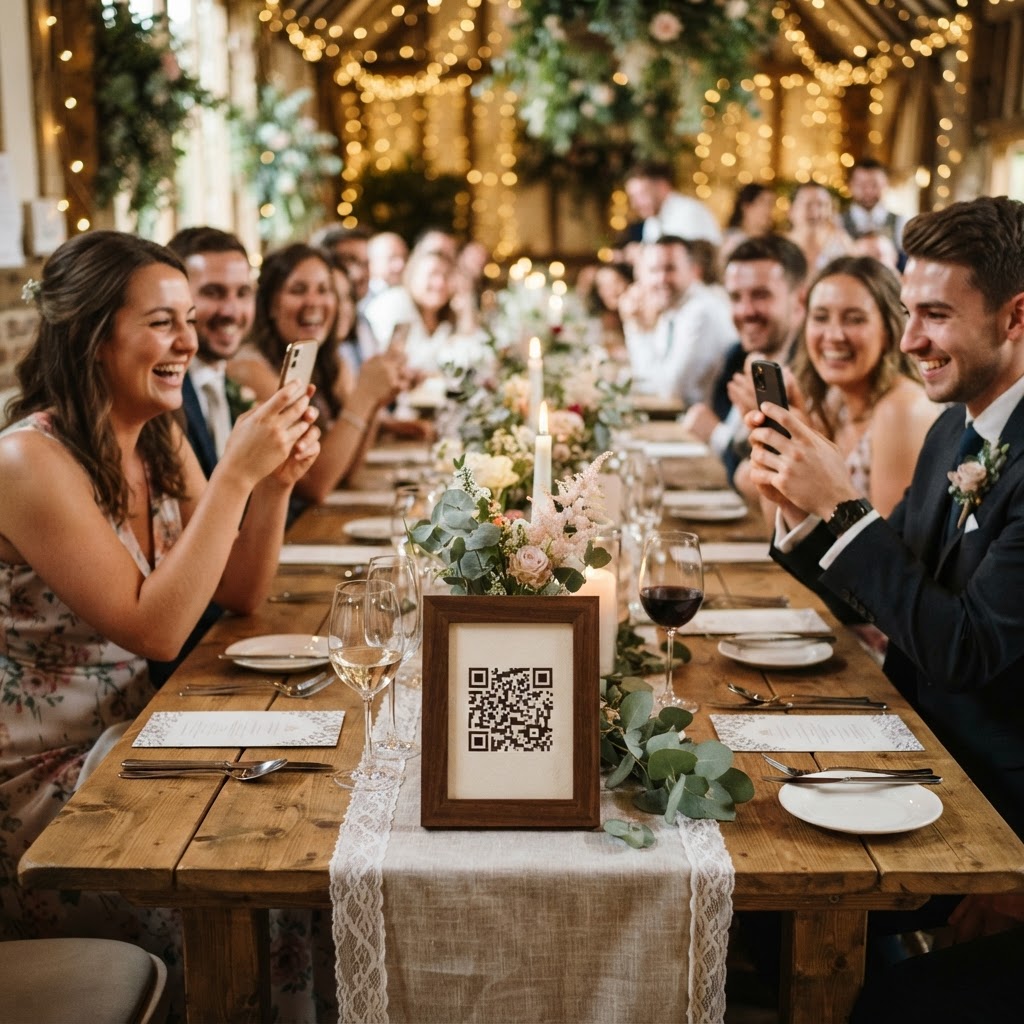
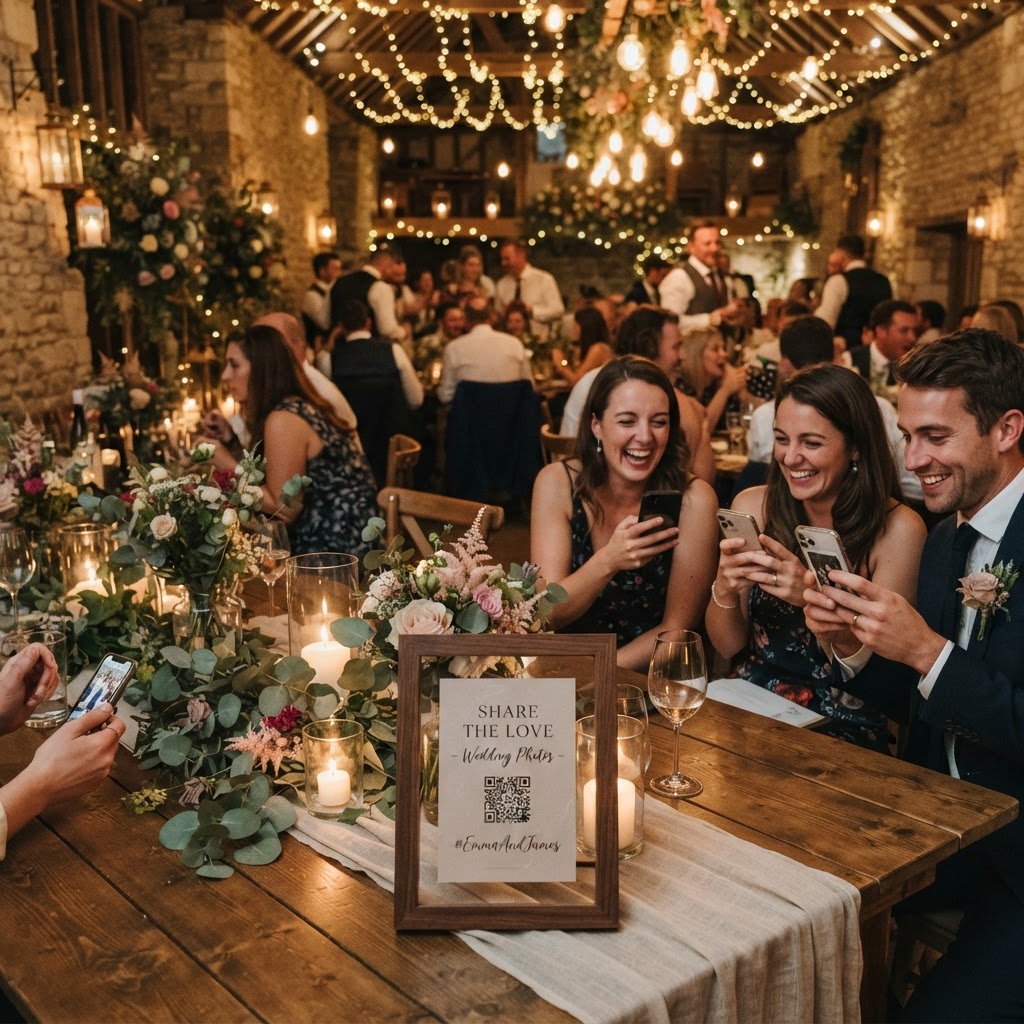
You encourage guest participation by removing every possible barrier, specifically avoiding the need for app downloads or user accounts. Many platforms fail because they require guests to register, create a password, or download software, which discourages people from participating during the flow of a party. The most effective method is a simple QR code printed on small cards placed at every table centre. When a guest scans the code with their standard mobile camera, their web browser opens instantly to the upload page. This direct access means they can snap a photo and submit it within seconds. It removes the technological friction that typically prevents people from sharing the files currently trapped inside their personal camera rolls. When guests see their own photos appear on a shared screen, it provides immediate social proof and validation for their contribution.
What technology do I need to set up a live slideshow?
You need a reliable device such as a laptop or a tablet connected to a projector or a large television screen at the venue to display the live feed. Ensure that your venue provides stable Wi-Fi or that your mobile data signal is robust in the reception space. Most modern sharing platforms allow you to connect a display screen directly to a browser window, which then automatically refreshes to show the newest incoming images. This setup creates a dynamic focal point that keeps the energy high, particularly during the transition from the wedding breakfast to the evening reception. When guests walk into the room and see a screen populated with familiar faces, they become significantly more likely to join in. A live slideshow acts as a visual icebreaker, especially for guests who may not have seen each other since the last family gathering.
How can I incorporate video messages and guestbooks?
You incorporate video messages by providing a clear prompt for guests to record short clips through their mobile browser rather than just taking still photographs. While high-quality photography captures the scene, video preserves the laughter, the toasts, and the genuine emotion of your loved ones in a way that paper cards cannot. Think about the end of your night when you can review a stream of messages from friends and family. A video guestbook becomes one of your most cherished pieces of media because it offers an unfiltered look at the joy of the day. Ensure that the interface is simple enough that guests can switch between photo and video modes with one tap. Providing a dedicated space for these recordings ensures you capture the personality of the crowd, including those heartfelt moments that often happen away from the main stage.
How do I gamify the guest experience with photo challenges?
You gamify the experience by providing printed prompts that encourage guests to capture specific, meaningful, or amusing aspects of the reception. A simple list on your table cards can change the way people observe their surroundings. Suggest challenges like finding a guest you have never met to get a selfie, capturing the best dance move on the floor, or taking a photo of the most unusual wedding favour. These prompts help break down social walls between different groups of guests who might not know each other well. Additionally, integrating a green screen photobooth mode allows guests to change their background to something thematic or humorous, such as a tropical beach or a dramatic mountain range. This provides an interactive entertainment option without the physical cost or space requirements of a traditional photobooth rental. These activities transform your reception into a collaborative game rather than just a passive event.
What happens to my photos after the wedding?
You must understand that the primary purpose of these digital sharing platforms is the immediate collection and display of content during the event. Because these platforms function as a bridge for live sharing, they have specific storage limitations you should account for. Guest uploads generally remain open for seven days after the event date, allowing for late submissions from those who were too busy celebrating on the night. Once this period concludes, the gallery typically remains available for a limited time, often being deleted after 90 days. This means the service is not a long-term cloud storage solution for your high-resolution files. You should treat the gallery as a temporary collection hub. Once you have downloaded your favourite files and moved them to your permanent personal backup, the temporary archive has served its purpose. A single payment usually covers the entire service, ensuring you have no ongoing subscription fees. Using an all-in-one platform like Moment49 keeps your costs predictable while providing the slideshow, video guestbook, and gallery in one place.