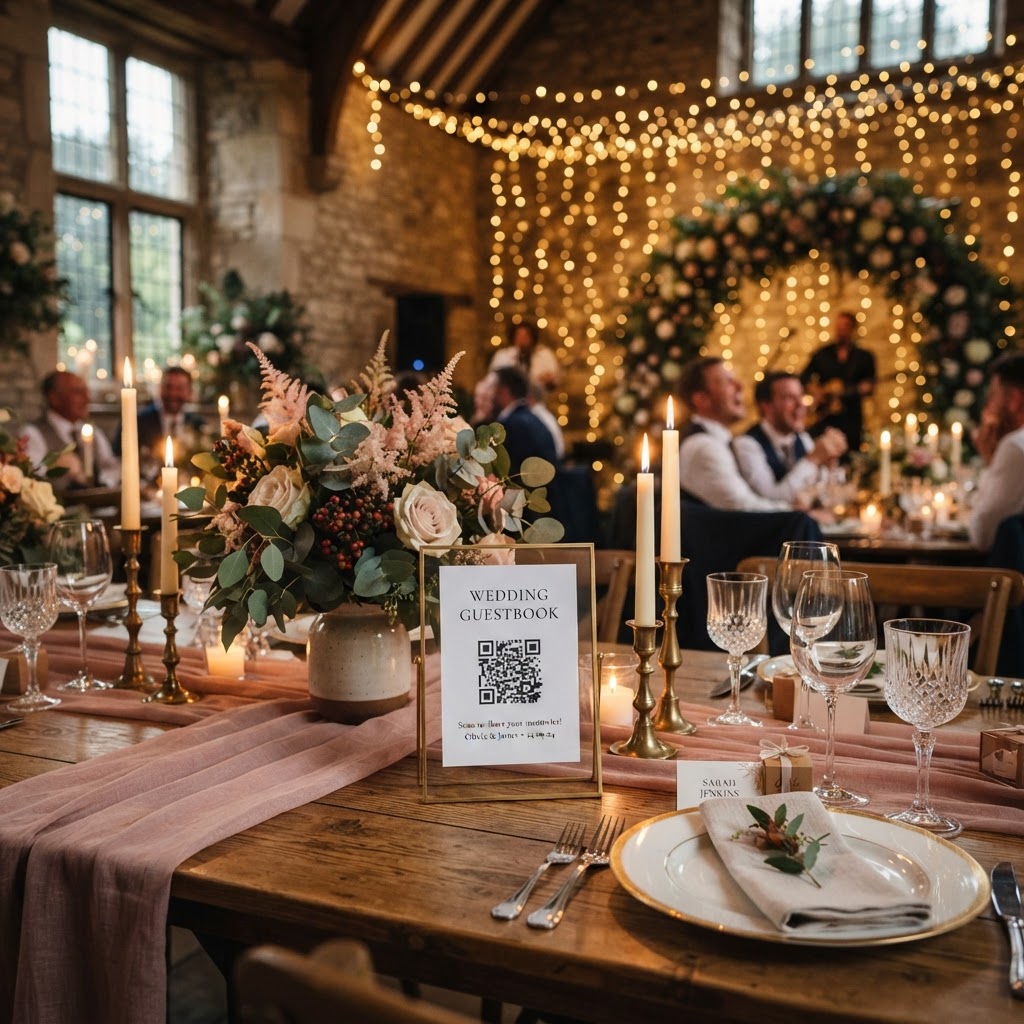
A digital guestbook is a browser-based collection system that allows wedding attendees to upload their personal photos and video messages through a simple QR code scan.
How do my guests upload their photos without an app?
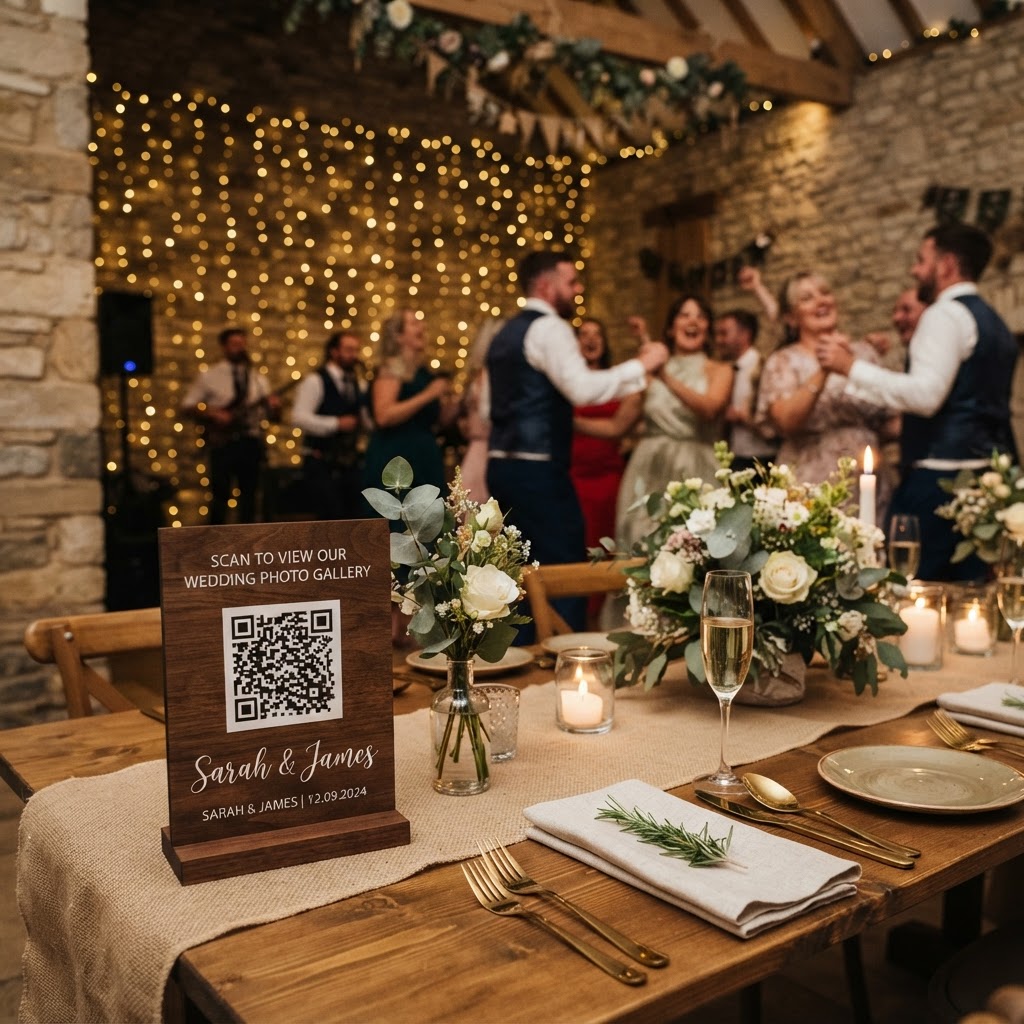
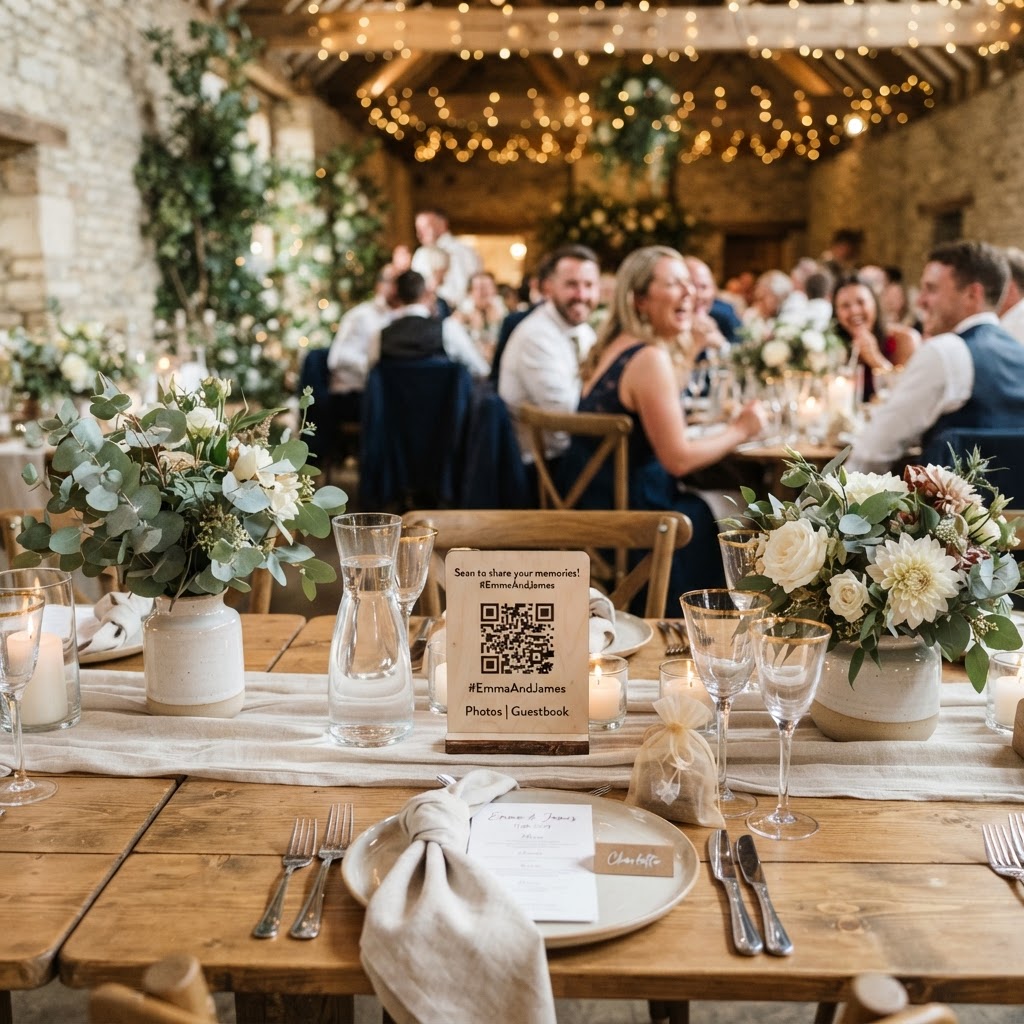
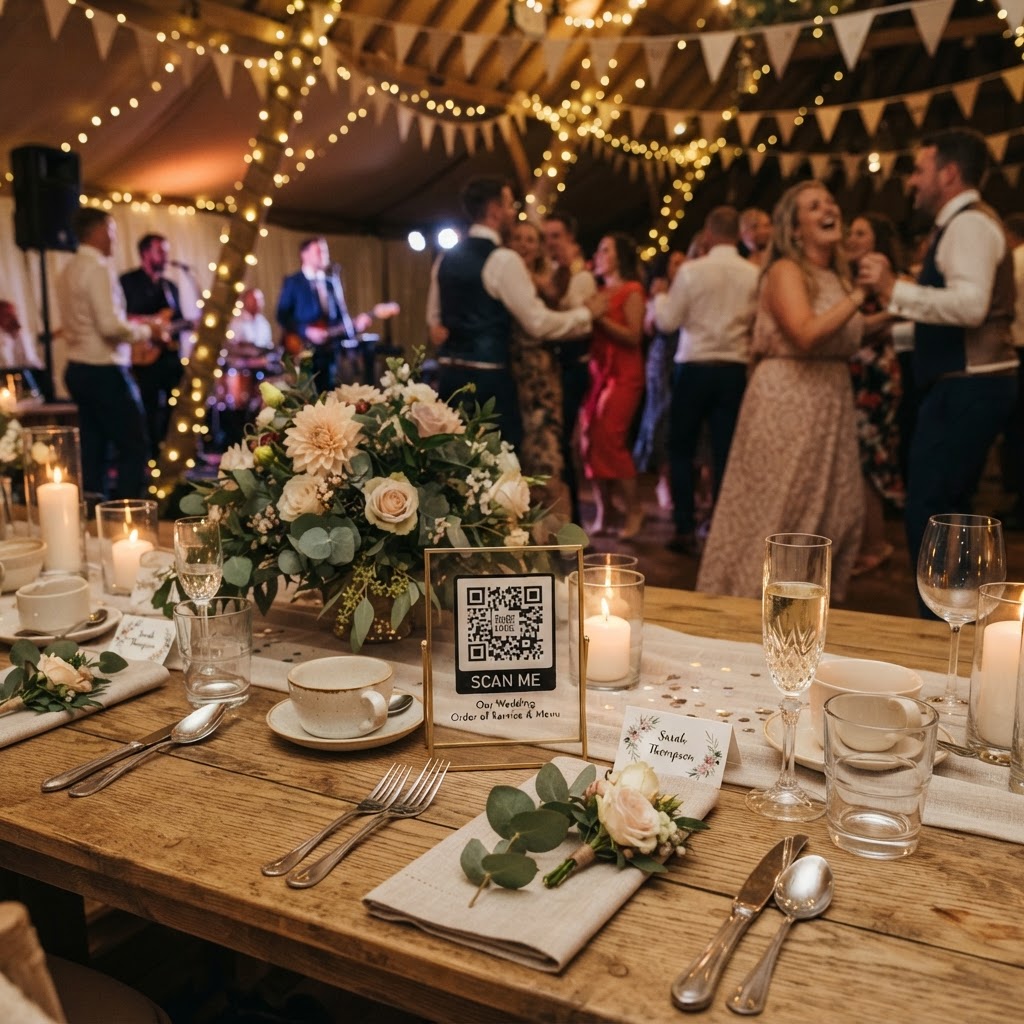
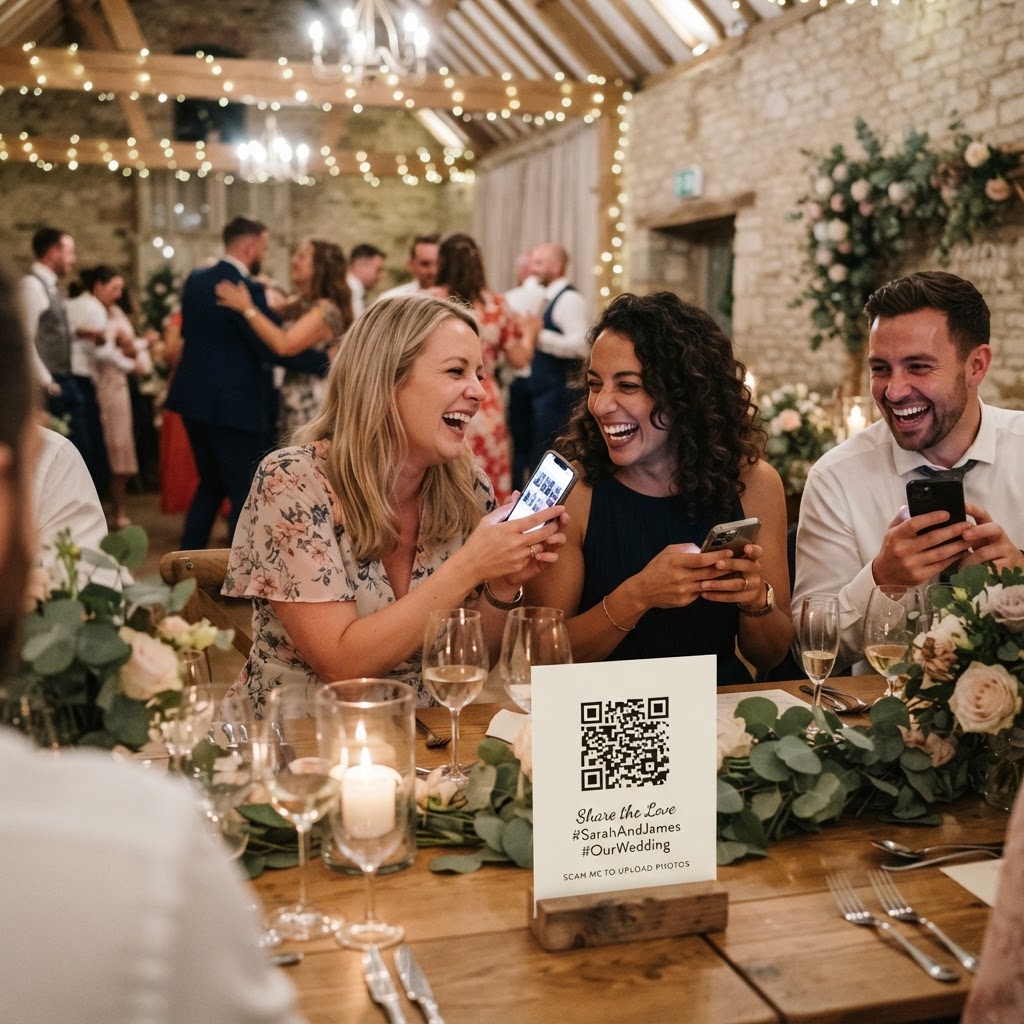
Guests upload their photos without an app by scanning a QR code with their standard smartphone camera which instantly opens a mobile web browser for them. You should print these codes on small cards and place them on every dining table or at the main entrance to ensure everyone sees them. The process works because it relies on the web browser already installed on every modern phone. There is no account registration, no password creation, and no software download required at any point in the process. When a guest clicks the code, they simply tap a button to select files from their library or take a new photo with their camera. Because the technology runs in a browser, it functions across all major smartphone operating systems without specific compatibility issues. This removes the primary barrier that prevents people from sharing their images. When guests do not have to struggle with complex sign-in screens, they are significantly more likely to participate throughout the reception. The entire experience should feel like a natural extension of the wedding rather than a technical chore for your guests to complete.
How can I display these photos live during the reception?
You display photos live by connecting a computer to a projector or venue television and setting the gallery to automatic slideshow mode. This feature turns your collective media into a dynamic visual element that keeps the energy high throughout the evening. Guests love watching their own contributions appear on a big screen within seconds of hitting the upload button. You should nominate a tech-savvy friend or a member of the bridal party to ensure the screen remains connected and that the slideshow settings are configured correctly before the speeches begin. Seeing their images featured alongside others acts as social proof and encourages more people to get involved. A live feed also fills awkward silences during transitions, such as when you are moving between the ceremony and the wedding breakfast. If your venue has existing monitors or a digital projector, you can incorporate this feature without bringing any additional hardware beyond a laptop. It transforms the digital gallery from a passive storage folder into a central part of the reception atmosphere.
What are the privacy implications of digital galleries?
Digital galleries offer a private alternative to social media hashtags because they keep your images within a controlled environment accessible only to those you invite. When you post wedding photos to public platforms using a hashtag, you lose control over who can view, download, or share those images. A dedicated private gallery ensures that your wedding memories remain intimate and restricted to the people who were actually present. You should verify that the service you choose does not publish your content to public search engines or social media feeds automatically. This level of security encourages guests to share more authentic and candid shots, as they know their photos are not being broadcast to the entire internet. It is important to remember that these services typically operate on a short-term basis. Uploads usually close seven days after the event, and the gallery is often deleted after 90 days. This means you must download your full archive before the expiration date to ensure you do not lose any of the memories collected from your friends and family.
How much does a digital wedding guestbook cost?
A digital wedding guestbook typically costs a single flat fee of £39 for the duration of your event and does not require a recurring subscription or hidden monthly charges. This price generally covers the creation of the QR code, the storage of your photos and videos for the defined period, and the live slideshow functionality. You should confirm if there are any limits on the number of guests who can contribute or the amount of storage space available for high-definition video files. Since this is a one-off payment, you should factor it into your wedding budget early to ensure you have funds allocated for digital documentation. Always clarify the cancellation policy and whether the provider offers support if you encounter issues with the gallery link on the day. One payment should cover the setup and the post-wedding period during which you download your files.
What content should I encourage guests to capture?
You should encourage guests to capture the candid moments that professional photographers might miss, such as emotional reactions during speeches or funny dance floor mishaps. Providing specific prompts helps guide guests who might not know what to photograph. You can include a small note on your table cards suggesting they capture group selfies, behind-the-scenes preparation, or short video messages wishing you well. A video guestbook message provides a much more intimate record than a written line in a traditional book. It captures the tone of their voice, their laugh, and their genuine well-wishes in a way that paper simply cannot replicate. You might even create a photo scavenger hunt to add an interactive layer to the night. Ask guests to find specific things, such as the person who travelled the furthest or a guest wearing a specific colour. This keeps people engaged and ensures you receive a variety of perspectives from different tables. By keeping the requests light and fun, you increase the volume of meaningful content you will have available to review after the wedding. Moment49 provides an effective way to organise these submissions, as the entire system is designed to be as invisible as possible for your guests.