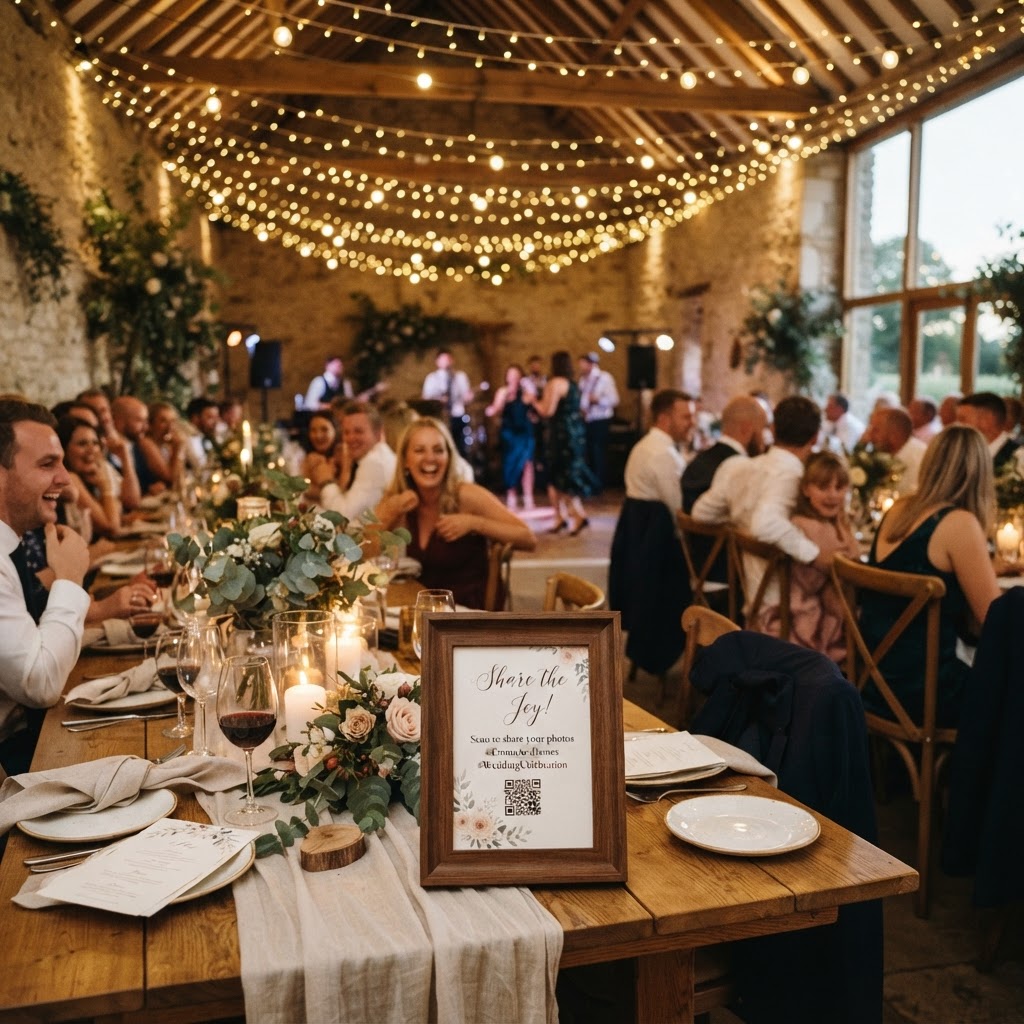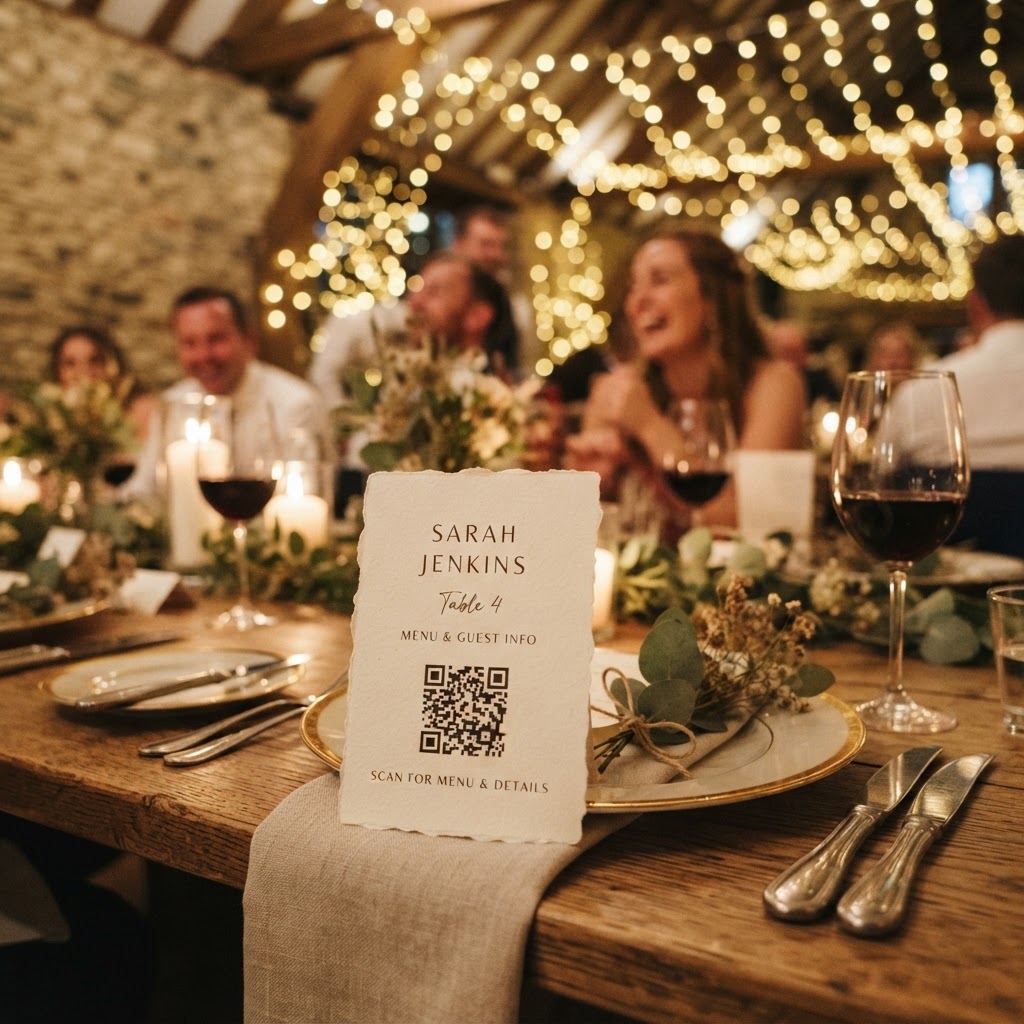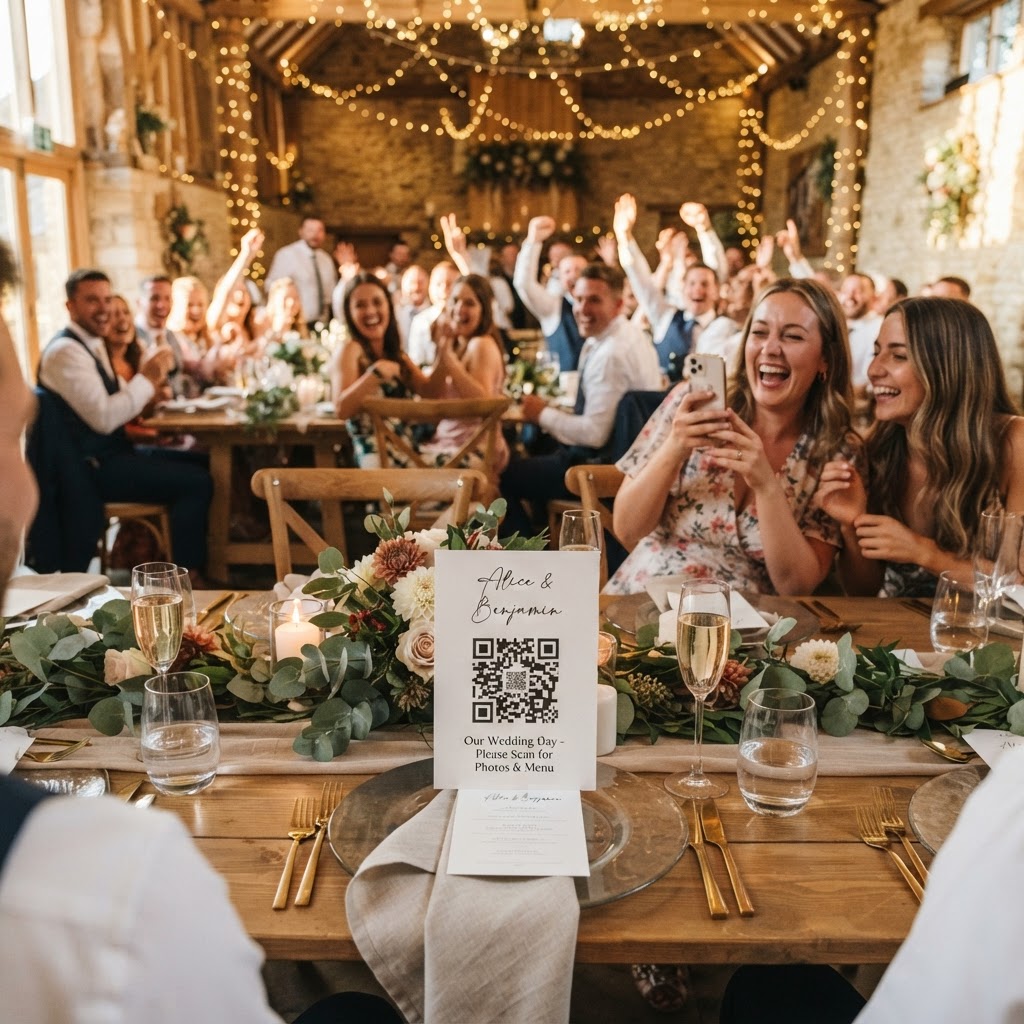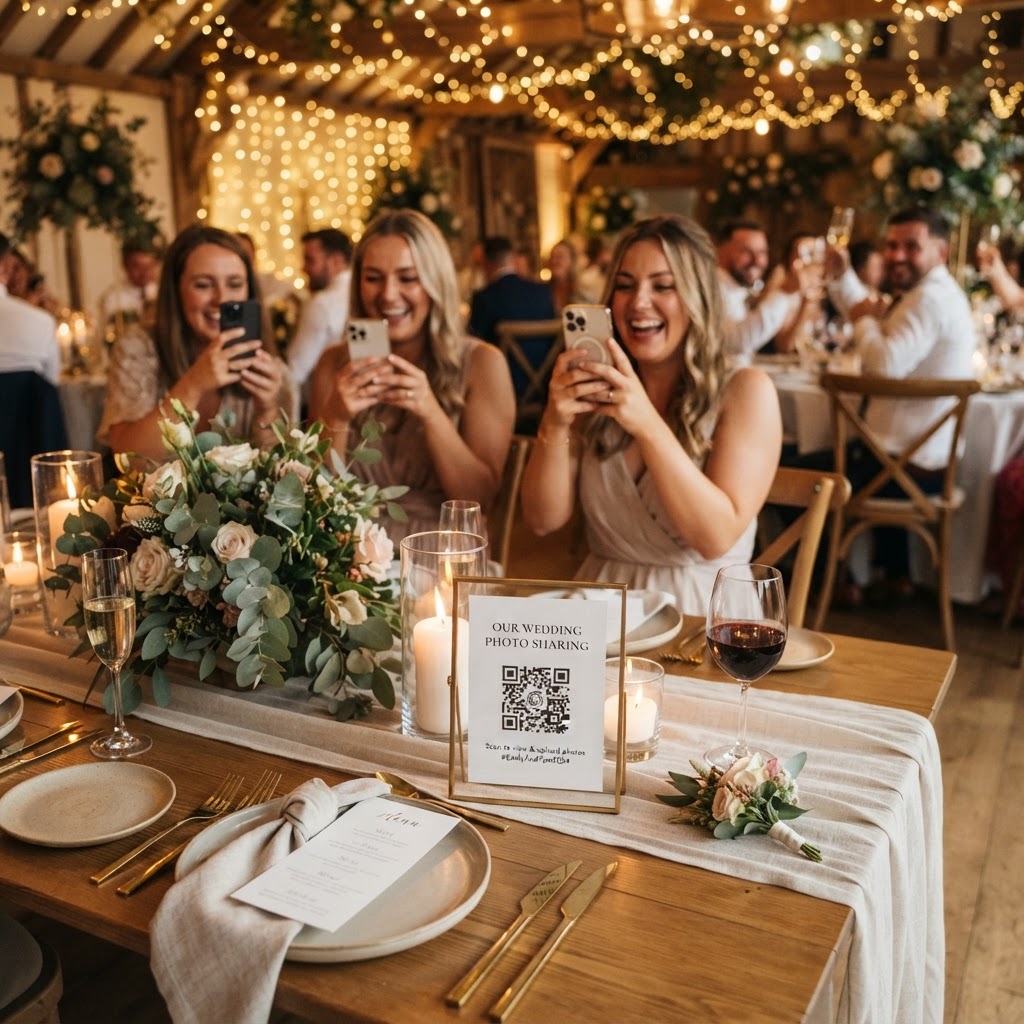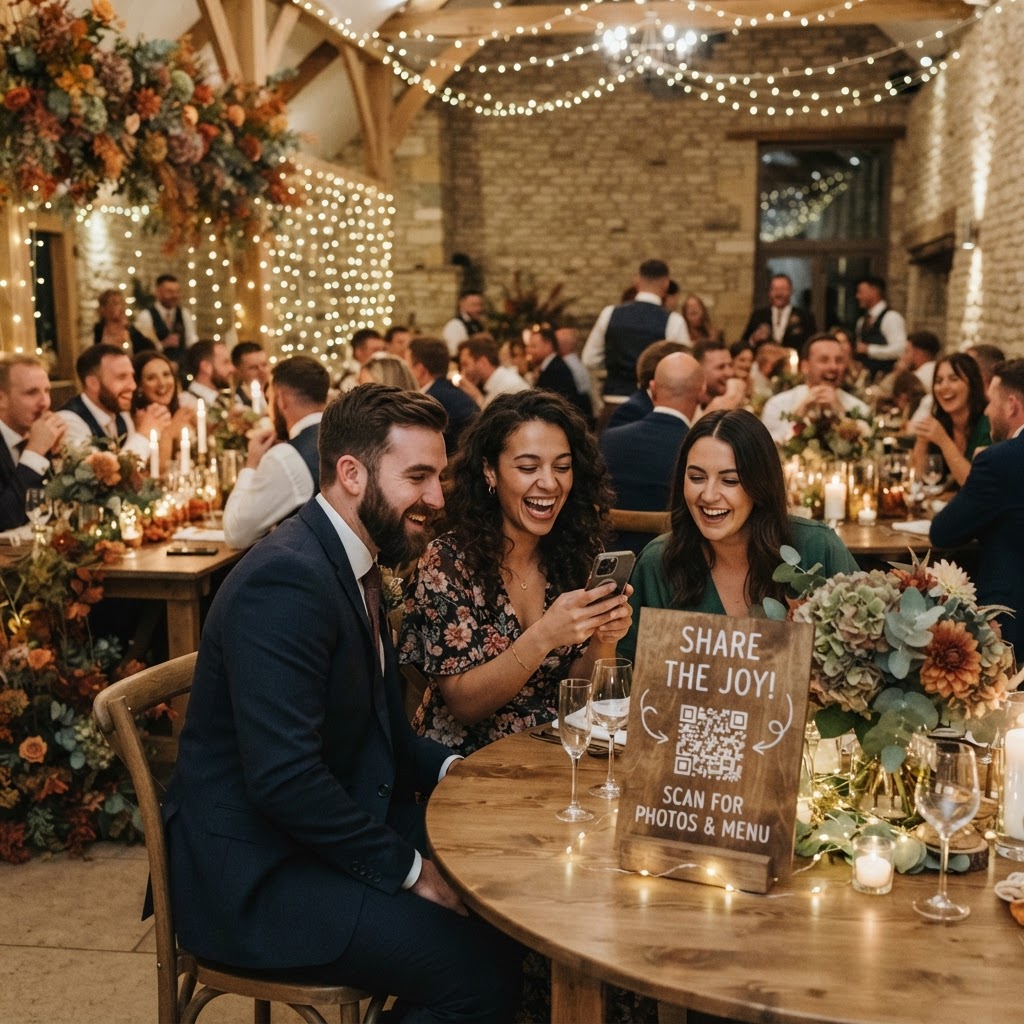
Wedding guest photo sharing is the practice of using digital tools to collect candid images and video clips from friends and family throughout your celebration. While professional photographers capture the formal aesthetic of your day, guest-contributed content provides a raw and unfiltered perspective that often feels more personal. Couples frequently find that the most authentic reactions and spontaneous dance floor highlights come from the phones of their loved ones. Integrating these contributions requires a strategy that removes technical friction for guests while ensuring the final gallery remains private and organised.
How can guests share photos without downloading an app?
Guests can share photos without downloading an app by scanning a QR code that redirects them to a secure web-based upload portal. This removes the primary barrier to participation, as most users are reluctant to install software they will only use once. By using a browser-based system, a guest simply points their camera at the code, selects the images from their phone library, and clicks upload. This process works on both iPhone and Android devices, making it inclusive for all attendees regardless of their technical proficiency. You should test the link on different devices before the wedding day to ensure the interface remains intuitive for everyone.
Where should I place QR codes at my wedding venue?
You should place QR codes in high-traffic areas such as the bar, the gift table, and near the entrance to the dance floor to ensure maximum visibility. If you hide the codes on every individual table setting, you risk creating visual clutter that guests might ignore or mistake for a menu. Focus on three to four prominent stations where people naturally congregate while waiting for drinks or during transitions between event phases. Using small, elegant frames or stands can help the codes blend into your decor while remaining clear enough to be scanned from a distance. If you have a specific photo challenge, print the prompt directly underneath the code so guests understand their mission the moment they arrive at that location.
How do I set up a live wedding slideshow?
A live wedding slideshow is set up by connecting a laptop to a projector or screen at your venue and displaying a browser-based feed that refreshes as new photos arrive. Once you have chosen your service, you will receive a unique link that acts as a real-time display for all uploaded media. You can assign a trusted usher or member of the wedding party to monitor the feed to ensure all content stays appropriate. This feature creates a feedback loop of joy, as guests enjoy seeing their own contributions appear on the big screen within seconds. Seeing their photos displayed publicly often encourages shy guests to take part, creating a dynamic visual experience that evolves throughout the reception.
What video features enhance the wedding guestbook?
Video features enhance the traditional wedding guestbook by allowing attendees to record short, audible messages rather than simply leaving a written note. While a physical book is a wonderful keepsake, it can be difficult for guests to think of a creative message under pressure. A video guestbook captures the tone of their voice, their laughter, and the energy of the party environment. You can set up a specific station with props or a backdrop to encourage people to record these memories. These clips are stored alongside the photos, creating a multimedia archive that captures the atmosphere of your evening much better than static images. Ensure you remind your DJ or host to mention the video guestbook during the evening, as this will prompt more guests to leave a message.
How does the photo collection process work for the couple?
The collection process works through a one-off payment system that creates a private digital gallery for the couple to review after the event. Unlike a social media hashtag, which makes your photos public to the entire internet, this method keeps your private moments contained in a secure folder. Because this is not a permanent cloud storage solution, you must download your favourite shots within the timeframe specified by your provider. For instance, guest uploads typically remain open for seven days after your wedding date to capture any final uploads from the night. The gallery is then deleted after 90 days, which is a necessary constraint to understand before you commit to the service. This ensures that you have a window of time to curate your own collection before the data is removed from the system.
What are the technical and cost limits of the service?
The technical limit of using a browser-based sharing tool is the reliance on the venue's Wi-Fi or local mobile data coverage for the upload process. You should verify that your venue has a stable signal in the areas where you plan to place your QR codes. The cost for these tools is typically a single, transparent fee of £39 per event, which covers the entire duration of your wedding without any ongoing subscriptions. This one-off payment approach is beneficial for budget planning as it removes the risk of hidden costs or monthly renewals. By paying a flat fee, you receive the full range of features, including the private gallery, the video guestbook, and the green screen photobooth mode. Always confirm if the provider includes a trial period or a way to test the upload speed before the big day arrives. Integrating this technology allows you to own your wedding story through the eyes of those who matter most, provided by Moment49.