Wedding photo sharing is the process of centralising images and videos captured by your guests into one private digital gallery for you to view after the celebration.
How do I get guests to share their wedding photos?
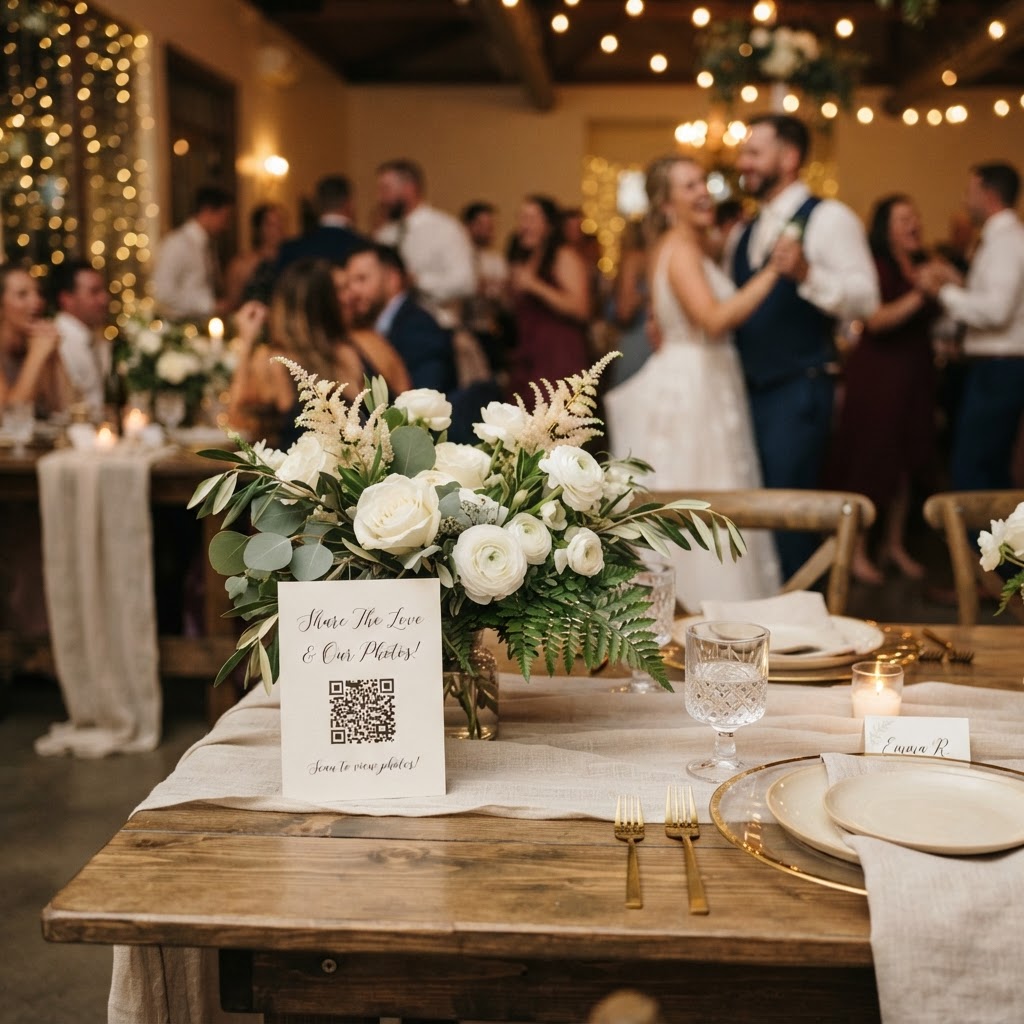
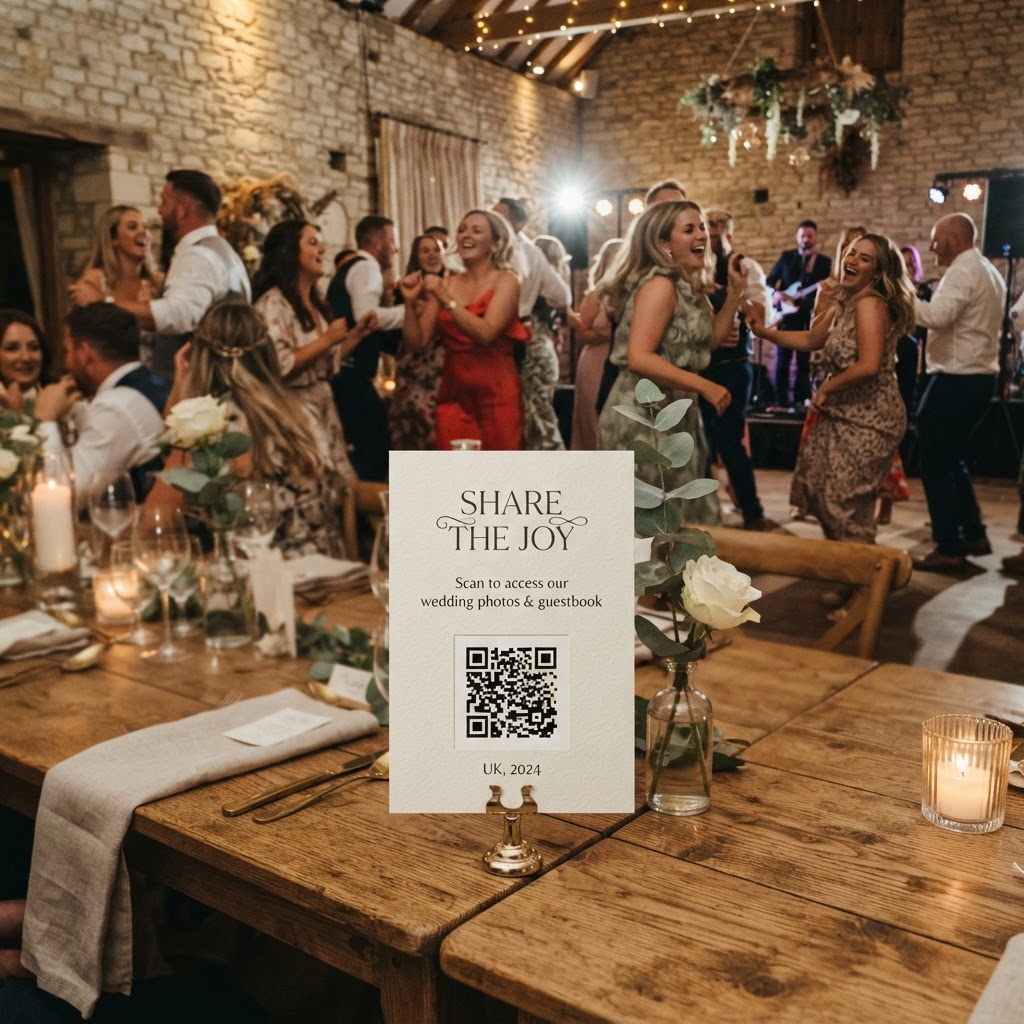
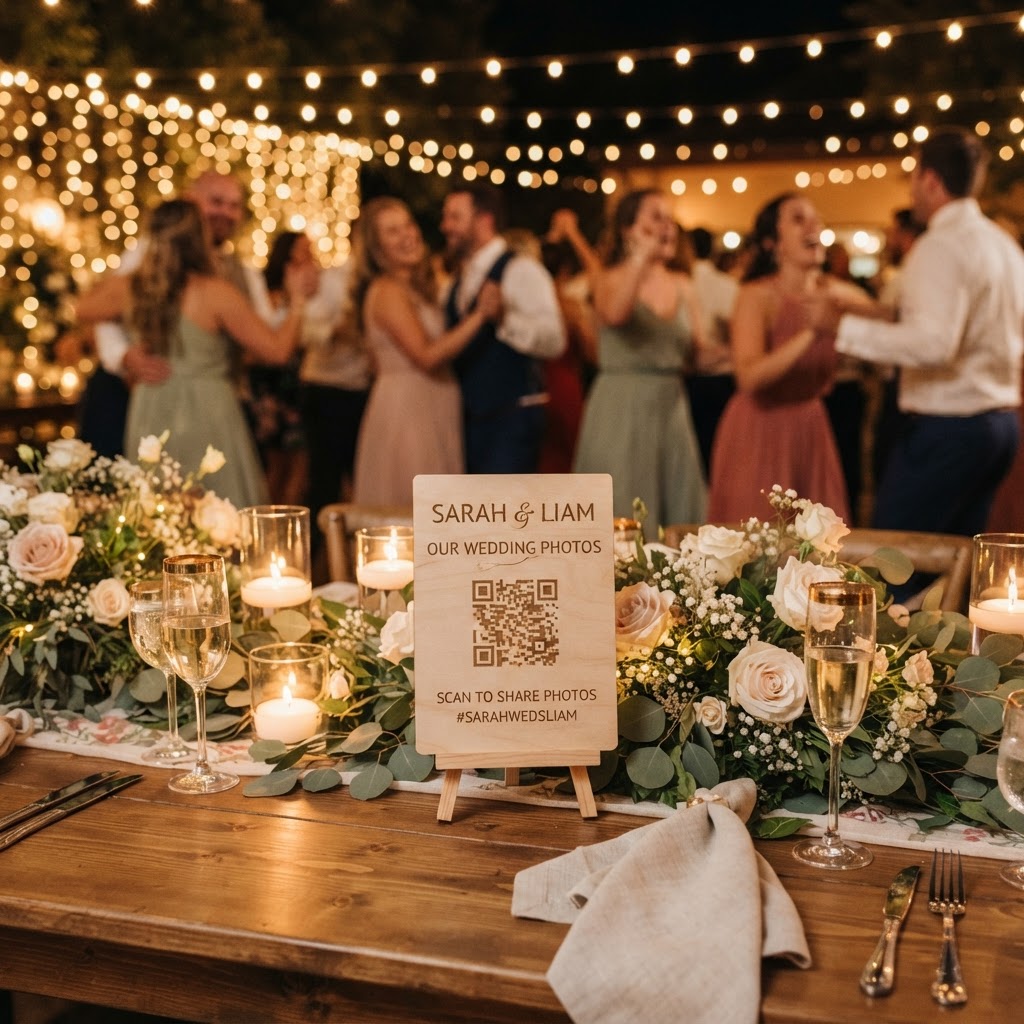
The most effective way to gather guest photos is to remove every technical barrier that prevents people from uploading their files instantly. Guests often intend to share photos but forget once the wedding ends or find the process of emailing large files too cumbersome. When you provide a dedicated portal that requires no app downloads and no account creation, you significantly increase the number of contributions you receive. Place small cards on each table with a clear instruction and a QR code that leads directly to an upload page. This allows guests to use their phone browser to select photos and videos immediately while they are still in the moment. Ensure the instructions are friendly and explain that the collection is for your private viewing, which reassures guests about where their images are going.
What are the best ways to prompt guest photography?
You can encourage better photo contributions by giving your guests a specific focus through a simple list of prompts or challenges. Many guests feel hesitant about taking photos, fearing that their pictures are not professional enough. You should frame the activity as a game to lower this pressure. Print a small card or include a note in the order of service that suggests specific things to look for during the day. Encourage them to capture the table dynamics, such as old friends catching up or family members meeting for the first time. Ask for reaction shots during the speeches or footage of the dance floor when the energy is high. If you want a more structured approach, create a photo scavenger hunt list. This list could include items like the best-dressed guest, a heartfelt hug, or a specific detail like a table centrepiece. By framing the activity as a fun contribution to the couple's memory bank, you turn a passive observation into an active form of participation.
How do I manage the digital divide at the wedding?
You should establish a clear balance between staying present and capturing memories to ensure guests do not feel pressured to be on their phones all day. Many couples choose to host an unplugged ceremony where they explicitly ask guests to put their devices away during the vows and the walk down the aisle. This creates a focused atmosphere where guests are fully engaged with the significance of the moment. Once the reception begins, you can shift the tone by announcing that you would love for them to become your secondary camera crew. Using a digital platform for uploads allows you to set clear expectations for when photography is encouraged and when it should be avoided. If guests know they have a dedicated space to upload their footage later in the night, they are often more willing to keep their phones in their pockets during the formal portions of the day. Be transparent about your privacy preferences as well, so guests understand that the gallery is for your private collection and not for public social media feeds.
What is the cost and maintenance of a digital gallery?
You should look for a service that operates on a single flat fee rather than a monthly subscription to avoid recurring costs for a one-time event. For many modern weddings, a one-time payment of thirty-nine pounds provides a comprehensive space where guests can upload high-quality photos and video guestbook messages. Check the storage terms carefully before you commit to a service. Most guest-upload platforms keep the submission portal open for seven days after the wedding date to allow guests time to upload content once they have returned home. It is standard for these galleries to be temporary, meaning the digital content is often deleted after ninety days to maintain privacy and security. You must ensure you download your collection to a secure drive or your own computer well before this period expires. This temporary nature is a feature that protects your privacy, but it requires you to be proactive about saving the files once you receive the notification that the gallery is ready.
Why should I move away from social media hashtags?
Relying on social media hashtags for your wedding photos is rarely effective because of privacy settings and inconsistent tagging habits. If a guest has a private profile, their photos will not show up in the public feed, and you will never see them. Furthermore, many guests find it difficult to remember specific, complex hashtags at the end of a long night. Using a professional-grade QR code system allows for a more reliable, central hub that functions independently of any external social media algorithm. These systems offer a better experience for guests because they do not need to log into a social media account to contribute. By using a tool like Moment49, you ensure that every photo is kept in one place without the noise and intrusion of public comments or likes.
Ultimately, your wedding is a collection of fleeting moments that benefit from being seen through the eyes of those who love you most. While a professional photographer provides the structured narrative of your day, your guests provide the raw, unfiltered evidence of the joy and chaos that made the event truly yours. Keeping the system simple for everyone ensures you do not waste time chasing files after the honeymoon, allowing you to spend your energy enjoying the results of a perfectly captured celebration.