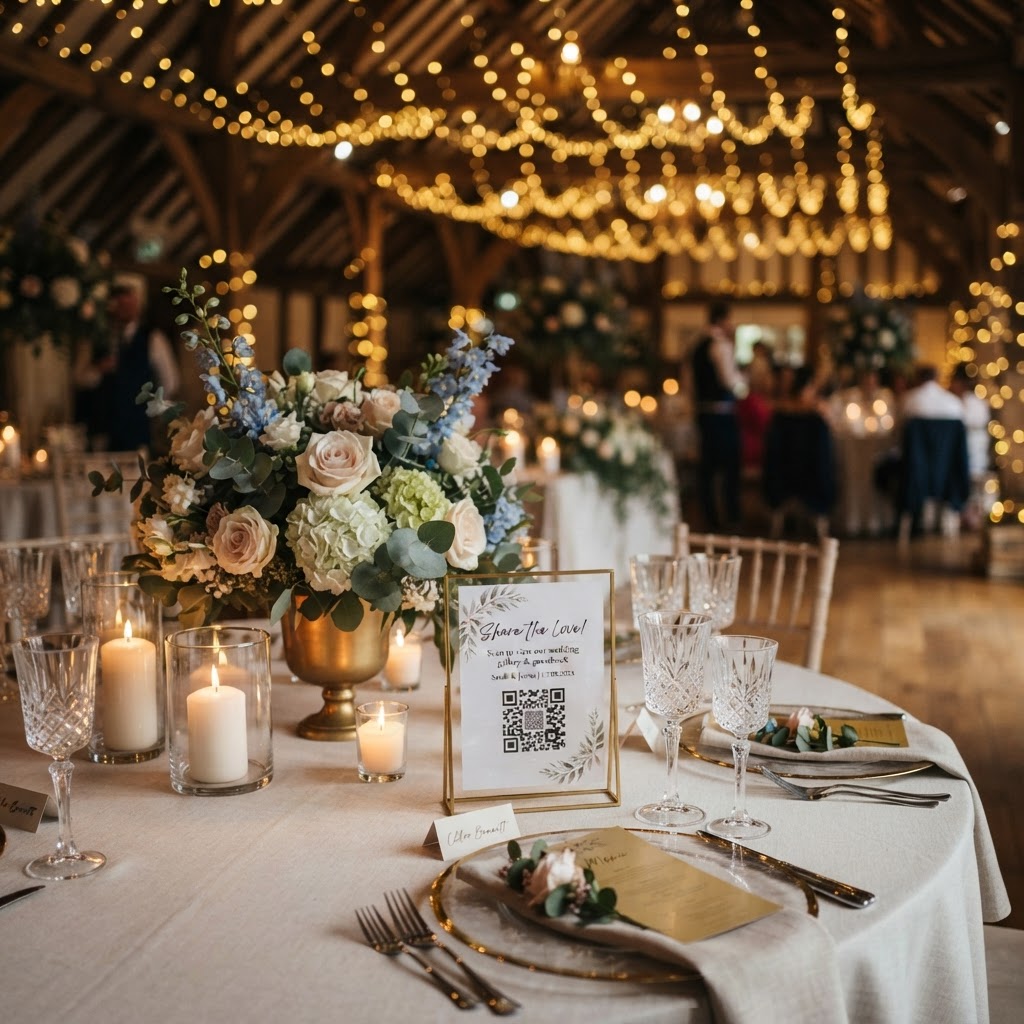
How can I collect guest photos and videos at my wedding?
Wedding guest photography is the practice of gathering digital images and video clips captured by your attendees on their smartphones during your wedding day. You can collect these files effectively by using a QR code system that allows guests to upload directly from their mobile web browsers without needing to download any software or create an account. Professional photographers focus on the key portraits and ceremony highlights, but your guests possess the ability to document the candid, unscripted moments occurring in the background. By providing a streamlined method for guests to contribute their perspectives, you ensure that these spontaneous memories do not get lost in personal camera rolls or forgotten after the event ends.
Choosing the right digital collection system
The primary hurdle to gathering guest content is the friction created by forcing your friends and family to sign up for accounts or download dedicated mobile applications. Guests are often busy socialising, eating, or dancing, and they will likely ignore any request that feels like a technical chore. You should look for a browser-based system that operates through a simple QR code scan. This method works by taking the guest directly to a private upload portal, allowing them to snap a photo or record a short video clip and send it to your central gallery in just a couple of taps. Check that the system supports both video and photo formats, as moving footage adds significant depth to your collection. Verify the duration of the storage period before committing, as many of these services are temporary by design. For example, some platforms allow uploads for seven days following the event, with the entire gallery then being deleted after 90 days. This limitation means you must remember to download and save your favourite files to your own computer or cloud storage before the 90-day window closes, as this is not intended to serve as a permanent, long-term archival solution.
How do I encourage guests to upload their photos?
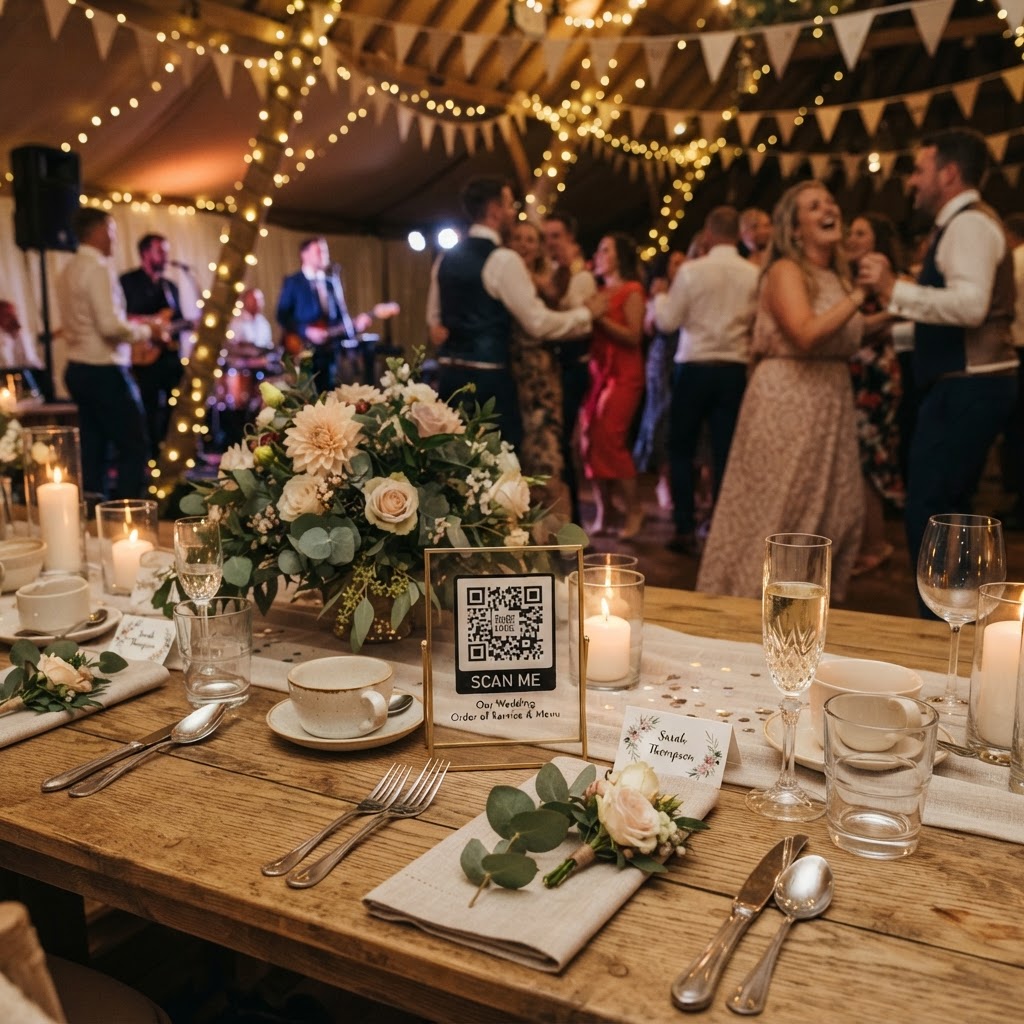
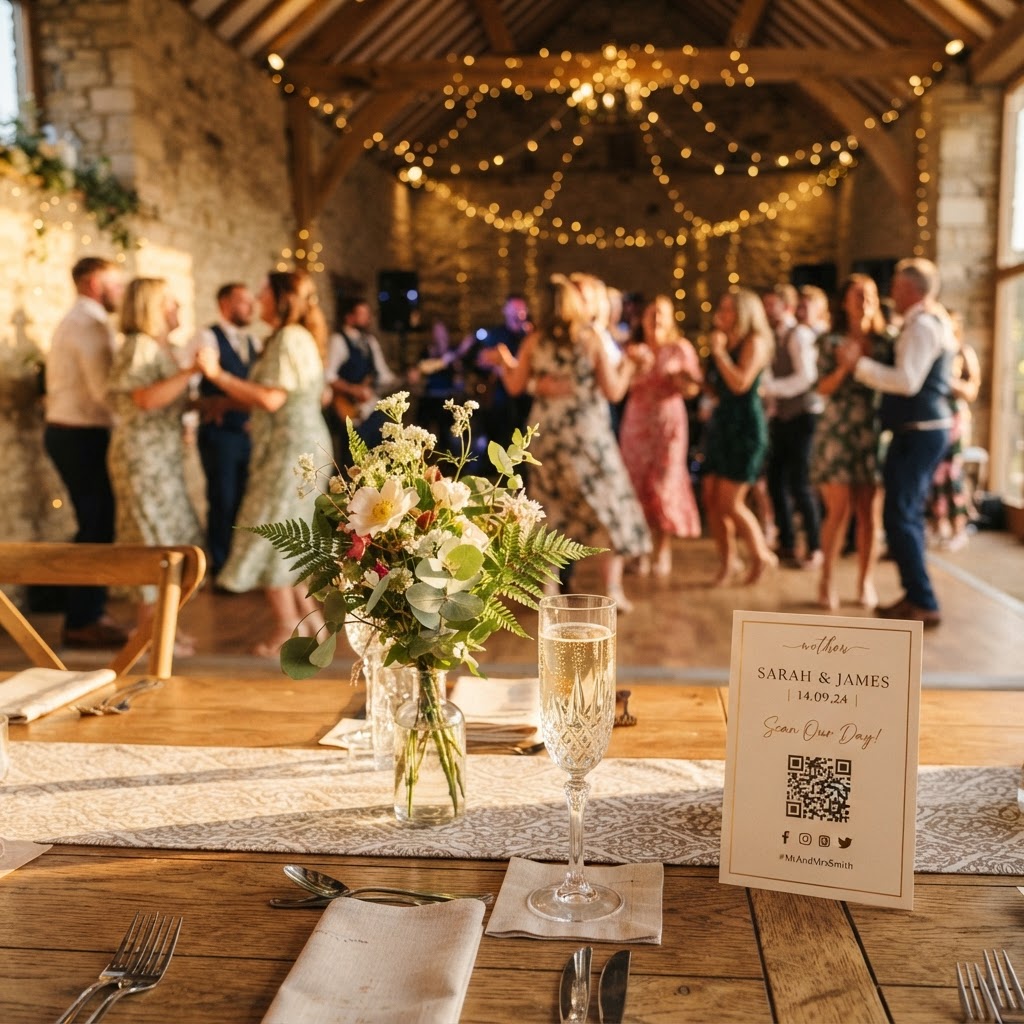
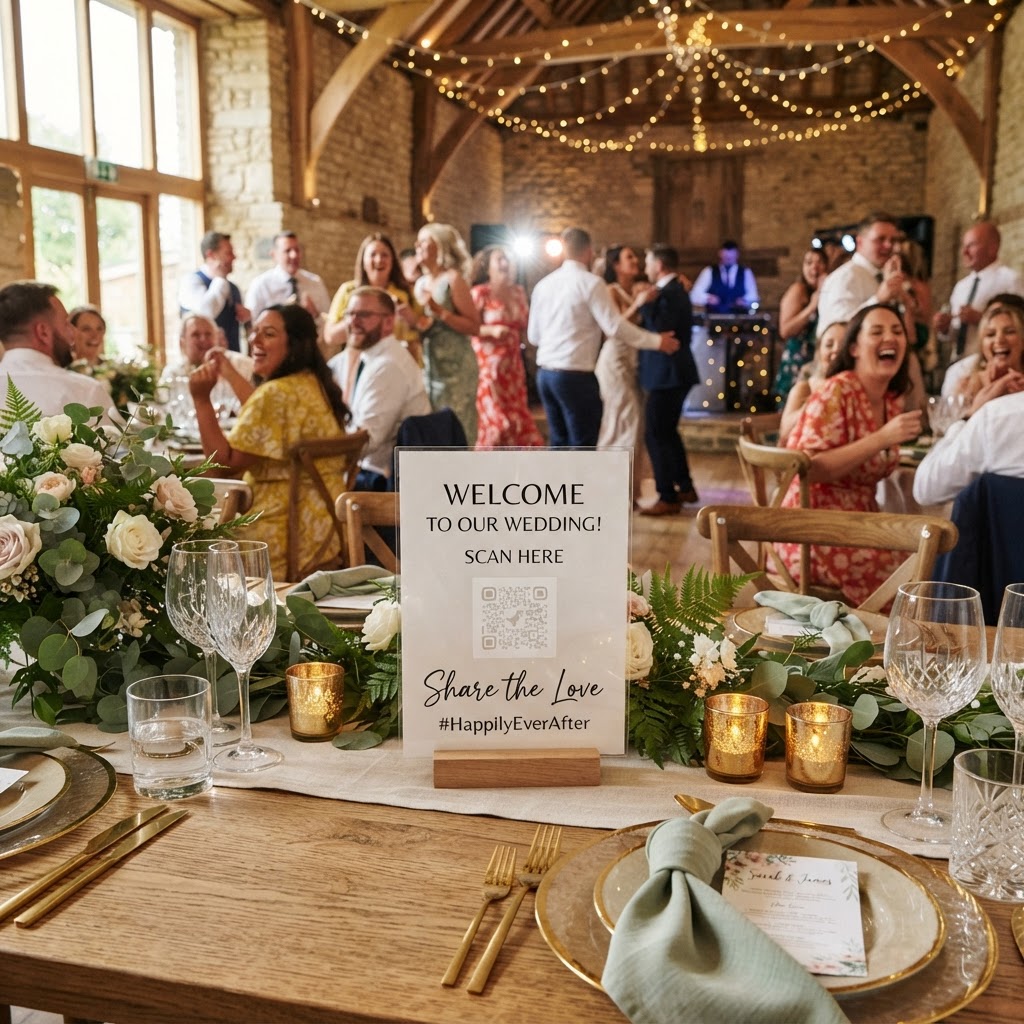
You can encourage high levels of guest participation by incorporating interactive elements that turn the act of photography into a genuine part of your wedding entertainment. Placing a simple printed card on each table is a foundational step, but you should go further to maintain engagement throughout the evening. Consider printing a set of photo missions for your guests, such as asking them to capture the best dance move, a photo of a group of old friends, or a candid shot of the couple laughing during the speeches. This gamification strategy gives guests a specific reason to pick up their phones and look for interesting angles. You should also ensure that the QR codes are placed in high-traffic locations, specifically the bar, the guestbook table, and the venue entrance. If you have the resources, delegating a tech-savvy member of your bridal party to act as a point of contact for guests can dramatically increase your upload volume. They can explain how the code works to older relatives and remind people to scan the sign as they settle in at their tables. Visual cues such as small posters or personalised acrylic stands near your decor serve as subtle but constant reminders to document the festivities.
Setting up a live slideshow for your reception
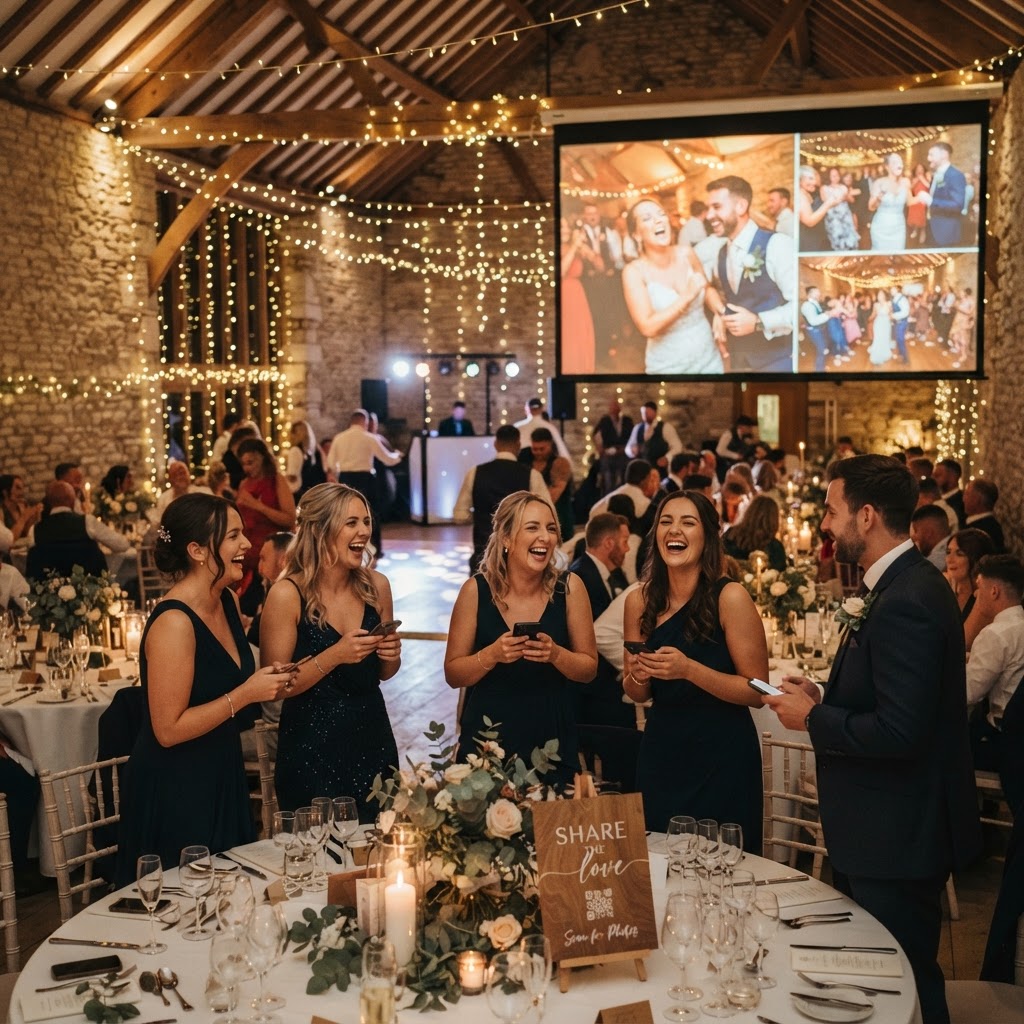
A live slideshow is a powerful way to provide immediate feedback to your guests, creating a loop where their contributions become part of the night's atmosphere. Most modern browser-based photo sharing tools allow you to stream incoming images directly to a projector or a large display screen at your venue. Watching their own photos appear on the big screen provides a sense of accomplishment for the guest, which in turn encourages others to start uploading their own contributions. This shared visual experience acts as a dynamic conversation starter, especially for guests who may be seated with people they do not know well. The content becomes a communal narrative, showing different viewpoints of the same wedding moments. When you are testing this setup, ensure your venue has a reliable internet connection and check that the projector or screen is positioned in an area where it will not be obscured by dancing or large floral arrangements. It is often best to keep the slideshow running during the reception to bridge the gaps during transitions between the meal, the speeches, and the evening party.
Managing the cost and privacy of your gallery
Budgeting for wedding technology requires you to look beyond the flashy features to understand the core costs and security arrangements of the provider you choose. Many services operate on a flat-fee model rather than a monthly subscription, which is generally better for a one-off event. For instance, a single payment of £39 is a common industry standard for a comprehensive service that includes the gallery, the slideshow, and the video guestbook functionality. This approach keeps your wedding costs predictable without the risk of recurring hidden charges. You should also prioritise security when selecting your platform, as you want to ensure your private gallery remains accessible only to your invited guests and not to the public. Verify that the system allows for a secure, password-protected environment for your photos and videos. This gives you and your partner peace of mind, knowing that your personal moments remain within your trusted circle. Once the event concludes and you have finished your digital harvest, you can rest easy knowing that you have managed the process in a cost-effective and secure manner. Every couple manages their day differently, and using tools like the ones provided by Moment49 allows you to focus on the celebration while ensuring that no significant guest-captured memory is left behind.