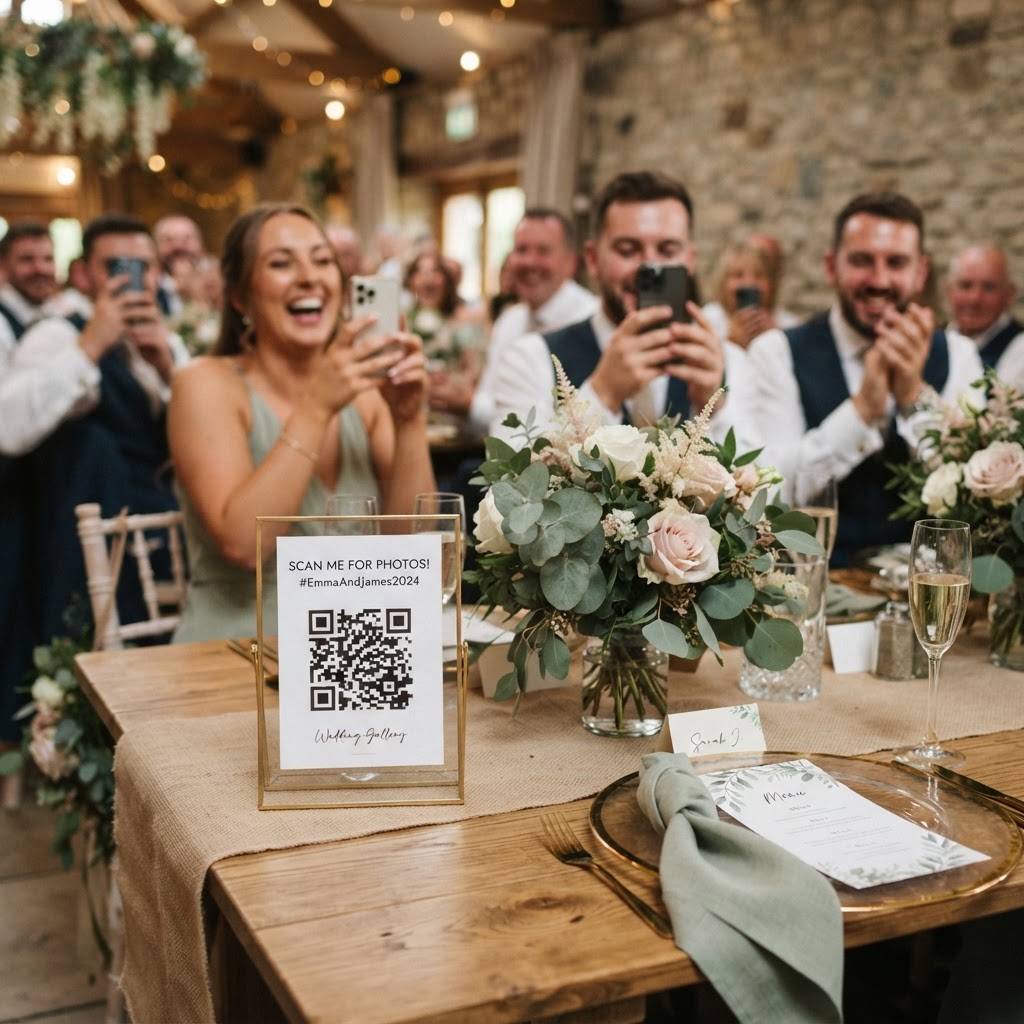
Wedding guest photo sharing is the process of using digital tools to collect candid images and videos from your attendees during your wedding celebration.
Wedding days pass with incredible speed for the couple. While you hire a professional photographer to document the formal events, they cannot be everywhere at once. Your guests act as additional photographers, capturing intimate reactions, dance floor antics, and funny moments you would otherwise miss. Collecting these files often feels like a logistical hurdle, but modern browser-based technology has simplified the process significantly.
How do I collect wedding guest photos without an app?
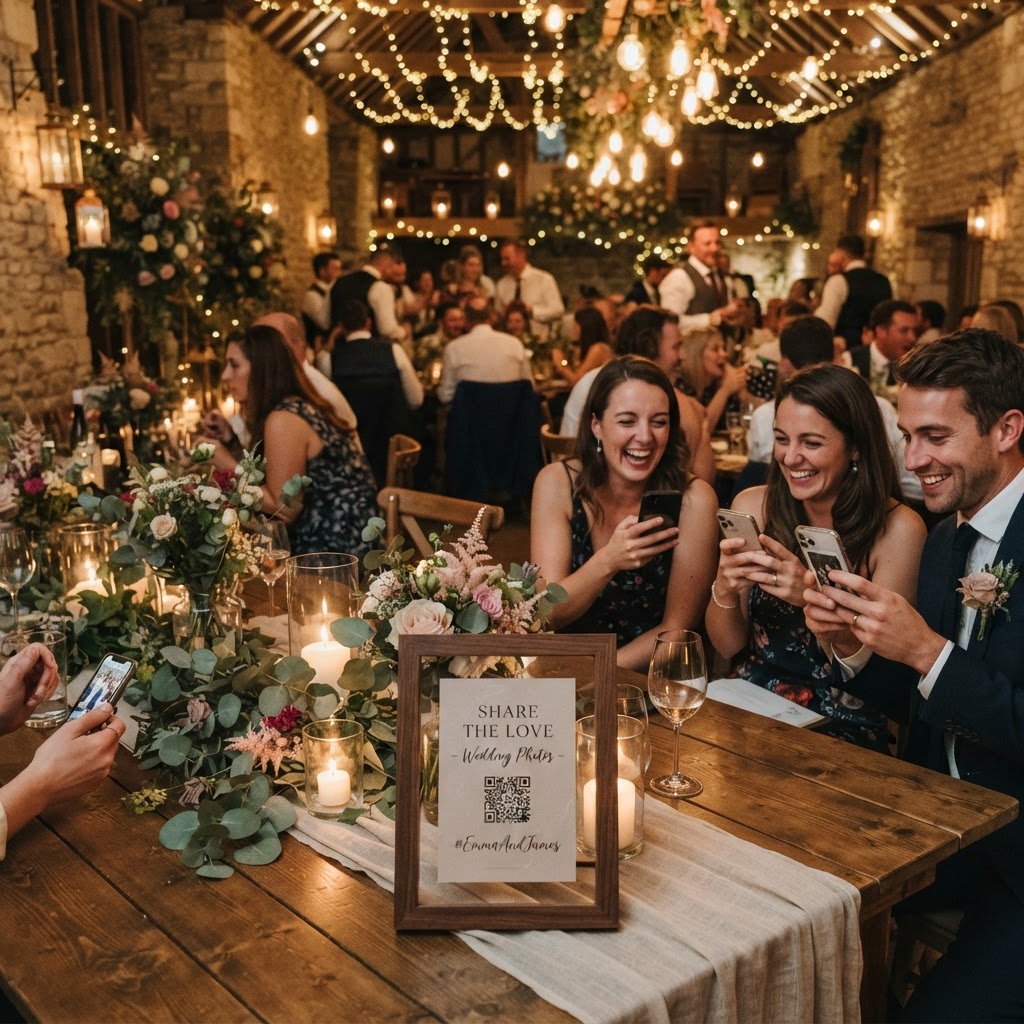
You collect guest photos without an app by providing a direct link or a QR code that opens a web-based upload page on a smartphone browser. When you require guests to download a specific application or sign up for a new account, you introduce friction that causes most people to abandon the task. Most guests will not want to dedicate storage space or personal time to managing their login details for a one-off event. By using a system that operates entirely within a standard mobile web browser, you allow anyone with a smartphone to contribute in seconds. They scan a code, select their media, and tap upload, which removes the technical barriers that previously made crowd-sourced photography difficult.
What are the best ways to prompt guests to upload their photos?
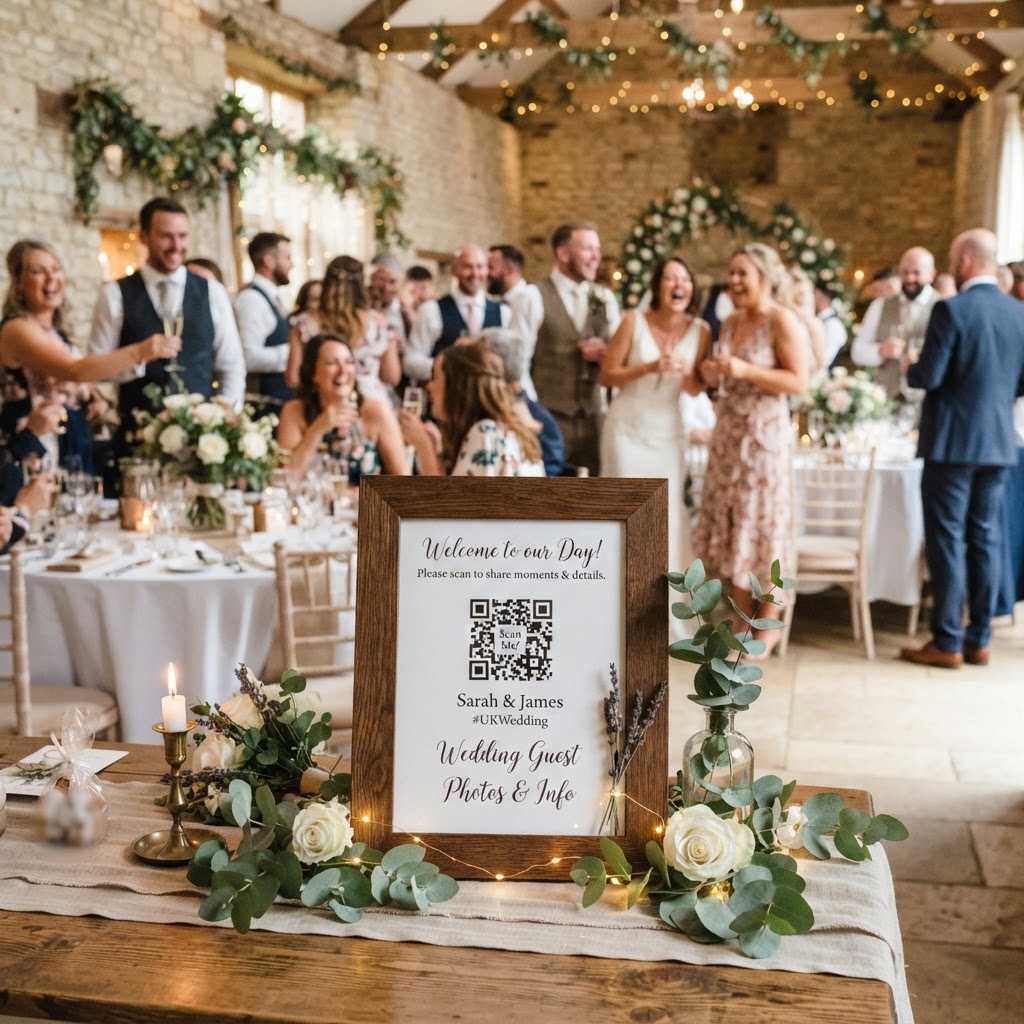
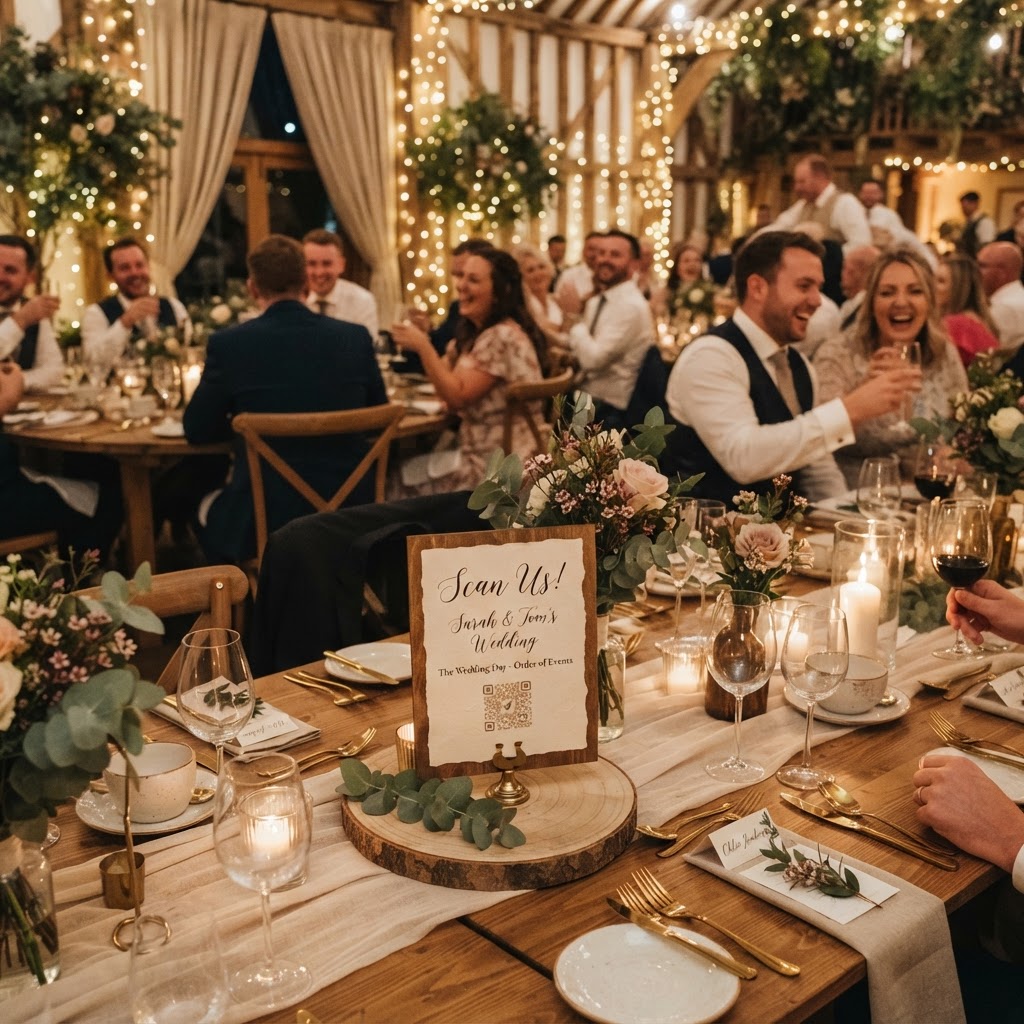
You prompt guests to upload their photos by placing clear, visible QR codes throughout your venue and mentioning the system during your opening speeches. Strategic placement is the most important factor in your success. Guests are most likely to take photos at the bar, on the dance floor, and at their individual dining tables. Place printed cards with the QR code in these specific locations so the instructions are visible at the exact moment a guest decides to capture a memory. You should also ensure the signage is readable and includes a friendly instruction like: Scan to upload your photos for the couple. If you place a QR code at the bar, a guest waiting for a drink will have the perfect amount of time to upload their latest snaps. Do not rely on email or social media hashtags, as these methods often lead to blurry, compressed files or require you to hunt down images individually.
Can I display wedding guest photos live during the reception?
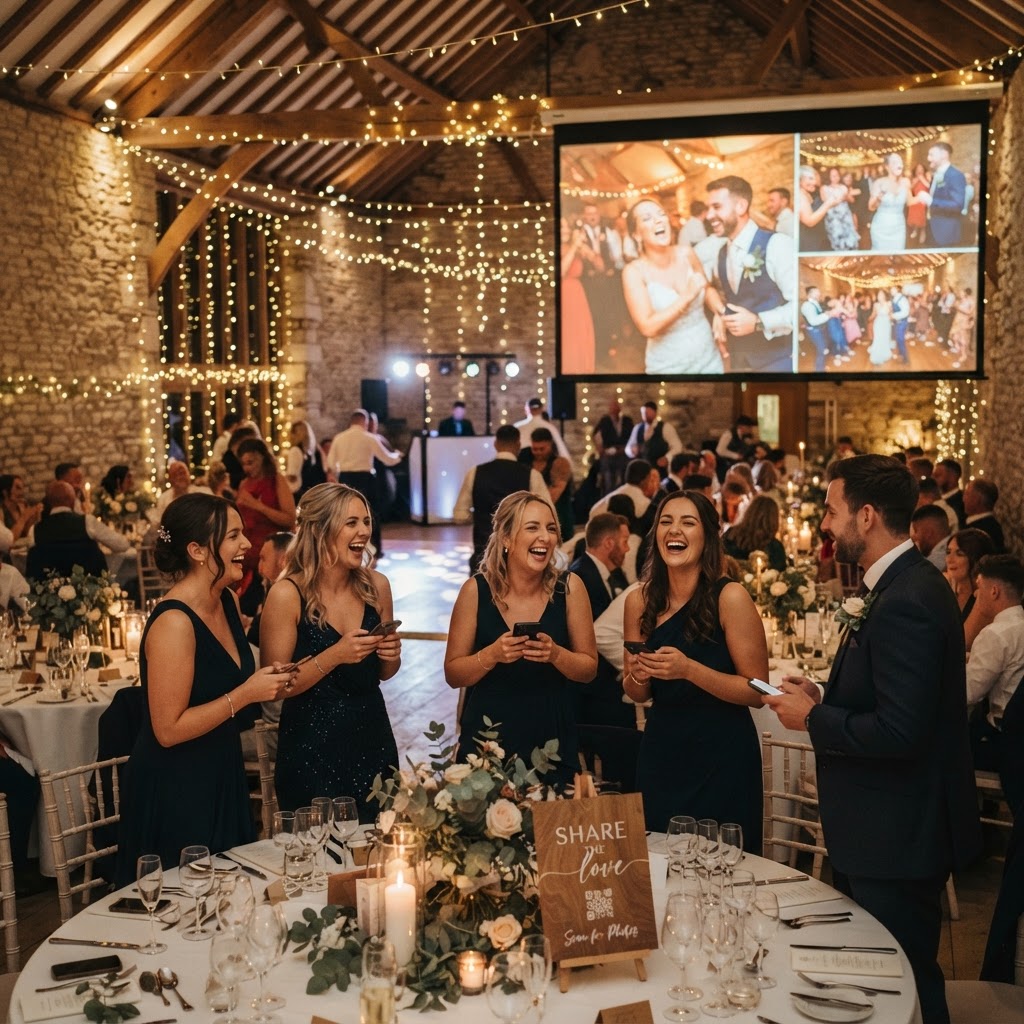
You display wedding guest photos live by connecting your upload platform to a screen or projector in the reception hall. This creates a digital feedback loop that keeps your guests engaged throughout the night. When a guest sees their own photo appear on a large screen in real-time, they feel encouraged to take more pictures and videos. This transforms a passive collection task into a form of active entertainment. You can set up a laptop to run the live slideshow through a browser, and it requires no manual work once the initial link is active. If your venue has existing television screens or projection equipment, you simply need to display the browser feed to turn those screens into a revolving digital gallery.
How do I encourage more guest participation with photo challenges?
You encourage participation by creating fun, simple photo challenges that give guests a specific reason to pick up their phones. Instead of waiting for guests to notice the QR code, provide prompts that make the process feel like a game. Print small cards and place one at each table with instructions such as: Capture a photo of the funniest dance move you see, or Take a picture of your favourite table decoration. These prompts help fill the downtime between the wedding breakfast and the evening party when the energy can sometimes dip. You can also include a green screen mode if your software allows it, as this gives guests a place to take posed, creative shots that are distinct from standard candid photography.
The role of video messages
Video capture adds a layer of depth to your wedding memories that static photos cannot match. Use your mobile upload system to invite guests to record a short message for the couple. These clips serve as a modern version of a paper guestbook, capturing voices and expressions rather than just signatures. Since there is no app required, even older guests can participate without needing technical assistance. You can review these videos the next day, which provides a wonderful way to extend the celebration after the formal event concludes.
What happens to my wedding photos after the event ends?
Your wedding photos remain in your private online gallery for a set period, but you must download them to your own devices to save them permanently. Most browser-based systems operate on a temporary basis to keep costs low and security high. For example, guests have a window of seven days after your event to continue uploading their content from their phones. Once this window closes, the system typically maintains the gallery for 90 days before permanent deletion occurs. You are responsible for downloading your files within this 90-day window to ensure you do not lose your memories. This model is ideal for couples who want a straightforward, low-cost way to gather files without entering into expensive long-term cloud storage subscriptions. At a fixed cost of £39 for a single event, you gain access to all your guest-captured media without hidden monthly fees. Always check your specific provider's retention policy, as these limits vary across different services. Ensure you have a clear plan to download all your assets to a personal hard drive or a cloud storage account of your choosing well before the 90-day mark expires. A system like Moment49 provides this exact, one-time payment model, ensuring you receive all the raw, authentic moments captured by your loved ones without extra effort or recurring billing.