Is it safe to share wedding photos through an app?
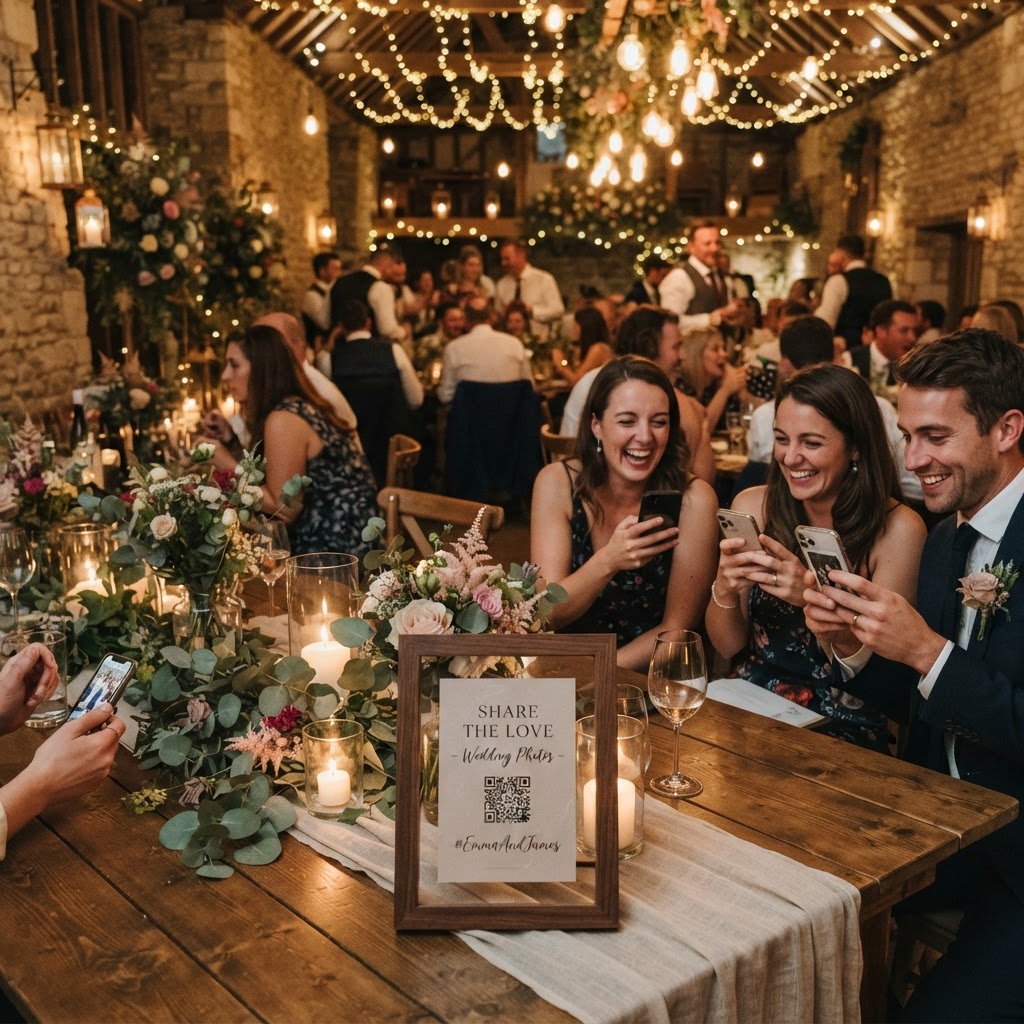
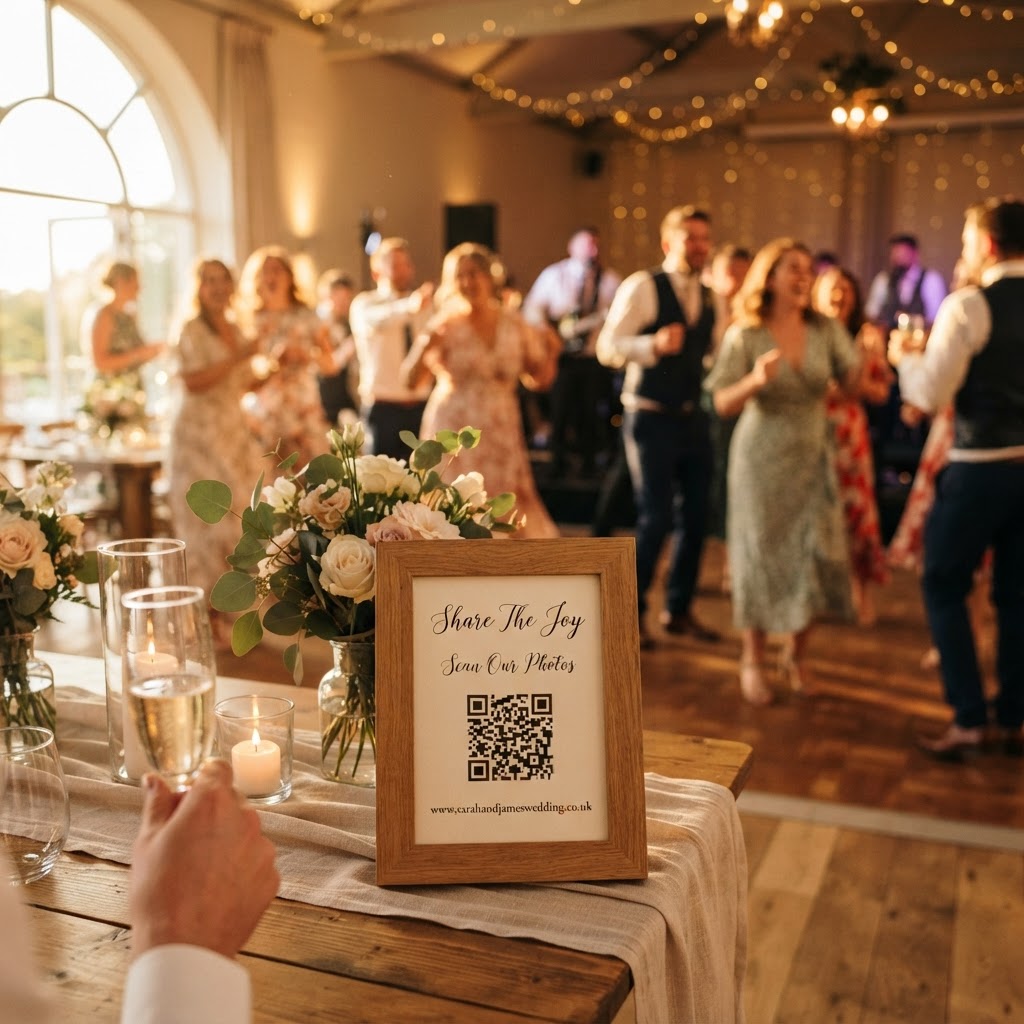
Wedding photo sharing is the practice of using a digital platform to collect and store images captured by guests during a marriage celebration. You have likely seen cards on tables inviting guests to scan a QR code to upload their snaps. While the convenience of gathering memories in one place is clear, the primary concern for many couples involves data protection and privacy. Your wedding is a private event involving your family and friends. It is important to understand how these platforms handle your media before you invite guests to contribute. Not all digital tools operate under the same security standards, so your choice of platform dictates how your personal data remains protected.
How do I ensure guest photo uploads remain private?
You ensure privacy by selecting a platform that uses unique, encrypted access points rather than public hashtags or open social media groups. When you rely on platforms like Instagram or Facebook, you often expose your wedding photos to the wider public by default. These sites frequently index content in search engines and encourage sharing, which removes your control over who views your images. A dedicated wedding sharing tool should operate behind a private gate. Guests should access the upload portal only through a specific QR code or a private URL that you control. This approach prevents random internet users from discovering your gallery through search engines or social media feeds. You should also verify that the platform does not require guests to create a personal account or log in through a social media profile, as these requirements often lead to data harvesting or unwanted profile connections.
What are the risks of using messaging apps for photos?
Sharing photos via messaging apps such as WhatsApp often compromises file quality and creates significant organisational headaches. Many people turn to group chats because they feel familiar and supposedly private. However, these platforms significantly compress images, which degrades the resolution of your wedding memories. You also face the problem of scattered data. Trying to manually save dozens of photos from a chat history is tedious and prone to human error. Furthermore, messaging apps are not designed for large-scale media storage. You will find that photos often disappear, become impossible to sort by time, or get buried under layers of conversation text. A dedicated wedding photo platform keeps every upload in a centralised gallery, sorted chronologically. This structure allows you to view the event as a timeline rather than a chaotic stream of files.
What security features should I check before booking?
You must evaluate a provider based on their data retention policies and their specific approach to guest privacy. Start by checking if the service is fully compliant with UK data protection regulations. A transparent provider will explicitly state how long they store your images and whether they delete them automatically. It is vital to understand that some services treat your photos as long-term storage, while others treat them as temporary event buckets. For instance, temporary storage models often close guest uploads seven days after the big day and delete the entire gallery 90 days after the event. This short window is a security feature, not a limitation. By purging the data after your download window, the provider ensures your wedding memories do not sit on a third-party server indefinitely where they could be exposed to future breaches. Always look for a clear statement confirming that the company does not sell your data or your guests' personal information to third-party advertisers.
How to handle guest concerns about being photographed
You manage guest concerns by being transparent about where the photos will be stored and who can access them. Some guests feel uncomfortable when they see cameras or QR codes because they fear their image will end up on a public social media profile without their consent. When you provide a private, link-only gallery, you offer guests a specific promise of security. You can explain that the photos are for your personal use only and that they are not being shared with the public. If you plan to use a live slideshow feature during the reception, ensure the platform allows you to moderate uploads. Moderation gives you a simple interface to review every image before it hits the big screen. This prevents inappropriate or poor-quality shots from appearing while your friends and family are eating dinner. Being in control of the slideshow content makes your guests feel much safer about participating in the fun.
Are there hidden costs or subscriptions to avoid?
You should favour services that charge a single, transparent fee rather than those requiring ongoing subscriptions or recurring monthly charges. Many platforms lure couples with a low headline price only to lock them into expensive packages later. A professional, event-focused service will clearly state the total cost upfront. This payment usually covers the creation of the gallery, the hosting of your uploads, and the ability to download your media. When you pay a flat rate of £39, for example, you know exactly what your budget is without worrying about hidden storage fees or penalties for the number of uploads your guests generate. Avoid platforms that force you to buy premium subscriptions to unlock the photos your guests have already taken. You own the memories from your wedding day, and your access to those files should not be held behind a monthly paywall.
Practical steps for managing your wedding gallery
Once you choose your platform, take active steps to keep your digital space clean and secure. Create a specific plan for when you will download your archive. Since many secure platforms delete galleries after 90 days to protect your privacy, set a calendar reminder for 60 days after your wedding. This gives you a buffer to ensure every single photo and video is saved to your personal computer or a private hard drive. Do not rely on the event gallery as a permanent backup. Use the platform for the active, social phase of your wedding week, but move your collection into your own long-term storage system as soon as possible. By handling the download yourself, you complete the chain of custody for your data. Using a private, guest-friendly service like Moment49 ensures that your wedding remains an intimate experience for your guests while keeping the digital management of your photos professional and simple.