What is a wedding QR code for photos?
A wedding QR code for photos is a scannable digital gateway that allows your guests to instantly upload their pictures and videos directly to a private, shared online gallery using their own smartphones. By placing these codes strategically around your venue, you remove the barriers associated with traditional file sharing, such as emailing large attachments or uploading to cloud folders. The system functions through a web browser, meaning your guests never need to download an application or create an account to contribute their unique perspective of the day. This approach ensures that you gather hundreds of candid moments that your professional photographer might have missed, creating an authentic record of the wedding from the perspective of your friends and family.
How do I set up a wedding QR code for my big day?
To set up a wedding QR code, you must first select a dedicated photo-sharing platform that provides a secure, web-based upload portal for your event. Many services provide a specific URL once you sign up, which you then convert into a QR code using their built-in generation tools. You should test this code repeatedly with different smartphones to ensure it directs users to the correct upload page without any errors. It is essential to ensure the platform you choose does not require your guests to create profiles, as any friction at this stage will drastically reduce your participation rates. Once the link is functional, you can design your signage to include the code along with clear, concise instructions for your guests.
Where should I place the QR codes for maximum guest participation?
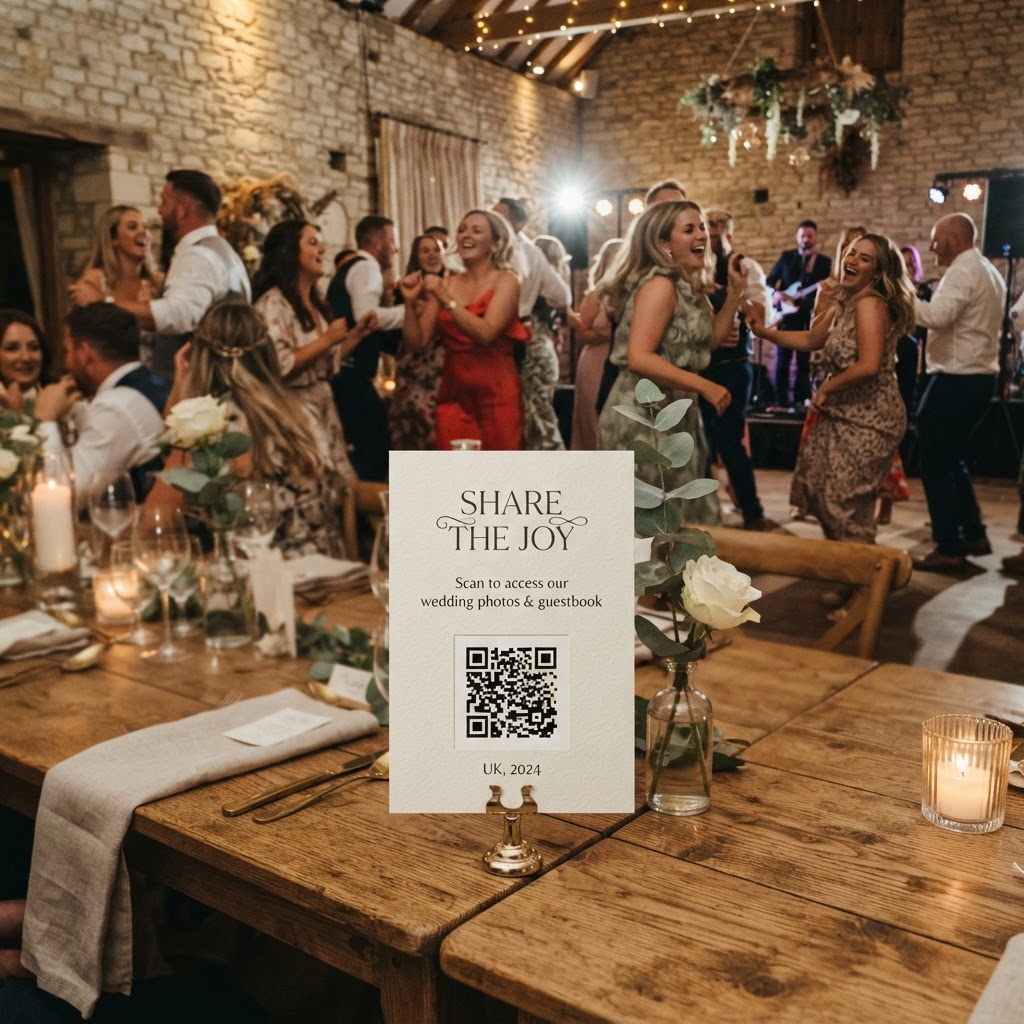
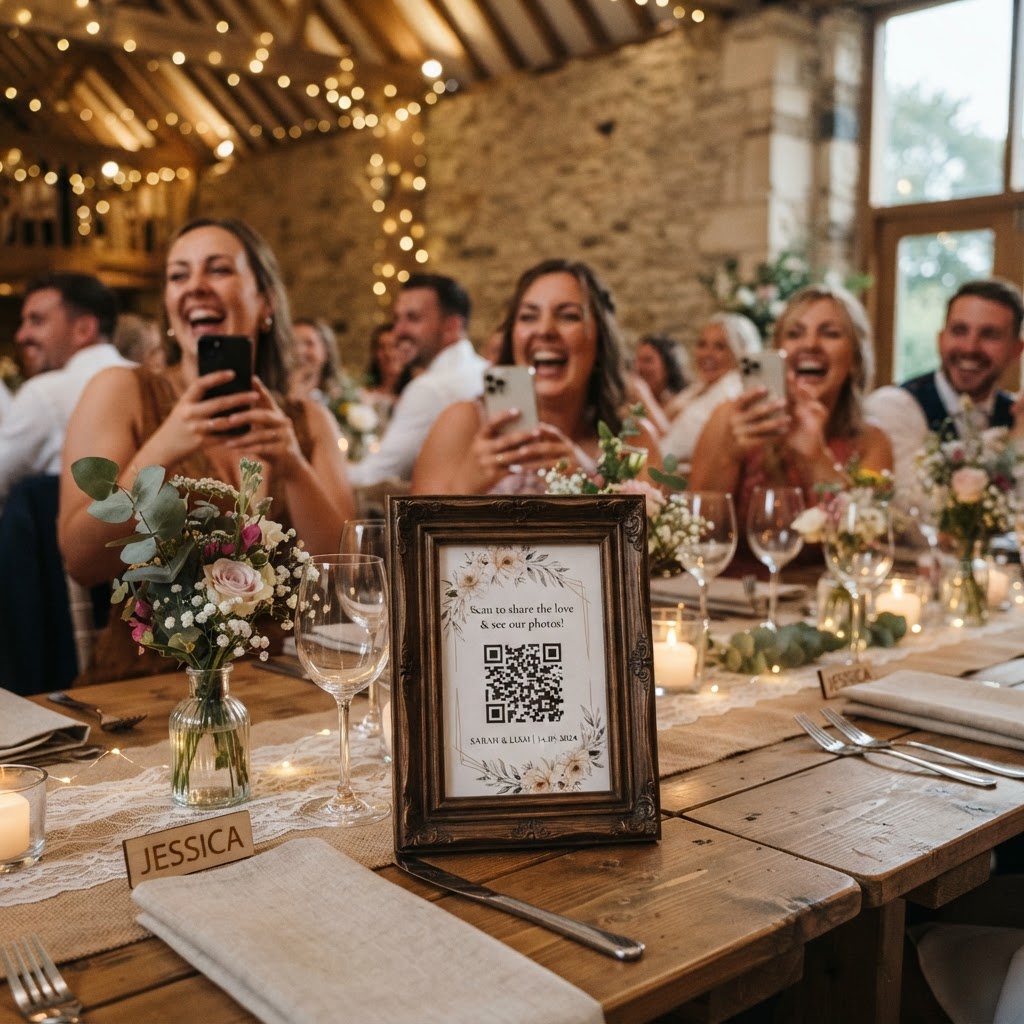
Strategic placement of your QR codes is the most effective way to drive engagement and ensure your guests remember to share their content. You should print the codes on high-quality card stock and distribute them throughout the venue in areas where people tend to linger with their phones. Reception tables are the most obvious choice, as guests often check their messages or take photos during the quiet moments between courses. You can integrate the code into your table number cards or print them on the back of your menus to keep them accessible. Placing a sign near the bar is another highly effective tactic because people frequently use their phones while waiting for a drink. You should also consider placing small signs on the welcome table, near the guestbook, or even in the bathrooms if you want to capture the candid energy of your evening guests. Always place the codes at eye level, ensuring the print is large enough to be scanned from a distance of two or three feet without the guest having to hover awkwardly over a surface.
How do I keep my wedding photo gallery private?
You ensure privacy by choosing a platform that stores images in a restricted area that is only accessible via the unique URL or code provided at your event. A robust system will not publish these images to public social media platforms, nor will it allow them to be found through standard search engine queries. You remain the owner of the digital space, which means you have the final say on who views the content. Before choosing your provider, verify that they offer a secure, password-protected environment or a direct, private link system. It is also important to note that these private galleries are not intended as permanent cloud storage solutions for your entire lifetime. For example, guests can typically upload their contributions for seven days following your event, and the full gallery is often scheduled for permanent deletion after ninety days. This structure encourages guests to upload their media promptly rather than waiting until they forget about it.
What features should I look for in a photo sharing app?
A high-quality system should offer more than just a place to store files; it should act as an interactive component of your wedding entertainment. Look for features such as a live slideshow that projects uploaded photos onto a screen or wall in real-time, which encourages others to join in once they see the results. A video guestbook mode is another valuable feature, allowing your friends to leave short, heartfelt messages instead of just static images. Some platforms also include photo challenges that prompt guests to find specific items, such as a photo of the cake or a selfie with the grandparents, which helps break the ice. You should also prioritise services that offer a flat-fee payment structure, such as a single payment of thirty-nine pounds, which avoids the frustration of monthly subscriptions or hidden costs. Ease of use remains the primary metric for success, so focus on systems that prioritize a simple, browser-based experience for every user regardless of their technical skill level.
Do guests really need to download an app to upload?
Guests do not need to download an app if you select a modern, web-browser-based photo sharing system. Asking your guests to install software on their phones is a significant hurdle that will almost certainly lead to lower participation during the celebration. Most people are hesitant to clog their storage with temporary applications for a single event, so the best approach is a seamless, instant-access link. When the process is reduced to a simple scan and upload, even the least tech-savvy members of your family will be able to contribute their pictures. This frictionless experience is the defining factor between a gallery that remains empty and one that captures the true essence of your wedding. By using an interface that runs entirely through the mobile web, you ensure that every guest can participate the moment they capture a perfect shot. If you are looking for a reliable, no-subscription system that handles live slideshows, private galleries, and instant uploads, Moment49 is designed to support your wedding day needs.