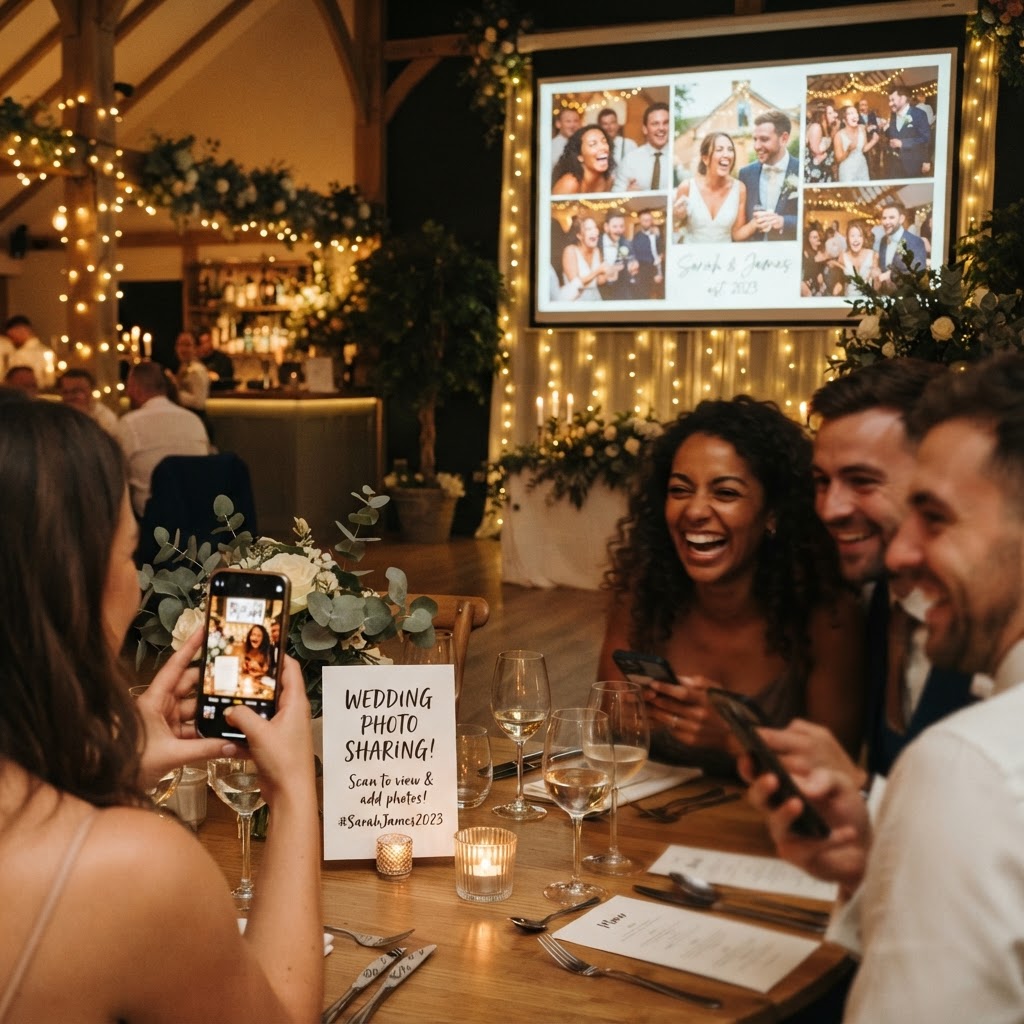
A digital photo loop for weddings is a synchronised projection of guest-submitted photos and videos that displays on a screen during the reception.
How do guests upload photos without an app?
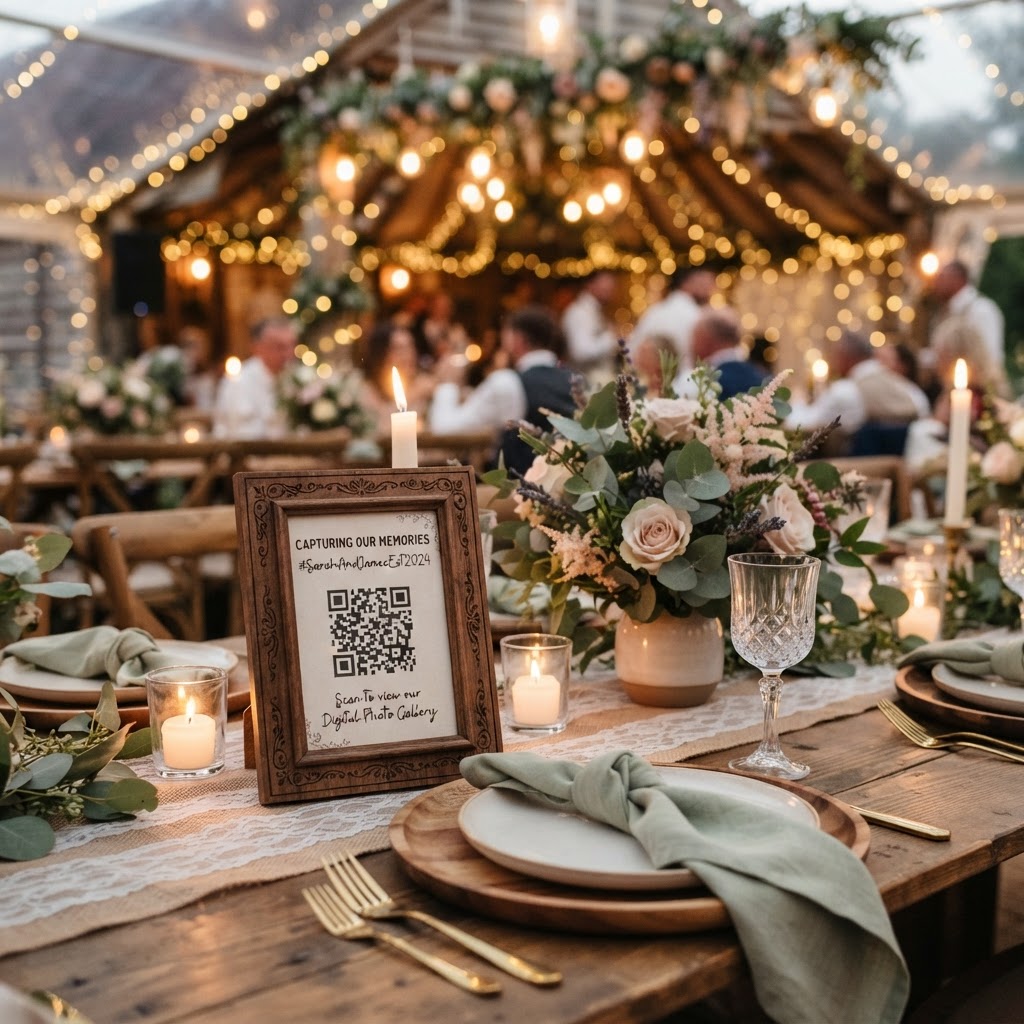
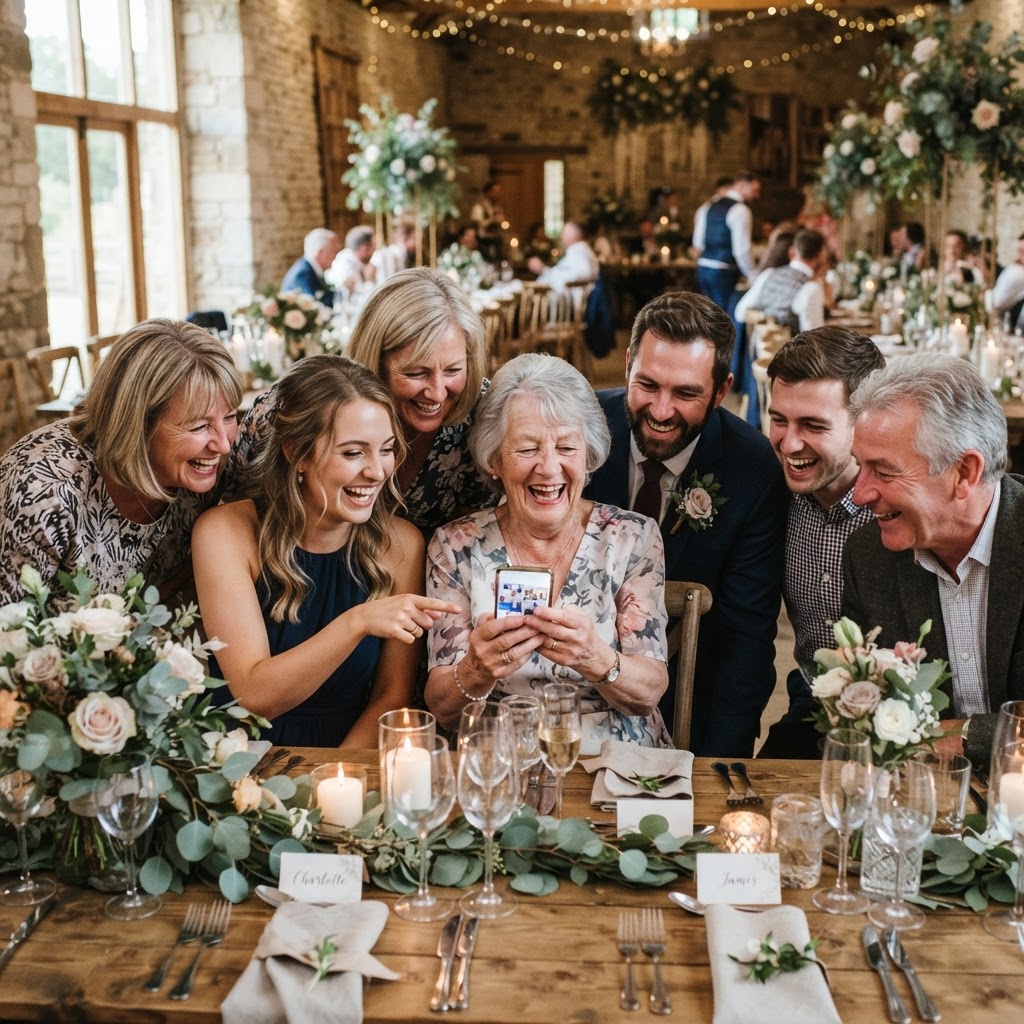
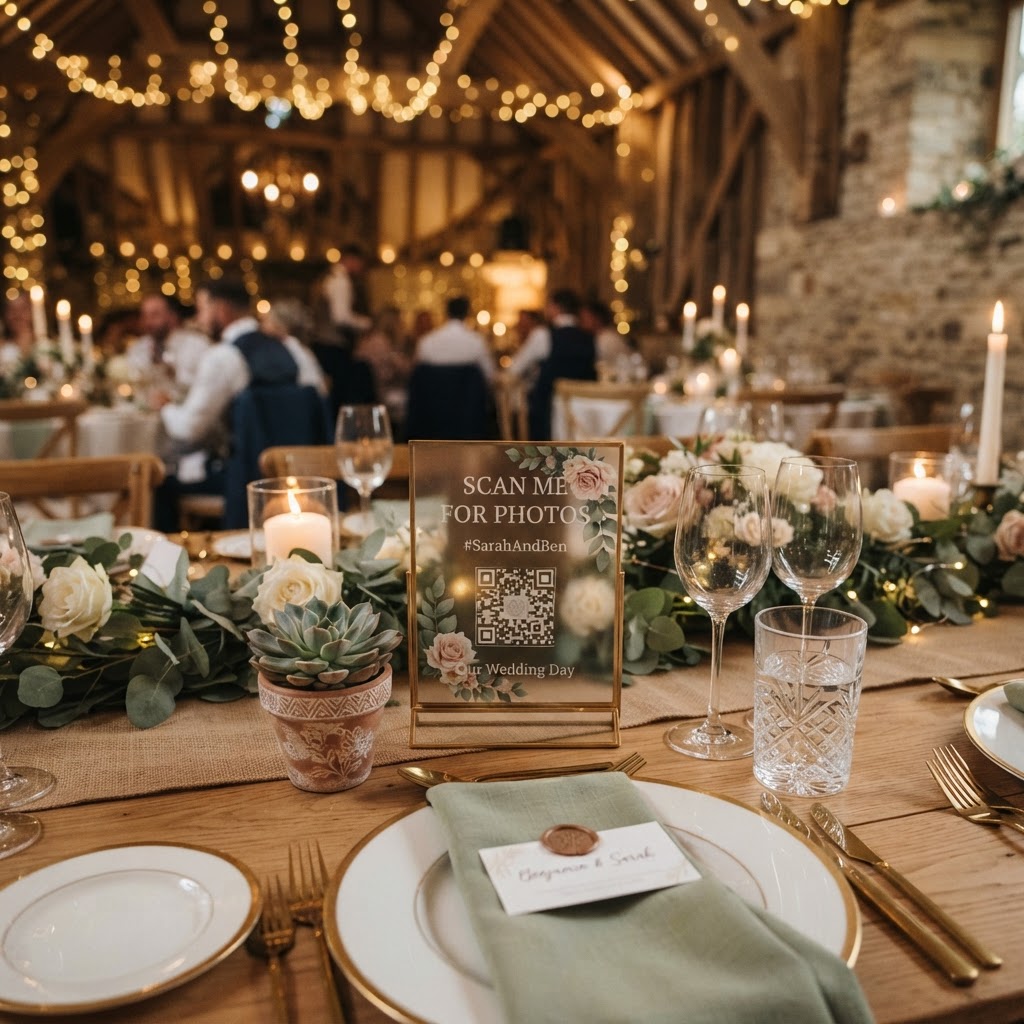
Guests upload content to a browser-based system by scanning a QR code placed at their tables or near the bar. This method removes the barrier of downloading proprietary software or creating a user account, which often discourages participation at busy events. When a guest scans the code, their mobile camera opens a web link, allowing them to select photos or videos directly from their device storage. Once they hit upload, the image or clip is pushed to the central server. The system then automatically refreshes the display on your projector or monitor to include the latest submission. Because the process happens entirely within a standard mobile browser, guests can contribute without worrying about privacy settings or app permissions. This speed is essential for maintaining momentum during the wedding breakfast or the evening party. You should test the Wi-Fi or mobile data signal at your venue location before the day begins. If the reception is in a basement or a remote countryside venue, ensure there is stable internet access to allow for real-time uploads. You can provide a secondary QR code near the main entrance to ensure that guests who arrive later understand the process immediately.
What content should you encourage guests to capture?
You can encourage engagement by setting up specific photo challenges on each table using printed cards or the back of your menus. These prompts turn guests into active participants who look for specific moments rather than just taking random snapshots. Examples include capturing the best dance move on the floor, a candid photo of the couple laughing during the speeches, or a group selfie with someone from the opposite side of the family. You might also ask guests to record short video guestbook messages where they offer a few words of advice or well wishes for the couple. Video clips often feel more personal than a standard message written in a traditional paper guestbook. These videos can be mixed into the photo slideshow to keep the visual experience dynamic. It is helpful to place a small sign on each table explaining that these images are meant for the private collection of the couple. This transparency encourages guests to be more relaxed and authentic in their submissions. When guests know their photos are going directly to the couple, they are much more likely to share the funny, unposed moments that a professional photographer might miss.
What technical setup is required for the slideshow?
To display the photos, you need a laptop, a projector or a smart television, and a reliable internet connection. The laptop should be connected to the display device via a standard HDMI cable to ensure a stable feed. You will log into your event dashboard from the browser on this laptop, which will serve as the engine for the slideshow. Set the browser to full-screen mode to hide navigation bars and ensure that only the photos and videos are visible to your audience. The software will typically cycle through the uploads in a continuous loop, occasionally refreshing to pull new items from the server. If your venue provides a smart television, you may be able to cast the feed directly, but a hard-wired connection is generally more reliable for long-duration displays. You should appoint a member of the bridal party or a tech-confident friend to check the connection once the reception begins. This person can verify that the screen has not gone to sleep or that the browser has not timed out. Having someone monitor the screen ensures that the visual stream remains uninterrupted during key moments like the first dance or the cutting of the cake.
How do you access the files after the wedding?
The gallery acts as a temporary digital storage space where you can view and download all submitted files in their original quality. Because the platform is designed for rapid sharing during the event, guest uploads remain open for exactly 7 days following the date of your wedding. This window gives guests ample time to upload any content they might have forgotten to share while they were still at the venue. You must log in to your account dashboard within this timeframe to download your files to a local drive or personal cloud storage. It is important to remember that the gallery is deleted permanently after 90 days from the event date. This makes the service an ideal tool for gathering candid content, rather than a permanent home for your digital archives. Once you download the folders to your computer, you should create a secondary backup immediately to ensure the files are preserved for the long term. You can sort these files into folders based on when they were taken or which guest submitted them. This will make it significantly easier to create a highlights reel or a digital album later. Many couples use these photos to complement the professional shots provided by their official photographer, as they capture the raw energy of the dance floor.
Is a subscription required for this service?
You can host your event using a simple one-off payment of £39 rather than committing to a recurring subscription or a long-term contract. This fixed price covers the full set of features including the live slideshow, the video guestbook mode, the private gallery, and the green screen photobooth options. There are no hidden costs or hidden service charges added later. By paying a single fee, you manage the budget for your wedding entertainment without worrying about ongoing monthly invoices. When you register, ensure you input your wedding date accurately so that the system can manage the 7-day upload window and the 90-day deletion cycle correctly. This transparent approach is useful for couples who want to keep their wedding finances straightforward. You receive full access to the management dashboard where you can customise your digital display settings. Everything you need for a complete guest media experience is included in this single payment. This allows you to focus on the celebration knowing your digital infrastructure is fully funded and managed. The system provides a simple, effective way to gather memories, including those created through Moment49, for a single, inclusive price.