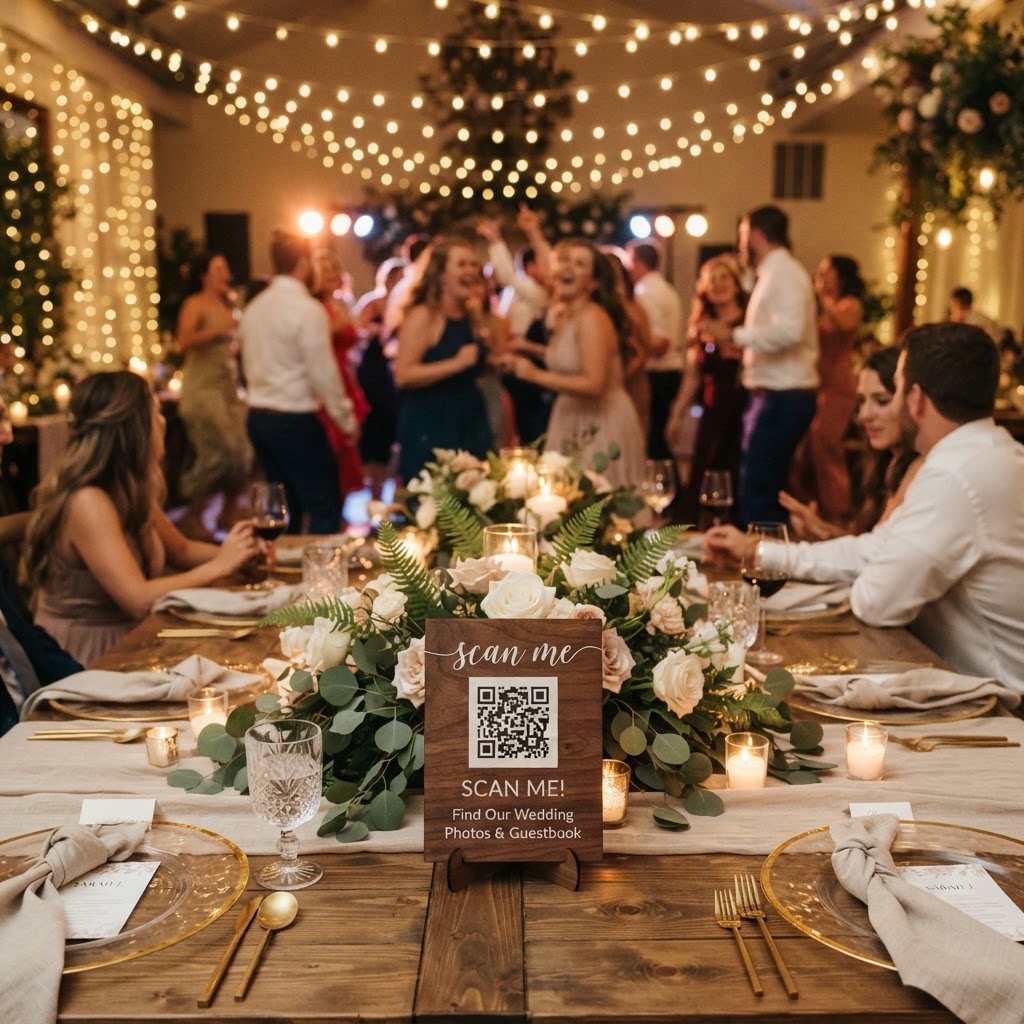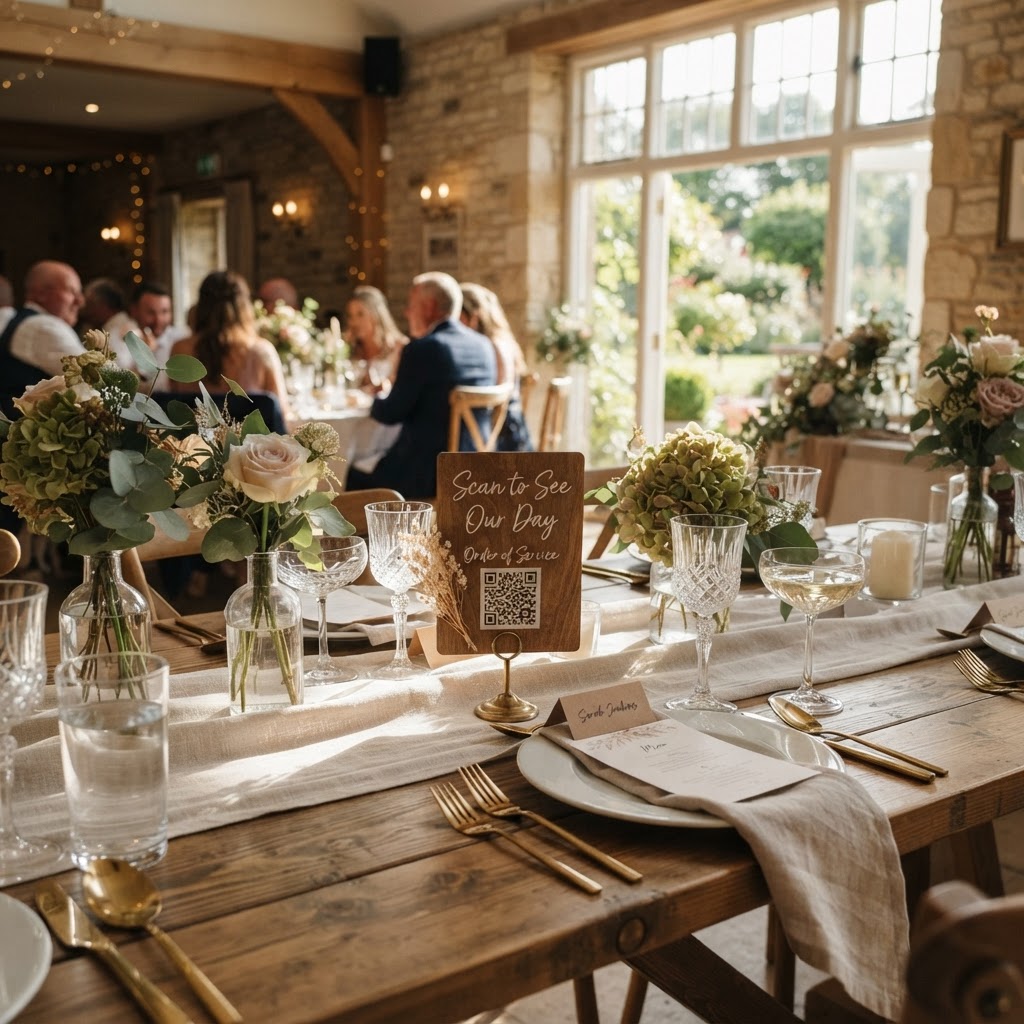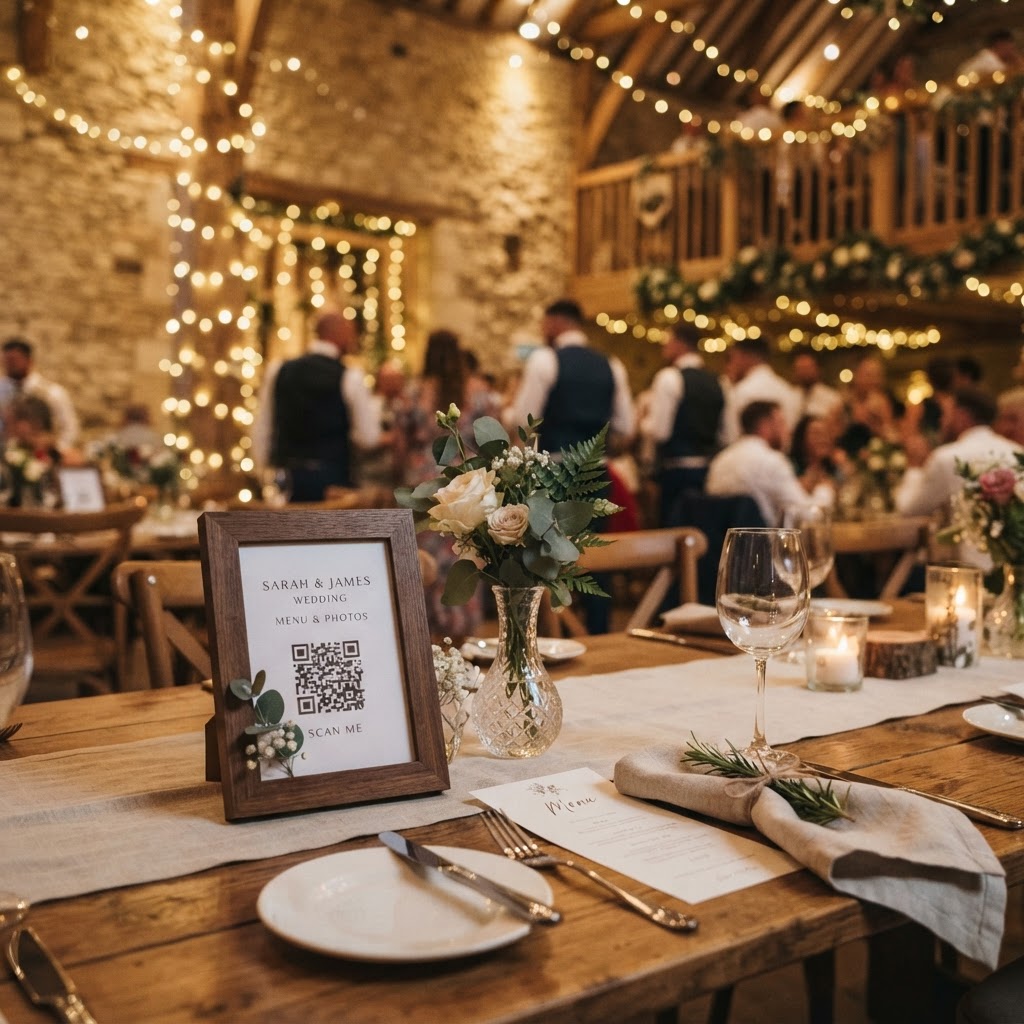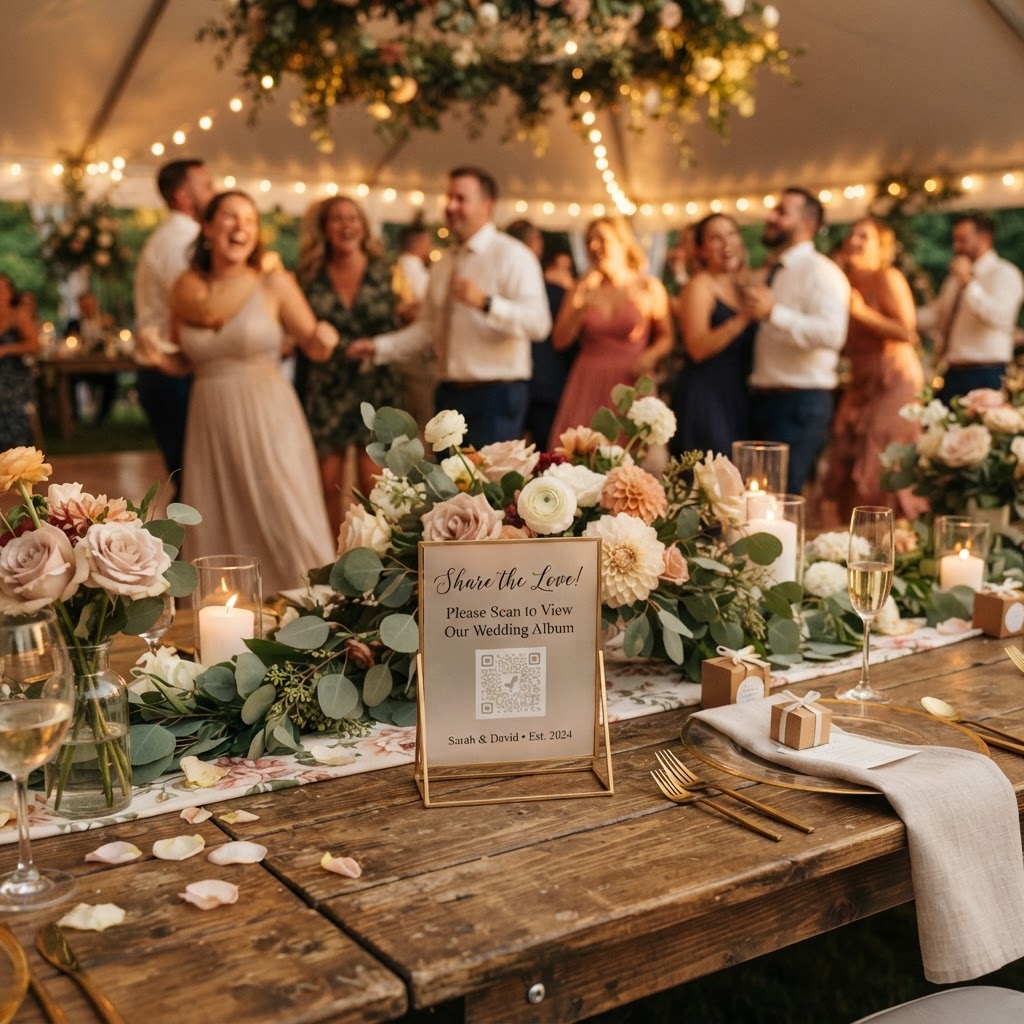
Wedding photo sharing is the process of using digital tools to collect candid images and video clips captured by guests during a wedding ceremony or reception.
How do I get guests to share their wedding photos?
You get guests to share their wedding photos by removing all barriers that prevent them from participating in the moment. Many couples make the mistake of choosing platforms that require guests to download an application, create a long-winded account, or remember a password. These steps create significant friction in a social environment where people are busy eating, dancing, and socialising. Instead, look for a mobile browser-based solution that uses a simple QR code. When you place a physical card on each table with a clear instruction to scan the code, guests can open their phone camera, tap the link, and begin uploading immediately. This instantaneous access ensures that the effort required is almost zero, which is the most reliable way to encourage participation from everyone in attendance.
What technology do I need to set up for guest photos?
You need to set up a dedicated digital collection platform that operates directly through a web browser to ensure compatibility across all phone models. A professional service for this purpose typically costs a flat fee of £39 per event. This one-time payment covers the setup of your private gallery and removes the burden of recurring monthly subscriptions. When you choose your provider, confirm that they offer a live slideshow feature. This feature allows you to cast guest-uploaded photos and videos onto a screen at the venue in real-time. Watching their own contributions appear on the big screen provides an immediate feedback loop, which acts as a powerful incentive for guests to continue taking and uploading photos throughout the night.
How do I manage privacy and guest expectations?
You manage privacy by utilising a secure, private gallery that remains restricted to your invited circle rather than broadcasting images to the entire internet. Many couples worry about social media oversharing or the permanent exposure of candid moments that were intended only for their close family and friends. A private platform allows guests to contribute freely without fear that their photos will be scraped by public algorithms or shared without their explicit consent. It is also important to communicate these boundaries clearly. You can add a polite note on your printed signage explaining that the collection is for the couple's private use. This provides guests with the comfort they need to let their guard down and capture the raw, unposed joy of the dance floor.
What are the limitations of digital wedding photo collections?
The limitations of digital wedding photo collections include the timeframe for uploads and the longevity of the storage provided by the host. Most systems, including the popular £39 flat-fee services, keep the upload function active for exactly seven days after the wedding date. This is an intentional design choice intended to gather the bulk of content quickly while the event is still fresh in everyone’s minds. Furthermore, these galleries are usually not designed as long-term digital archives and are often deleted after 90 days. You must plan to download all your collective memories to your own personal hard drive, cloud storage, or a physical album before this window closes. Do not treat these platforms as a permanent home for your wedding images, but rather as a highly efficient collection tool for the immediate post-wedding period.
How can I encourage better guest photo content?
You encourage better content by providing simple, playful prompts that guide guests to look for specific details. People often feel uncertain about what is worth capturing, so providing a list of photo challenges can bridge that gap. Print a small card at the centre of the table suggesting categories such as the best dance move, the funniest reaction during a speech, or a selfie with a new friend from the other side of the family. You might also set up a green screen mode if your chosen service supports it, which adds a layer of professional-grade fun to the images. Remember that the goal is not to produce a catalogue of perfect, high-resolution masterpieces. The objective is to capture the messy, loud, and genuine atmosphere that your professional photographer might miss while focusing on formal portraits. If you make the process feel like a fun game rather than a chore, you will find that your guests are more than happy to help you build a collective history of your celebration.
What should I do with my digital guestbook?
You should treat your digital guestbook as a collection of personal memories to be reviewed alongside your formal photography once the event concludes. A video guestbook feature is an excellent way to capture the voices and laughter of your loved ones, which adds a much deeper level of emotional connection than a written note ever could. During the final week of your upload window, you should verify that you have collected the contributions you wanted before the seven-day period expires. Use the final weeks of your ninety-day access window to sort through these videos and photos, creating your own curated edit for sharing with your family. This process keeps your wedding planning organized and prevents the frustration of chasing friends for lost files months after the event has passed. For couples looking to capture this level of authentic engagement, Moment49 provides the tools to manage these uploads seamlessly without requiring any app installations or persistent logins from your guests.