Wedding guest engagement is the practice of encouraging attendees to participate actively in the event through interactive activities and digital sharing tools.
How can I get my wedding guests to take more photos?
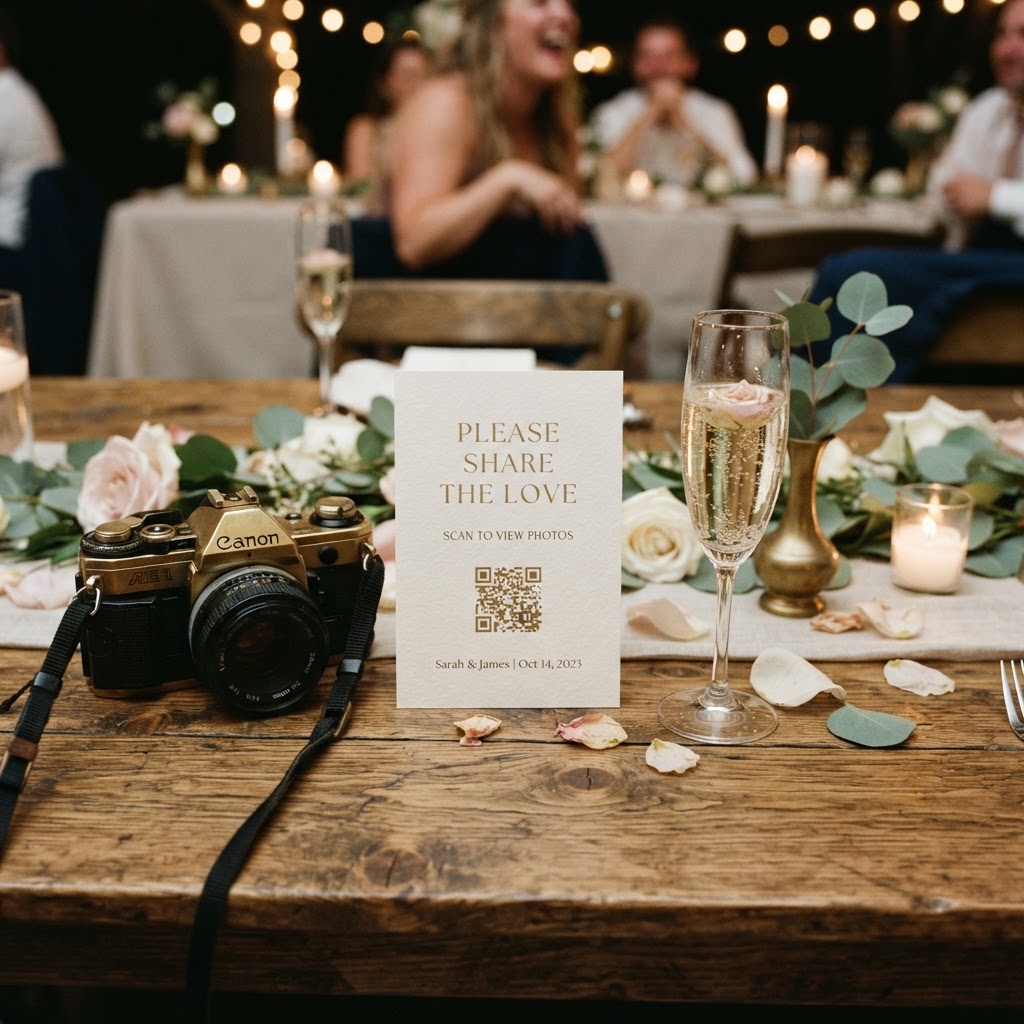
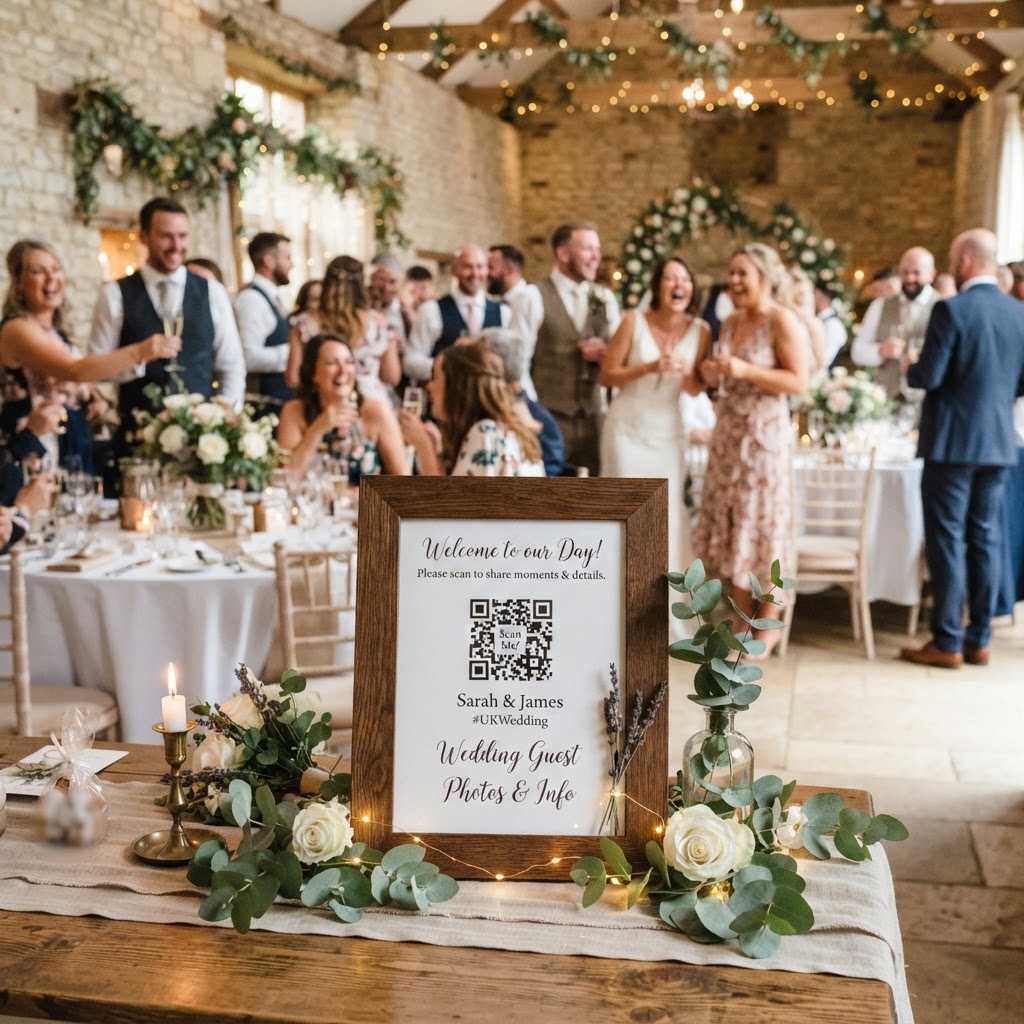
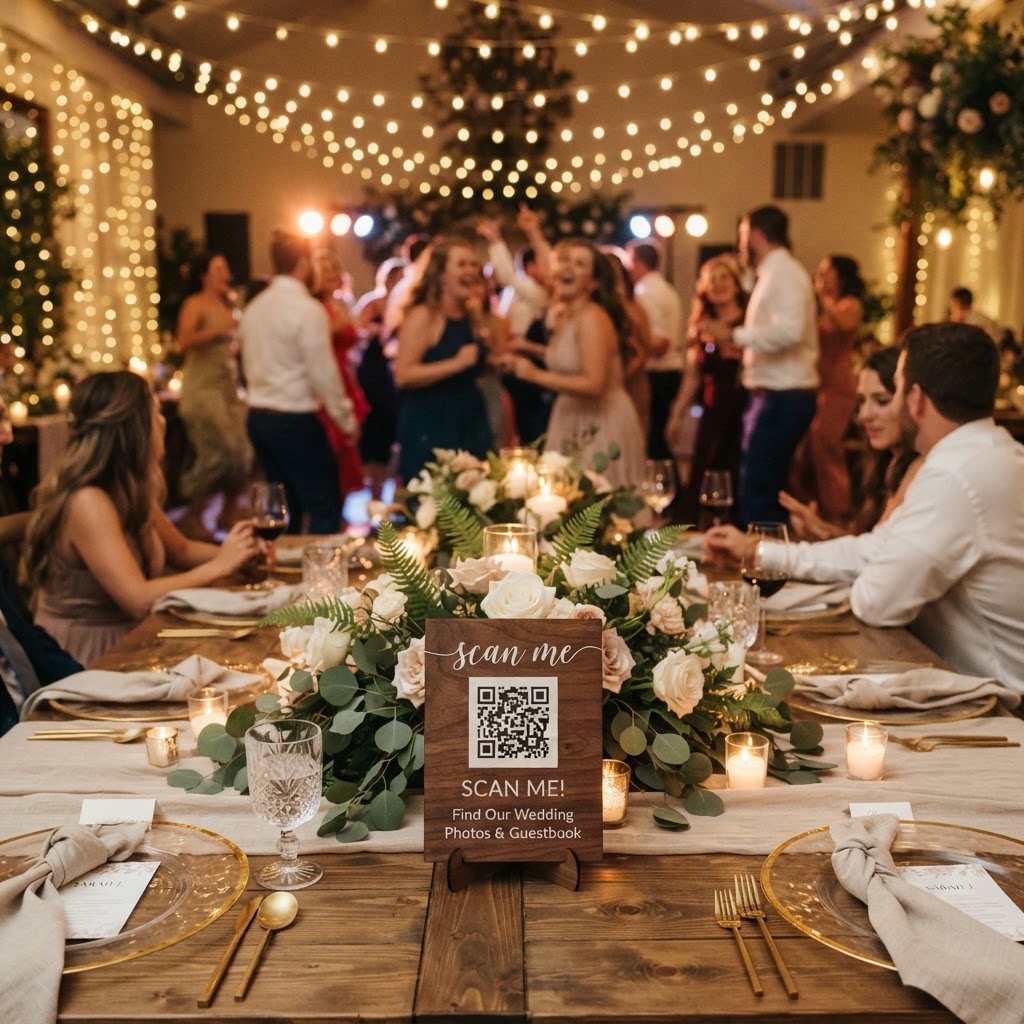
You can encourage guests to take more photos by removing all technical barriers to participation. Many people hesitate to share media if it requires downloading a new application, creating a password-protected account, or waiting for a slow email transfer. By using a QR code system placed on guest tables or in wedding welcome packs, you provide an immediate route for uploads. Guests simply scan the code with their existing phone camera and follow a link to a mobile browser window. This process allows them to capture a moment and upload it in under ten seconds without leaving the dance floor. When the process feels as simple as taking a selfie, guests are significantly more likely to contribute their unique perspectives of the day.
What are the best photo challenge ideas for wedding guests?
The best photo challenge ideas for wedding guests turn the act of photography into a scavenger hunt that documents different stages of your wedding day. Create small, printed cards at each table setting that list specific shots you want to see. Examples of these prompts include catching the bride and groom sharing a laugh, finding the person with the most vibrant outfit, or snapping a picture of the dessert table setup. You might also add a fun category for the best dance move or a candid shot of a grandparent laughing. Keep the list concise with five to ten items so guests do not feel overwhelmed by the task. Seeing their own photos appear on a live slideshow during the reception acts as a feedback loop. When a guest uploads a photo and sees it hit the big screen within seconds, they feel a sense of contribution and excitement. This visual reward often encourages others to participate, creating a dynamic ripple effect across the room.
How do I collect video guestbook messages at my reception?
You collect video guestbook messages by integrating a simple recording feature into your existing digital photo sharing system. Guests often feel a degree of performance anxiety when asked to stand in front of a microphone and give a formal toast. By contrast, a digital guestbook allows them to record a heartfelt, short video message from the comfort of their seat. You can include instructions on your table signage that ask guests to share a favourite memory or a word of advice for your future together. Because the process is handled through a standard mobile browser, friends and family members of all technical abilities can use the tool easily. These clips serve as a wonderful supplement to the professional wedding film. While the professional film focuses on the ceremony and portraiture, your guestbook captures the raw, candid sentiments of your closest friends throughout the evening.
What is a green screen photo booth mode?
A green screen photo booth mode is a feature that allows guests to place themselves into custom virtual backgrounds during their photo sessions. By using a smartphone browser, the system detects the subject and removes the background, replacing it with a digital image chosen by the couple. You might select a backdrop that matches your wedding colour theme or a location that represents a shared travel destination. This mode adds a layer of entertainment to the reception and provides guests with a unique souvenir to upload directly to the shared gallery. It serves as an icebreaker for people sitting at the same table who may not know each other well. When guests work together to pose in front of a virtual setting, they engage in collaborative play that builds community at the table.
How should I manage my digital wedding gallery?
You manage your digital wedding gallery by setting clear expectations about how long the content will remain accessible for viewing and downloading. Most couples choose to leave their upload portal active until the end of the wedding weekend. It is important to remember that these systems are intended for collection and sharing rather than long-term cloud storage. For instance, you should plan to download all photos and videos to your own computer or hard drive shortly after your event ends. Guest uploads typically stay open for seven days after the big day, and these specific temporary galleries are often deleted ninety days after the event date. This structure prevents you from paying ongoing subscription fees for storage you do not need once the photos are in your possession. You get to keep every file permanently, but the portal itself is a transient tool designed for the immediate buzz of the celebration.
What does a QR-based photo sharing service cost?
A QR-based photo sharing service for a wedding typically costs a single flat fee of £39 for the entire event. This pricing model is beneficial because it eliminates the need for monthly subscriptions or hidden charges. You pay once for the access, which covers the live slideshow, the video messaging features, and the private gallery space. This simple approach allows you to allocate more of your wedding budget to other essential elements like catering or entertainment. When you evaluate options, look for platforms that allow for unlimited uploads so your guests do not have to worry about hitting a data cap. The goal is to provide a stress-free environment for your guests while keeping your own wedding planning costs transparent and predictable. A service like Moment49 offers this simple flat-fee structure to help you manage your wedding day memories.